AbstractUIButtons
- By
**AbstractUIButtons** is a set of quick action buttons for common UI commands in World of Warcraft. Built for **WoW 12.0+**

UI Buttons.png
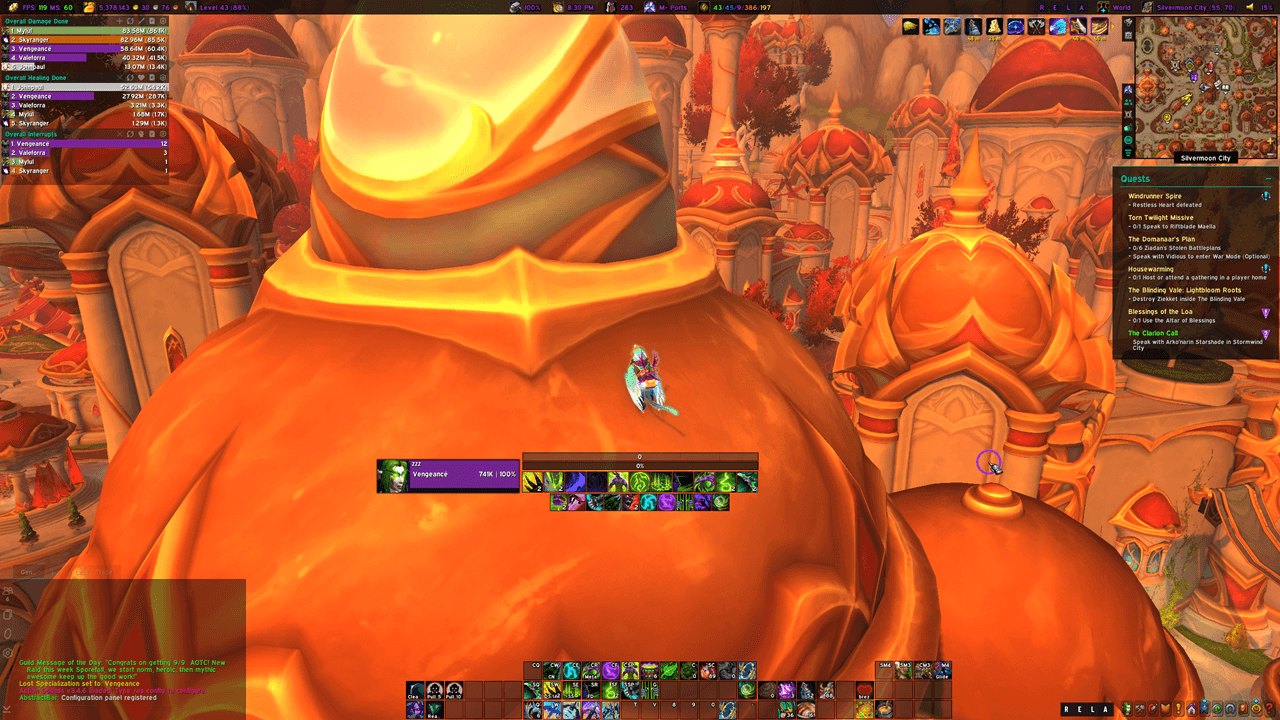
Full Screen.png
Description
Abstract UI Buttons (v12.0.7.4)


A minimalist and highly customizable button tray addon for World of Warcraft, providing quick access to essential game functions like Reload UI, Edit Mode, Logout, and Addon Management.
✨ Key Features
🎮 Core Functionality
- 4-Button Quick Access Tray:
- R - Reload UI (
/reload) - E - Edit Mode (
/editmode) - L - Logout (
/logout) - A - Toggle Addon Manager
- R - Reload UI (
- Right-Click Shortcut: Right-click any button or empty space on the tray to instantly open addon settings
- Combat-Safe: All actions respect combat lockdown restrictions
- Movable & Draggable: Position the tray anywhere on your screen (hold Alt to move when locked)
🎨 Visual Customization
- Overall Scale: Resize the entire button tray from 50% to 200%
- Button Width Control: Adjust individual button width (10-50px) for compact or spacious layouts
- Font Size: Customize text size from 10 to 30 pixels
- Color Customization:
- Tray background color with opacity
- Individual button color with opacity
- Text color with opacity
- Hide Background: Toggle background visibility for a cleaner look
- Classic Button Style: Enable classic WoW-style button textures
- Masque Support: Full integration with Masque for button skinning
👤 Profile System
- Per-Character Profiles: Create unlimited profiles and assign them to specific characters
- Easy Profile Management:
- Create new profiles with custom names
- Switch between profiles per character
- Delete unused profiles (with protection for Default and Active profiles)
- Independent Settings: Each profile stores its own visual settings and position
🔒 Quality of Life
- Lock Position: Prevent accidental movement during gameplay
- Persistent Settings: All configurations saved across sessions
- Clean Interface: Minimal, unobtrusive design that blends with any UI setup
🚀 Latest Updates (v12.0.7.4)
Interface 12.0.7 Support
- API Compatibility: Updated for World of Warcraft Interface 12.0.7 and 12.0.5
- Settings API Modernization: Fully compliant with the latest Blizzard Settings API
- Profile Safety: Enhanced protection prevents deletion of Default and currently Active profiles
- Code Documentation: Comprehensive comments throughout the source for maintainability
Improved User Experience
- Right-Click Options Access: Quick access to settings from anywhere on the tray
- Reliable Options Opening: Fixed settings panel registration for modern WoW clients
- Database Stability: Refined initialization ensures safe handling of persistent variables
📦 Installation
- Download the latest release
- Extract the
AbstractUIButtonsfolder into yourWorld of Warcraft/_retail_/Interface/AddOns/directory - Restart WoW or reload your UI (
/reload) - Access settings via
/abstractuior right-click the button tray
🎯 Usage Tips
- First Time Setup: The tray appears at the center of your screen - drag it to your preferred location
- Quick Settings: Right-click any button or the background to open the options menu
- Profile Switching: Use the Profile Management tab to create and switch profiles for different characters
- Lock It Down: Enable "Lock Position" in settings to prevent accidental movement during gameplay
📄 License
This project is licensed under the GNU General Public License v3.0 (GPLv3).
You are free to:
- Use this addon for any purpose
- Study and modify the source code
- Distribute copies
- Distribute modified versions
Under the following terms:
- Any distributed modifications must also be licensed under GPLv3
- Source code must be made available
- Changes must be documented
For the full license text, see LICENSE.txt or visit https://www.gnu.org/licenses/gpl-3.0.html
The AbstractUIButtons Team