


AbsoluteUI
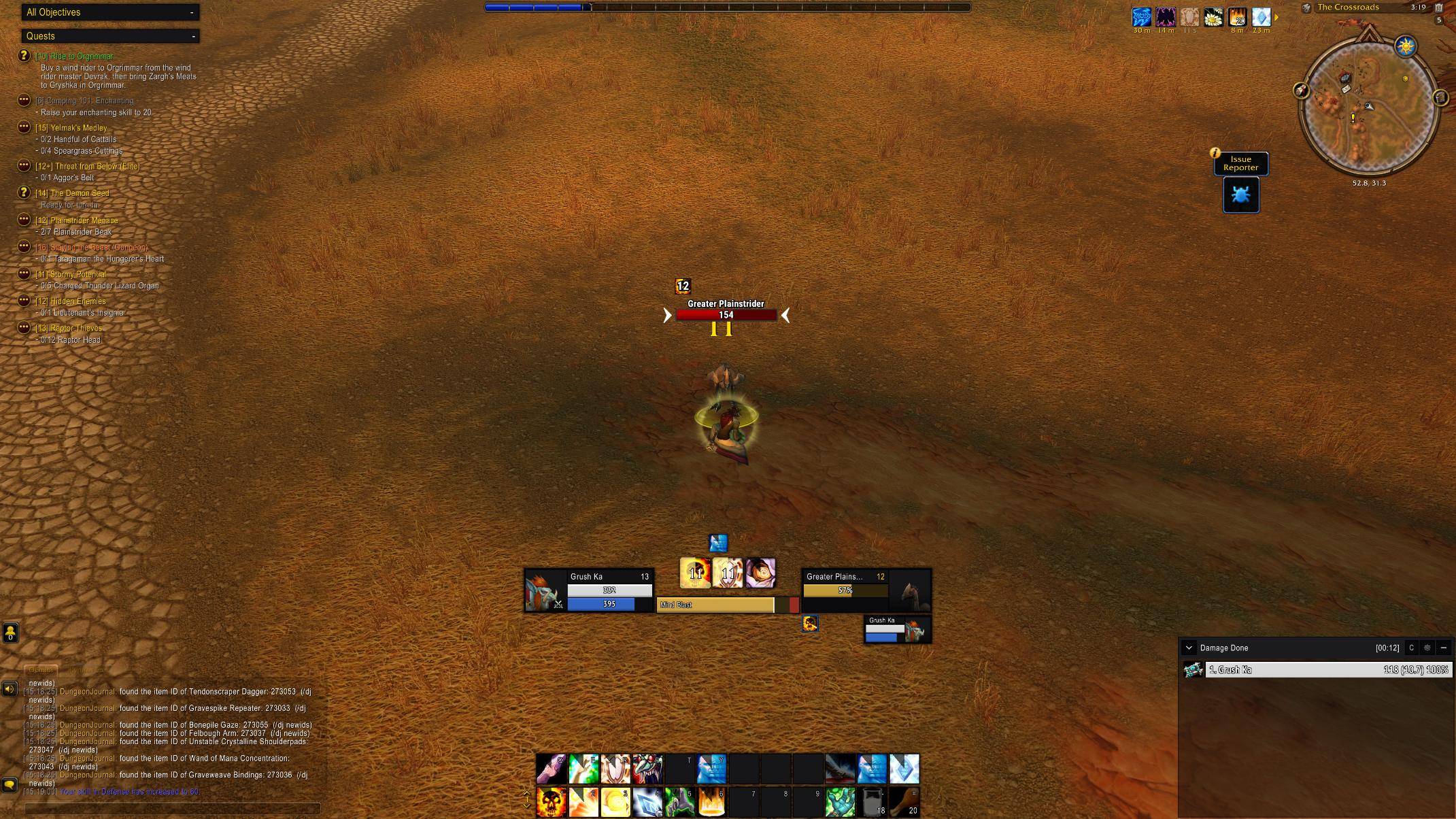
WoWScrnShot_101126_151902.jpg
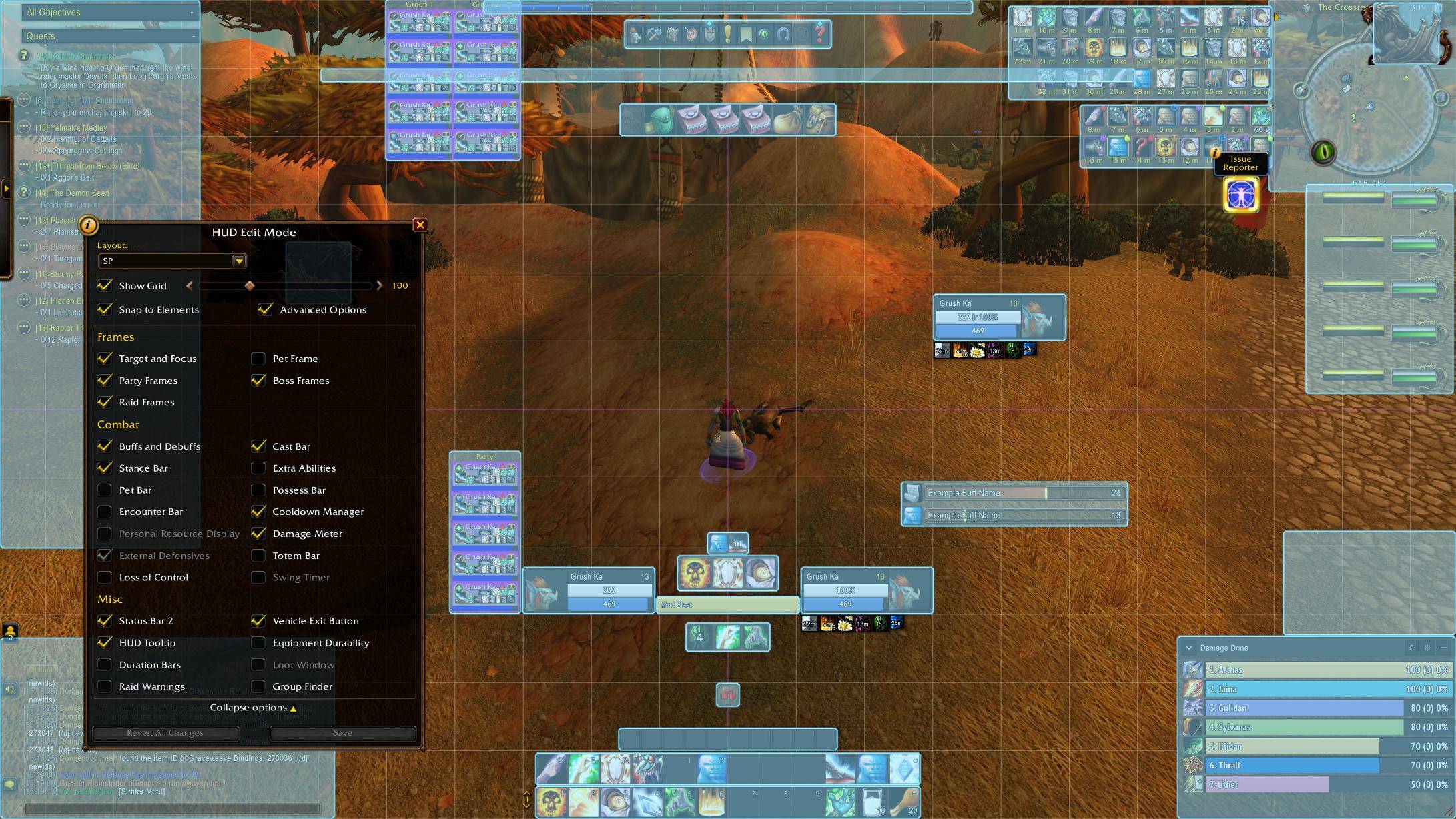
WoWScrnShot_101126_151921.jpg
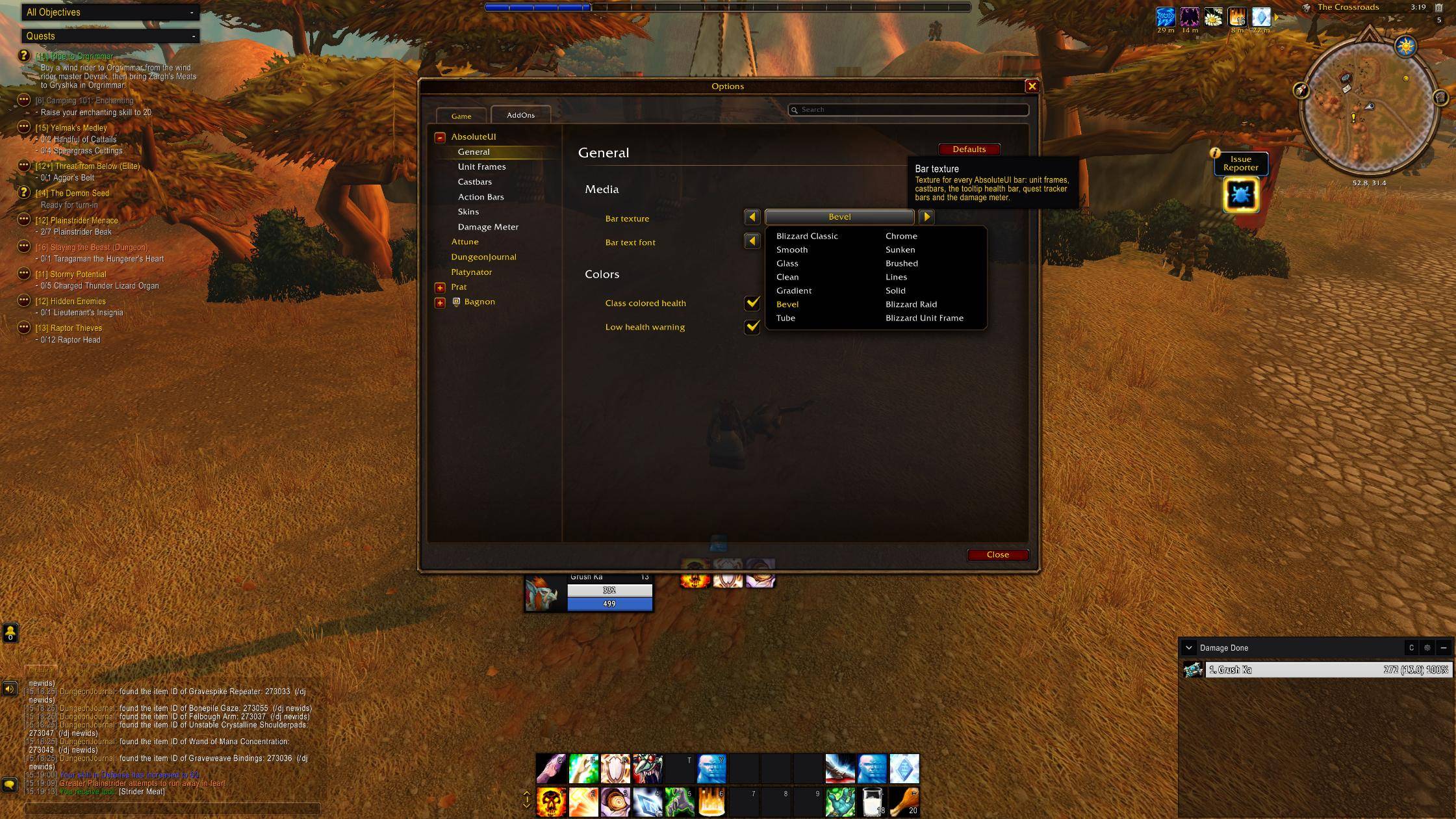
WoWScrnShot_101126_151952.jpg
Description
AbsoluteUI
A clean, modern restyle of Blizzard's interface for World of Warcraft Forever.
AbsoluteUI redraws Blizzard's frames in place instead of replacing them. Every frame keeps its Blizzard position, size and scale, so Edit Mode stays in charge of your layout, and secure behavior (clicks, menus, keybinds, combat) works exactly as before.
Features
- Unit frames: player, target and focus with 3D portraits (or flat portraits, or class icons), class or reaction colored health, shields, a draining recent-damage indicator and a low health warning. Elites, rares and bosses get a colored portrait accent.
- Target of target: a compact card tucked under the target and focus frames.
- Auras: target and focus buffs and debuffs with debuff type borders, stealable highlights, larger icons for your own auras and short countdowns.
- Castbars: flat bars colored by cast type, an armored border for uninterruptible casts and a latency marker on your own castbar. Your castbar can optionally sit above the player frame.
- Action bars: square icons, flat highlight states and readable outlined text for action buttons, the bag bar and the micro menu. The micro menu and bag bar can be hidden (keybinds keep working).
- Skins: tooltips (quality and class colored borders, health bar), quest tracker, loot window, bags (Blizzard's and Bagnon) and Blizzard's built-in damage meter.
- Media: a choice of bar textures and fonts for every bar AbsoluteUI draws.
Installation
- Download the latest release.
- Extract the
AbsoluteUIfolder into theInterface/AddOnsfolder of your WoW Forever installation. - Restart the game or type
/reload.
Usage
Open the settings with /aui, from the AddOns compartment button on the
minimap, or through Options > AddOns > AbsoluteUI. Settings are grouped in
pages: General, Unit Frames, Castbars, Action Bars, Skins and Damage Meter.
Positions and sizes are set in Edit Mode, as for the default UI.
| Command | Description |
|---|---|
/aui |
Open the settings |
/aui help |
List the commands |
/aui debug |
Show module state and diagnostics |
/aui reset |
Restore the default settings |
Compatibility
- Built for WoW Forever (interface 16001).
- Works alongside Bagnon, which gets an AbsoluteUI skin unless you picked another skin in Bagnon's options.
- Disable a skin in the settings if another addon already restyles the same part of the UI.
Reporting problems
Please include the output of /aui debug and any Lua error (for example from
BugSack) with your report.
Development
The addon has no dependencies or build step. Lint with luacheck .
(configuration in .luacheckrc).
Releases are packaged with the BigWigs packager
(see .pkgmeta); pushing a version tag builds the release zip.
Credits
Bundled fonts, each under its own license in Media/Fonts:
PT Sans Narrow, Fira Sans Condensed, Ubuntu Condensed, Play, Russo One and
Philosopher.
License
AbsoluteUI is released under the MIT License. Bundled fonts keep their own licenses.
AbsoluteUI Team
