


Image
Image
Image
Image
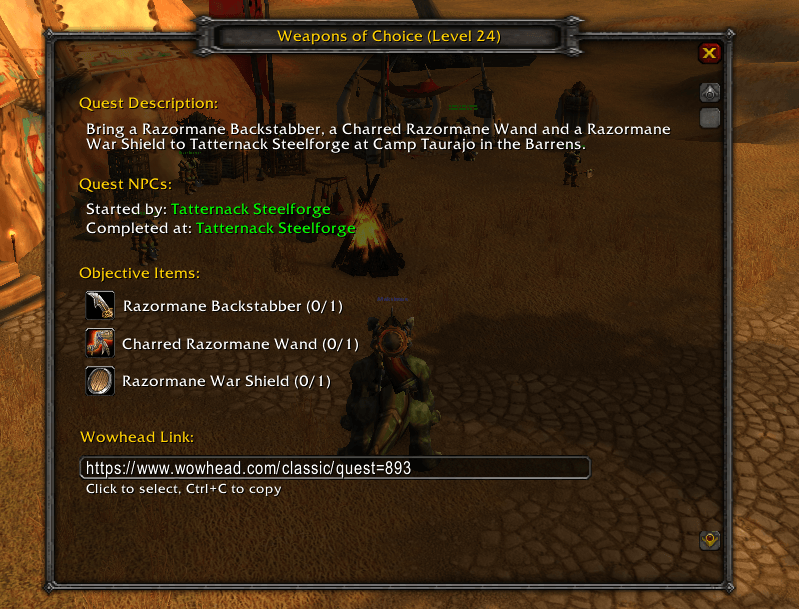
Image
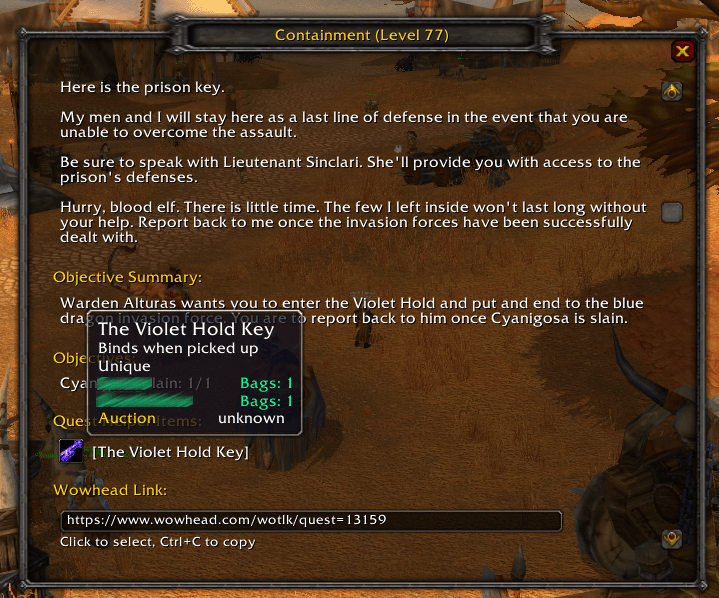
Image

Minimap icon
Description
AbandonTracker
Notice: for WotLK 3.3.5. version, go under files -> select 1.3.3.5.X version
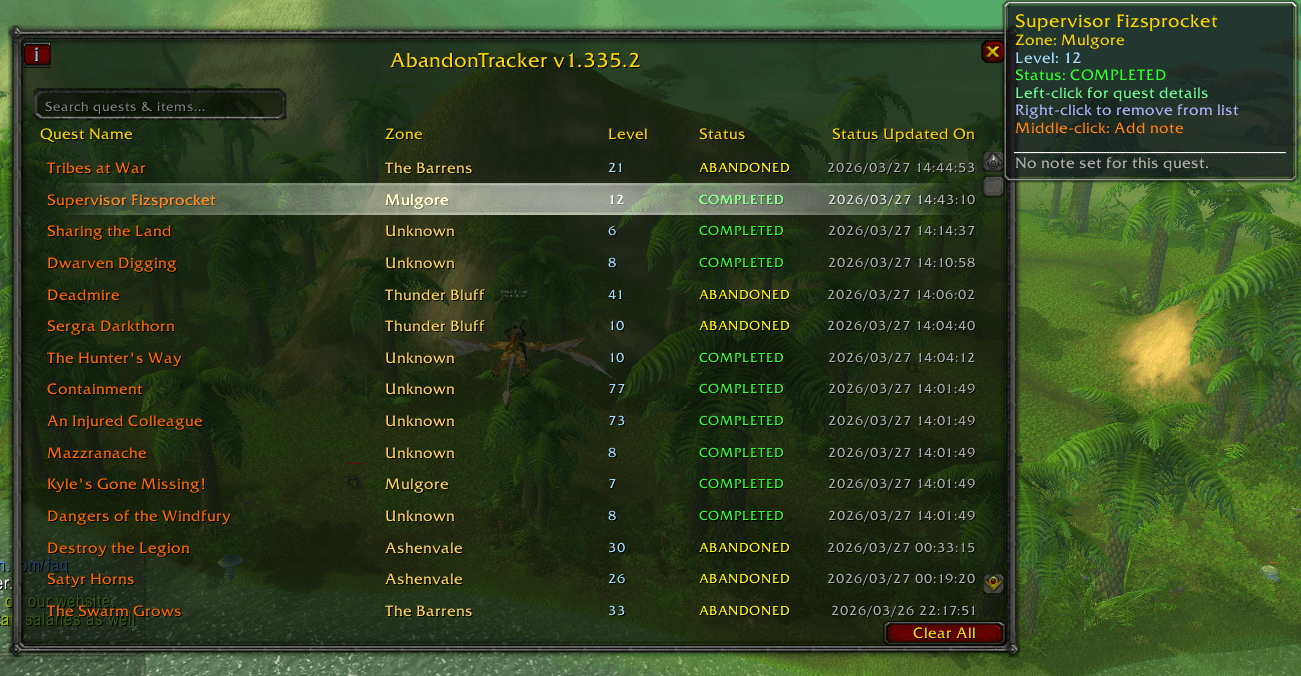
AbandonTracker helps you keep track of what items you can safely discard after abandoning quests, saving valuable bag space while leveling, along with detailed view of all abandoned quests, also giving you detailed information so you can easily return and pick them back up later. Also displayed are completed quests.
Features
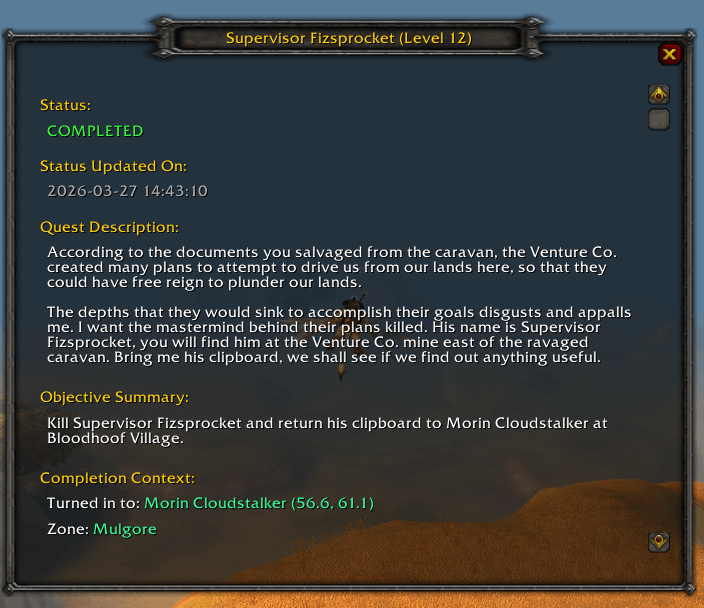
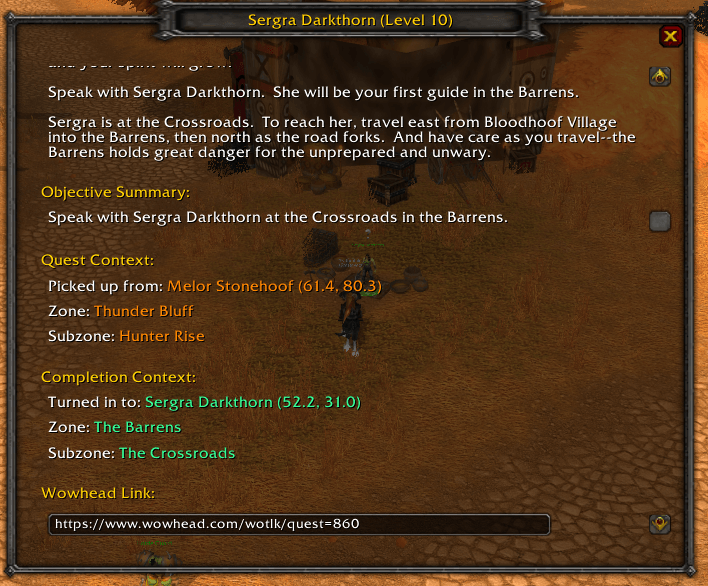
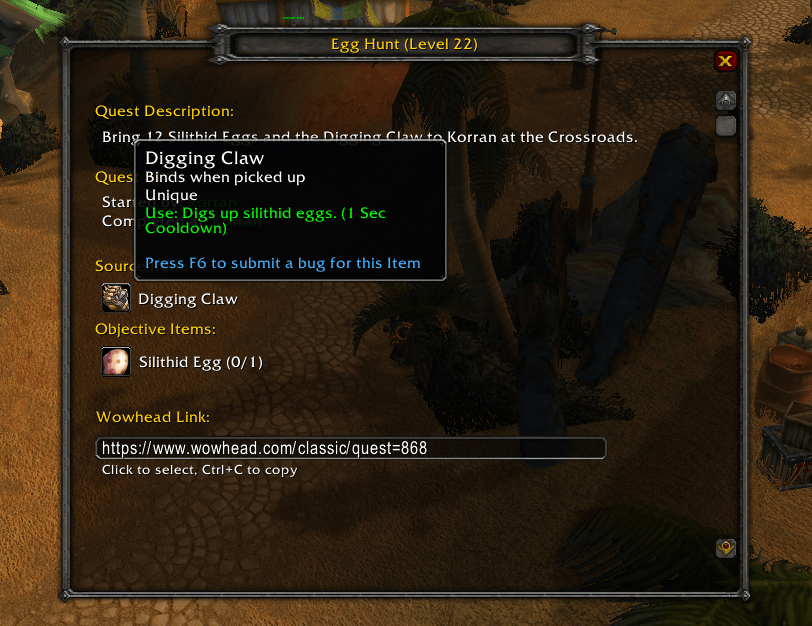
- Shows quest details including:
- Quest objective items
- Items provided by quest givers
- Additional required items
- NPC and pickup location
- Helps with inventory management after abandoning quests
- Maintains a history of abandoned quests for each character
- Displays abandoned quest names in chat
- Provides a more detailed overview of abandoned quests
- Show completed quests
Commands
/at– Display the UI (alternative to minimap button)/at status– Display additional quest status info in chat/at debug [on/off]– Turn on chat debug mode
Installation
- Download the addon
- Extract to your
World of Warcraft\Interface\AddOnsfolder - (Classic only) Make sure you have Questie installed and enabled
- Reload or restart the game
Abandon Tracker Team
