HUD Editor 2.jpg
HUD Editor 1.jpg
Description
Windrose HUD Editor
Move, resize and hide any HUD element, from inside the game.
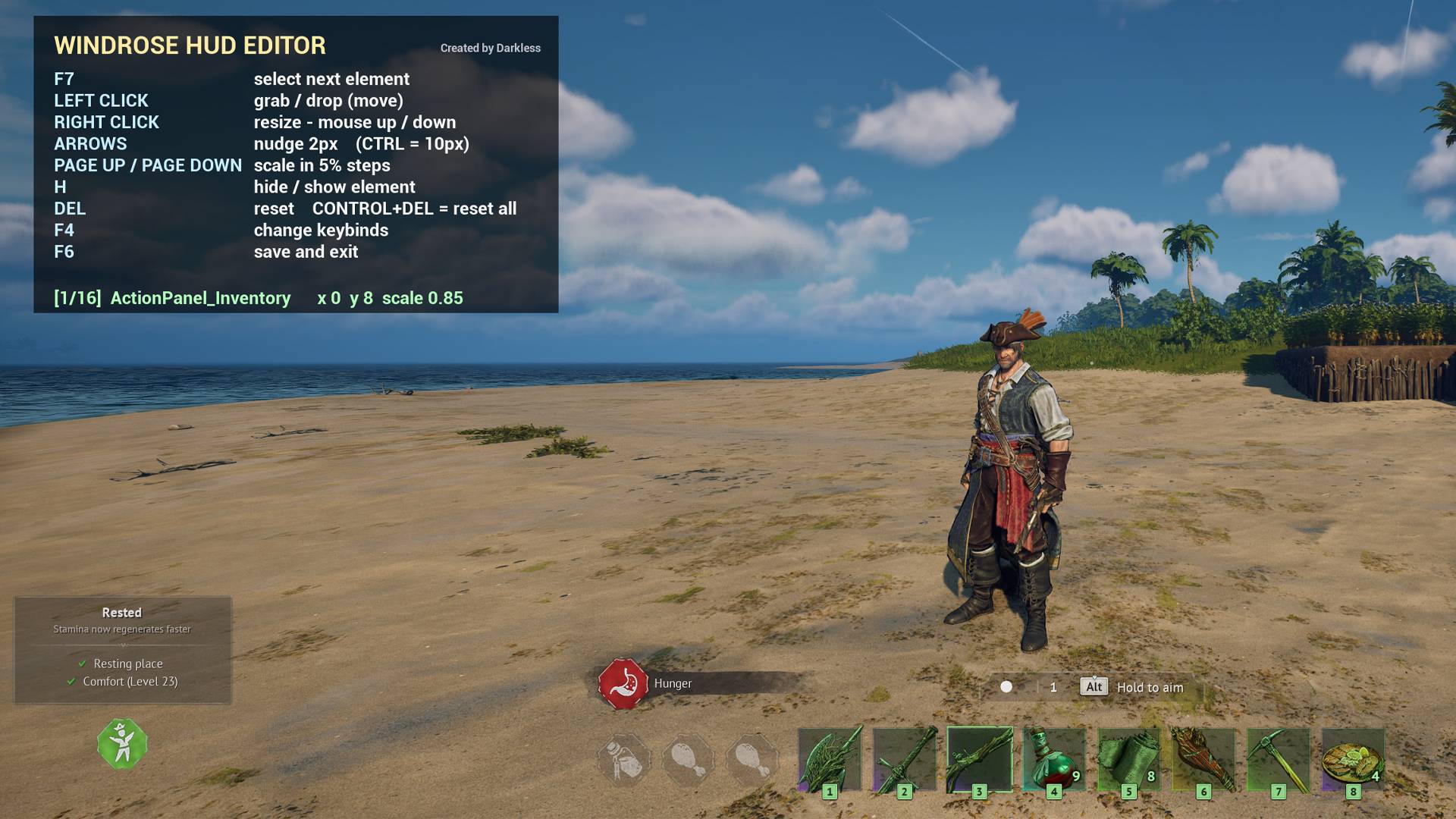
Press F6 in game. Drag elements with the mouse, resize them, hide the ones you never use. Your layout saves automatically and reloads every session.
Requirements
UE4SS, the experimental / nightly build. Windrose runs on Unreal Engine 5.6,
which the stable UE4SS release does not support. After installing it, open
ue4ss/UE4SS-settings.ini and set:
[EngineVersionOverride]
MajorVersion = 5
MinorVersion = 6
This is the most common reason a UE4SS mod appears to do nothing in Windrose.
Install
Install with the CurseForge app, or extract the zip into
Windrose\R5\Binaries\Win64\ue4ss\Mods\ so you have a WindroseHUDEditor
folder there.
Nothing else to edit. Launch the game and press F6.
Controls
| Key | Action |
|---|---|
| F6 | Open and close the editor, saves on exit |
| F7 | Select next element |
| Left click | Grab and drop to move |
| Right click | Resize, move the mouse up and down |
| Arrows | Nudge, hold Ctrl for larger steps |
| Page Up / Down | Scale |
| H | Hide or show |
| Del | Reset, Ctrl+Del resets all |
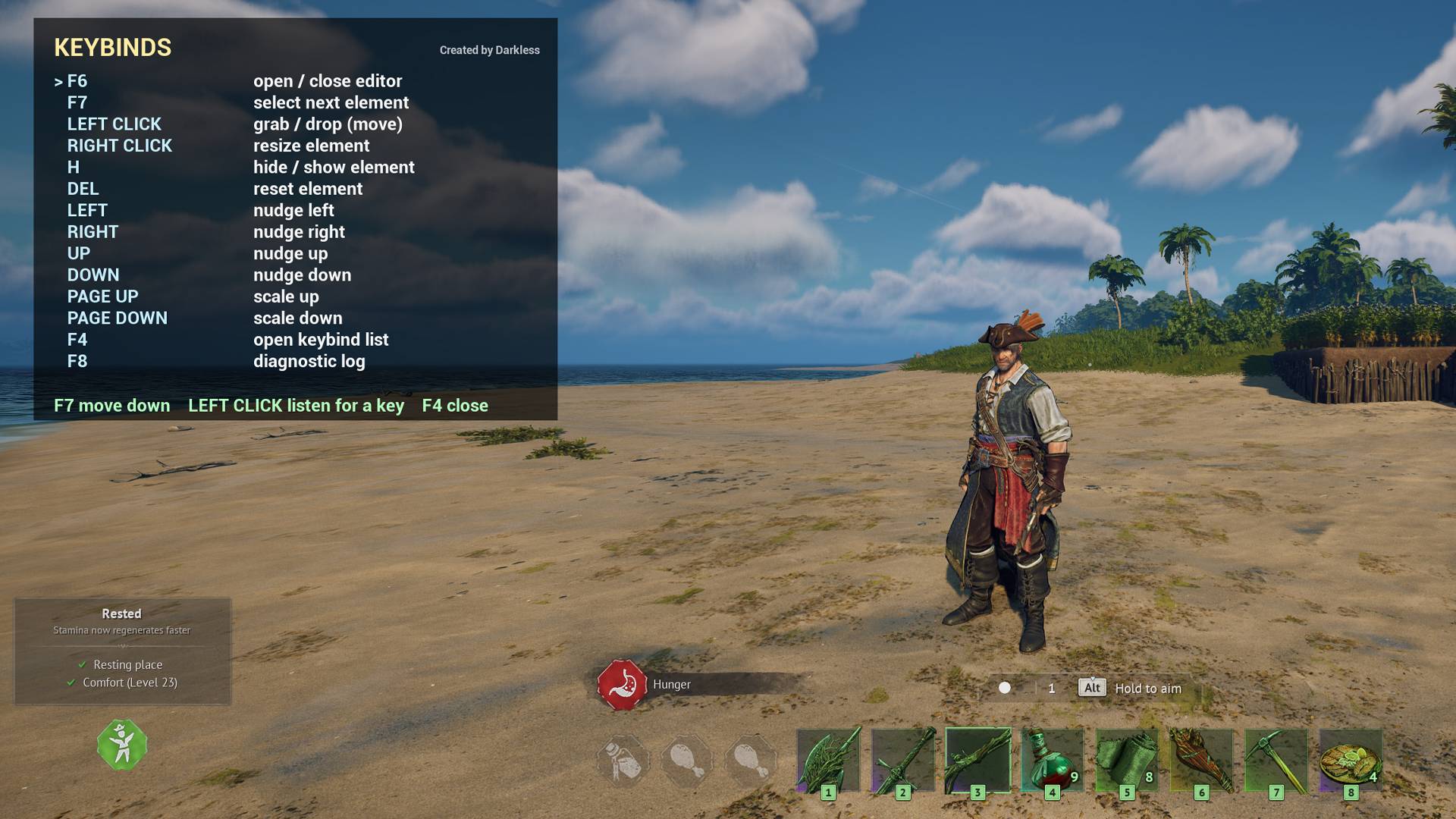
| F4 | Change keybinds |
Every key can be rebound in game. Elements are set in config.lua.
Covers the ability bar, food buffs, status effects, comfort, health, stamina, posture, poison, minimap, crosshair, area info and the notification containers.
Client side only. Changes nothing but your own HUD, safe in co-op, and does not need installing on a server. Positions are stored as a proportion of the screen, so your layout survives resolution and monitor changes.
The HUD Editor Team