


Realtime Map from seed
- By
A realtime map of your Valheim server in a browser, through the Realtime Map from seed companion mod at thevalheim.wiki.
Realtime Map from seed
A realtime map of your Valheim server in a browser, through the Realtime Map from seed companion mod at thevalheim.wiki. See your position and nearby creatures with their stars and distances.
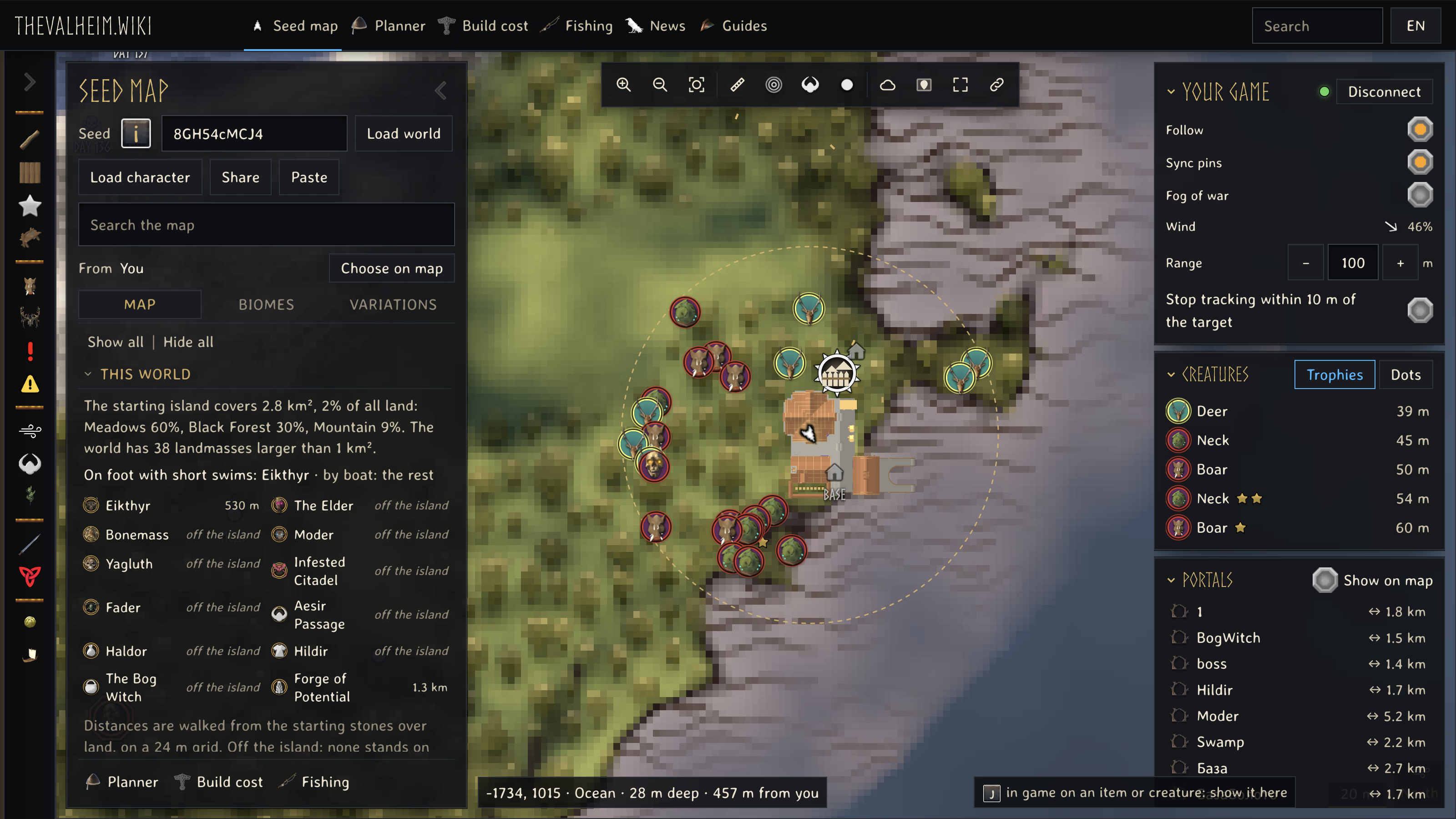
Find the nearest place
Search from where you stand. This connected game shows Burial Chambers sorted by distance from the player.
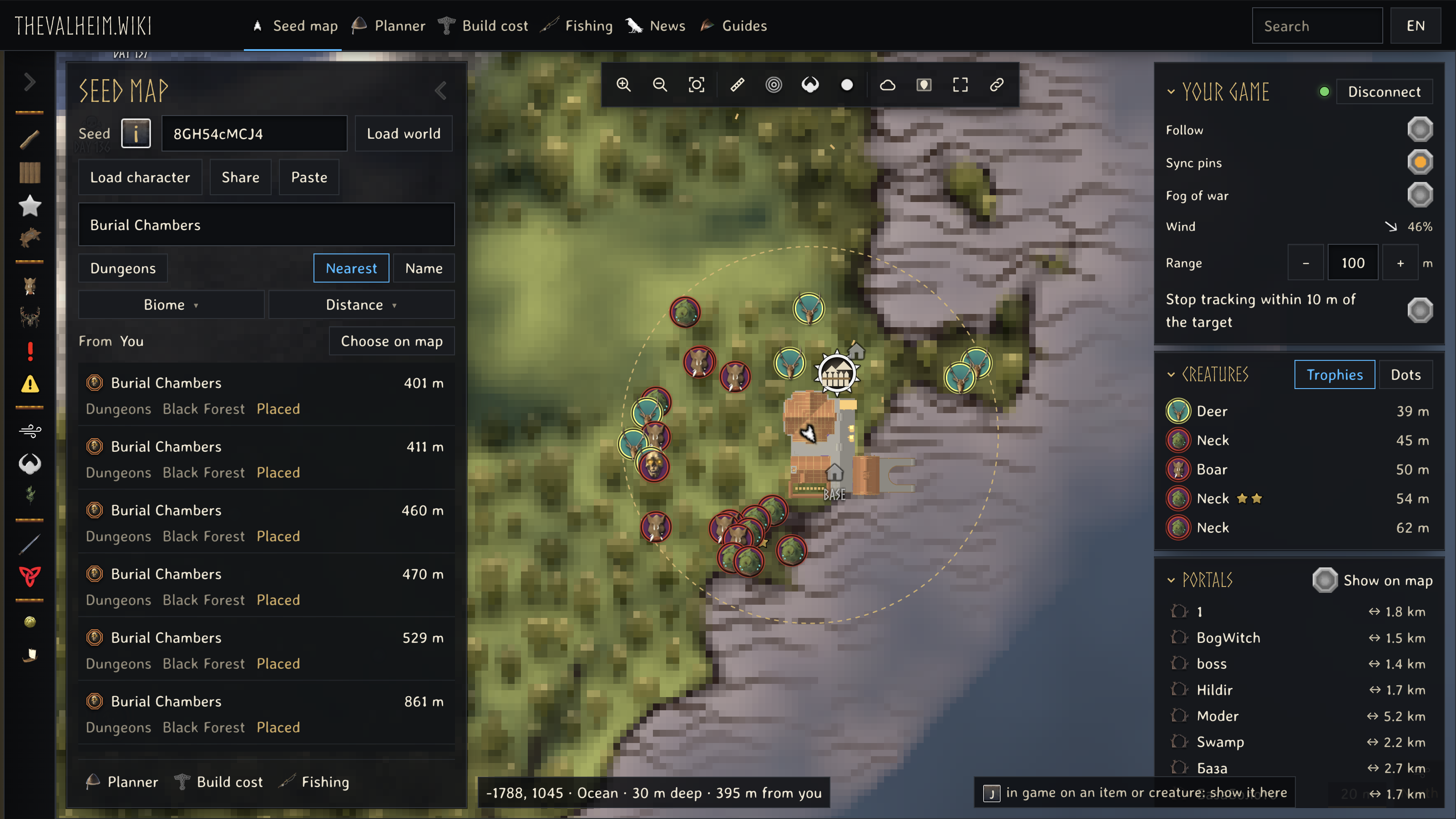
Your portals
Select a portal pair to see both ends and the connection between them.
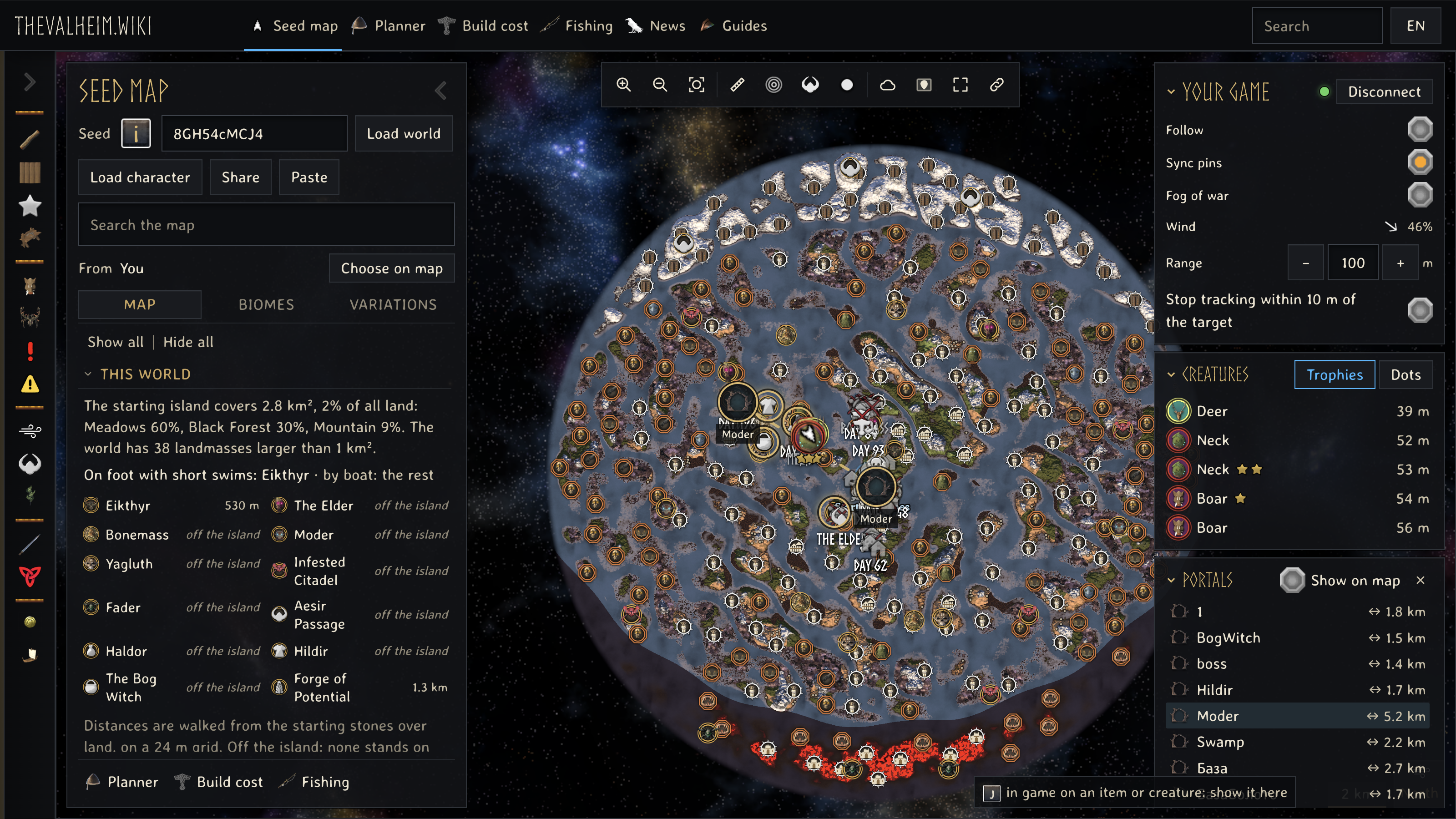
Track a place in your game
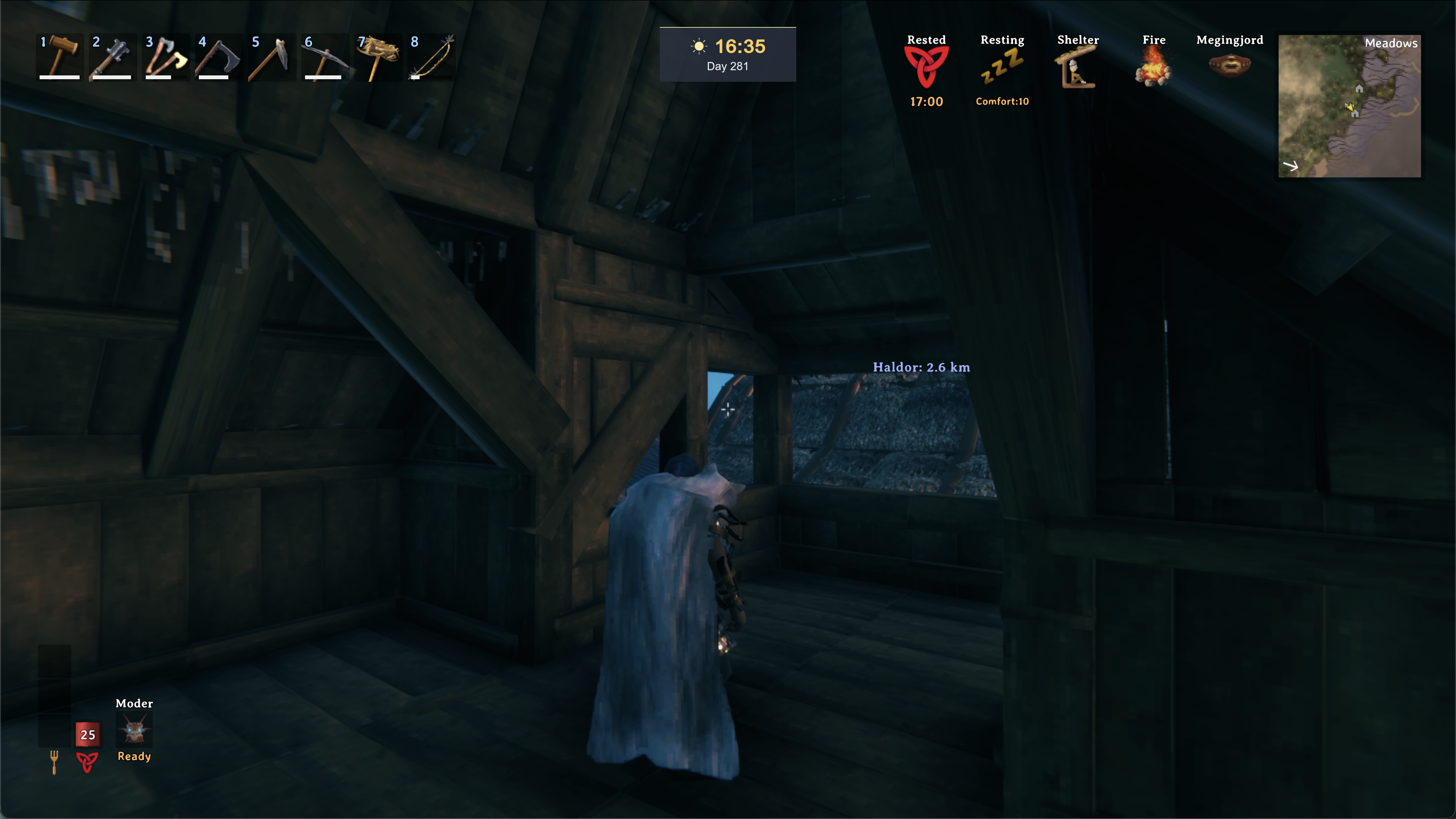
Pick a map target and choose Track in game. Here Haldor is tracked at 2.6 km in the browser and in Valheim.
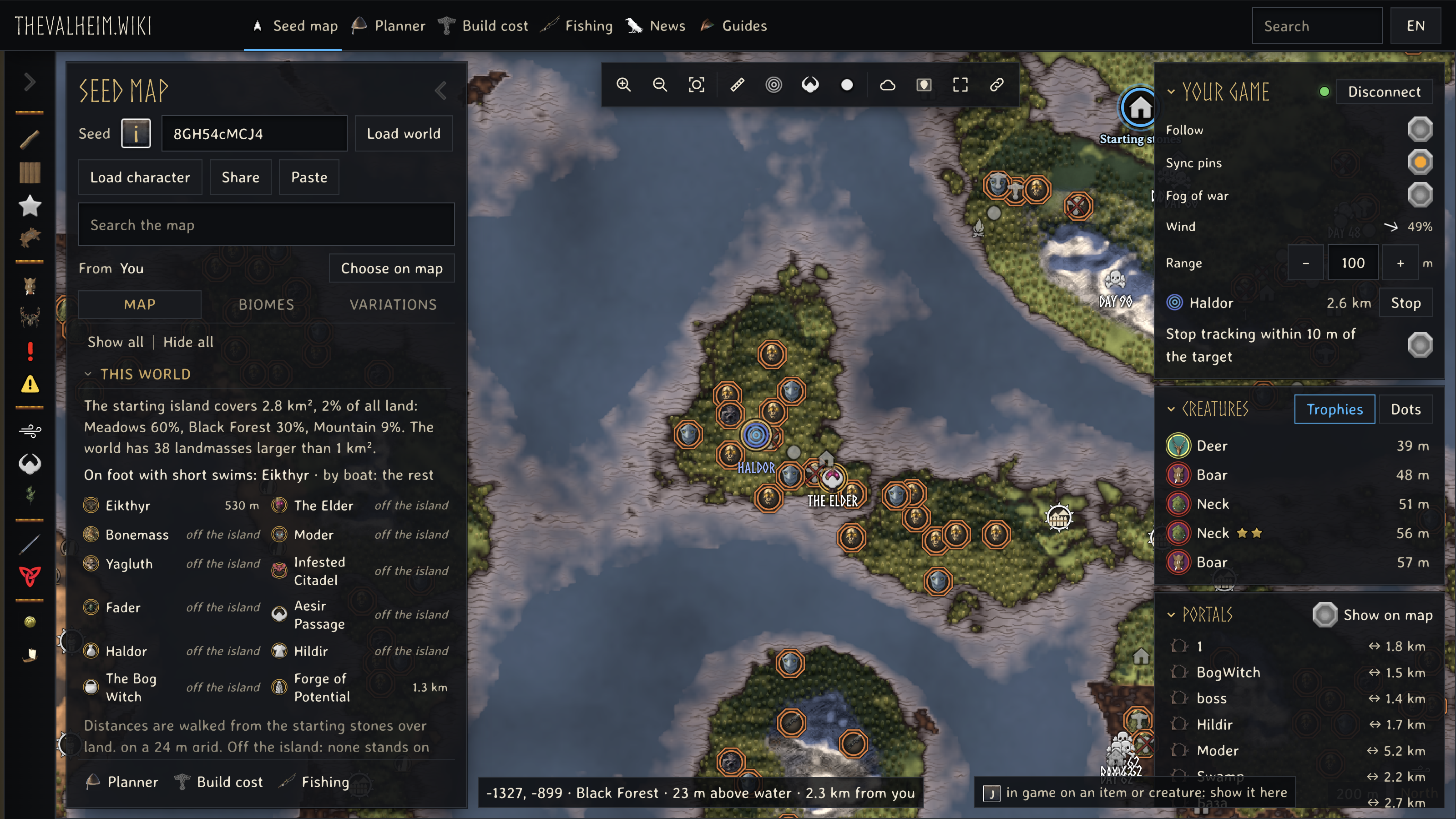
Install
- Install BepInExPack Valheim, then Realtime Map from seed with your mod manager or extract the manual ZIP into your Valheim folder.
- Start Valheim and load your world.
- Open thevalheim.wiki/map and press Connect game. If your browser asks, allow the website to connect to your game.
On Apple Silicon, follow Valheim mods on Mac before installing the mod.
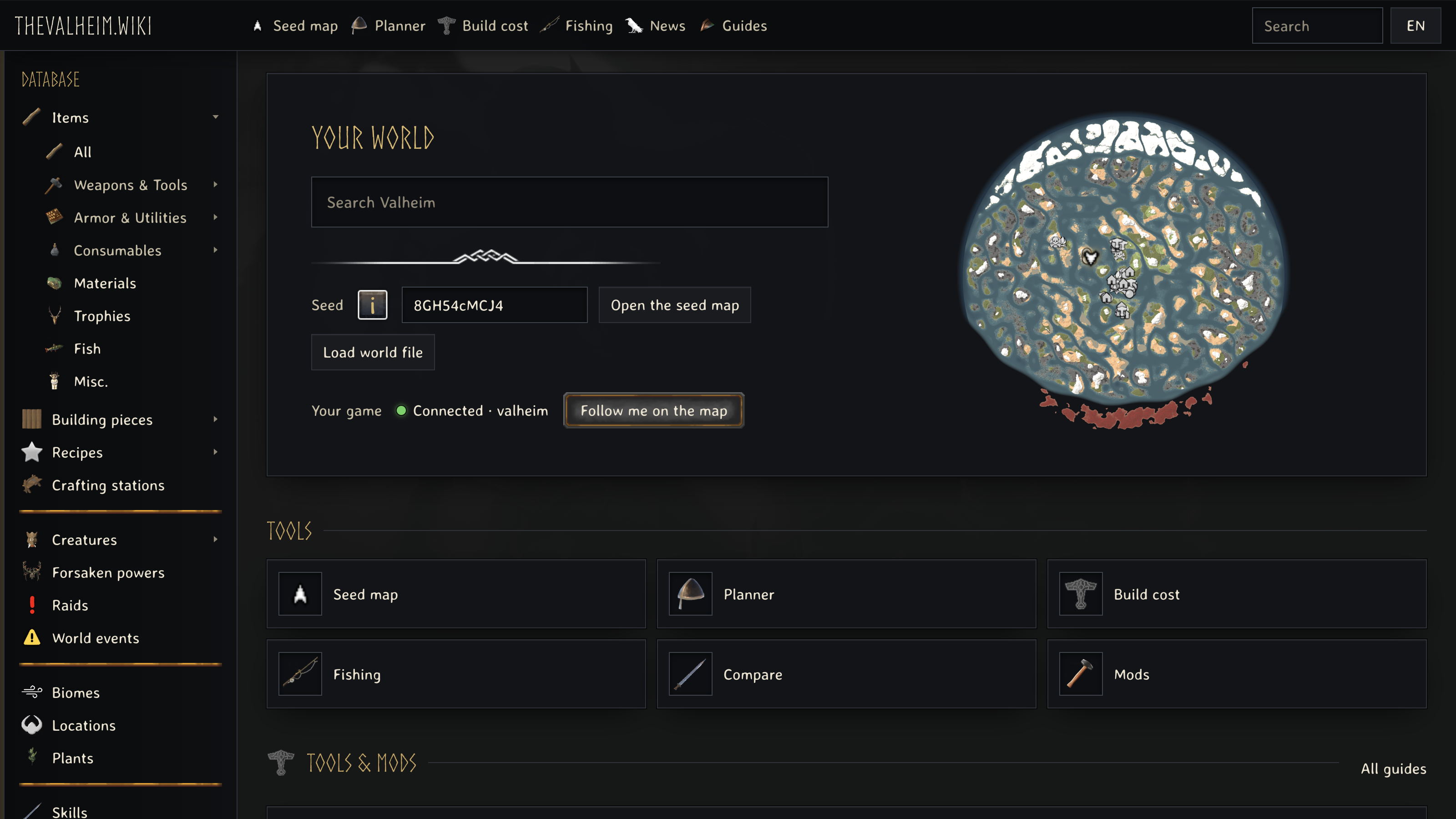
Follow the Realtime Map from seed installation guide for step-by-step setup and help connecting your game.
Support development at Ko-fi.
Realtime Map from seed Team
