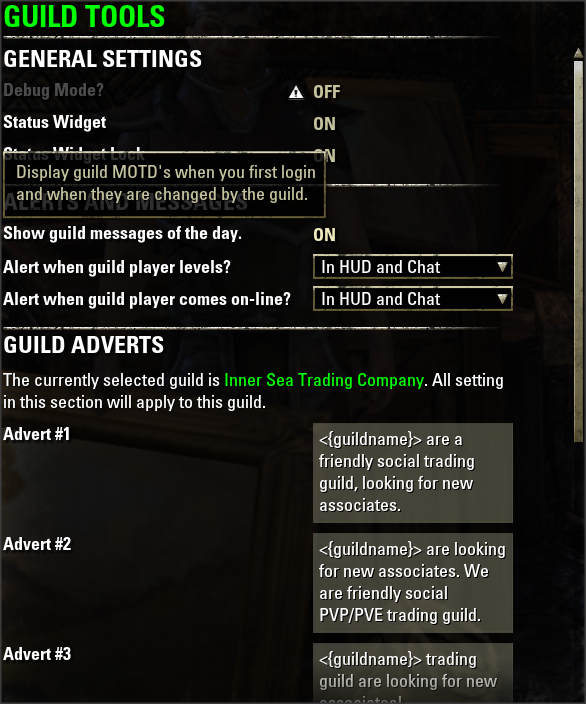
Config screen
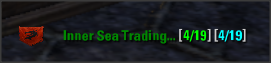
Guild Widget

MOTD
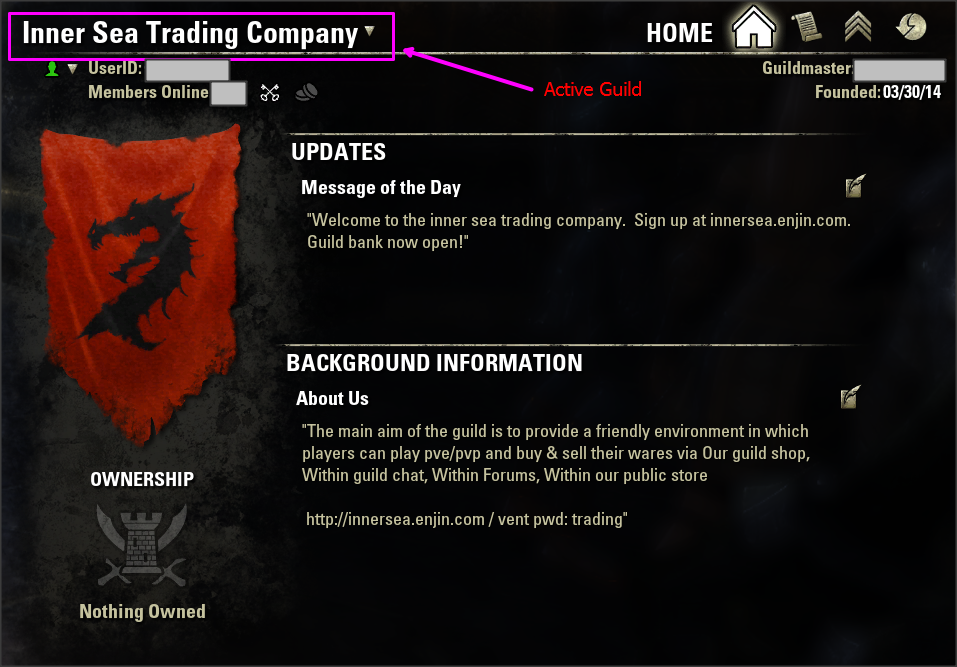
Active Guild Config
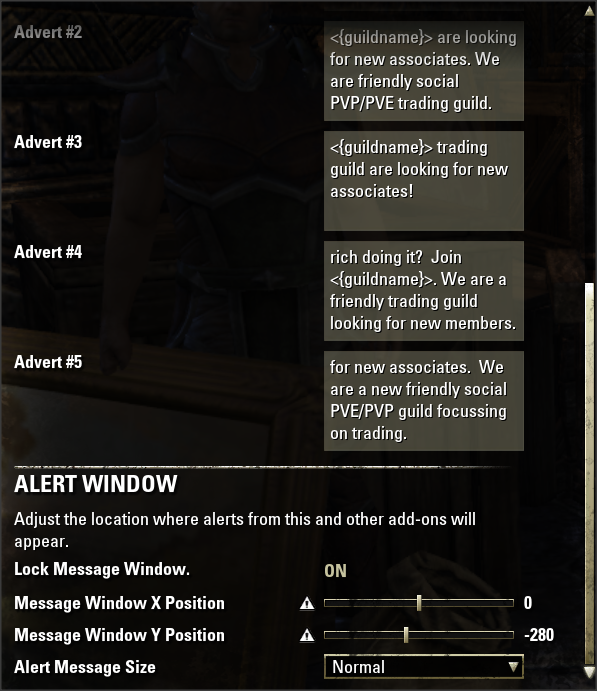
Config screen

Alert
Description
due to the large volume of chnages, I am only releasing improvemnts on ESOUI for the moment (http://www.esoui.com/downloads/info133-GuildTools.html). I will start releasing agin on Curse once the add-on has settled down a little.
I started off by creating tools for my guild (Inner Sea Trading Company - EU). I've had requests to make the tool more generic. The aim will be to create a tool that helps to make you involvement with multiple guilds easier and more game friendly.
Features
- Guild advertising (active guild)
- Adding a /ginvite command. (active guild)
- Adding a /gm (sorry /g is taken) command for sending message to the active guild (no need to remember the number).
- Guild adverts can be configured in the standard ESO settings menu.
- You are now alerted to guild status (online, offline, etc) and level changes in chat and in a message window.
- Changes to guild members (rank, note, left guild, re-joined/joined guild) are summarised in chat at login and during game play.
- Status widget created, showing the currently selected guild, players in the current guild (online + all), players in all guilds (online + all)
- Changes in keep ownership are displayed in chat
- Changes in MOTD are displayed in chat.
- new Configure alerting for each guild.
Alerts in the message window are cached, so you see them in sequence (1.5 seconds each). When you are not in reticle mode (config, chat, etc), messages will be cached and show once you leave the screen. This also means they will cache if you leave the game window. Alert window can be moved in the config window.
Future features
- Consolidated guild list.
Command lines
- /gt - list commands
- /gt ga || /adv - place guild advert in chat box - press [enter] again to send
- /gt ga list | /adv list -list guild adverts
- /ginvite <player> - invite player to the active guild
- /gm <message> - send a message to the active guild - press [enter] again to send
- /gt debug on/off - switch debug on/off
- new: /gquit - leave active guild
- new: /gpromote <player> - Promote player
- new: /gdemote <player> - Demote player
- new: /gremove <player> - Remove the player form the guild
Guild Tools Team

Owner