


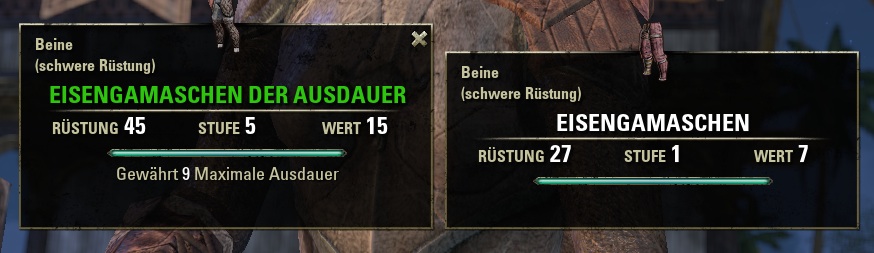
A single item comparison
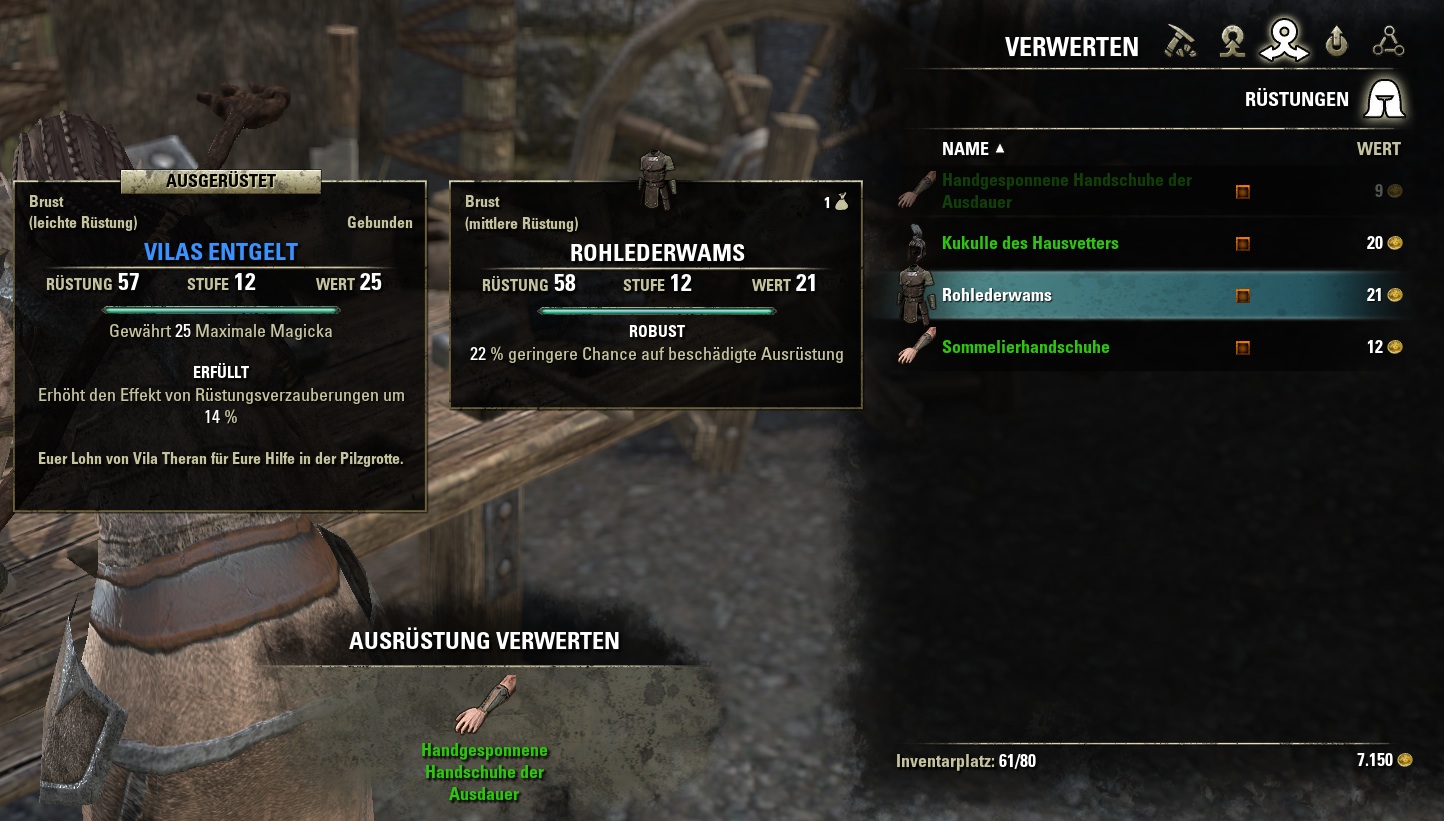
Extraction mode using ComparativeTooltips
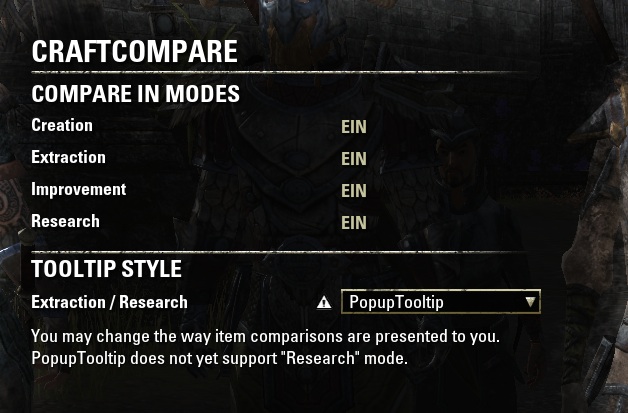
Addon settings
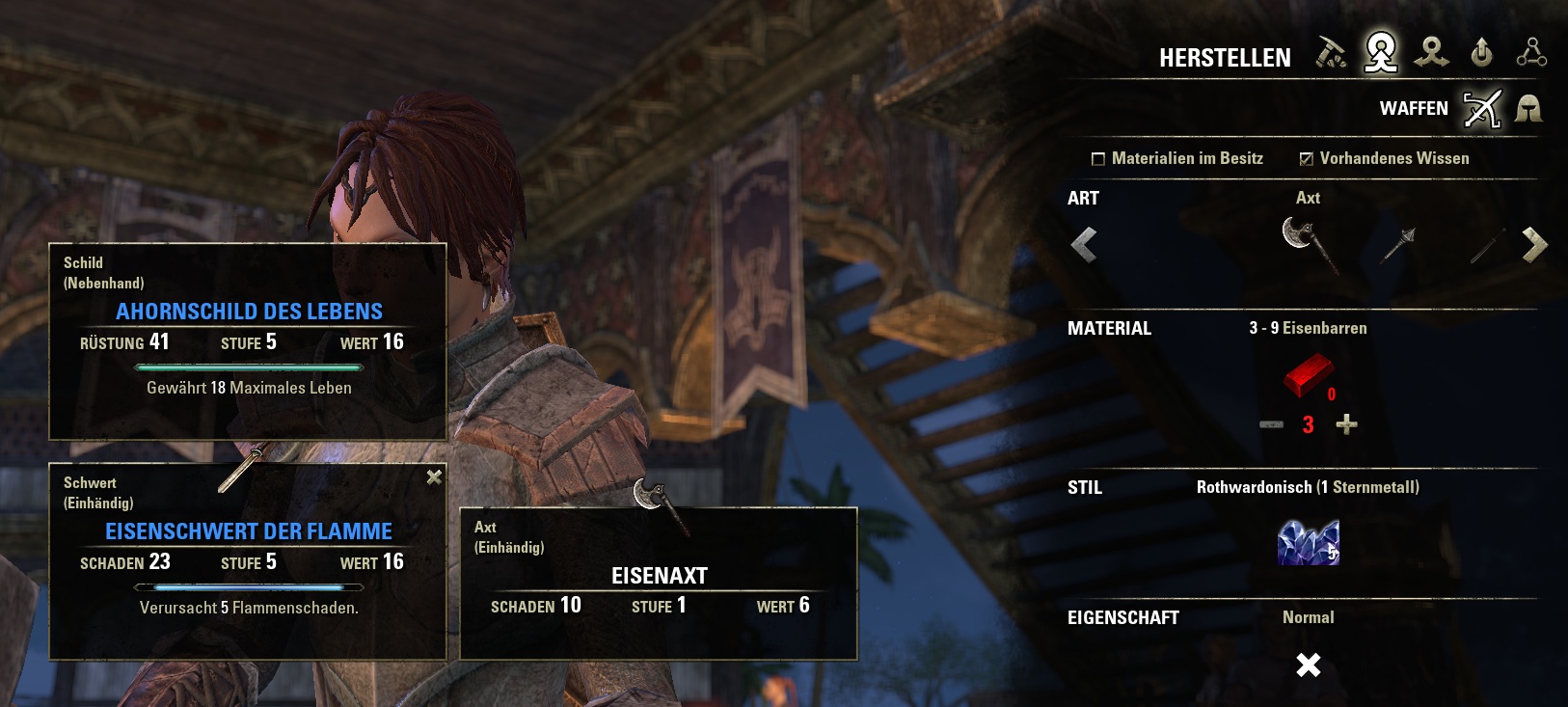
Comparing to multiple slots using PopupTooltip
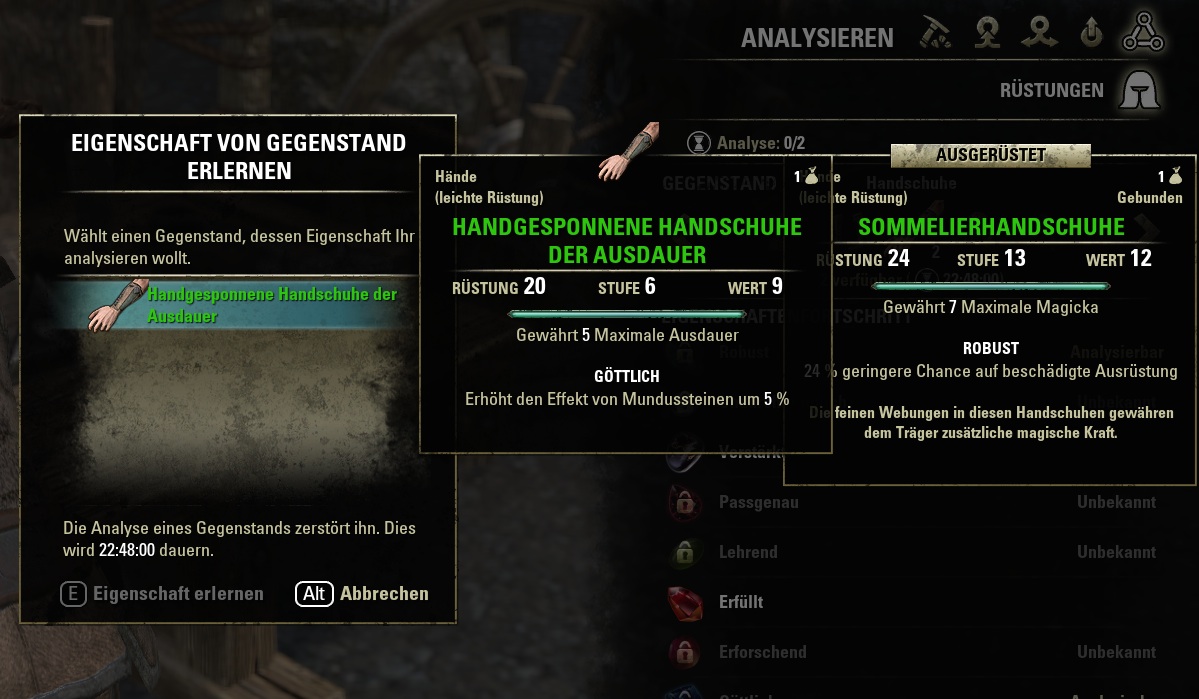
Research mode using ComparativeTooltips
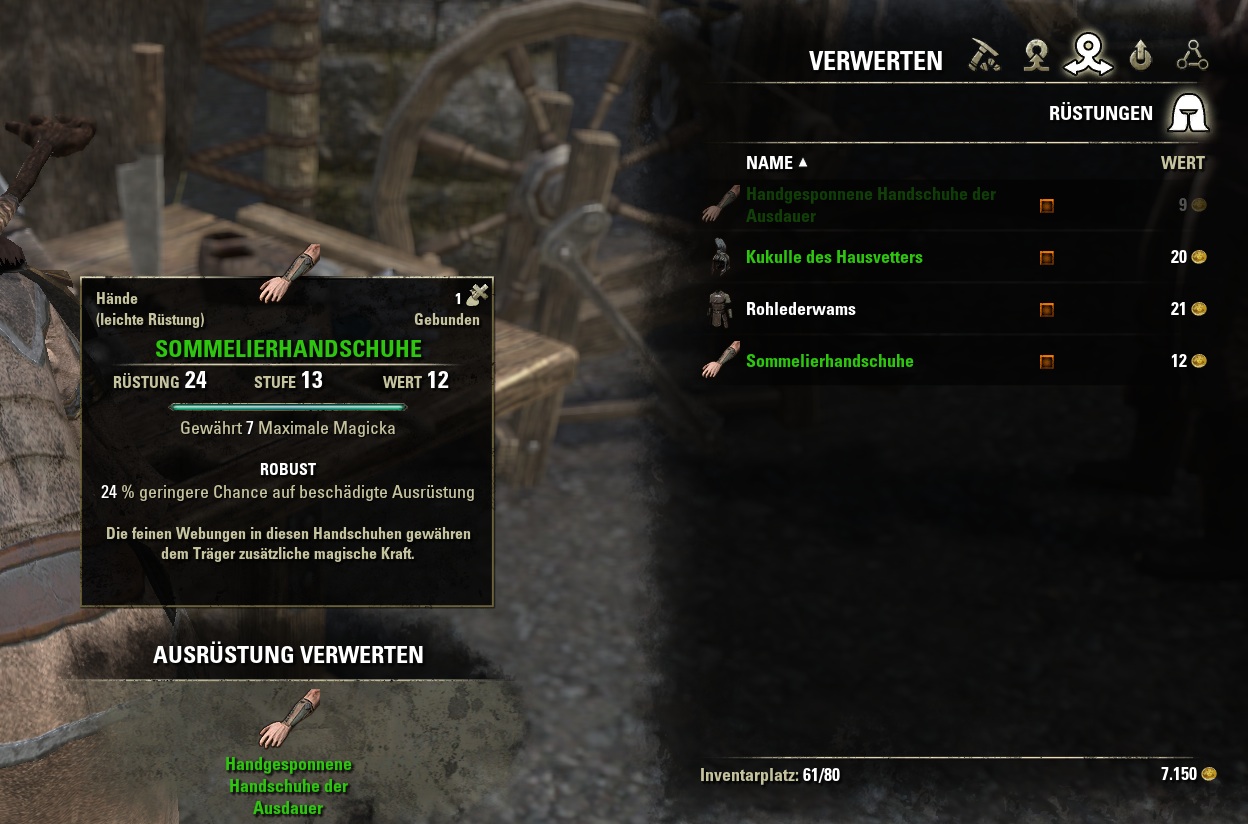
Extraction mode using PopupTooltip
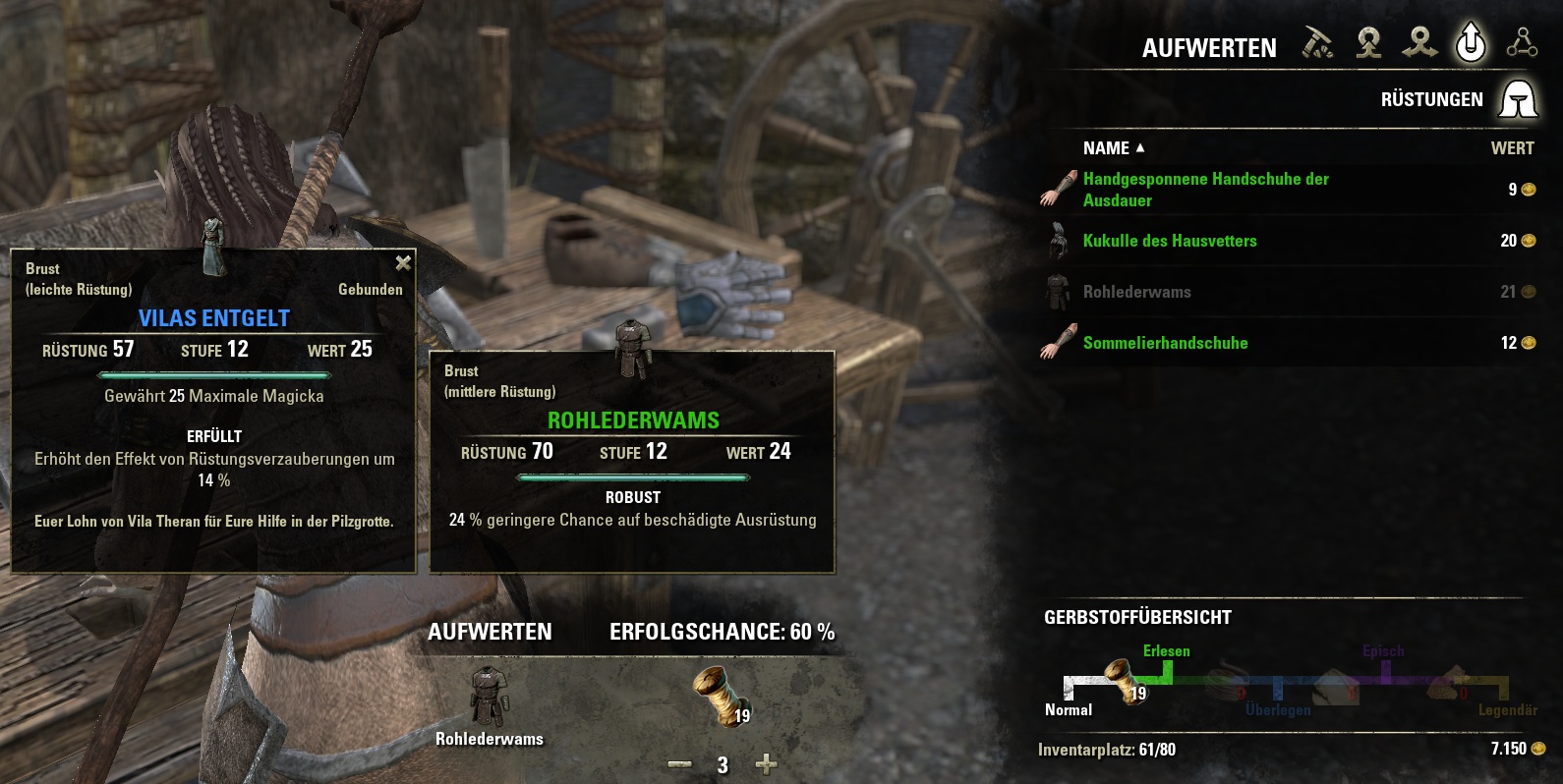
Improvement mode using PopupTooltip
Description
This simple addon will display your currently equipped item(s) when crafting items. It applies to the following crafting modes:
- Creation
- Improvement
- Deconstruction
- Research
You can compare to your alternate weapon set by holding down the SHIFT button. Otherwise, comparisons are always against your active equipment.
By default, comparisons will be displayed within the game's PopupTooltip. This tooltip is created by the default UI and can be moved and closed. If there is more than one item that has to be compared against (e.g. when crafting a 2h-weapon while wearing sword and shield), the second item will be displayed in a custom tooltip so both relevant items are visible. You may also choose to display comparisons using ComparativeTooltips that are also used by the default UI. These tooltips will only be shown while you hover an equipment item in your inventory and are therefore not available in Creation and Improvement modes.
If you like the idea of this addon, but don't quite like the way it uses those tooltips or would like to have your full equipment viewable while crafting, take a look at NogsSimpleCraftingTooltip
The CraftCompare Team
