


GptNPCs
- By
1000436596.jpg
1000436597.jpg
1000436594.gif
1000436595.jpg
1000436598.jpg
Description
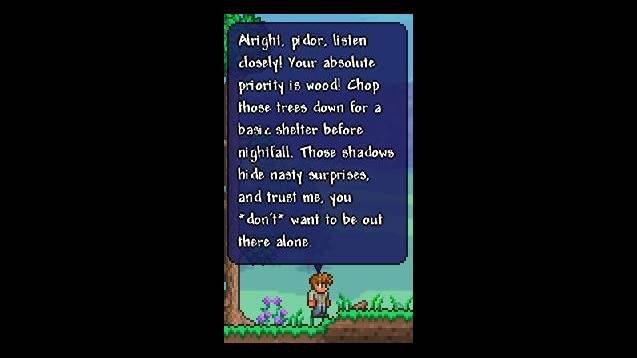
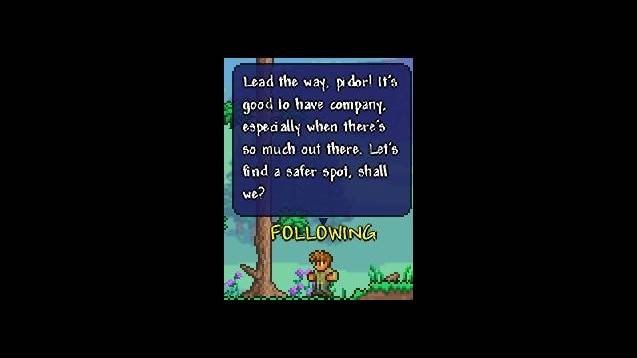
**GptNPCs adds AI-powered dialogue to Terraria town NPCs. Talk to any NPC using natural language and receive contextual responses.**
**Supported AI Providers**
- Google Gemini
- OpenAI (GPT-4, GPT-4o)
- Ollama (local models)
- Anthropic (Claude)
- Any OpenAI-compatible API (LM Studio, etc.)
**Features**
- Dynamic Conversations: NPCs respond based on world state, time of day, weather, events, and nearby characters
- Persistent Memory: NPCs remember past conversations and player relationships
- Mood System: NPC mood changes based on housing quality, crowding, and interactions
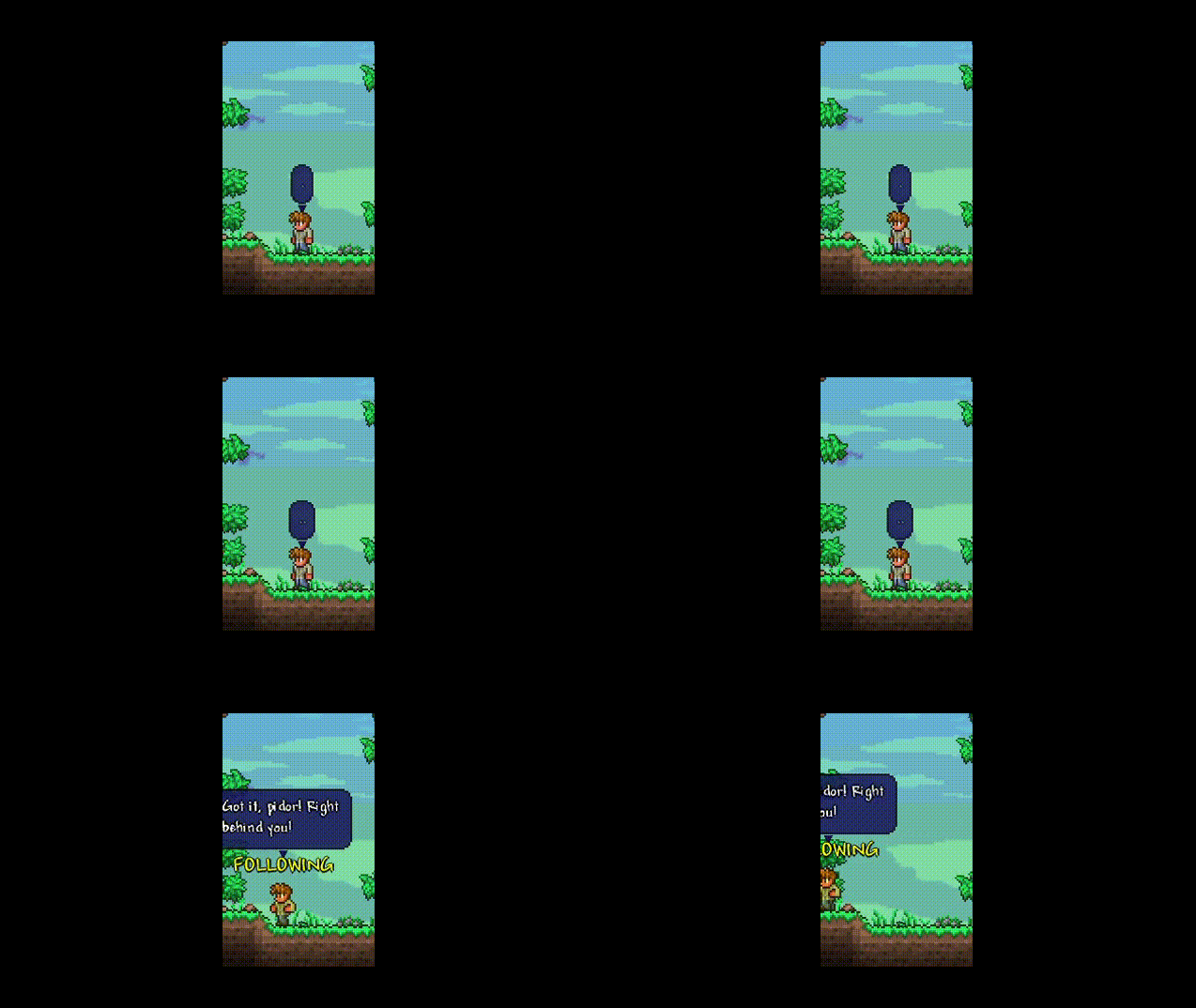
- Actions: NPCs can follow players, guard locations, teleport, and adjust shop prices
- Emotes: NPCs display emote bubbles during conversation
- Shop Integration: NPCs know their inventory and can negotiate prices
- Public Facts: NPCs can declare world events that other NPCs will know about
- Message Pagination: Long responses split into pages with navigation arrows
- Multiplayer Support: Full server/client synchronization
**Localization**
English, Russian, German, Italian, French, Spanish, Simplified Chinese, Brazilian Portuguese, Polish
**Configuration**
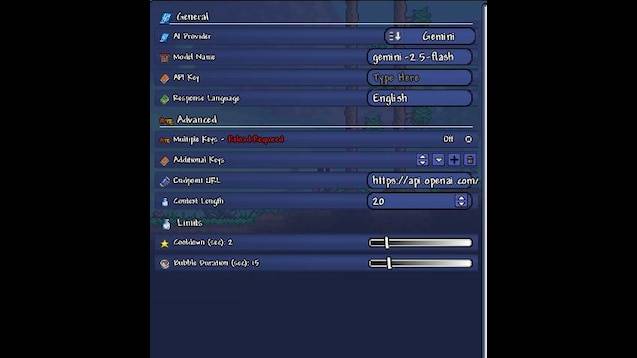
Set your API key and preferred model in the mod config. Custom endpoint URLs supported for self-hosted solutions.
**INSTALLATION AND SETUP**
Choose an AI provider
You can choose between Google Gemini (Free) or OpenAI (Paid)
**Option A: Google Gemini**
Go to: https://aistudio.google.com/
Log in and click “Get API key” → “Create API key in new project”
Copy the key
**Option B: OpenAI (ChatGPT)**
Go to: https://platform.openai.com/api-keys
Create a new secret key
**Mod Configuration**
In Terraria: Workshop → Manage Mods → Config
Open GptNPCs settings
Provider: Select Gemini or OpenAI
API Key: Paste your key
Model Name: Leave default (gemini-2.5-flash) or specify a specific model
Language: Specify the language for NPC responses
Additional API Keys: You can add more tokens to reduce load
**Hotkey**
Settings → Controls → Keybindings
Assign a key to “GPT-NPC Dialogue” (Default: V)
**HOW TO USE**
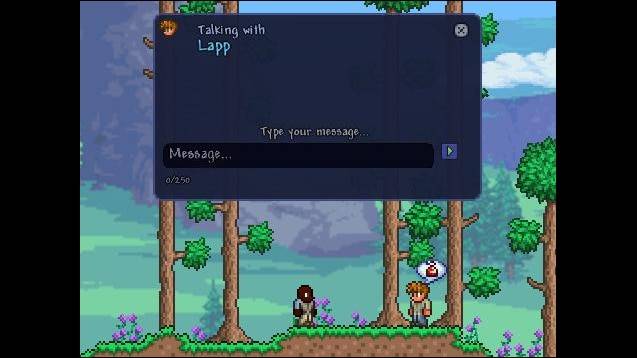
- Hover your cursor over a town NPC
- Press the assigned key (V)
- Write your message
- Press Enter
The GptNPCs Team
