


234304.png
20260615173310_1.jpg
20260615173319_1.jpg
20260617021633_1.jpg
Capture dâécran 2026-06-16 165256.png
Description
Wet System - Custom Decorative Objects
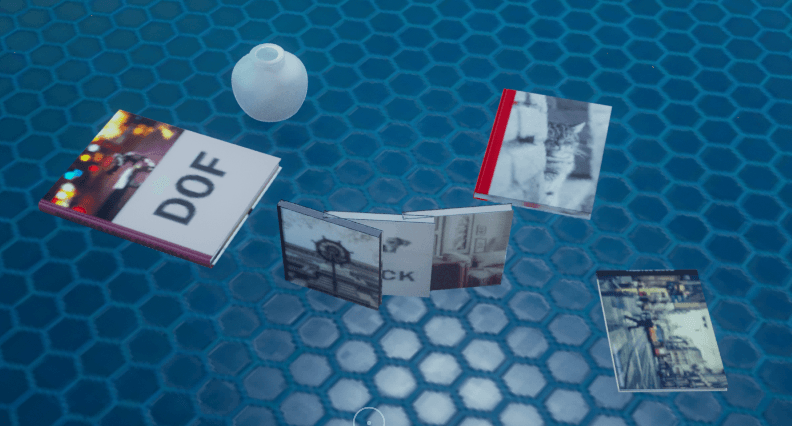
WET System Framework is a modding framework for Subnautica 2 that allows anyone to add custom decorative objects and meshes to the game without writing code.
Using simple .wet.json files placed in the ~mods folder, modders can create new placeable decorations that automatically appear in a dedicated in-game menu (UI is WIP).
Installation
You need UE4SS
Place "WetSystem" inside: Subnautica2\Subnautica2\Content\Paks\LogicMods
Place "WetScript" inside: Subnautica2\Subnautica2\Binaries\Win64\ue4ss\Mods
Be careful to have "WetScript : 1" (if not add it) inside ue4ss\Mods\mods.txt
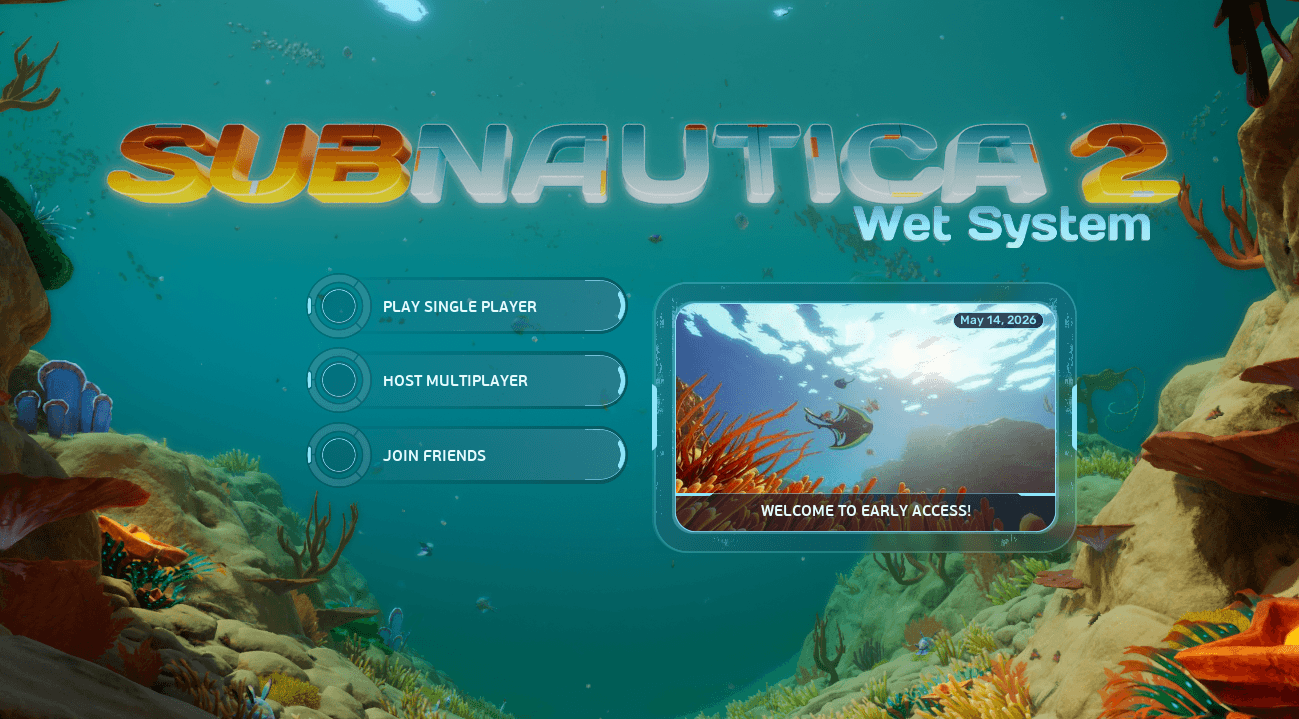
If, in the menu, you see "Wet System" below the logo, that's good!
In-Game Placement Menu
Press F9 to open the WET Framework object menu.
From there, you can browse and place any registered custom object.
Controls
Current controls:
- Left Click – Place object
- F – Move selected object
- X – Remove selected object
- Top/Down Arrow – Change select object to place
- Left/Right Arrow – Change Variant of the selected object (if available)
Features
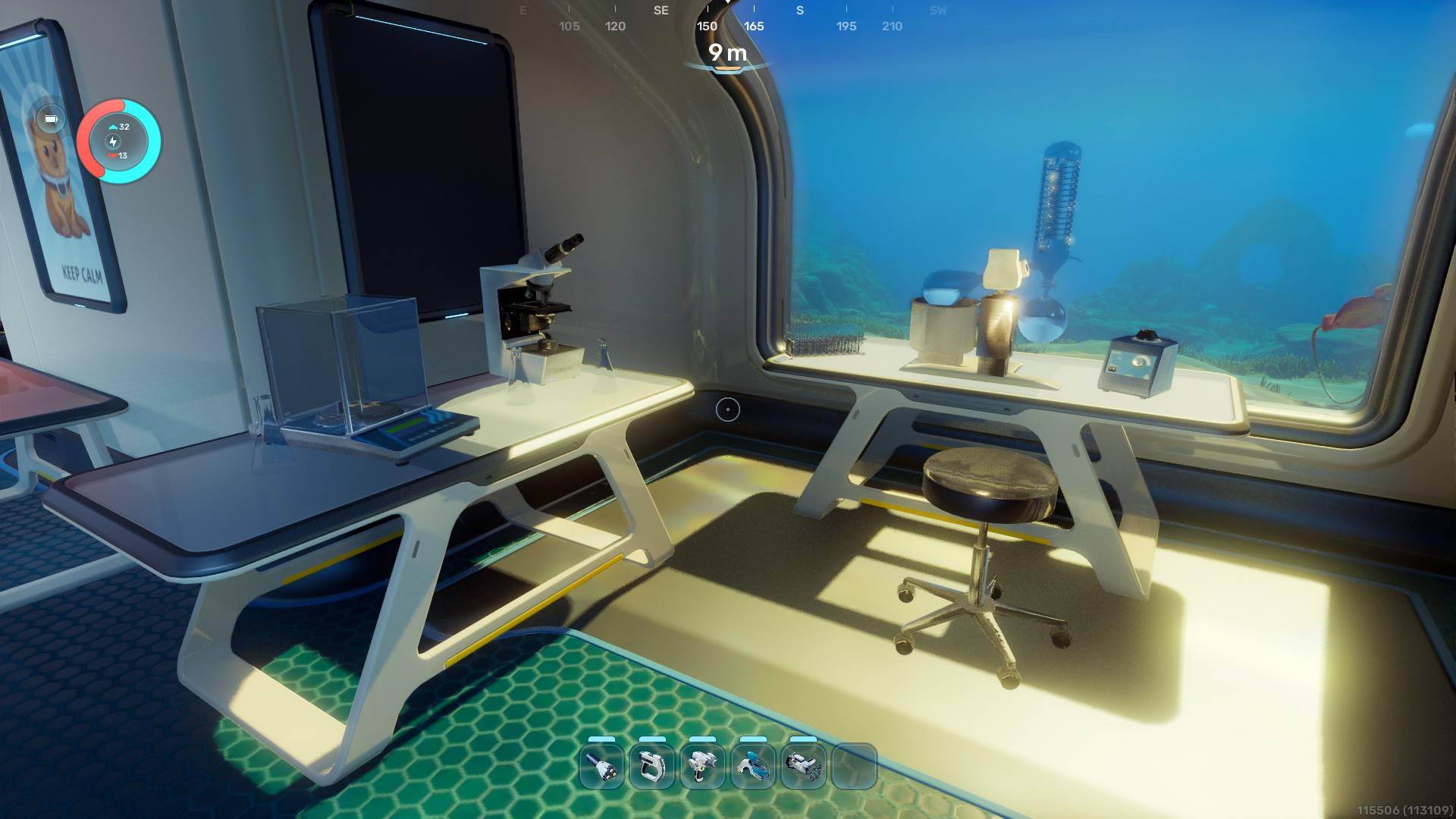
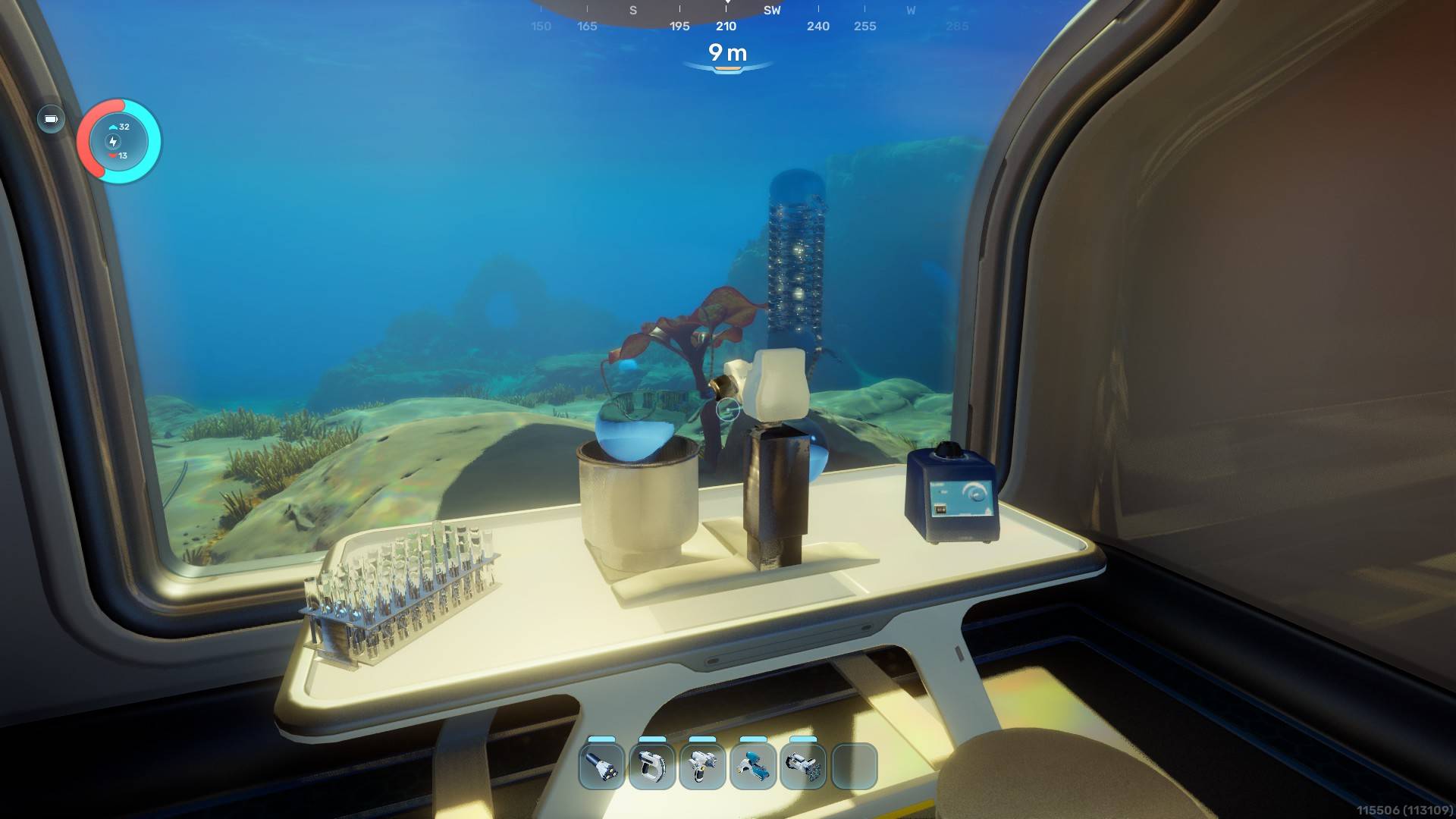
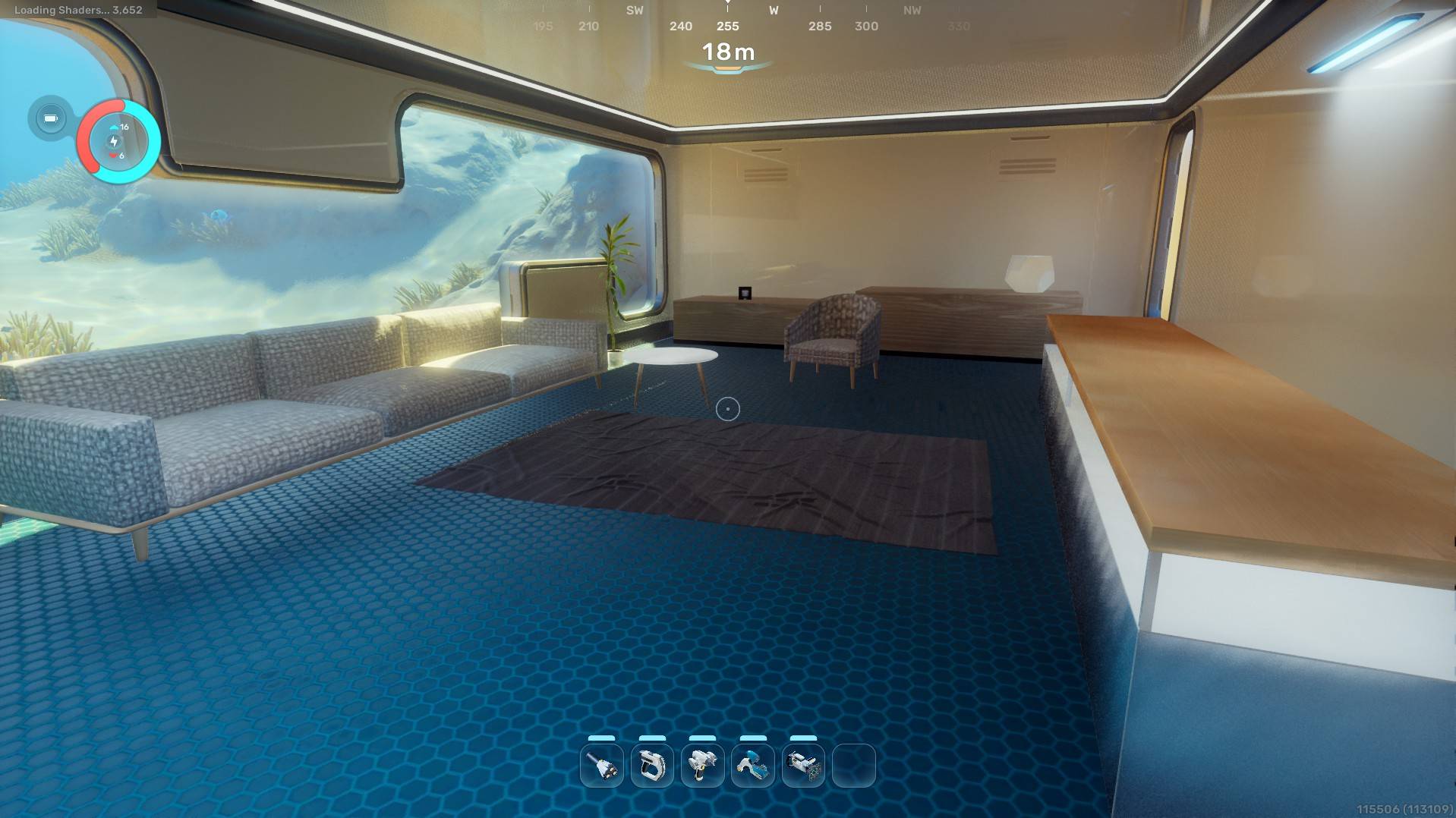
Custom Decorative Objects
Create new decorative items by defining them in a .wet.json file.
Supported features include:
- Custom meshes
- Custom thumbnails (UI is WIP)
- Categories
- Placement settings
- Custom transforms
- Surface snapping
- Multiple appearance variants
Multiplayer has not been tested yet.
Planned Features
Short Term
- Placeable blueprints
- Interactive objects (lights, switches, etc.)
- Objects with inventories (storage containers and similar)
Long Term
- Integration with the in-game constructor (if technically possible)
- No longer use UE4SS
- Custom foundations
- Custom vehicles
For Mod Authors
Creating Custom Objects
Objects are defined through .wet.json files placed inside the ~mods directory.
A basic object can define:
- Name
- Description
- Category
- Mesh
- Thumbnail
- Transform settings
- Placement behavior
bedsideTable.wet.json:
{
  "id": "wet_cozy_bedside_table",
  "version": "1.0.0",

  "category": "Furniture",
  "name": "Bedside Table",
  "description": "A wooden bedside table",

  "staticMesh": "/Game/Mods/WetCozyPack/BedsideTable/SM_Bedside_Table.SM_Bedside_Table",

  "thumbnail": "/Game/Mods/WetCozyPack/BedsideTable/TX_Bedside_Table_Thumb.TX_Bedside_Table_Thumb",

  "transform": {
    "scale":    { "x": 1.0,  "y": 1.0,  "z": 1.0 },
    "offset":   { "x": 0.0,  "y": 0.0,  "z": 0.0 },
    "rotation": { "pitch": 0.0, "yaw": 0.0, "roll": 0.0 }
  },

  "placement": {
    "snapping": "surface",
    "boxExtents": { "x": 35.0, "y": 4.0, "z": 55.0 },
    "allowedSurfaces": 7,
    "interactDistance": 350.0
  },
}
Variant Support
Objects can contain multiple variants.
Variants allow a single object entry to provide multiple appearances, meshes, or material combinations.
While placing an object, use the Left Arrow and Right Arrow keys to cycle through available variants.
Examples:
- Multiple poster designs
- Different furniture styles
- Alternate material presets
- Color variations
{
  "id": "wet_poster",
  "name": "Poster Frame",
  "description": "A decorative poster for your base.",
  "category": "Posters",

  "thumbnail": "/Game/Utility/Editor/IconBaker/IconTextures/IconBaker_BasePieces/T_PowerGridCapacitor_Icon.T_PowerGridCapacitor_Icon",

  "transform": {
    "scale": { "x": 1.0, "y": 1.0, "z": 1.0 }
  },

  "placement": {
    "_comment_snapping": "surface = snap to any surface.  Freeform = float in front of camera.",
    "snapping": "surface",
    "_comment_boxExtents": "Half-extents in cm: x=half-width  y=half-depth (into wall)  z=half-height.",
    "boxExtents": { "x": 35.0, "y": 4.0, "z": 55.0 },
    "_comment_allowedSurfaces": "Bitmask: 1=floor  2=wall  4=ceiling  7=all.",
    "allowedSurfaces": 7,
    "interactDistance": 350.0
  },

  "isLocked": false,

  "_comment_variants": "Each entry is a selectable appearance for this item. Switch with Left/Right arrow keys while placing. Only variantName, staticMesh, and materials are variant-specific; everything else (placement, transform, category) is shared.",
  "variants": [
    {
      "variantName": "Empty Frame",
      "staticMesh": "/Game/Art/Items/Posterframe/Mesh/SM_PosterFrame_01_Vertical_A.SM_PosterFrame_01_Vertical_A"
    },
    {
      "variantName": "Keep Calm",
      "staticMesh": "/Game/Art/Items/Posterframe/Mesh/SM_PosterFrame_01_Vertical_A.SM_PosterFrame_01_Vertical_A",
      "materials": [
        null,
        null,
        null,
        "/Game/Art/Environment/Set/Alterra/Props/Posters/Materials/MI_Alterra_PosterKitty_01a.MI_Alterra_PosterKitty_01a"
      ]
    }
  ]
}
Notes
This framework is currently focused on decorative objects.
Interactive gameplay functionality is still under development and will be expanded in future releases.
Feedback, bug reports, and example object packs are always welcome.
There is no danger for save file!
License
This project is proprietary software.
Usage is permitted for personal gameplay and for creating content packs compatible with the framework.
Modification, redistribution, reverse engineering, or reuse of the framework code is prohibited without explicit permission from the author.
The Wet System Framework Team

![Cozy Pack [Wet System] project image](https://media.forgecdn.net/avatars/thumbnails/1856/106/256/256/639166404189222481.png)
![Laboratory Pack [Wet System] project image](https://media.forgecdn.net/avatars/thumbnails/1856/345/256/256/639166511042885683.png)