


Seven Days In Hell
- By
1.png
2.png
4.png
Description
Seven Days In Hell
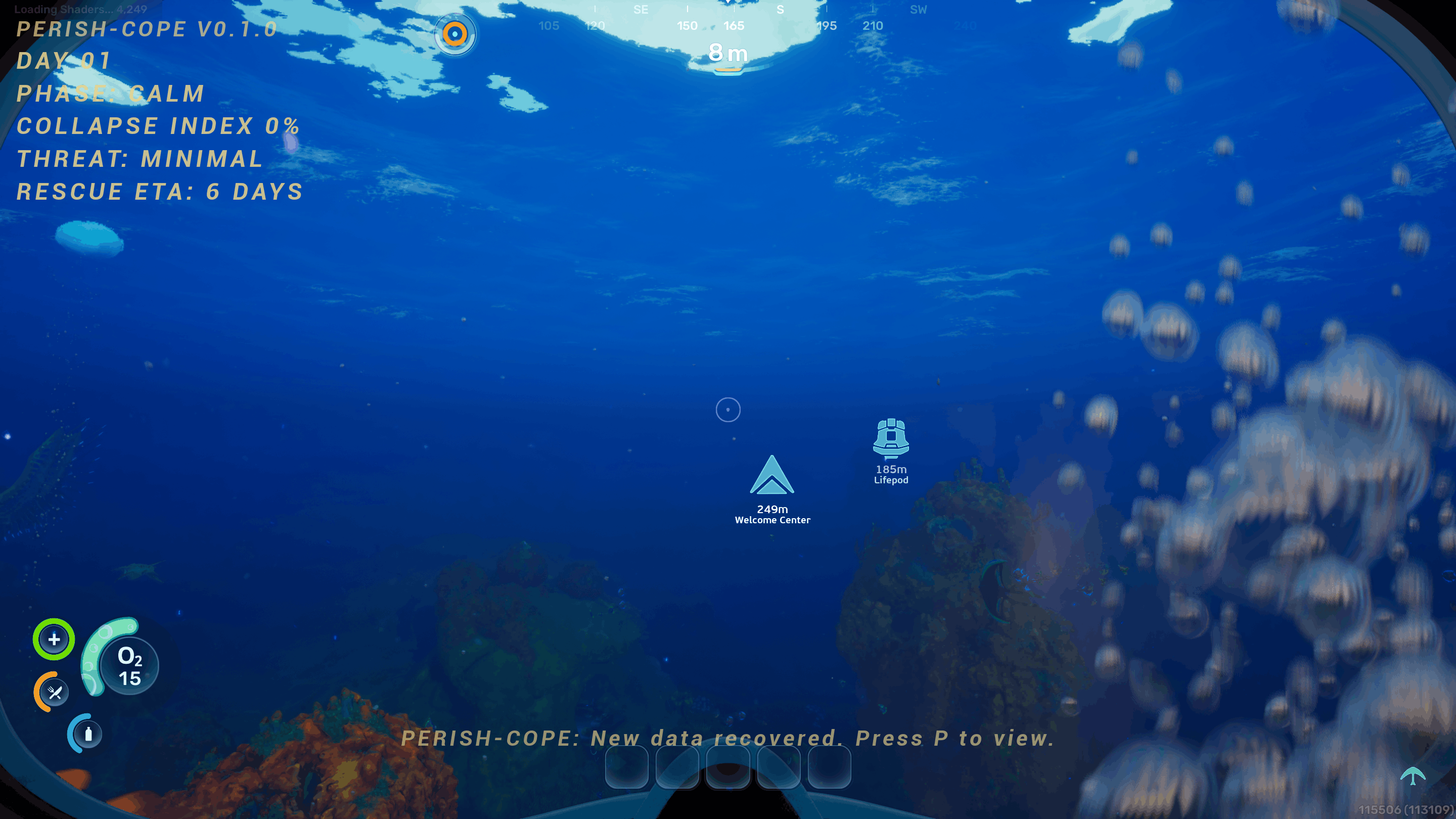
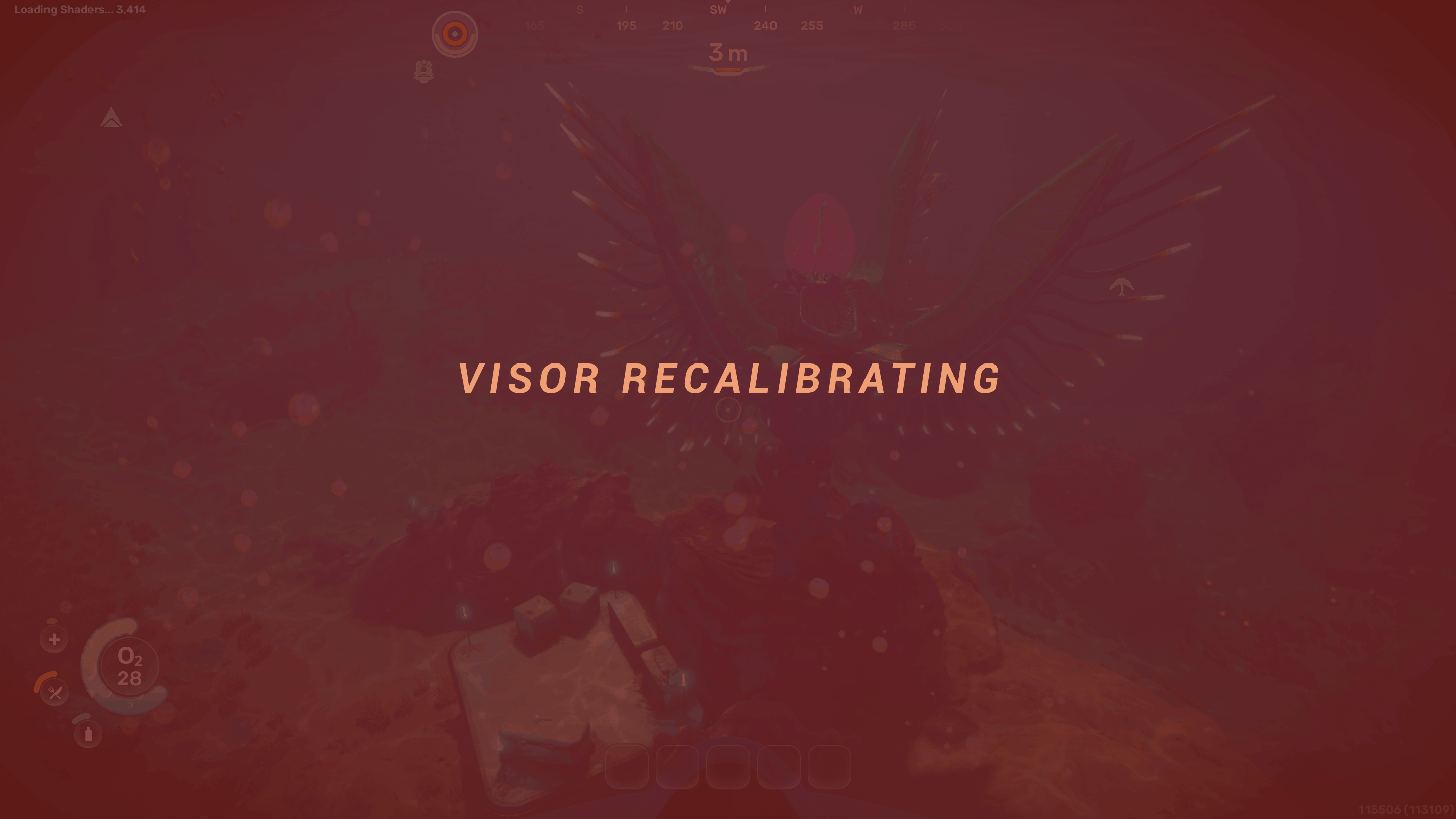
Three years ago, Alterra Colonial Sciences deployed a lone xenogeologist to Sector 4546B-7 to investigate an ecological anomaly. His name was Dr. Elias Voss. He was a solo operative. No support team, no backup extraction, no second chances. He lasted seven days. His final transmission was severely degraded, the only fragment recovered contained four words: "seven days in hell". Every observation he made, every warning he tried to leave behind: gone. But the visor he built from salvaged sensor equipment survived. Alterra repaired the firmware but could not recover Voss's notes.
Now it is your turn.
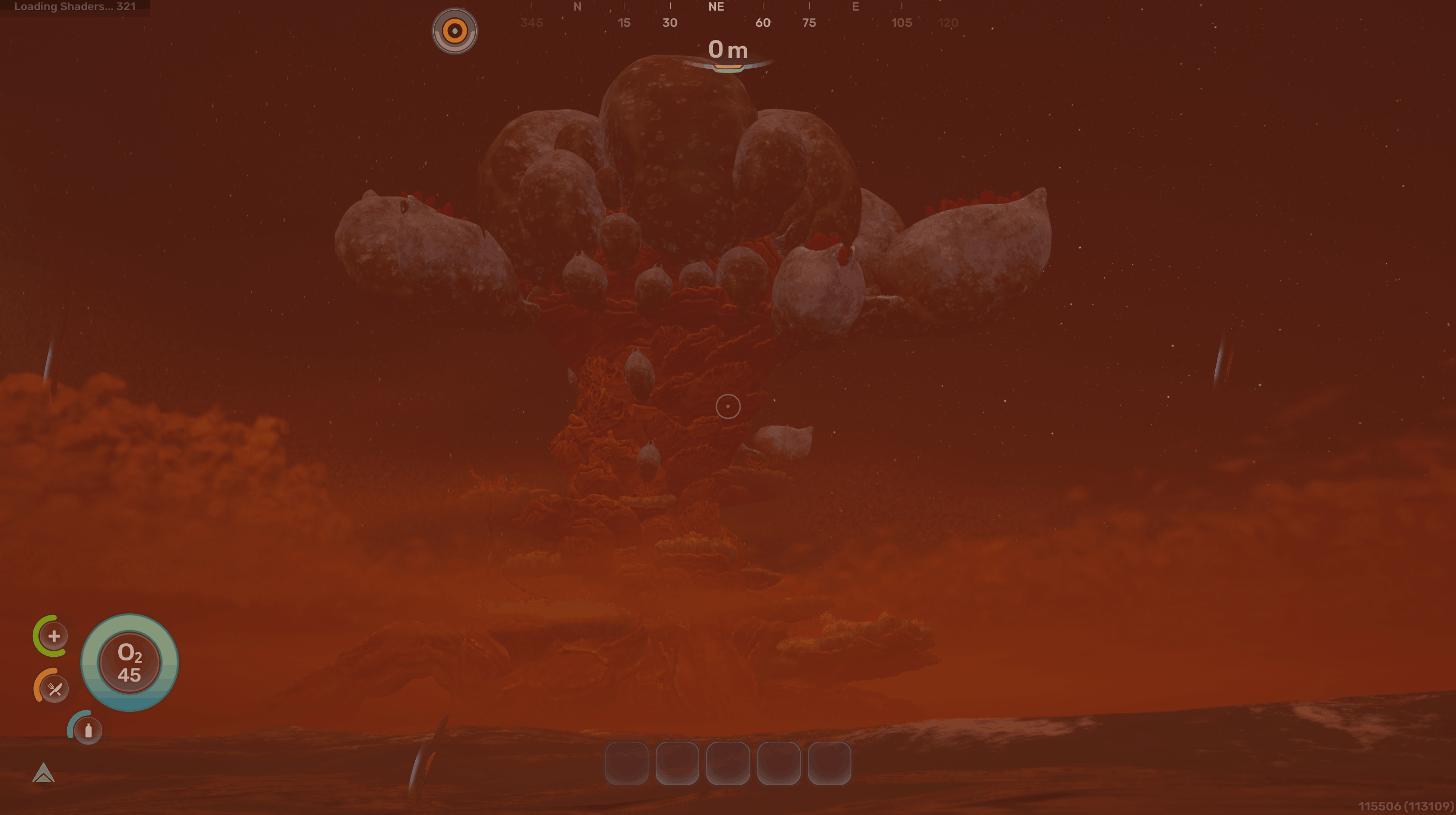
You have been redeployed to the same sector, wearing the same visor, to face whatever killed the last person who stood where you are standing. Something deep beneath the ocean floor has fractured open, and the readings match exactly what they saw before they lost Voss. What crawled out of that fracture? What did Voss see in his final days that he could not survive? And why does the visor he built track things that Alterra's own scientists still do not fully understand?
You have seven days to find out. Or not.
How to Install
UE4SS Installation (if you haven't done it yet):
- Go to the Subnautica 2 UE4SS releases page: https://github.com/Subnautica2Modding/Subnautica2-UE4SS/releases/tag/1.0.0
- Download
UE4SS_v3.0.1-953-gb872ad11.zip. - Extract the zip. You should see two items: a
dwmapi.dllfile and aue4ssfolder. - Navigate to
Subnautica2\Subnautica2\Binaries\Win64\inside your game folder. - Place both items (
dwmapi.dlland theue4ssfolder) into thatWin64folder.
The installation is straightforward and should only take a minute.
Install the Blueprint files:
- Navigate to
Subnautica2\Content\Paks\inside your game folder. - If a folder called
LogicModsdoes not exist, create it. - Copy the entire
ExtinctionEventfolder from this zip'sLogicModsdirectory intoLogicMods
With the blueprints in place, you're ready for the next step.
Install the Lua scripts:
- Navigate to
Subnautica2\Binaries\Win64\ue4ss\Mods\ConsoleCommandsMod\Scripts\inside your game folder. - Copy all files from the
Scriptsfolder in this zip into that directory (Scripts\*→ConsoleCommandsMod\Scripts\). This placesmain.lua,ee_atmosphere.lua,ee_lore.lua,ee_spawn.lua,ee_test.lua, andee_visor.luainto the Scripts folder. - NOTE: This replaces the default
main.luawith one that loads the mod's modules. If you have other UE4SS mods that added their ownrequire()lines tomain.lua, open the newmain.luain a text editor and add your otherrequire()lines back.
Once completed, the mod is fully installed.
AI Disclosure
The project logo is AI-generated. AI assistance has been used during development, while the mod itself has been built through dedicated engineering efforts.
Before You Play
- Start a new game: Do not load previous saves while this mod is installed. The mod initializes systems from Day 0 and is not designed to be injected into an existing world.
- Single player only: Multiplayer is not supported in this release. Co-op support is planned for a future update.
- This is an early beta: The mod has been developed and tested by an individual. Although extreme care has been taken to cover edge cases, crashes may occur. If the game crashes, relaunch and continue from your last save; progress is preserved through the game's save system.
- Display scaling: The visor HUD was built and tested at 1920×1080. Other resolutions and display configurations may produce layout differences. Widescreen and ultrawide users may see elements positioned differently than intended.
Seven Days In Hell Team
