Aromanaut
- By
Mod Menu.jpg
Radial Wheel.png
Resource Track.jpg
Blight Track.jpg
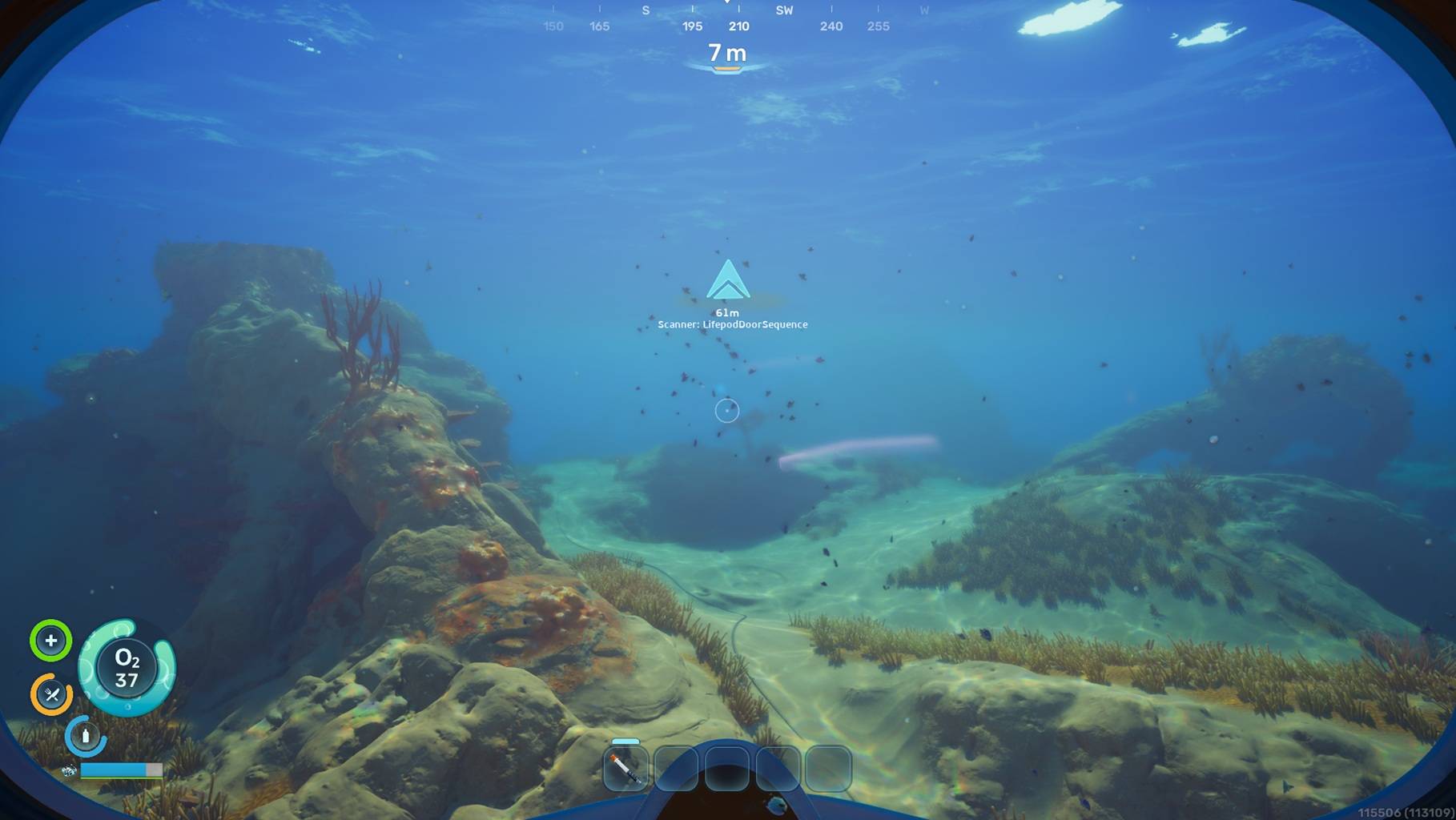
Human Site Track.jpg
Description
Aromanaut: Scent & Visual Navigation Mod
For best experience use the Omara Scent Display and the Omara Scent Studio app, by OVR Technology.
Aromanaut is an exploration mod for Subnautica 2 that introduces an active, immersive tracker to aid your underwater journey. Instead of cluttering your screen with constant background noise, the mod uses a sparse, intentional design to answer one simple question at a time: "What should I notice right now?"
By triggering your tracker, you will receive short scent bursts alongside in-world pings and directional navigation trails. If your tracker is silent, it simply means there is nothing relevant to report nearby.
Active Tracking: Aroma Sense
Trigger Your Pulse: Tap Middle Mouse to use a charge, look for the nearest eligible target in your active mode, and generate an immediate tracking signal.
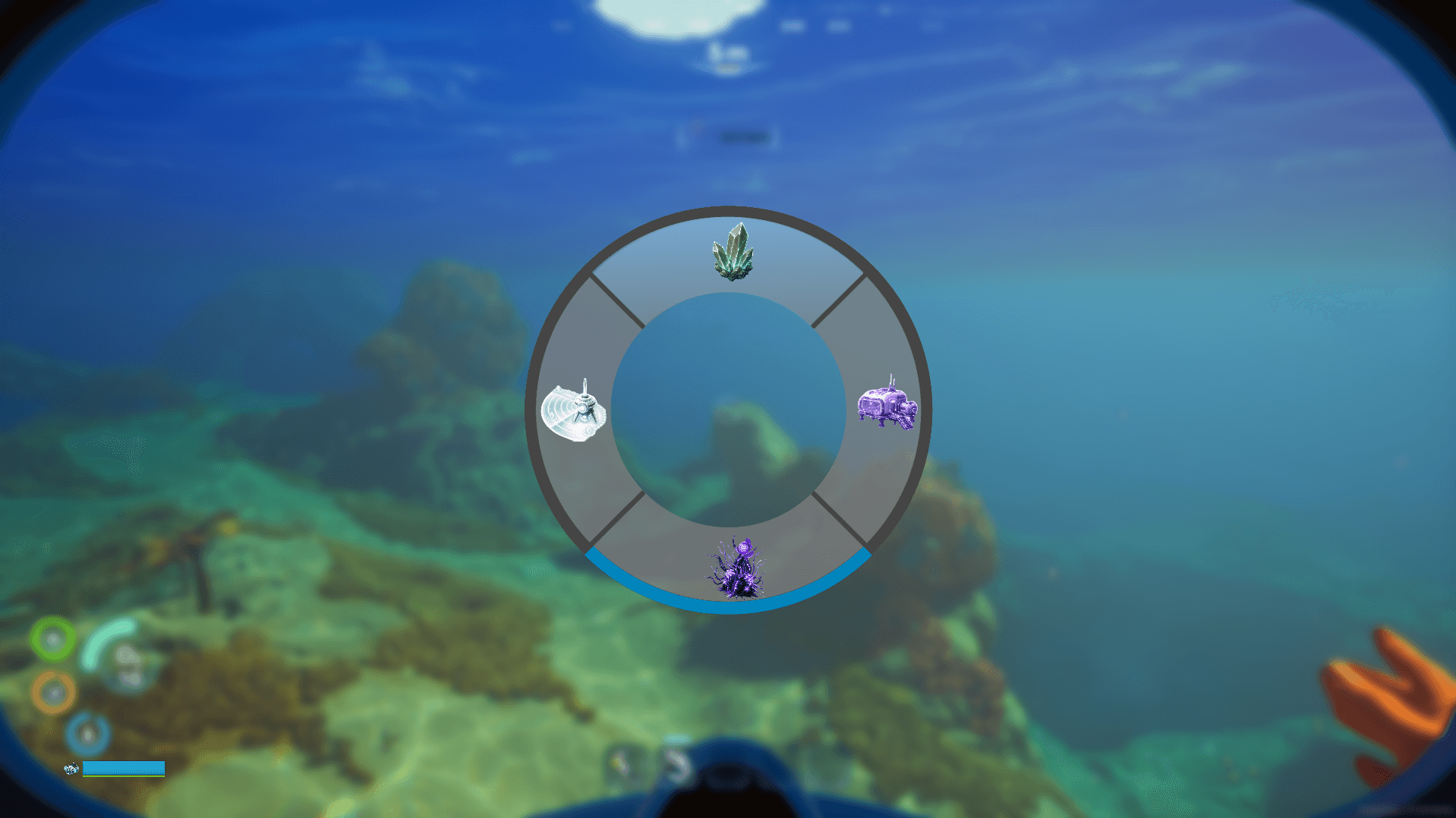
Switch Modes: Hold Middle Mouse to pull up a smooth radial selection wheel and cycle through your focus area.
The Charge Economy: You have a maximum of 3 charges, a 3-second cooldown between uses, and each charge takes 10 seconds to regenerate.
Four Core Tracking Modes
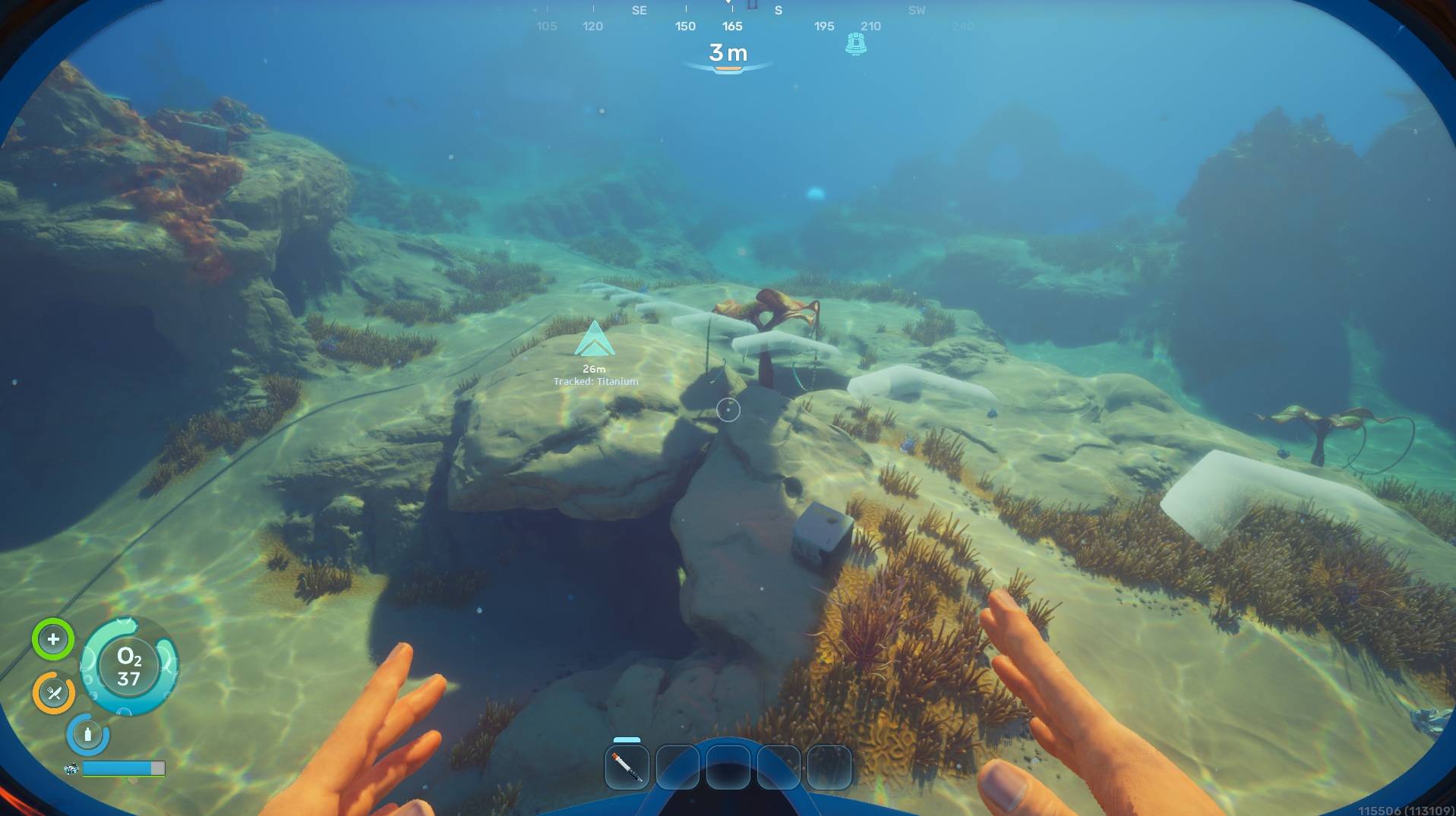
Resource Trace: Tracks your active selected resource (cycled via F6/F7) up to 300 meters away, emitting Terra Silva.
Survey Pulse: A general sweep that targets the absolute nearest point of interest, whether it is a human site or a corrupted anomaly, emitting Kindred or Machina scents, within 300 meters.
Human Signals: Filters strictly for human traces, including old bases, crashed lifepods, wrecks, and voice logs, emitting Kindred, up to a range of 220 meters.
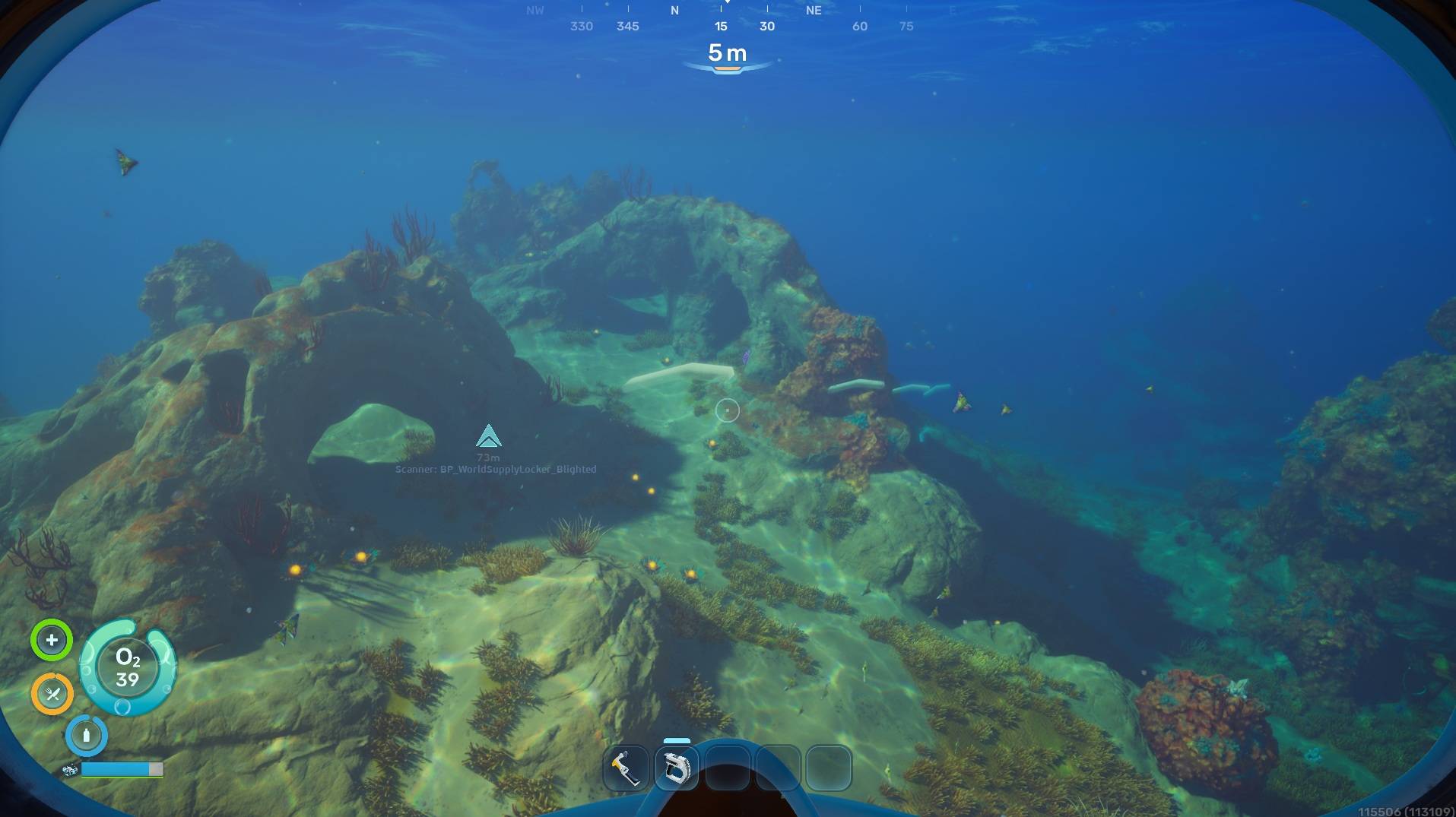
Corruption Scan: Sweeps exclusively for nearby blight, hostile bio-signatures, and mysterious anomaly sites, emitting Machina up to a range of 260 meters.
Smart Tracking Signals
Every time your tracker locks onto a target, it delivers dual-layer feedback in a single moment:
Dynamic Scent Bursts: Sends a predetermined odor directly over the companion app bridge to the Omara Scent Display hardware. Scent intensity naturally scales with proximity.
In-World Visuals: Places a native map ping directly onto the object and draws a dotted path trail helping guide you toward your goal. This visual layer works perfectly with or without an Omara device.
Environment & Safety Suppression
The tracker understands your surroundings and automatically manages feedback to prevent system spam:
Surfacing: Reaching the open air (less than or equal to 1 m depth) instantly clears out underwater tracking layers and fires a Beach burst.
Inside Bases & Walking: Entering a habitat or walking on dry ground immediately silences active underwater target tracking.
Idle Pause: If you stay still for 10 seconds, passive depth tracking is paused to keep things clean. You can still manually fire an active scan whenever you want.
Controls & Configuration
Rebind "ping" to anything other than Middle Mouse button within the in-game settings
Middle Mouse (Tap): Fire active tracker pulse.
Middle Mouse (Hold): Open mode selection wheel.
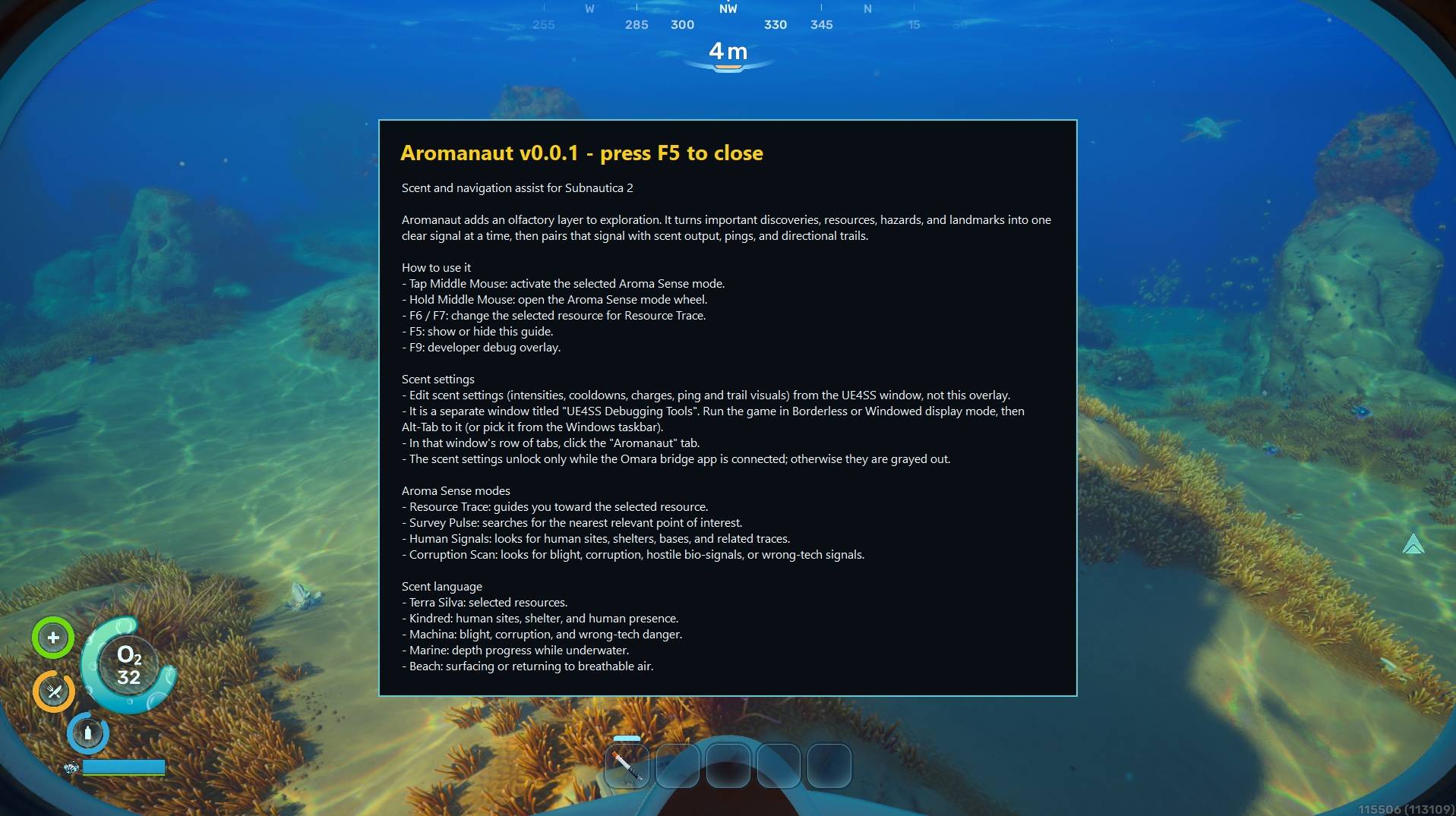
F5: Toggle the helpful in-game information overlay.
F6 / F7: Change your actively tracked resource target.
F9: Toggle the developer diagnostic layout.
Live Configuration: Tweak your charges, cooldown rates, visual trail toggles, and base intensities using the custom "Aromanaut" menu inside the UE4SS Window.
WHAT'S IN THIS DOWNLOAD
-----------------------
This zip contains one folder, Aromanaut-0.0.1, holding two things to install:
Aromanaut-0.0.1\
Aromanaut\ <- the UE4SS mod (goes in ue4ss\Mods)
dlls\main.dll
dlls\omara_scent_map.json
enabled.txt
pakchunk999-Windows.pak <- the asset pack (goes in Content\Paks)
pakchunk999-Windows.ucas
pakchunk999-Windows.utoc
INSTALL
-------
1. Close Subnautica 2. Make sure UE4SS is already installed.
2. Copy the Aromanaut folder into your UE4SS Mods folder:
<Subnautica2>\Binaries\Win64\ue4ss\Mods\
so that you end up with:
<Subnautica2>\Binaries\Win64\ue4ss\Mods\Aromanaut\dlls\main.dll
3. Copy the three pakchunk999-Windows.* files into:
<Subnautica2>\Content\Paks\
4. Launch Subnautica 2.
The included enabled.txt turns the mod on automatically -- you do NOT need to
edit mods.txt. (If it does not load, add the line "Aromanaut : 1" to
<Subnautica2>\Binaries\Win64\ue4ss\Mods\mods.txt )
Aromanaut Team