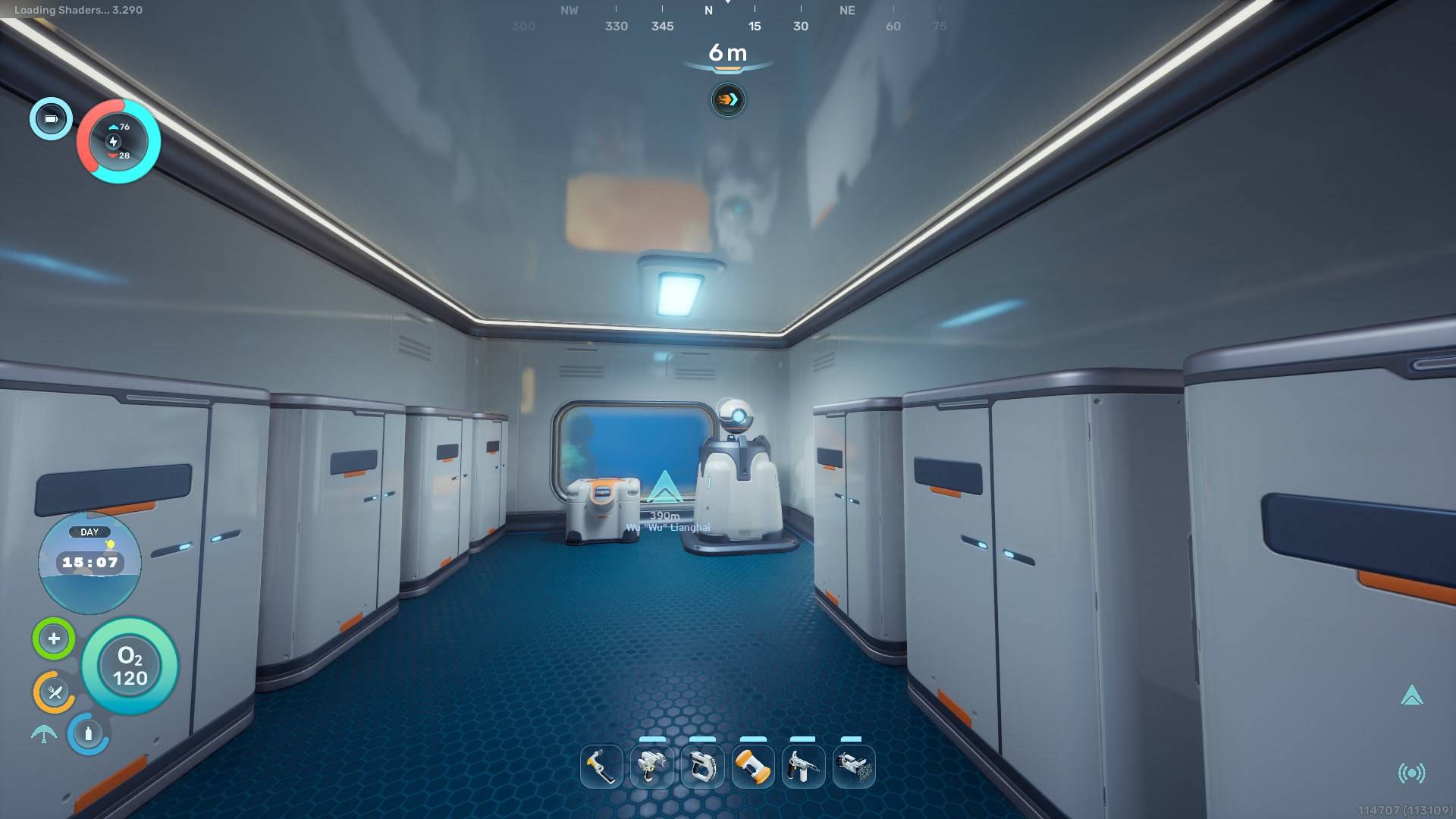
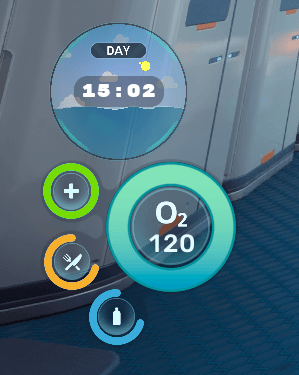
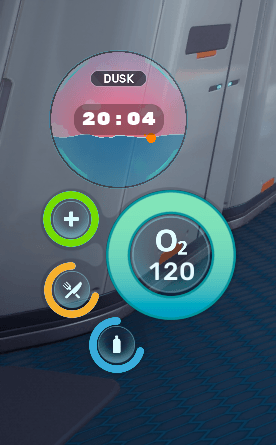
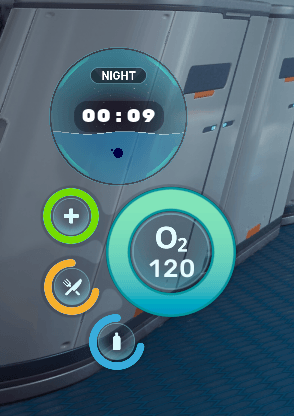
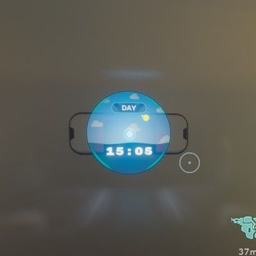
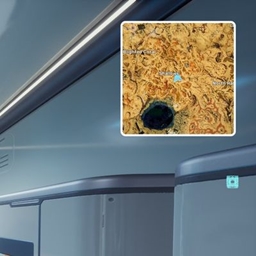
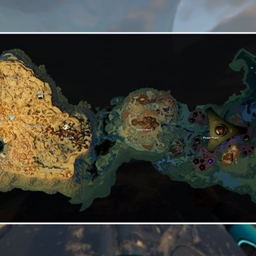
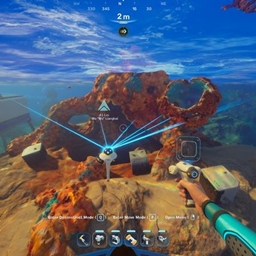
Adds an animated time widget to the player's screen.
Press the F11 button on your keyboard to toggle it on/off.

Customization
Ignore this portion if you don't care about customization.
Navigate to "%LOCALAPPDATA%\Subnautica2\Saved\Config\Windows\". Easy way to go there is to paste this in Windows Explorer's address bar and then press enter.
Otherwise the path should be something like this:
C:\Users\*YourUsername*\AppData\Local\Subnautica2\Saved\Config\Windows\
(Replace YourUsername with your user's name.)
Once you're there you should see a file named "Engine.ini".
If there's no such file then create one but make sure you're using the correct file extenstion and not Engine.ini.txt.
You could instead copy and paste the GameUserSettings.ini file, rename the copy to Engine.ini/Engine and then delete its contents if you don't know about file extensions.
Open the file with a text editor like Notepad and paste these lines in it:
[/Game/Mods/DisplayTime/ModActor.ModActor_C]
OpenWidgetKey=F11
You can find valid keys to use here: Unreal Engine Fkeys - Pastebin.com
All of them should work theoretically, at least the keyboard and the gamepad keys should work for sure.
Once you're done customizing the keybinds you need to set the file Engine.ini to Read-only otherwise the game is going to delete it!
Notes
The mod uses pakchunkID 9840. This means that it is incompatible with any other mod that uses the same id.
Installation instructions for Blueprint mod loader
Use either the blueprint mod loader or UE4SS to load the mod.
Download and install the Blueprint mod loader.
Download the mod and extract its .zip file.
Go to where your game is installed and navigate to \Subnautica2\Content\Paks.
Make a new folder named "~mods" in here if you don't have one already.
Drop DisplayTime.pak, DisplayTime.ucas, DisplayTime.utoc from the .zip archive in there.
In the end it should look like this:
\Subnautica2\Content\Paks\~mods\DisplayTime.pak
\Subnautica2\Content\Paks\~mods\DisplayTime.ucas
\Subnautica2\Content\Paks\~mods\DisplayTime.utoc
Navigate to "%LOCALAPPDATA%\Subnautica2\Saved\Config\Windows". Easy way to go there is to paste this in Windows Explorer's address bar and then press enter.
Otherwise the path should be something like this:
C:\Users\*YourUsername*\AppData\Local\Subnautica2\Saved\Config\Windows\
(Replace YourUsername with your user's name.)
Once you're there you should see a file named "Engine.ini".
If there's no such file then create one but make sure you're using the correct file extenstion and not Engine.ini.txt.
You could instead copy and paste the GameUserSettings.ini file, rename the copy to Engine.ini/Engine and then delete its contents if you don't know about file extensions.
Open the file with a text editor like Notepad and paste these lines in it:
[/Game/Loaders/SN2_ClientBPLoader/WBP_SN2_BPLoader.WBP_SN2_BPLoader_C]
Mods=DisplayTime
If you used the loader already with other mods then all you need to do is to add the line "Mods=DisplayTime" under the loader entry.
When you're done you need to save the file and set it to Read-only otherwise the game is going to delete it!
Installation instructions for UE4SS
Use either the blueprint mod loader or UE4SS to load the mod.
Download UE4SS from UE4SS - Subnautica 2 at Subnautica 2 Nexus or Releases · Subnautica2Modding/Subnautica2-UE4SS · GitHub.
To install UE4SS you need to extract its .zip archive and then go to where your game is installed and navigate to this path: \Subnautica2\Binaries\Win64. Drop the extracted files here. In the end it should look like this:
\Subnautica2\Binaries\Win64\dwmapi.dll
\Subnautica2\Binaries\Win64\ue4ss
Download the mod and extract its .zip file.
Go to where your game is installed and navigate to \Subnautica2\Content\Paks.
Make a new folder named "LogicMods" in here if you don't have one already.
Drop DisplayTime.pak, DisplayTime.ucas, DisplayTime.utoc from the .zip archive in there.
In the end it should look like this:
\Subnautica2\Content\Paks\LogicMods\DisplayTime.pak
\Subnautica2\Content\Paks\LogicMods\DisplayTime.ucas
\Subnautica2\Content\Paks\LogicMods\DisplayTime.utoc
Troubleshooting
If you have any issues with the mod you first need to make sure that ue4ss is running. Navigate to \Subnautica2\Binaries\Win64\ue4ss and look for a file named "UE4SS.log". If there is no such file and you've already ran the game then that mean that UE4SS was not installed correctly.
If there is, you can open that file with a text editor like Notepad and check for errors. If the mod is installed correctly and UE4SS is loading it then you should see something like this in it:
[2026-04-15 14:11:07.4615263] [Lua] [BPModLoaderMod] Loading mod: DisplayTime
[2026-04-15 14:11:07.4660481] [Lua] [BPModLoaderMod] Actor: ModActor_C /Game/Maps/L_ClientLobby.L_ClientLobby:PersistentLevel.ModActor_C_2147480638
If not then you probably didn't install the mod correctly.
If you want you can upload the contents of that file on Pastebin.com and then share the pastebin link in a comment explaining your issue.