Description
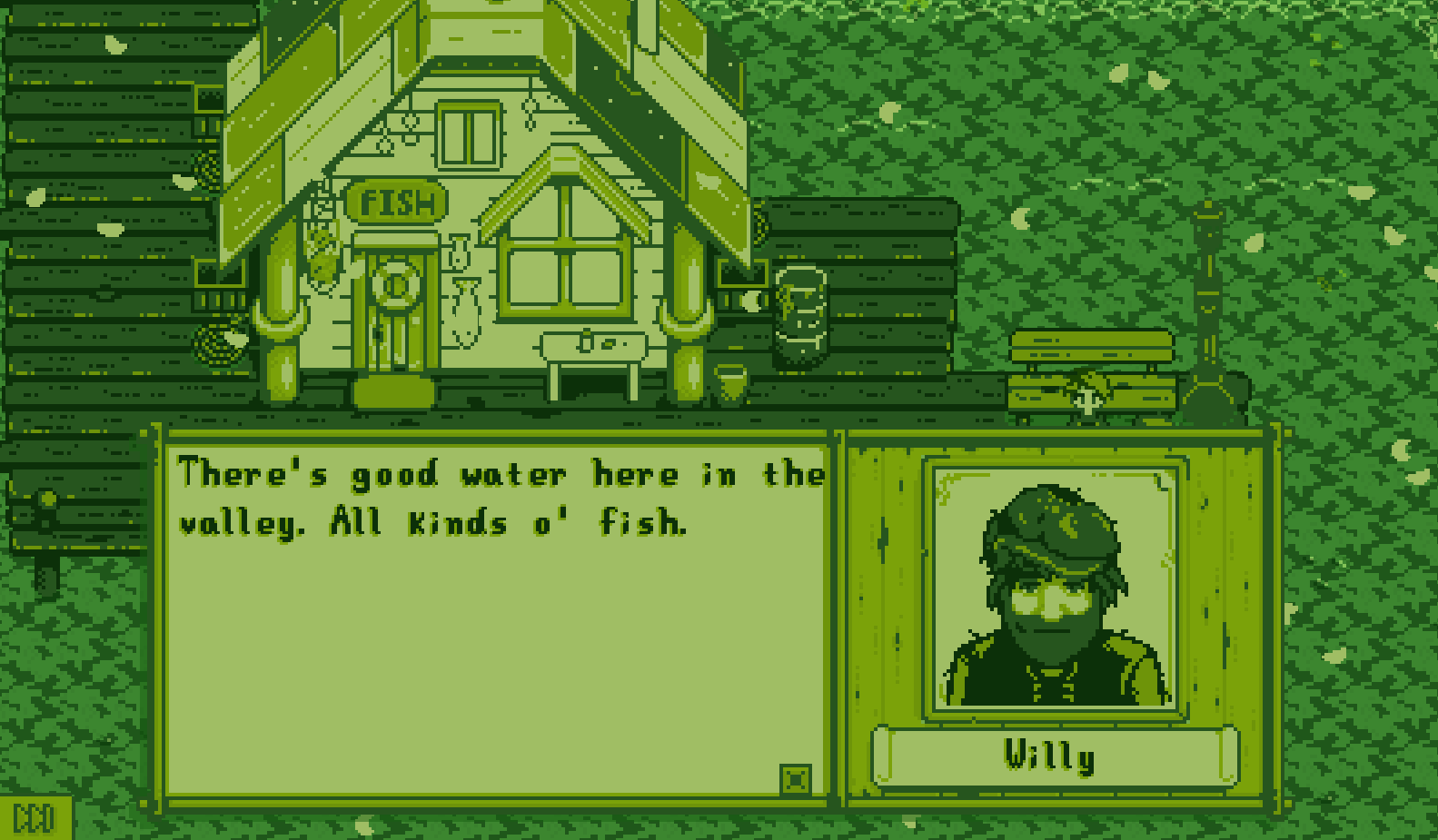
Changes the colors of the game.
Some color profiles are included (For ex. Gameboy, Desaturated, Greyscale, NES Limited and Black & White) but you can add your own.
To switch between color profiles press PageUp or PageDown.
To change saturation regardless of the active profile press NumPad9 or NumPad8.
(Keys can be changed in the config file)
Profile example (This changes nothing, it just shows all options):
{
"name": "Original",
"author": "Platonymous",
"version": "1.2.0",
"saturation": 100,
"tint": [255, 255, 255, 255]
}
Palette change example:
{
"name": "Gameboy",
"author": "Platonymous",
"version": "1.2.0",
"palette": "gameboy.png"
}
The Visualize Team
7
Followers
37
Projects
716.6K
Downloads
More from PlatonymousView all
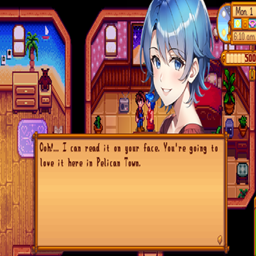
Add higher resolution portraits and easily switch between different Portrait Mods.
Adds a Seed Bag to the game for easier sowing.
Toolkit for adding/editing/replacing maps and creating buildables.<br />(Formerly named TMXLoader).
Allows adding dialogues and events via the ink Scripting Language
Add higher resolution portraits and easily switch between different Portrait Mods.
Adds a Seed Bag to the game for easier sowing.
Toolkit for adding/editing/replacing maps and creating buildables.<br />(Formerly named TMXLoader).
Allows adding dialogues and events via the ink Scripting Language