Debug Mode
- By
Press a button to see a debug info overlay, and optionally unlock the game's built-in debug commands (including teleportation and time manipulation).

Description
Debug Mode lets you press ~ to view a debug info overlay, and optionally unlock the game's debug commands (including teleportation and time manipulation).
For non-English players, translations are included in the base mod. Contributions are welcome!

- Install the latest version of SMAPI.
- Unzip the mod folder into Stardew Valley/Mods.
- Run the game using SMAPI.
- (optional) Edit the mod settings, including controller/keyboard/mouse mappings.

- Compatible with...
- Stardew Valley 1.5.5 or later;
- Linux, macOS, and Windows;
- single-player and multiplayer (some debug commands may have different effects in multiplayer; see multiplayer compatibility notes for details).
- No known mod conflicts.

Press the ~ key (configurable) to toggle debug mode.
Info overlay
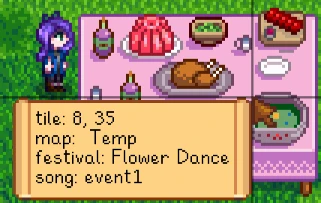
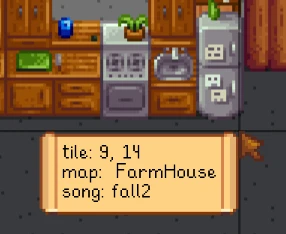
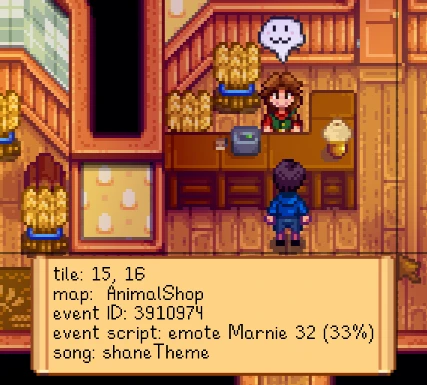
When enabled, the mod shows an overlay with debug info including...
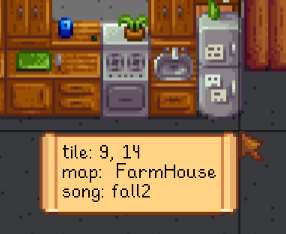
- cursor crosshairs, tile position, map name, and background song name:
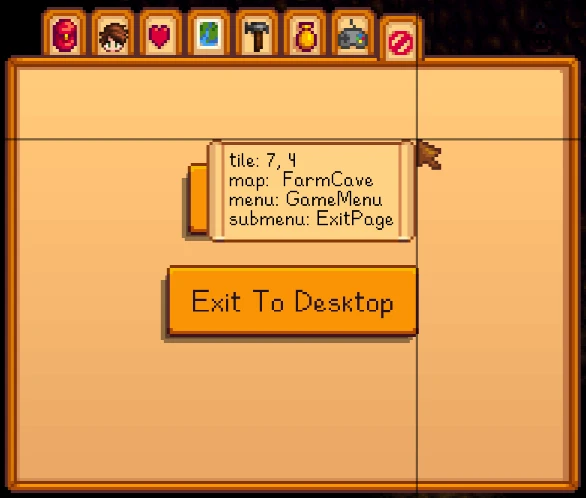
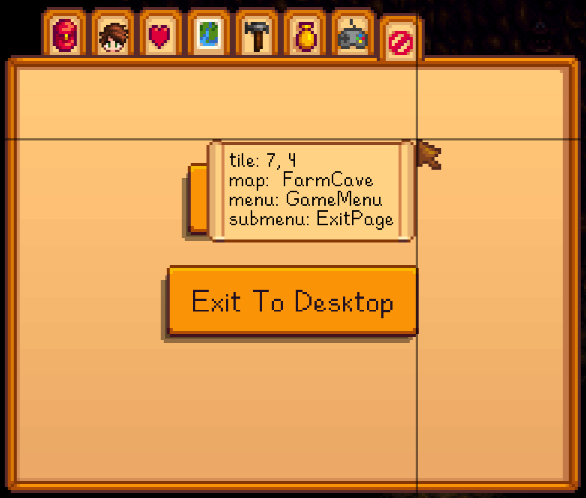
- menu and submenu names:
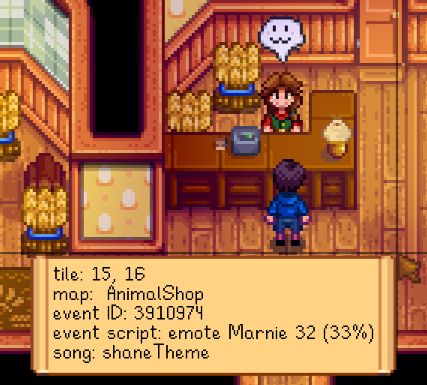
- event ID, current command, and progress:
- festival name:
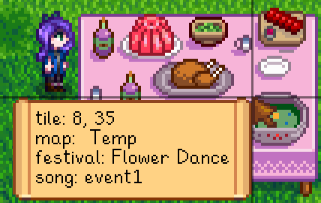
- and minigame name:

Game debug mode
If you enable AllowGameDebug in the configuration (disabled by default), the mod will also enable the game's debug mode and hotkeys:
- T adds one hour to the clock.
- SHIFT + T subtract 10 minutes from the clock.
- Y adds 10 minutes to the clock.
- 1 warps the mountain (facing Robin's house).
- 2 warps the town (on the path between the town and community center).
- 3 warps the farm (at your farmhouse door).
- 4 warps the forest (near the traveling cart).
- 5 warps the beach (left of Elliott's house).
- 6 warps the mine (at the inside entrance).
- 7 warps the desert (in Sandy's shop).
- K moves down one mine level. If not currently in the mine, warp to it.
- F5 toggles the player.
- F7 draws a tile grid.
- B shifts the toolbar to show the next higher inventory row.
- N shifts the toolbar to show the next lower inventory row.
If you also enable AllowDangerousCommands in the settings (disabled by default), it'll also unlock these debug commands:
- P immediately goes to bed and starts the next day.
- M immediately goes to bed and starts the next season.
- H randomises your hat.
- I randomises your hair.
- J randomises your shirt and pants.
- L randomised your farmer.
- U randomises your farmhouse wallpaper and floor.
- F10 is broken; it tries to launch a multiplayer server and crashes.

Debug Mode Team


Owner