
The Amazing Color Correction
- By
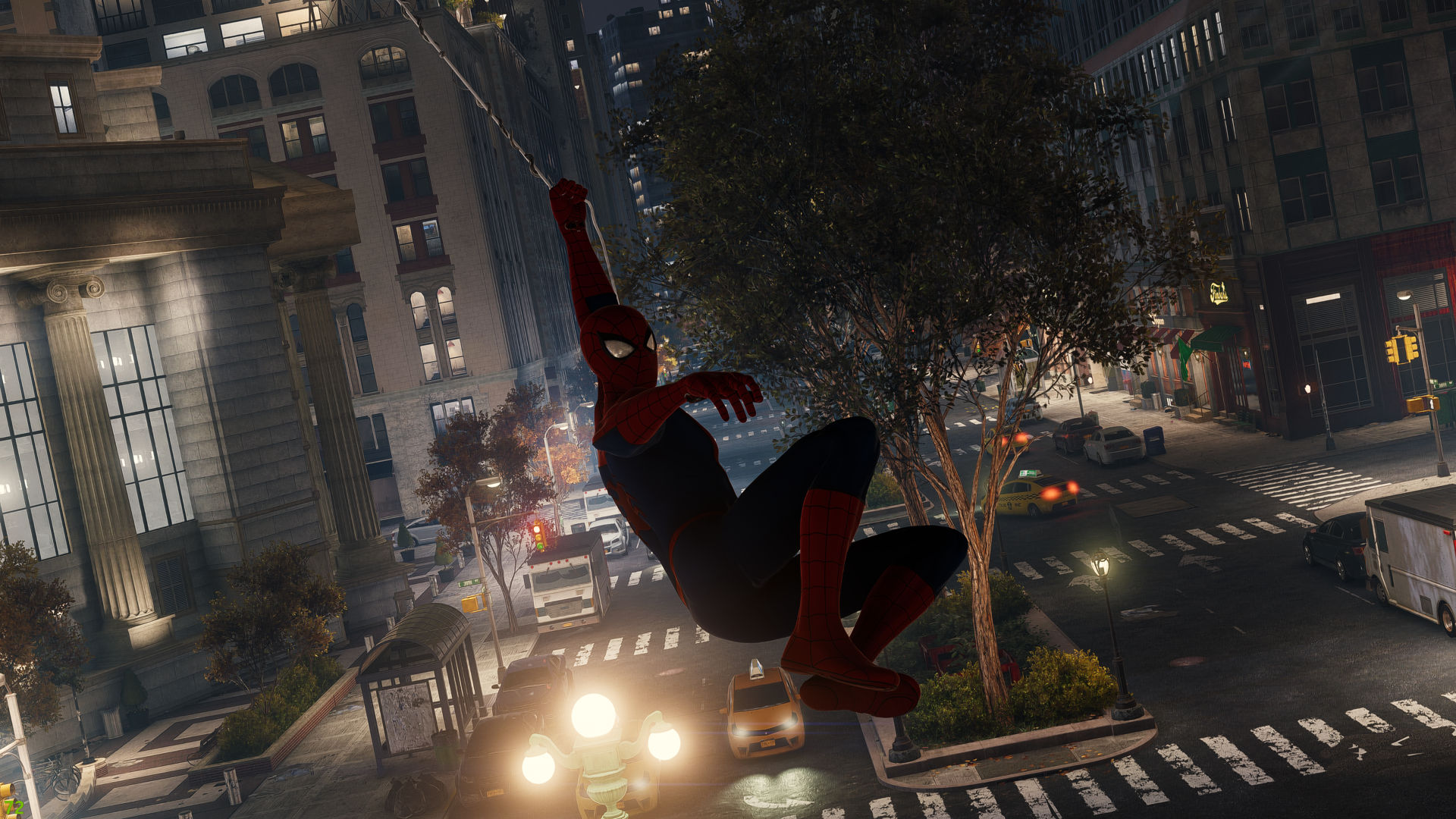
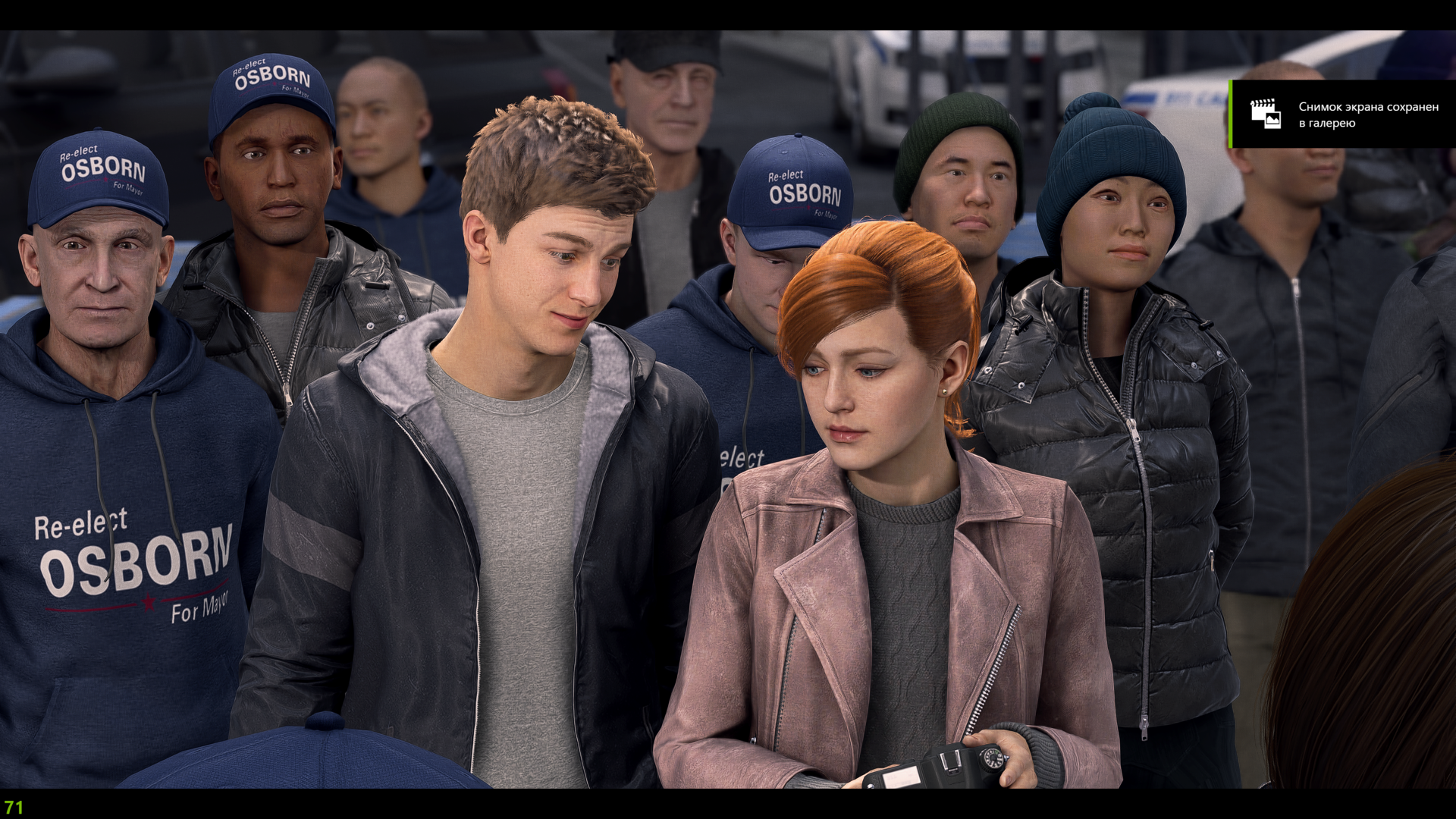
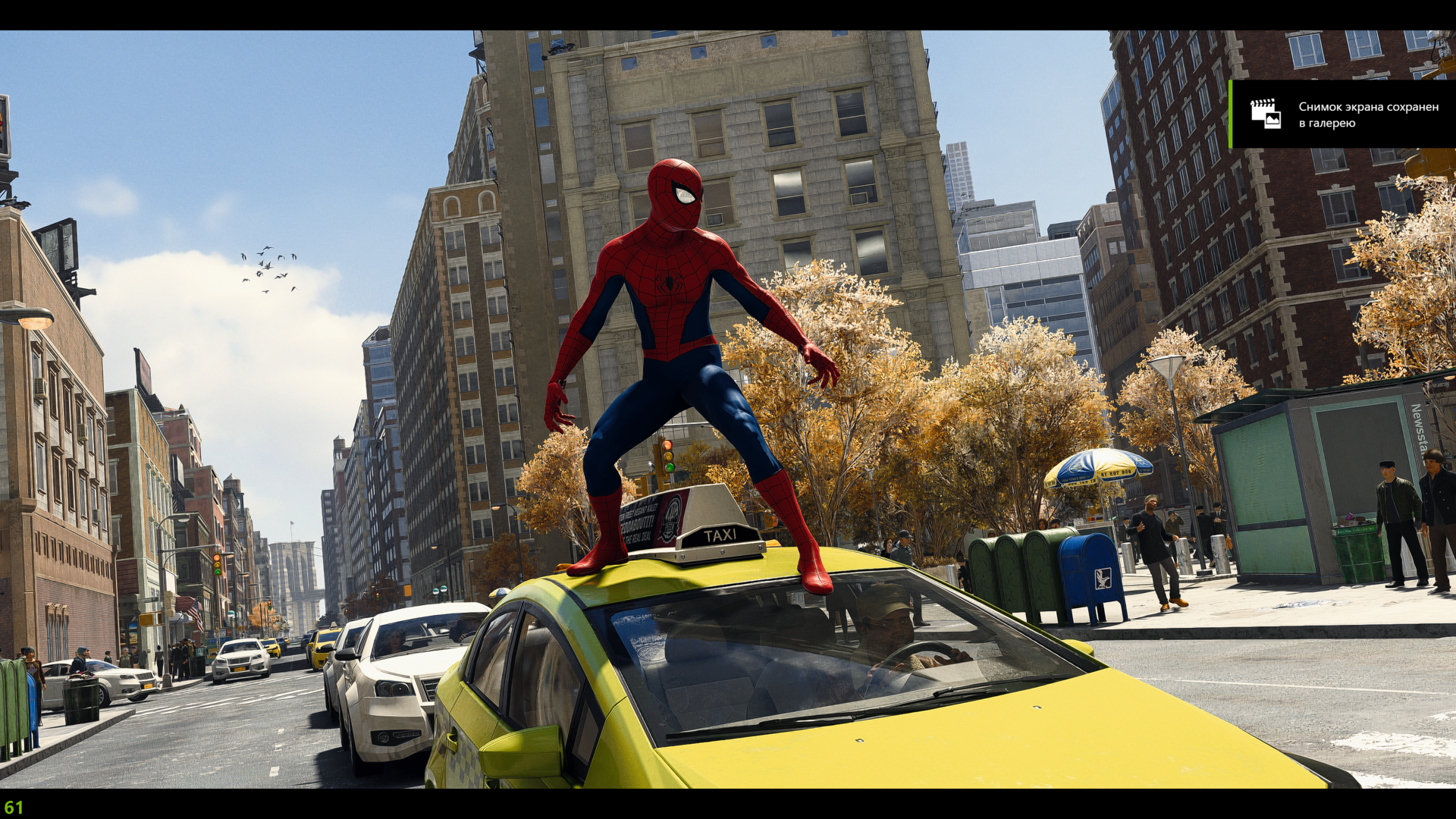
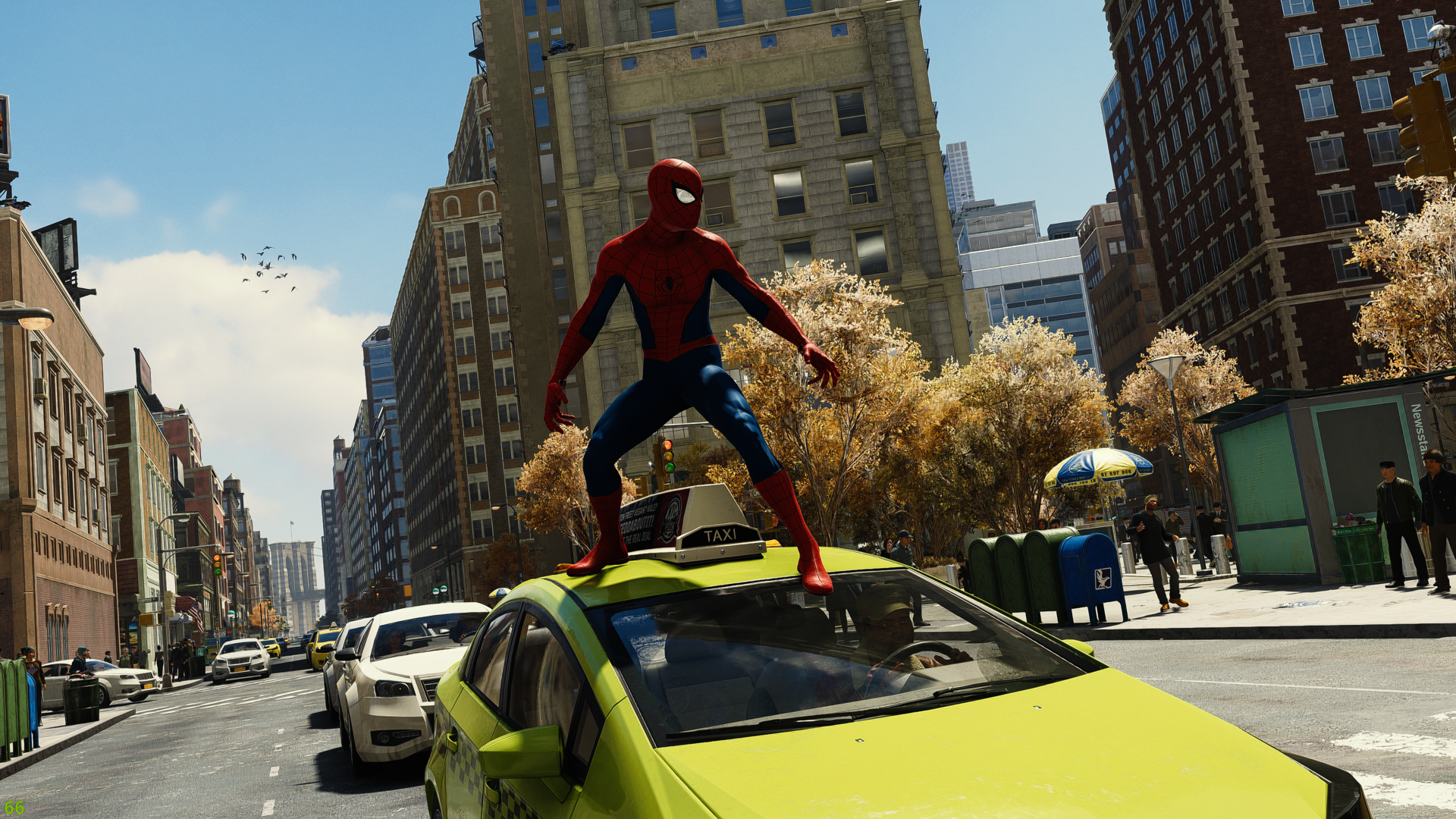
Performance friendly ReShade which improves color correction to make picture more realistic without losing vanilla look
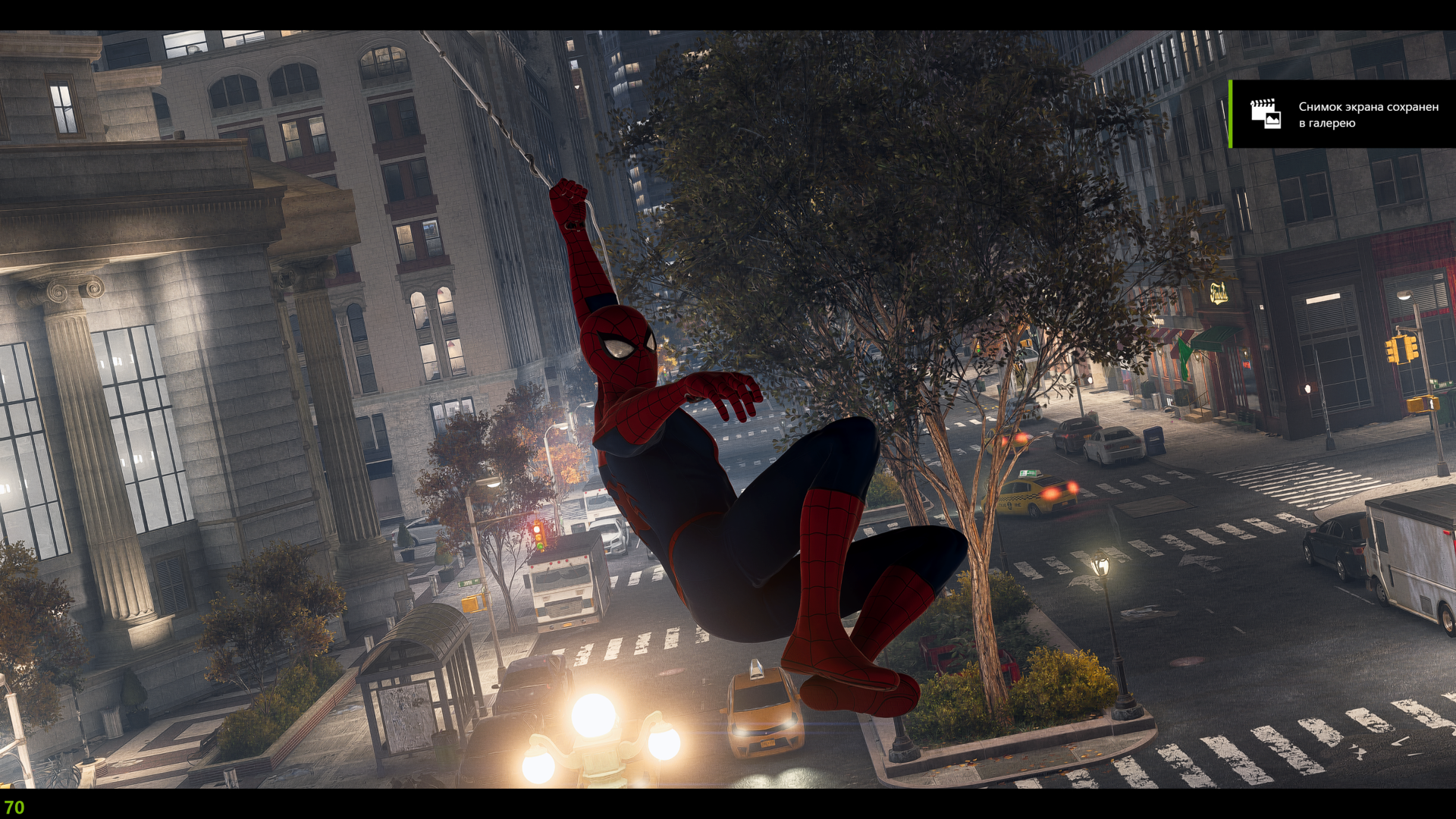
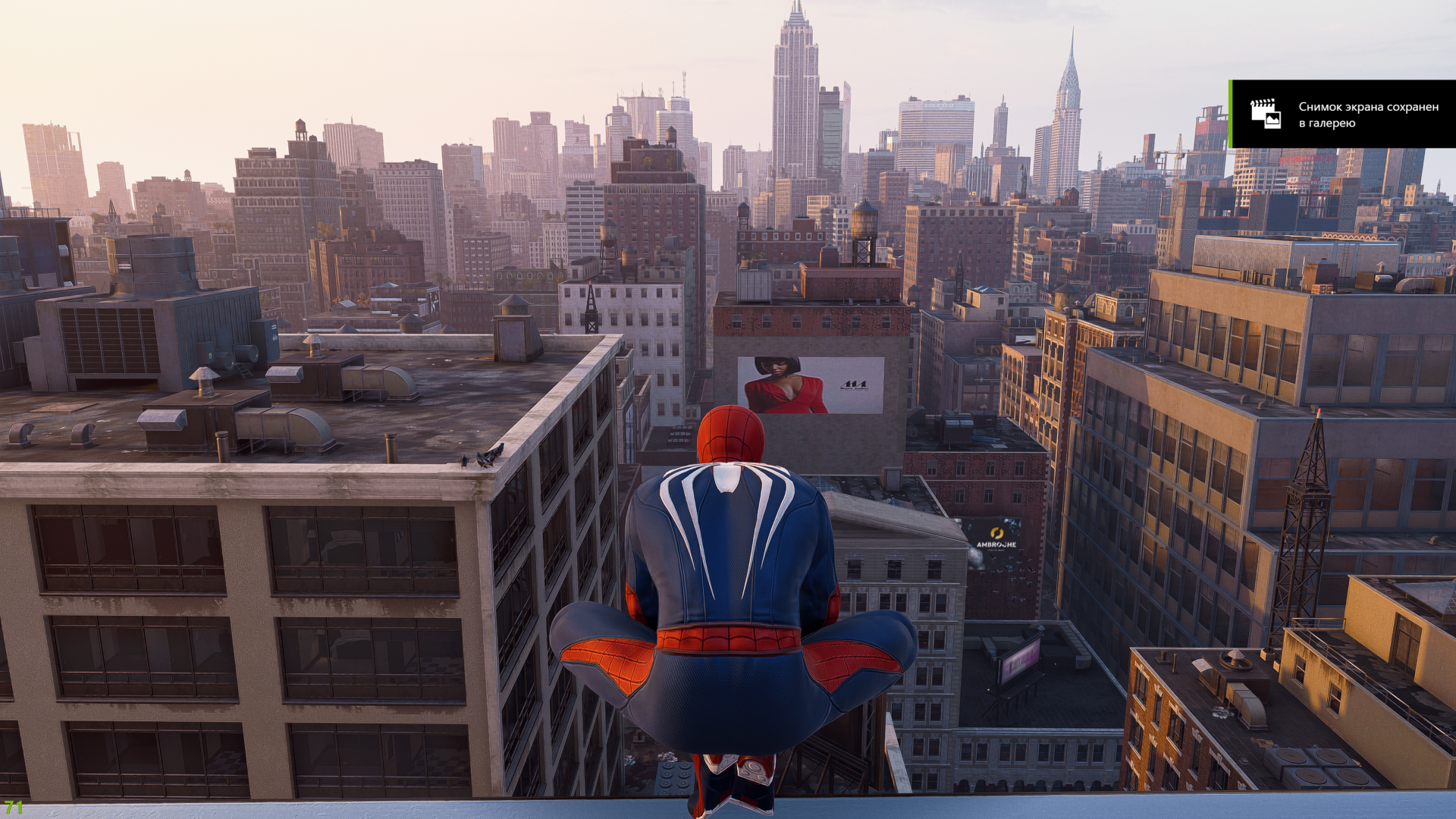
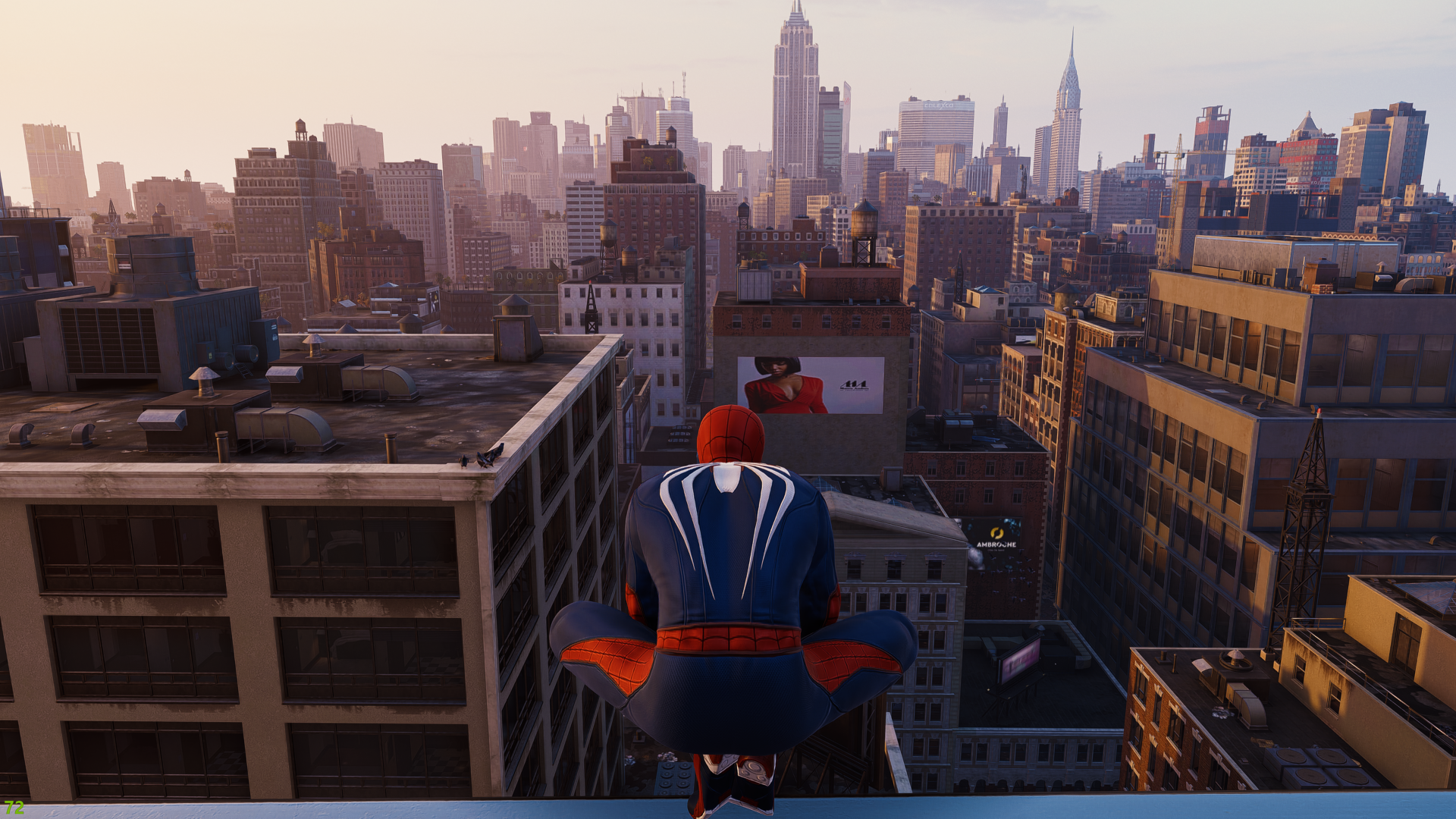
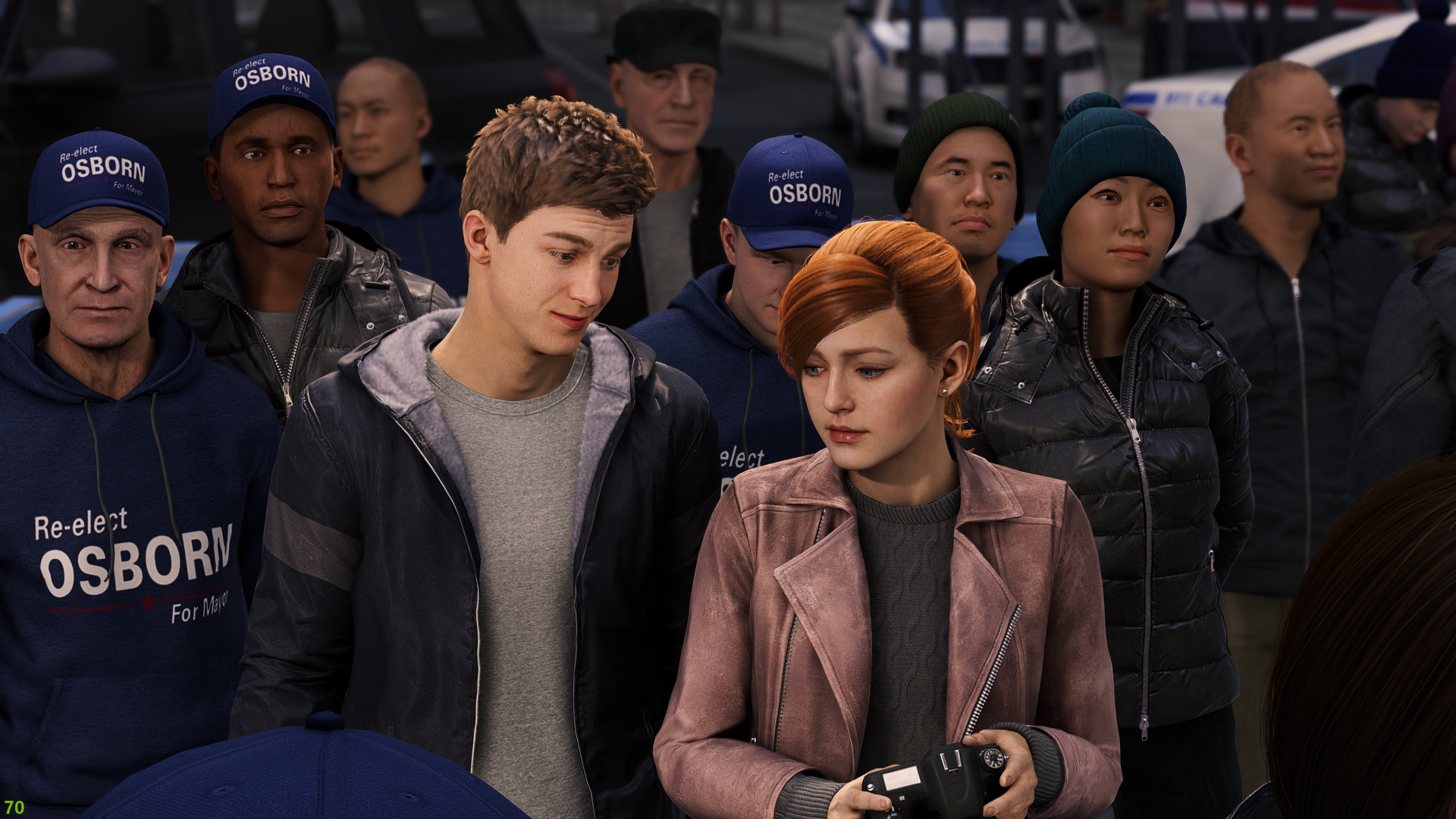
Description
Performance friendly ReShade which improves color correction to make picture more realistic without losing vanilla look

INSTALLATION:
1. Download and install ReShade, choose main game folder
2. Press "Direct3D 10/11/12"
3. Select ALL effect packages
4. Press OK
5. Then put my INI config file to same folder (where u just installed reshade)
6. Run the game
7. Press HOME and chose my preset file
(follow reshade instructions to understand how to do it)
The The Amazing Color Correction Team
