Solar Console
- By
All-in-One mod that adds Minecraft-style commands. Creative mode, item giver, time/weather control, noclip, warps, summon etc,
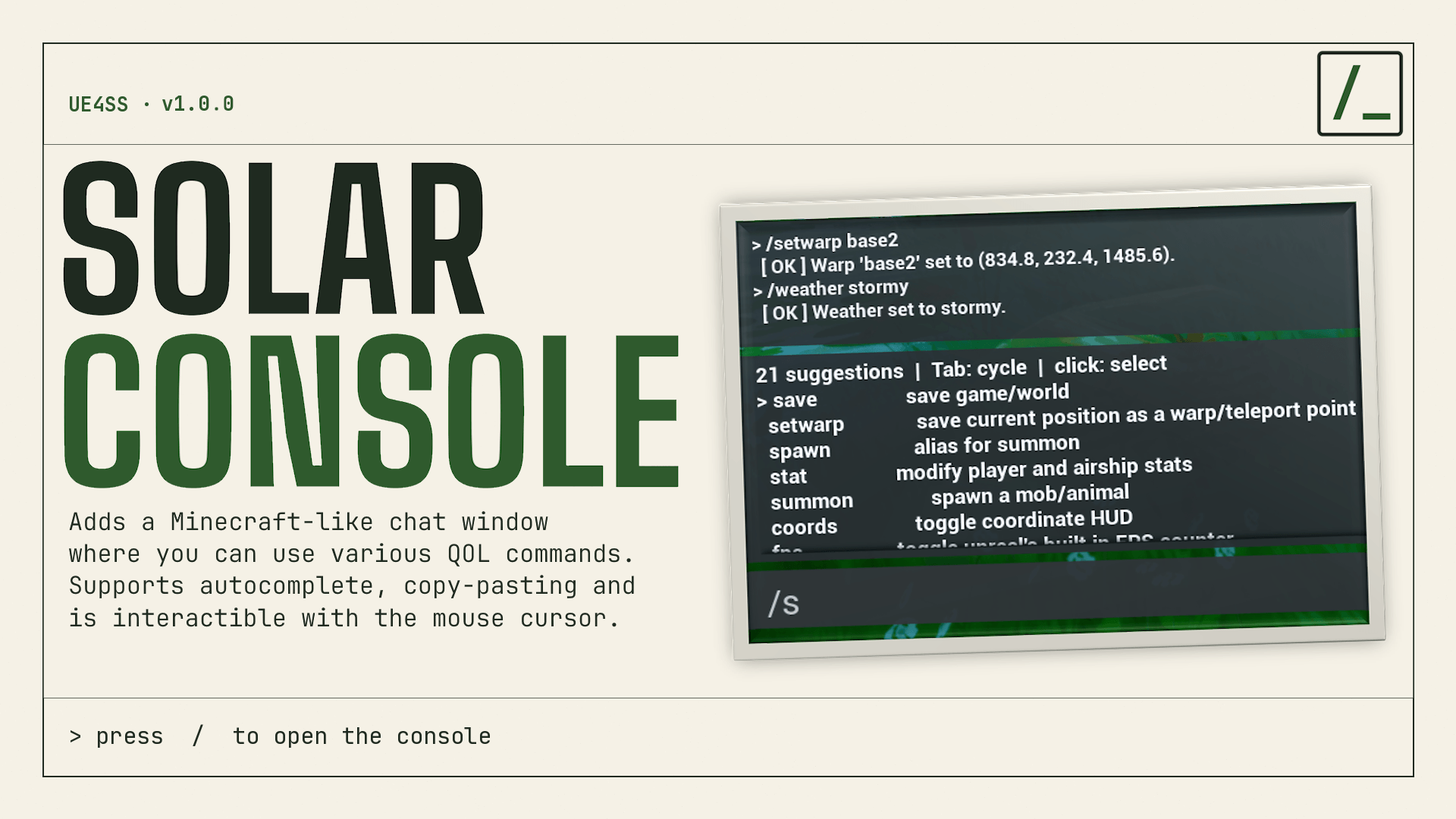
The banner of the mod.
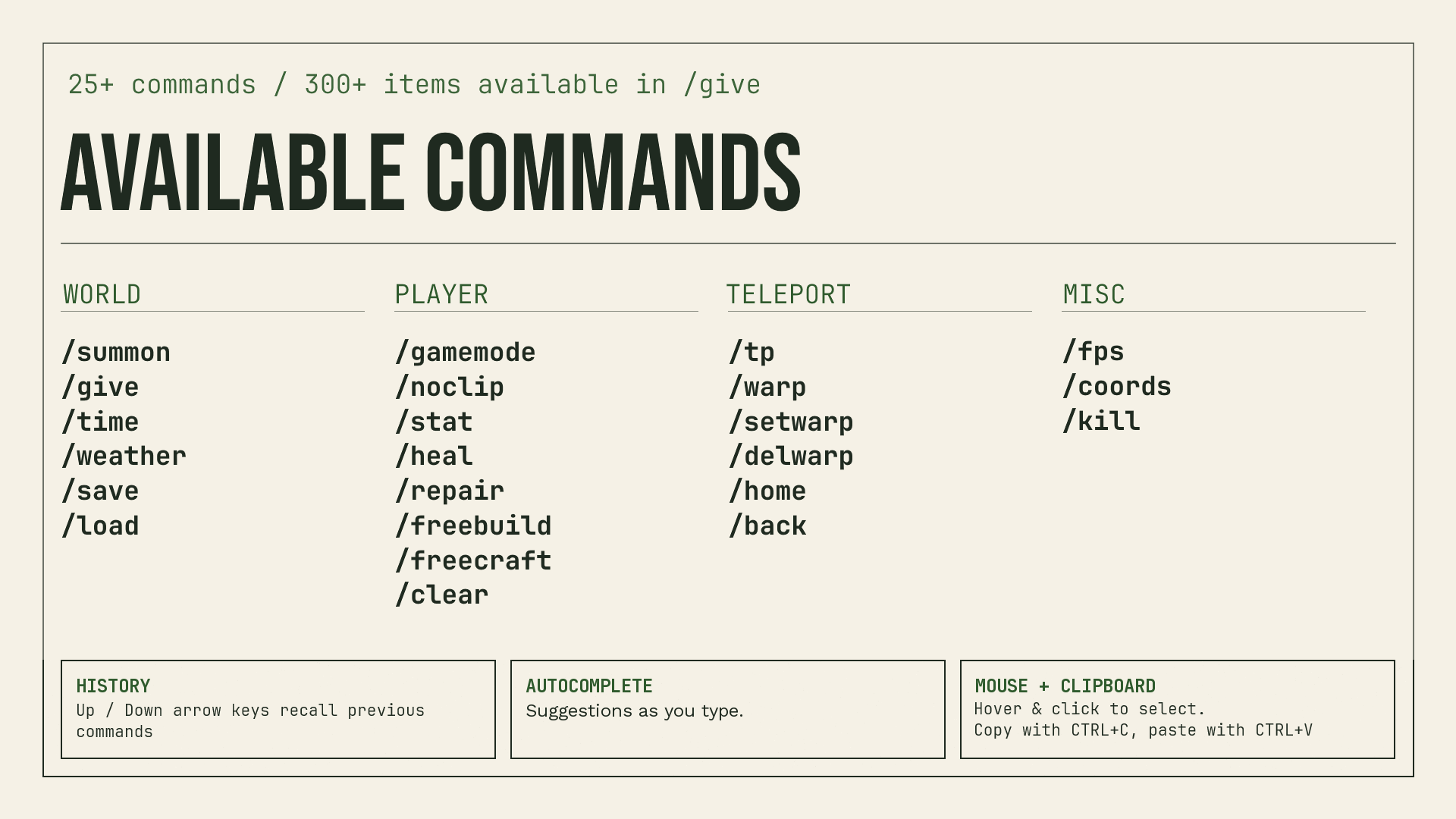
All the available commands in the mod.
Description
Solar Console
Adds an in-game console that you can type various commands into.
Press / to open up "chat" to type commands into.
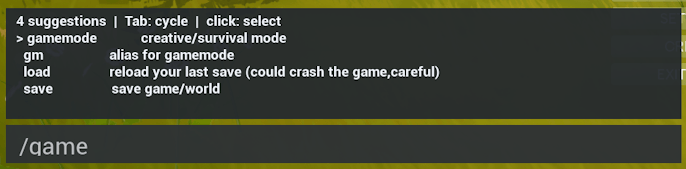
Supports copy/pasting, plus can use your mouse, has command history (up/down arrow keys), and autocomplete!
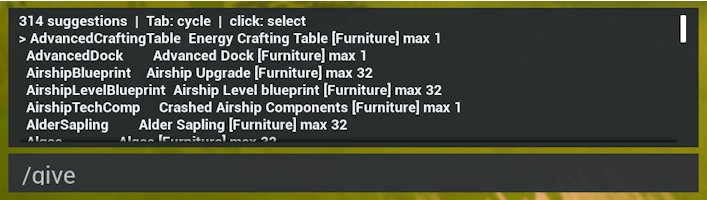
Commands list:
World
/summon
- Summon animals! Chicken, pig or sheep available.
- You can summon multiple at once.
/give
- Gives you the item.
- Actively lists you the available items which you can search through.
/time
- Sets the time to specified number.
- Also supports variations like
/time dayor/time set day
/weather
- Sets the weather
- Choose between Sunny, Cloudy, Rainy and Stormy. Or you can also type clear to reset to Sunny
/save and /load
/savewill save the game without needing to interact with a bed./loadis pretty experimental, use at own risk!
Player
/gamemode creative
- Turns off hunger and thirst decay.
- Makes you invulnerable.
- Supports the
/gmalias. - Supports
0and1as substitutes for Survival and Creative. - Automatically enables
/freebuildand/freecraft
/noclip
- Press
Vto fly like in Minecraft Creative Mode and pass through objects. - Warning: If you jump or fall before activating noclip, you will be forced to pass out after 5 seconds. The game does not like having you airborne.
/stat
- Change your movement speed, jump height, and airship speed.
- Shows the default values and provides a reset option.
- Warning: Setting jump height too high will cause you to jump extremely high.
/heal
- Restores your health, hunger, and thirst.
- Restores your airship's durability and energy.
/repair
- Repairs all of your tools.
- Repairs airship hull damage.
/freebuild and /freecraft
/freebuildlets you build for free./freecraftlets you craft/research for free
/clear
- Clears your inventory
Teleports / Warping
/tp
- Teleports you to the coordinates you enter.
/warp, /setwarp, /delwarp
- You can now create teleport waypoints! Create with /setwarp and teleport to them with /warp
/warpsto list all current warps- Bed and airship are included.
- Warps persist through game restarts.
/home
- Does the same as /warp bed
/back
- Returns you to the place you last been to before teleporting/dying
- Does not work over short distances.
Misc
/fps and /coords
- Toggles fps counter and coords hud on/off.
/kill
- Pass out willingly.
Installation
- Install Solarpunk UE4SS
- Download and extract the mod's .zip file
- Find where your game is installed
Solarpunk\Solarpunk\Binaries\Win64\ue4ss\Mods - Copy the SolarConsole folder into the mods folder.
Solar Console Team