Item Browser
- By
Item Browser is a UE4SS mod for Solarpunk. Press P to open a searchable item browser and add items to your inventory.
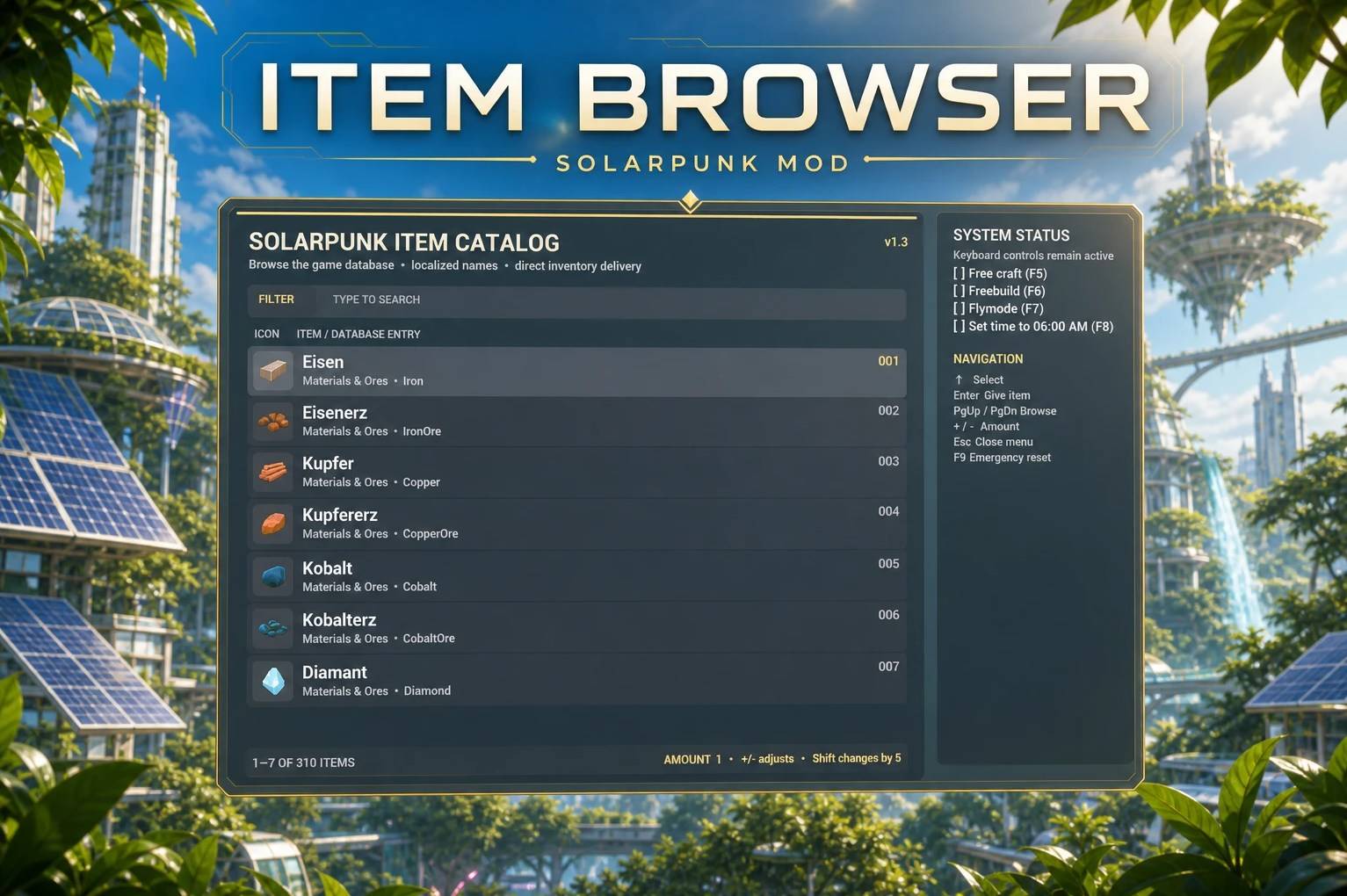
Front
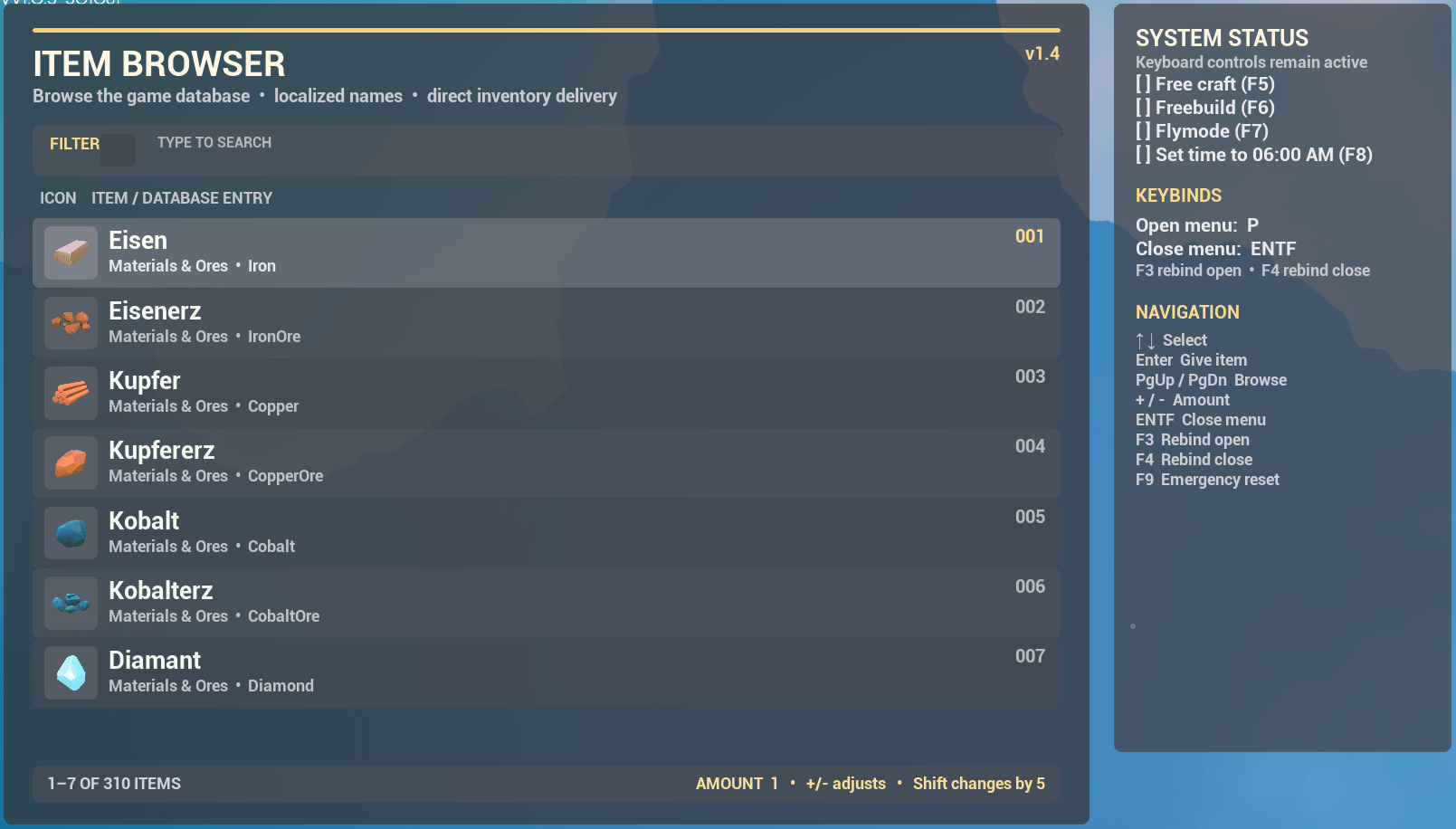
Ingame Screenshot (v1.4)
Description
Description
ItemBrowser is a UE4SS mod for Solarpunk. It combines a searchable item browser with several cheat features, all controlled via keyboard.
Important - The mod is still a work in progress
Some features aren't fully polished yet. The item cheat works perfectly, just like the other cheats, but it can still be a bit buggy in a few places very rarely. If you notice anything, feel free to leave a comment, and I'll take a look at it.
So far, it has only been tested on the Steam version!
Controls
Press P to open a menu with a full item list. Display names use the game’s localized text.
- P - To open the Menu
- Type to search (including P while the menu is open)
- Arrow keys / Page Up / Page Down — select items
- Enter - add the selected item to your inventory (If the item is stackable, you can spawn it multiple times by pressing Enter.)
- ESC - close the menu
- F9 - emergency input reset if controls get stuck
- F3 - rebind Open button (Only when the interface is open)
- F4 - rebind Close button (Only when the interface is open)
Cheats
Available via hotkeys, each with a 3-second message at the top center. (Hotkeys are also displayed in the interface, along with which ones are currently active)
- F5 — Freecraft: craft without consuming materials
- F6 — Freebuild: build without material costs
- F7 — Flymode: Space moves up, Ctrl+Space moves down, Shift for faster movement
- F8 — Set time to 6:00 AM
Installation instruction
- Install UE4SS for Solarpunk (Here)
- Copy the "Itembrowser" Folder to
- Solarpunk/Binaries/Win64/ue4ss/Mods/
- Open "Solarpunk\Binaries\Win64\ue4ss\mods\mods.txt"
- Add to mods.txt "ItemBrowser : 1"
- The mod should work now!
Requirements
Item Browser Team