
TESV Skyrim Twitch Integration
- By
Chaos Tricks (Interactive mod for TES V: Skyrim) - It's a PC App & Twitch extension for interactive streaming. Streamers play in Skyrim and confront the viewers watching the stream in real-time! 40+ unique events can cause your viewers to donate Bits!

Description
DESCRIPTION
_____________________________________________________
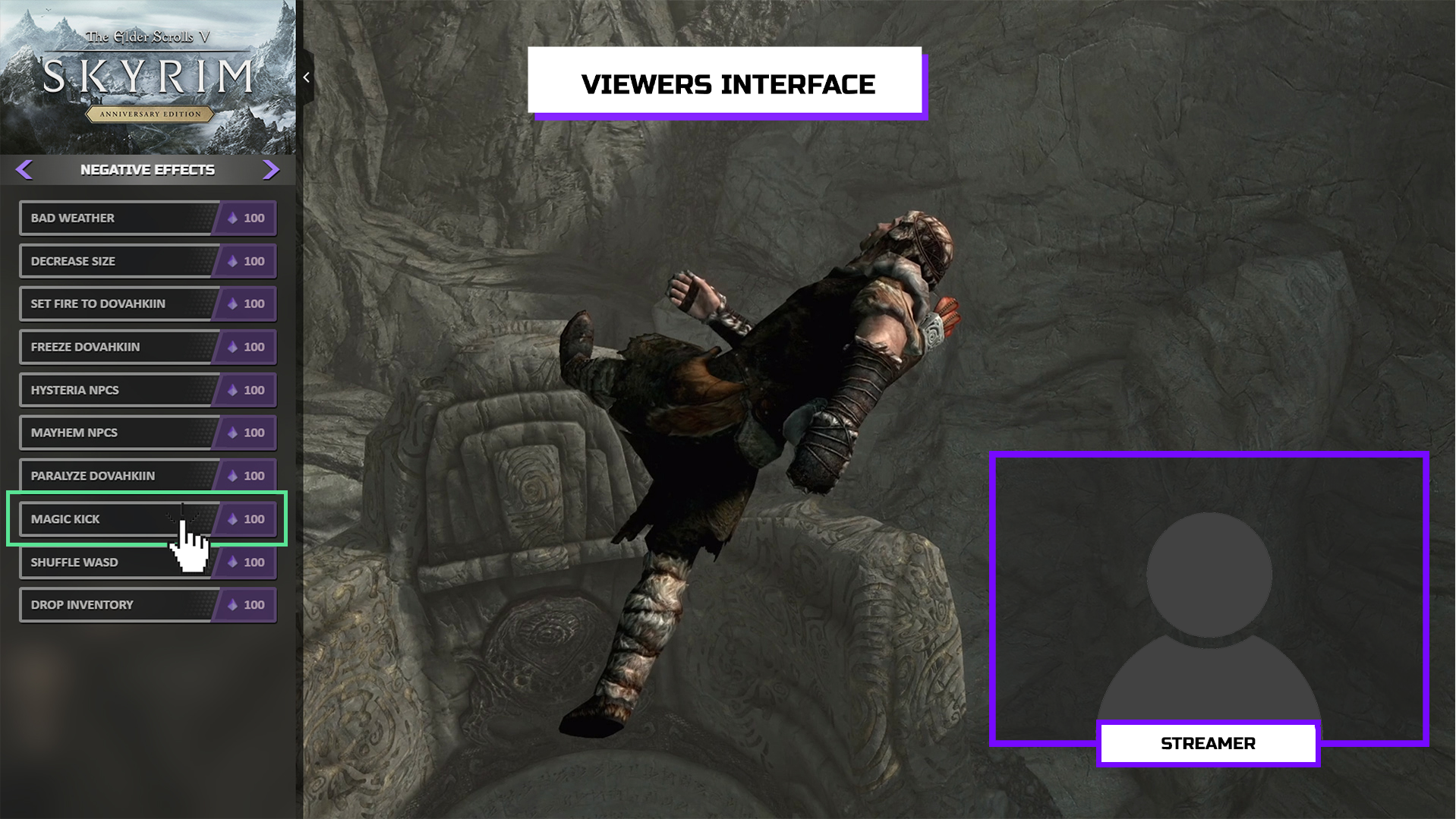
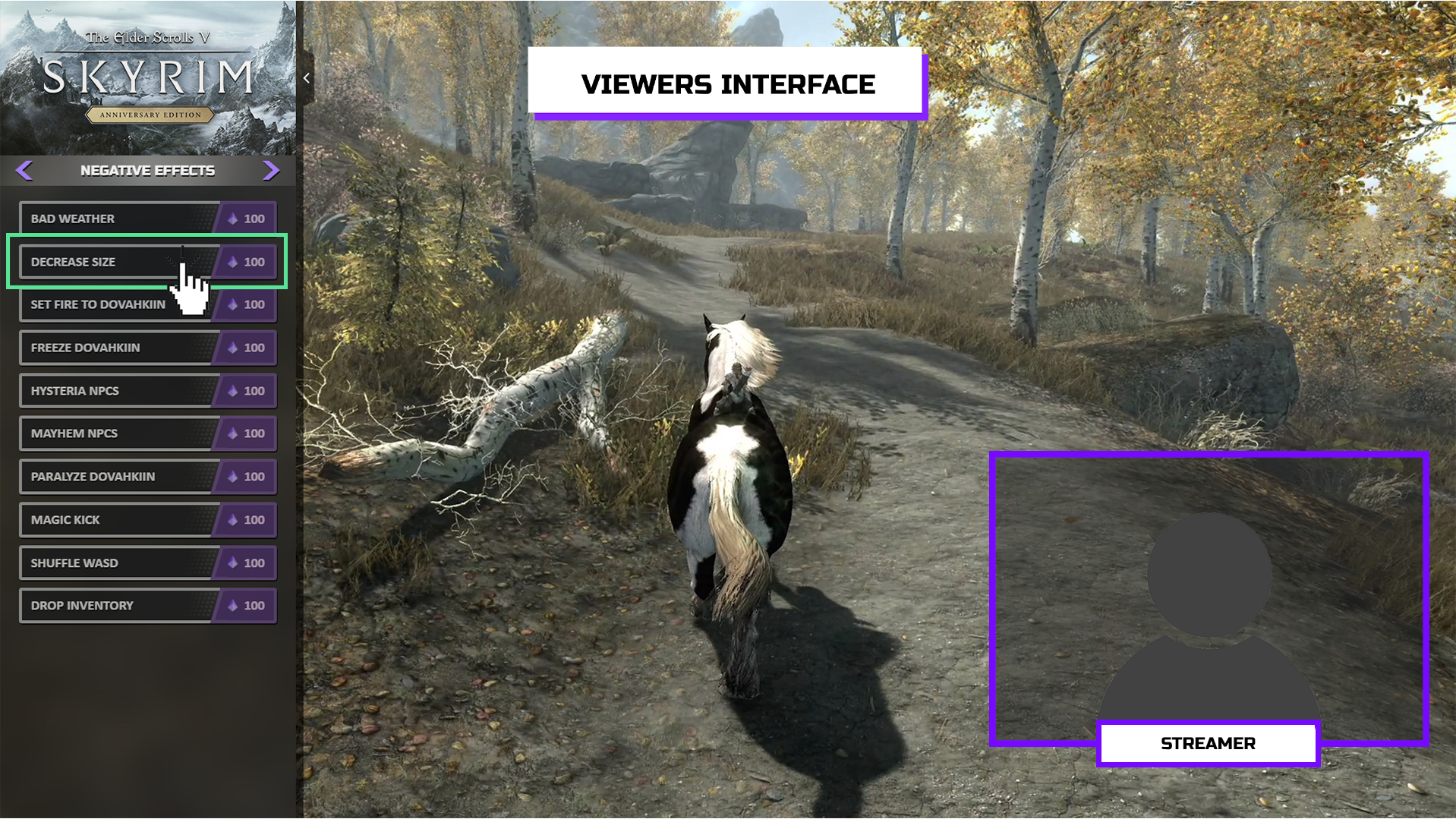
Chaos Tricks (Interactive mod for TES V: Skyrim) - It's a PC App & Twitch extension for interactive streaming. Streamers play in TESV: Skyrim and confront the viewers watching the stream in real-time! More than 40 unique events can cause your viewers to donate Bits: sweet rolls with a surprise, magic kick for Dovahkiin, buffs or debuffs, various helpers and enemies from small to massive sizes! Streamer gets Twitch Bits for each event and unique content highlights, the viewer gets positive emotions and the opportunity to challenge the streamer personally. It's a much more exciting and fun way to support streamers.
ATTENTION
_____________________________________________________
The interactive mode works only with the Twitch extension and Chaos Tricks PC App.
Available for streamers with ‘’Twitch Affiliate’’ status and above, who are allowed to get Twitch Bits.
The interactive mode works only with the Twitch extension and Chaos Tricks PC App.
Available for streamers with ‘’Twitch Affiliate’’ status and above, who are allowed to get Twitch Bits.
FEATURES
_____________________________________________________
For streamers
For streamers
- Additional way to support the channel
- Price setting or presets for small/medium/large channels
- Gameplay engagement for the viewers
- New followers and subscribers thanks to unique content
- New playthrough format for loved games
For viewers
- Simple interface to interact with a streamer
- 40+ instant events for spawn during the live-stream
- Events-alerts with google voice and visual in-game alerts
- Opportunity to help or ruin the streamers’ gameplay
- Additional way to support favourite streamers
MOD DEMONSTRATION
_____________________________________________________
Funny moments with Chaos Tricks mod
EVENTS LIST ver.1.0
_____________________________________________________
Spawn Enemies
- Wolves
- Frostbite Spiders
- Skeletons
- Draugrs
- Chauruses
- Giant Mudcrab
- Troll
- Giants
- Werewolf
- Dwarven Centurion
- Dragon Priest
- Dragon
Spawn Allies
- Horse
- Frost Atronach
- Flame Atronach
- Storm Atronach
- Lord Dremora
Negative Effects
- Magic Kick
- Bad Weather
- Set Fire to Dovahkiin
- Freeze Dovahkiin
- Hysteria NPCs
- Shuffle WASD
- Decrease Size
- Paralyze Dovahkiin
- Mayhem NPCs
- Drop Inventory
Positive Effects
- Save game
- Full recovery
- Good weather
- Ebonyflesh
- Invisibility
- Fire Aura
- Frosty Aura
- Paralyze NPCs
- Immortality
Give Items
- Sweet Roll
- Health potions
- Mana potions
- Stamina potions
- Strength potion
- Bundle of arrows
- Pouch of Gold
- Perk point
INSTALLATION
_____________________________________________________
Step 1. You need to add Twitch extension Chaos Tricks on your channel
- Open the extension's page on Twitch - GET IT ON TWITCH
- Click the "+ Install" button
- Navigate to the "My Extensions" tab
- Click the "Activate" button and select "Set at Overlay"
Step 2. You need to install App Chaos Tricks on PC APPLICATION
- Download the application and unpack the archive into a program working directory - DOWNLOAD APP
- Execute the "ChaosTricks.exe" application file
- Navigate to the "Settings" tab in the application and click the "Cogwheel" icon
- Click the "Authorize" button and follow the instructions
- Then you have finished authorization, the status label will be changed to "completed" and the application will start to connect to a server
- After the application connects, the status label will be changed to "completed". Now the application is ready to get events from the Twitch extension
Step 3. You need to install mod for TES V: Skyrim (Special or Anniversary editions)
- Select the "Settings" tab in the Chaos Tricks application.
- Press the game icon in the left menu (you may scroll the list with the mouse wheel).
- Select the correct path to your installed game. For example: "D:\steam\steamapps\common\Skyrim Special Edition"
- Having confirmed the mod installation path, press the "INSTALL MOD" button.
ADDITIONAL NOTES
_____________________________________________________
Pay Attention
There is a problem with a large number of spawned actors in the Skyrim game. If your game looks like "Death Stranding" (actors started flying in the air), you need to save and restart the game.
Pay Attention
There is a problem with a large number of spawned actors in the Skyrim game. If your game looks like "Death Stranding" (actors started flying in the air), you need to save and restart the game.
Stream recommendations before start
Check the mod works appropriately by the test event. You may make the test event by clicking on the devil icon on the mod page. The event will be activated only when you start a game.
SUPPORT
_____________________________________________________
- If you have any issues during the mod installation process, please, let us know by Discord: https://discord.gg/8k2KpHb or email: contact@chaostricks.com
- Suppose you are unwilling to join our Discord server for personal reasons, but you do use Discord. In that case, you may contact nextgLoki#3346 or PHombie#6657 directly.
- Please send a bug report with a detailed description of your actions and the log file when any application issue happens. The log file is located in the "logs" folder in the application root folder.
- Please send a bug report with a detailed description of your actions when any game issue happens. Make sure you include the game mod log file "Papyrus.0.log" from the "C:\Users\<username>\Documents\My Games\Skyrim Special Edition\Logs\Script" folder. Please keep in mind that the run a new game overwrites the log files.
Special thanks
PHombie and nextgLoki for producing, developing this idea of interactive streaming.
JOIN US
JOIN US
TESV Skyrim Twitch Integration Team


