Heyy! I changed up my thumbnails.. let me know if you hate them hahaha
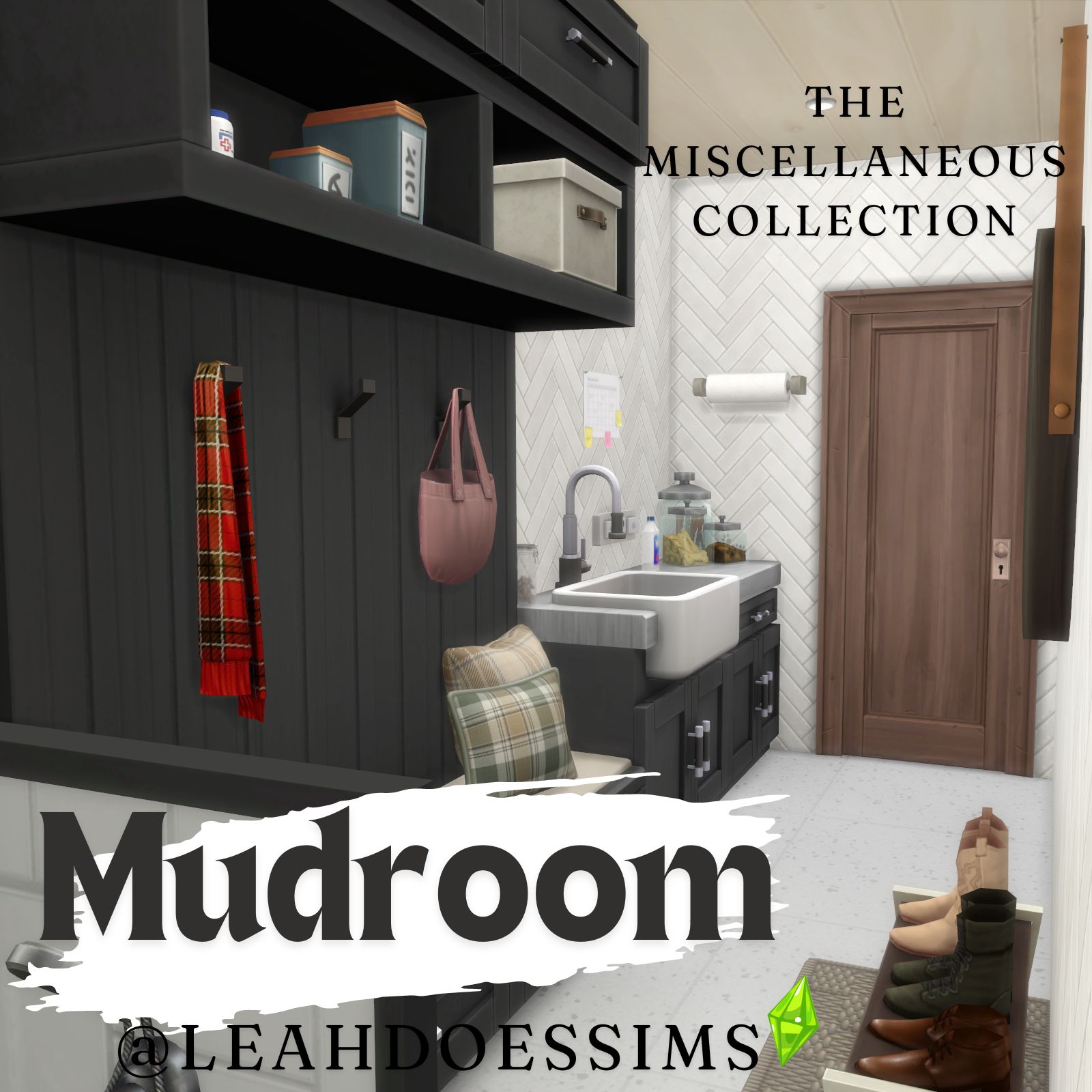
But here is another one for the 'miscellaneous' series (its now turning into a fun game of how many silly little non-standard rooms can i think of), a little galley mudroom with a doggy bath! (Sorry this requires the cats and dogs expansion but how could i not add the dog bath?!?
Including CC from:
Syboulette
Joyceisfox
SIXAMcc
myshunosun
simkoos
Pierisim
HEYBRINE
awingedllama
peacemaker_ic
max20
New to Downloading Rooms or Lots?
If you are using the Curseforge app you can just click 'Download' and Curseforge will do the rest for you. **
If you're not using the app, download and extract the 4 files in the zip folder into your tray folder, its located in the same place as your mods folder just labelled 'Tray' (Documents\Electronic Arts\The Sims 4\Tray) this will allow you to find all the rooms and lots you download in the gallery in-game. Any CC used for the build will be in the relations tab (unless creator is not on curse forge then it will be linked in the description) and can be downloaded from there and should be placed in the 'Mods' folder like normal (Documents\Electronic Arts\The Sims 4\Mods)
To find all your downloaded rooms in-game, open up the gallery and click on your library tab at the top and make sure you have the Custom Content check box ticked on the left hand side. Also make sure you have the bb.moveobjects cheat enabled before placing to make sure everything is placed correctly.
**If there is CC from creators not on curseforge i will list them down below and you will have to download those extrernally and add those into the Mods folder sorry! (Documents\Electronic Arts\The Sims 4\Mods)
Enjoy :)
Leah x