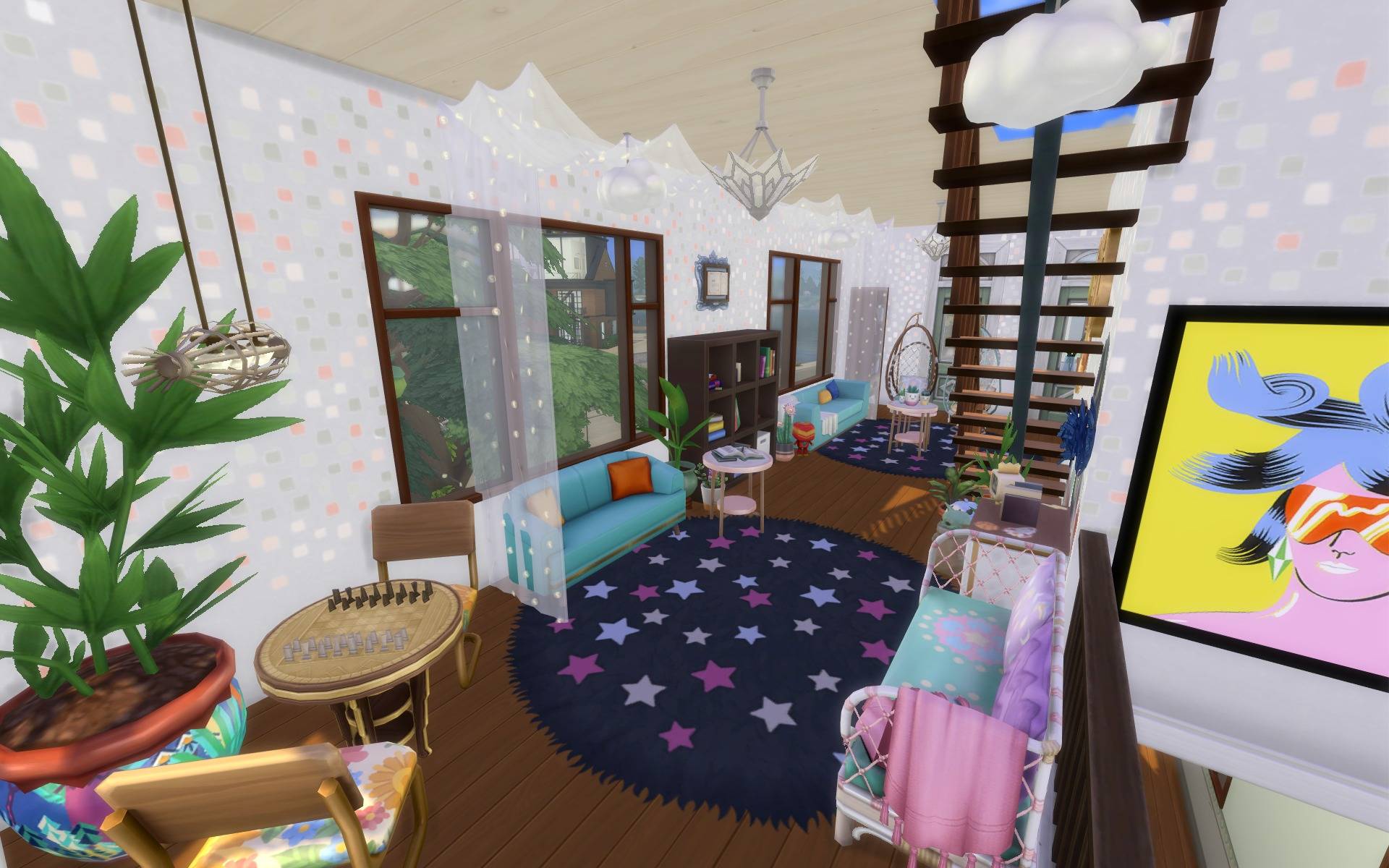
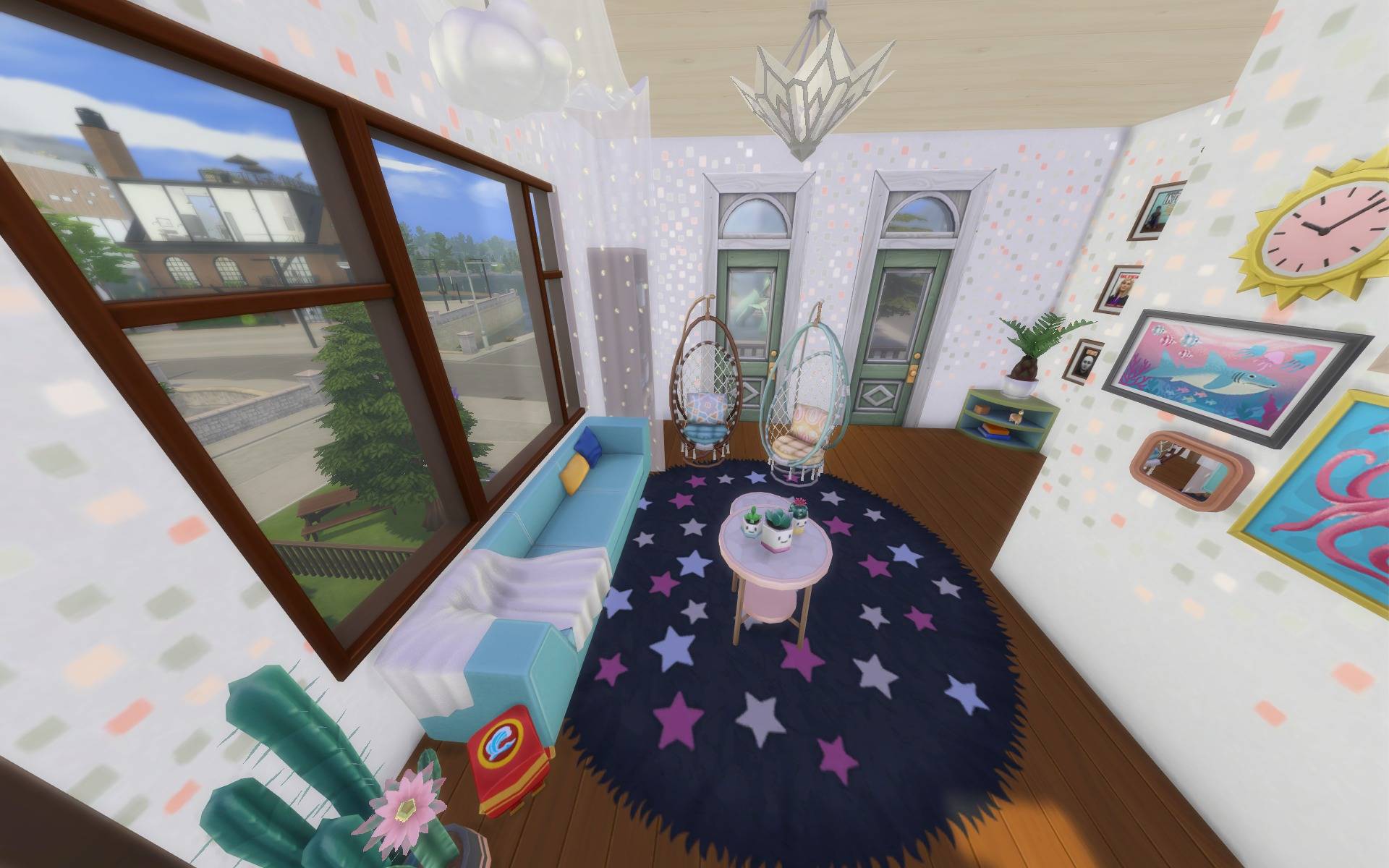
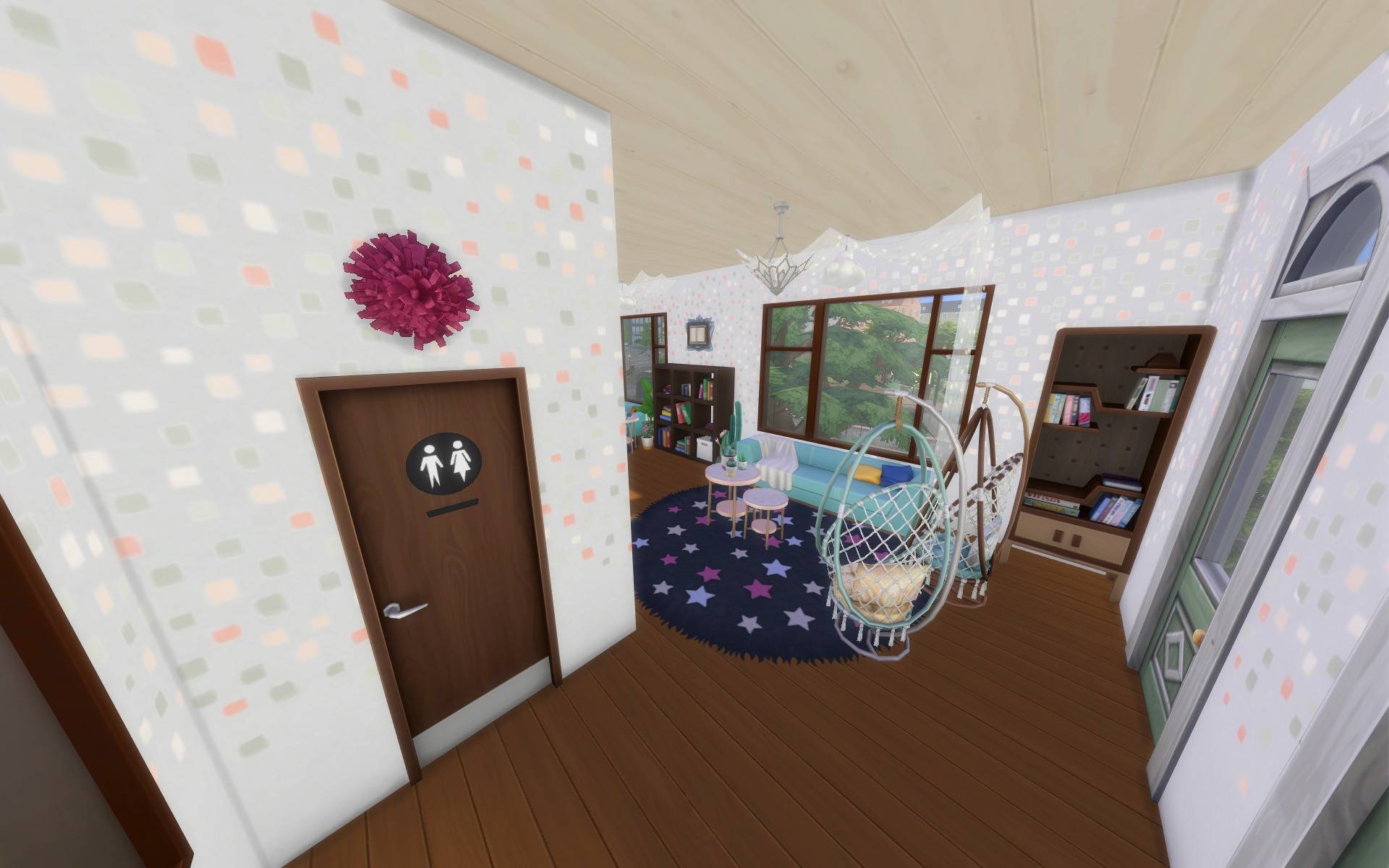
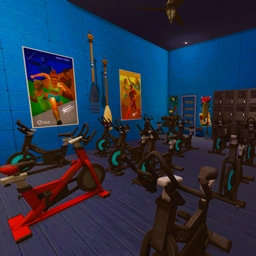
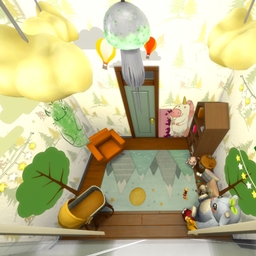
Create the perfect cozy corner in any home or community lot with this stylish and vibrant Reading Room! Featuring a unique split-level design, this multi-functional space is more than just a study—it's a place for Sims to relax, learn, and socialize.
Whether you're adding it to a family home, a school library, or a chic community lounge, this room provides a warm and inspiring atmosphere for all ages.
✨ Key Features
- Split-Level Design: A unique layout with a sunken lounge area and a raised platform that adds architectural interest and defines different zones.
- Cozy Reading Nook: The lower level features comfortable sofas and bookshelves, perfect for getting lost in a good book. 📚
- Game & Logic Area: The raised section includes a chess table, offering a great spot for Sims to challenge each other and build their logic skill. ♟️
- Vibrant Decor: Filled with colorful furniture, modern art, and plenty of lush plants to create a fresh and stimulating environment. 🌿
📋 Room Details
- Type: Study
- Size: 12x6
- Value: §18,073
📦 Required Packs
Please ensure you have these packs installed for the room to appear as pictured:
- Expansion Packs: Business and Hobbies, High School Years, Discover University, For Rent
Custom Content (CC): This build is 100% CC-Free and uses only items from the official packs listed above.
Please use the cheat before moving items: “bb.moveobjects on”
License: Do not upload my creations elsewhere and/or claim them as your own. If you modify them and want to share them, please remember to acknowledge the original owner.
🛠️ Installation Instructions
-
Download the ZIP file and unzip it.
-
Place all the files from the unzipped folder into your Sims 4 Tray folder: Documents\Electronic Arts\The Sims 4\Tray
-
Open your game and find the Reading Room in your Gallery under the "My Library" tab.
-
Make sure to check the "Include Custom Content" box on the left-hand side to find it.
-
Place the room in your build and enjoy!
Give your Sims a beautiful new space to unwind. Happy building!