Olive's Reading Café
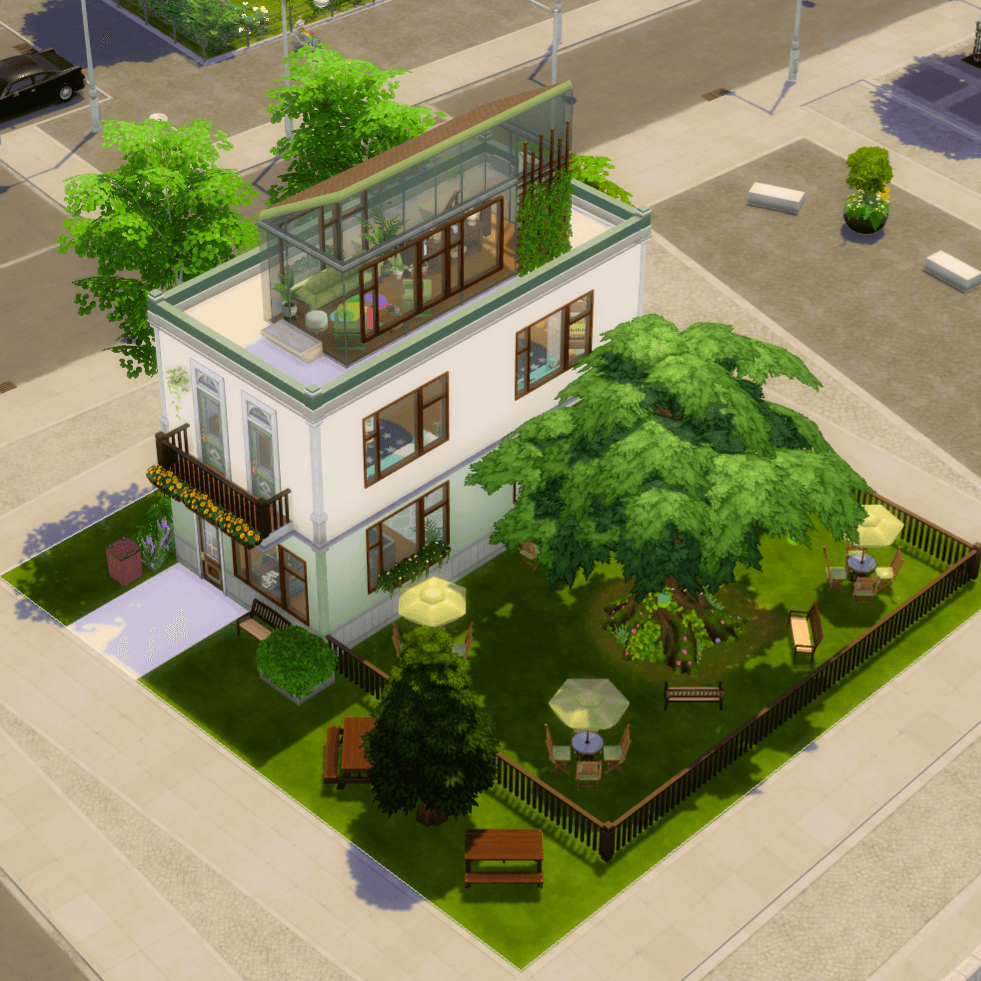
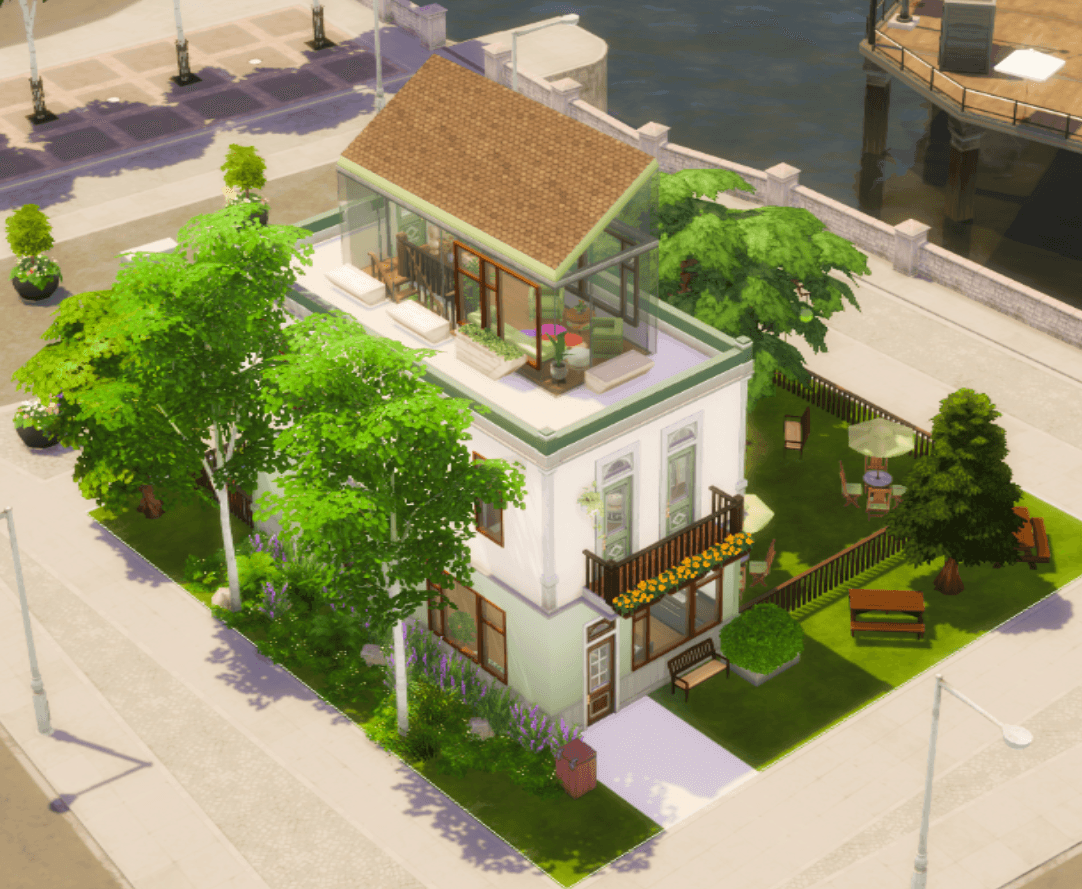
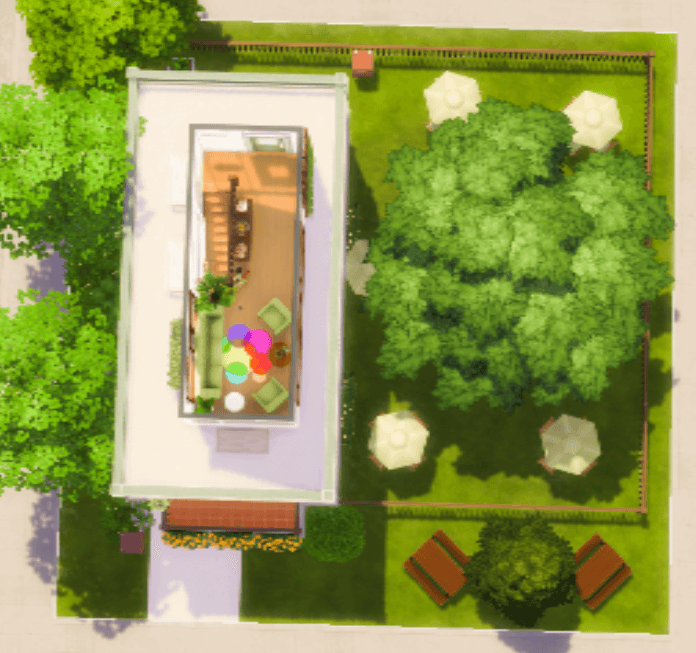
Welcome to Olive's Reading Café, a serene haven for book lovers and coffee enthusiasts alike! Nestled around a magnificent, leafy tree, this three-story modern café offers the perfect escape for any Sim looking for a quiet place to read, study, or catch up with friends. With its blend of nature and cozy interiors, this lot is sure to become a beloved community staple.
☕ A Floor-by-Floor Tour 🌿
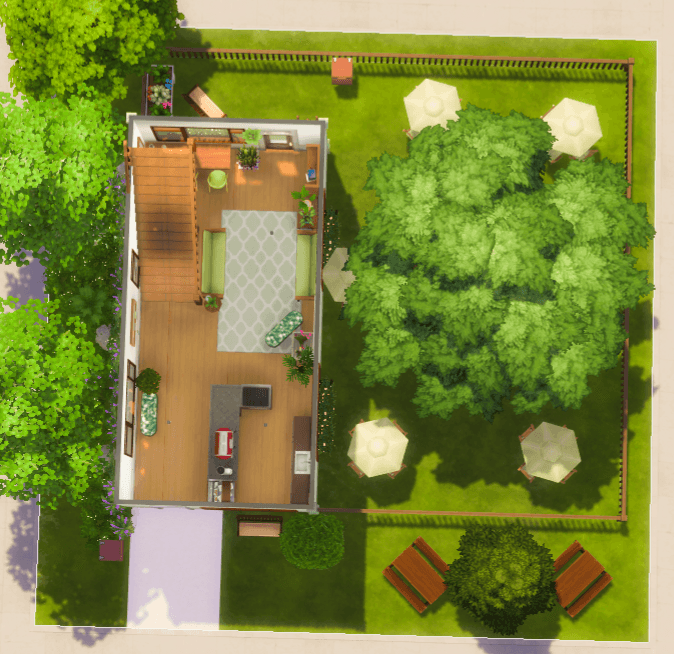
- First Floor: The Social Hub Your Sims can grab a freshly brewed coffee or a delicious snack from the counter and settle into a comfy sofa indoors. Or, they can head outside to the spacious patio to enjoy the fresh air and listen to the birds chirping beneath the shade of the grand central tree.
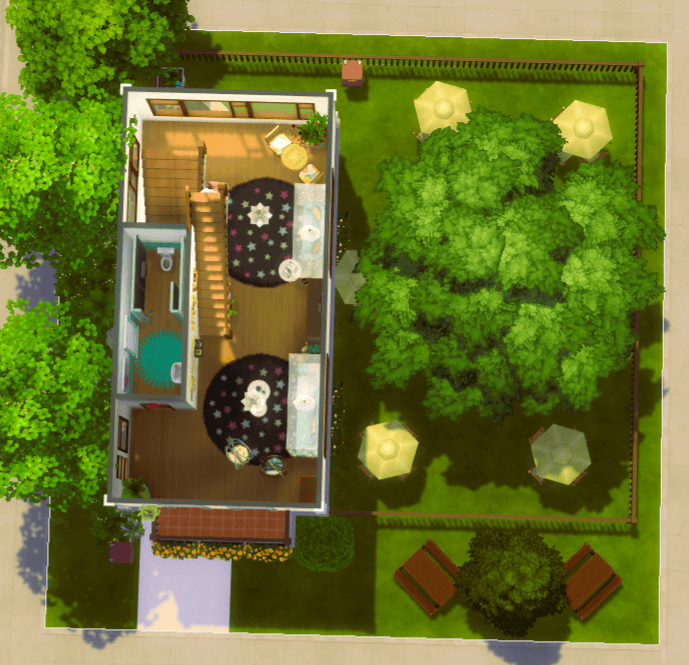
- Second Floor: The Reading Loft Ascend to the second floor, a quiet sanctuary dedicated entirely to reading. This cozy loft is filled with sofas, comfortable armchairs, and well-stocked bookshelves, providing the ideal environment to get lost in a good story. A convenient bathroom is also located on this floor.
- Third Floor: The Rooftop Nook For the best view in the house, head to the top floor! Here you'll find an intimate, glass-walled nook with cozy seating. Step out onto the rooftop patio to soak in the sun, enjoy the panoramic views, and feel on top of the world.
📋 Lot Details
- Lot Name: Olive's Reading Café
- Lot Type: Café
- Lot Size: 20x20
- Value: §60,227
- Bathrooms: 1
📦 Required Packs
Please ensure you have the following packs installed for the lot to appear as pictured:
- Expansion Packs: Business and Hobbies, High School Years, Discover University, Get Together, For Rent
- Stuff Packs: Vintage Glamour
Custom Content (CC): This build is 100% CC-Free and uses only items from the official packs listed above.
Please use the cheat before moving items: “bb.moveobjects on”
License: Do not upload my creations elsewhere and/or claim them as your own. If you modify them and want to share them, please remember to acknowledge the original owner.
🛠️ Installation Instructions
-
Download the ZIP file and unzip it.
-
Place all the files (.trayitem, .bpi, .blueprint) into your Sims 4 Tray folder: Documents\Electronic Arts\The Sims 4\Tray
-
Open The Sims 4 and find Olive's Reading Café in your Gallery under the "My Library" tab.
-
Make sure to check the "Include Custom Content" box on the left-hand side panel to find it easily.
-
Place the lot and enjoy!
This is the perfect spot for your Sims to grab a drink, meet with friends, or simply find a moment of peace. Happy Simming! ✨