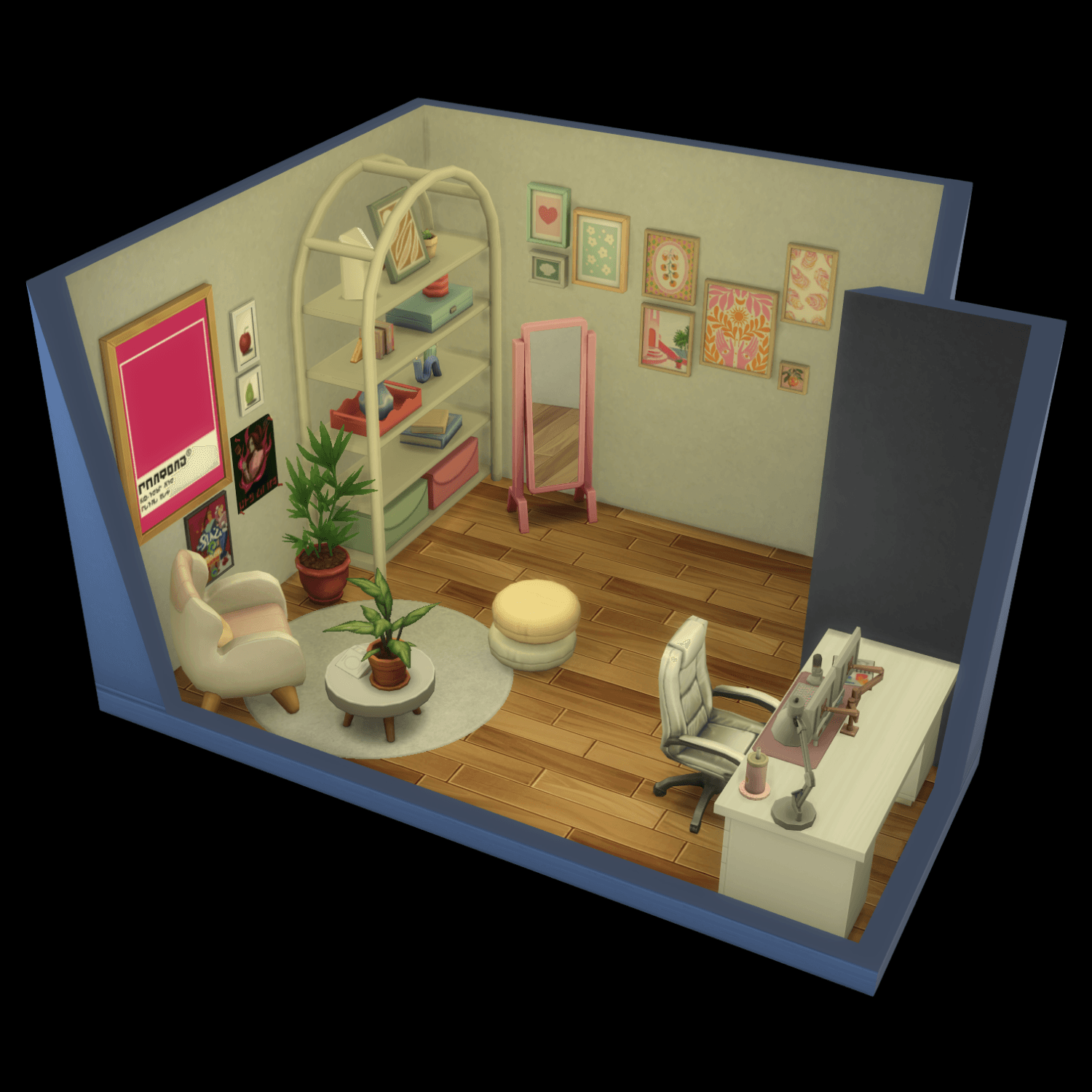
Creative Home Office | Low CC Room

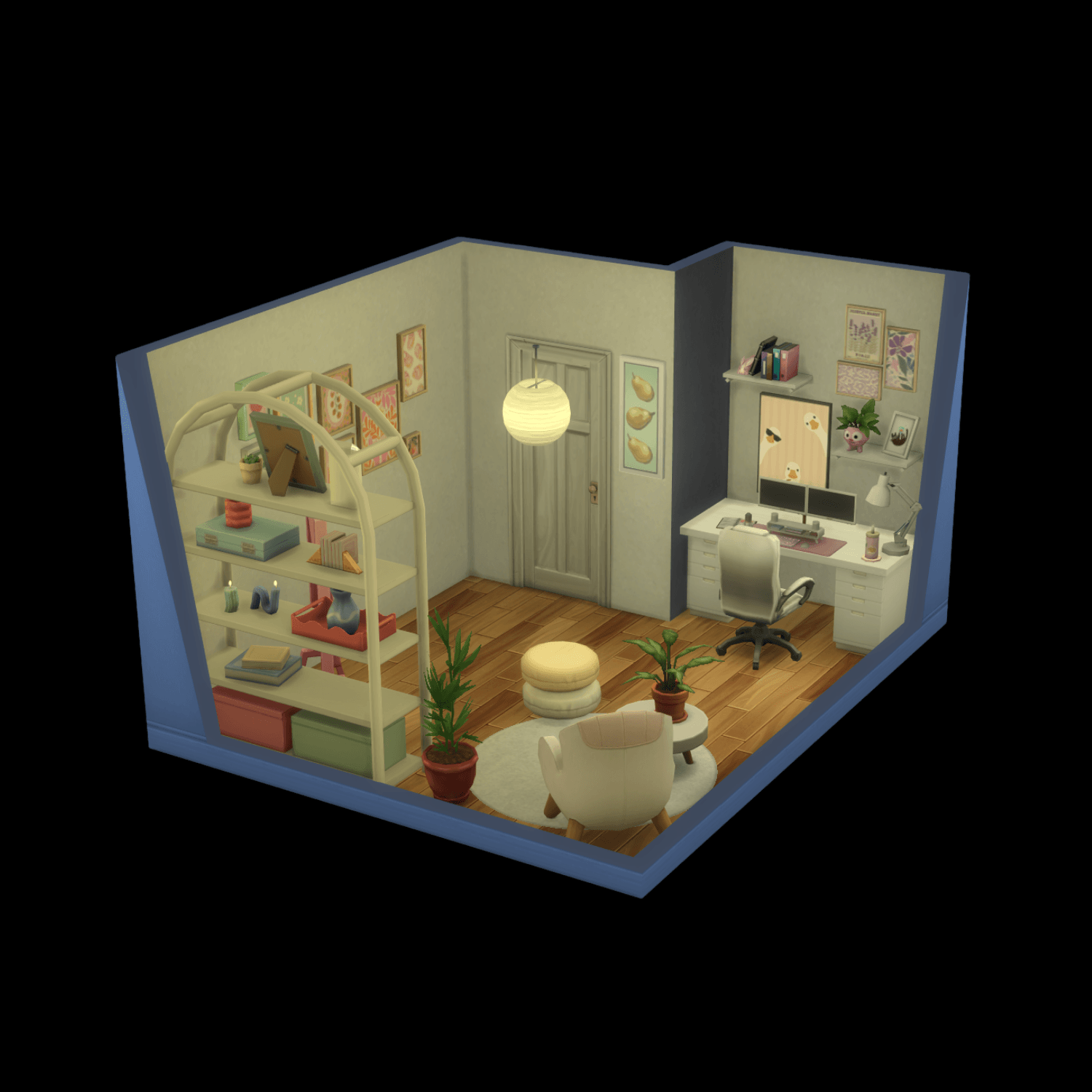
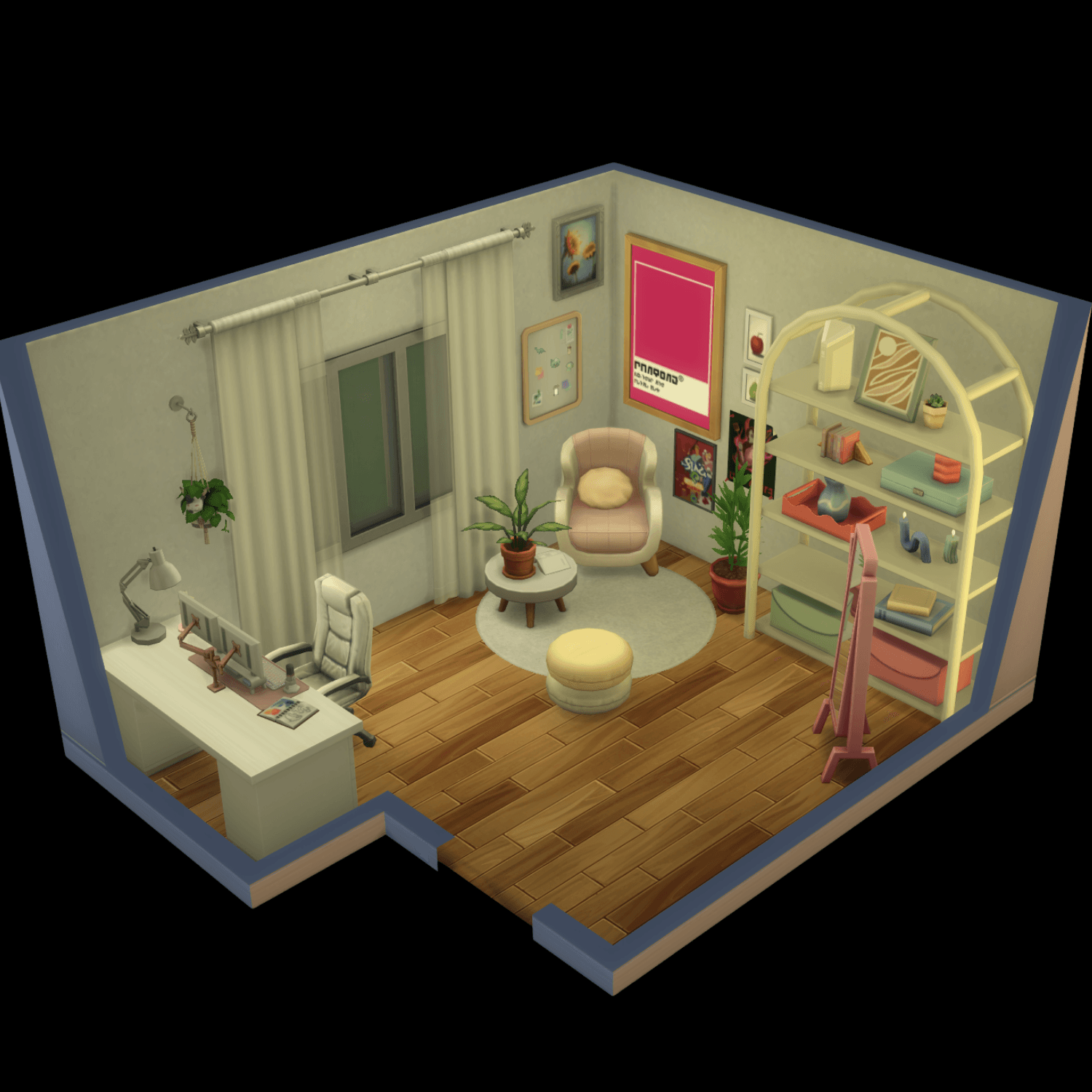
A sweet and cozy creative workspace in soft pastel tones
10.png

10.png

11.png

11.png

12.png

12.png

Description

Check out my Patreon!

https://www.patreon.com/nenastia


📦 HOW TO INSTALL

  1. Download and extract the ZIP file.

  2. Copy all extracted files into your Sims 4 Tray folder:

    Documents > Electronic Arts > The Sims 4 > Tray

  3. Launch the game and open Gallery → My Library.

  4. Enable Include Custom Content.

  5. Enable bb.moveobjects on before placing the room (Ctrl + Shift + C → type the cheat → Enter).


⚠️ IMPORTANT


Enjoy! 

Creative Home Office | Low CC Room Team

profile avatar
  • 54
    Followers
  • 31
    Projects
  • 110.9K
    Downloads

Hi! I'm Ana and I create Sims 4 cc, bringing soft and stylish designs to your favorite pieces 🌸 Everything is made with love for cozy, aesthetic gameplay

More from NenastiaView all