Usable Cars Guide
NO LONGER NEED COMMUNITY LIBRARY
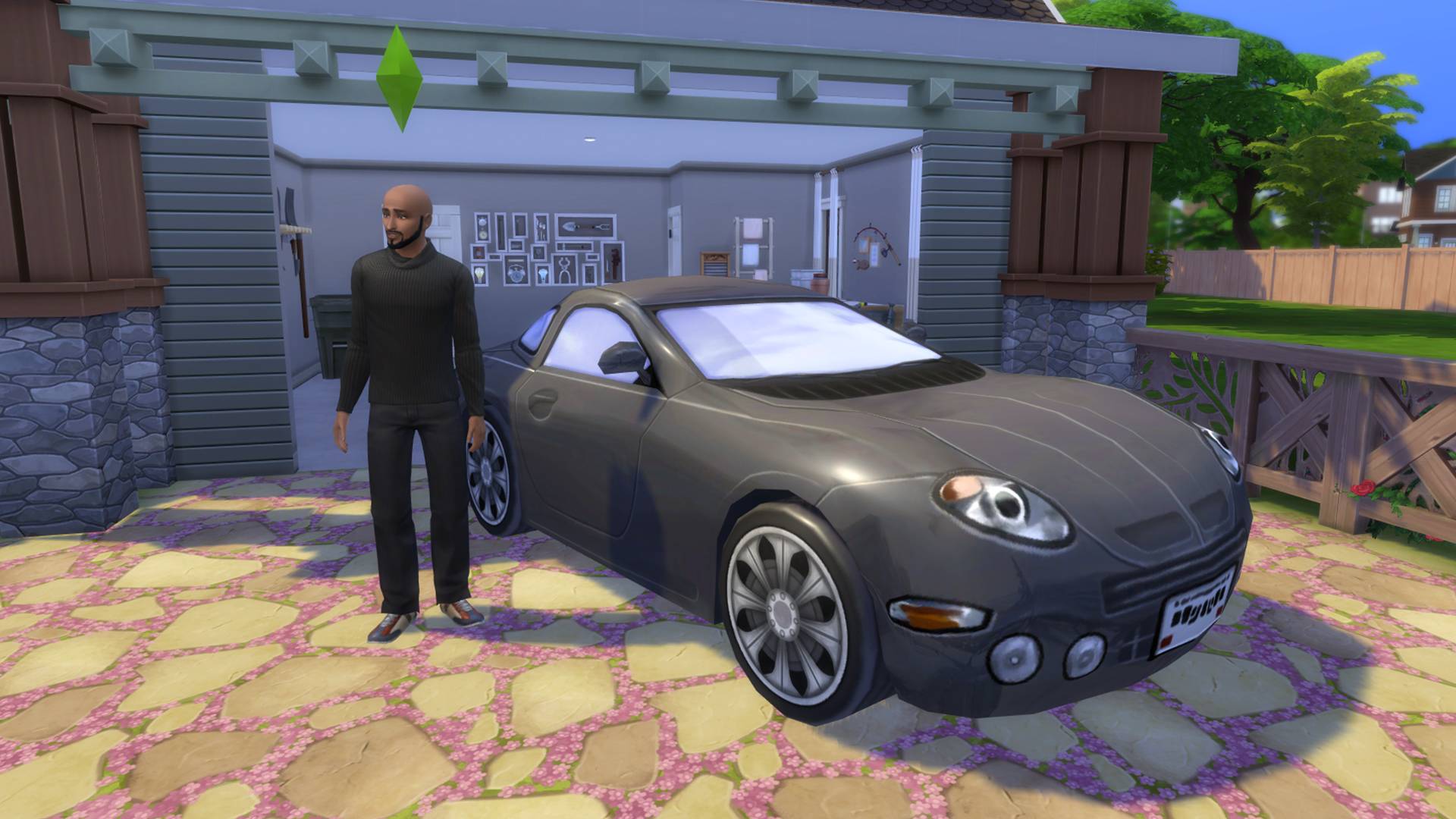
Usable Cars lets you turn decorative vehicles into actual usable cars in The Sims 4. Your Sims can drive off the lot, travel to destinations and take other Sims along for the ride.
And yes, it works with modded cars too! The mod isn't limited to specific vehicles. You can turn pretty much any object into a usable car, including custom cars downloaded from other creators.
Installation
Getting started is simple.
- Place
UsableCars.package and UsableCars.ts4script together in your Sims 4 Mods folder. They should be no more than one folder deep.
- Make sure Custom Content and Mods and Script Mods are enabled in your game settings, then restart The Sims 4.
- It's always a good idea to save and back up your game before setting up a car.
Setting up and driving your car
Once everything is installed, you're ready to go!
- Place any decorative car on your active lot, preferably outdoors.
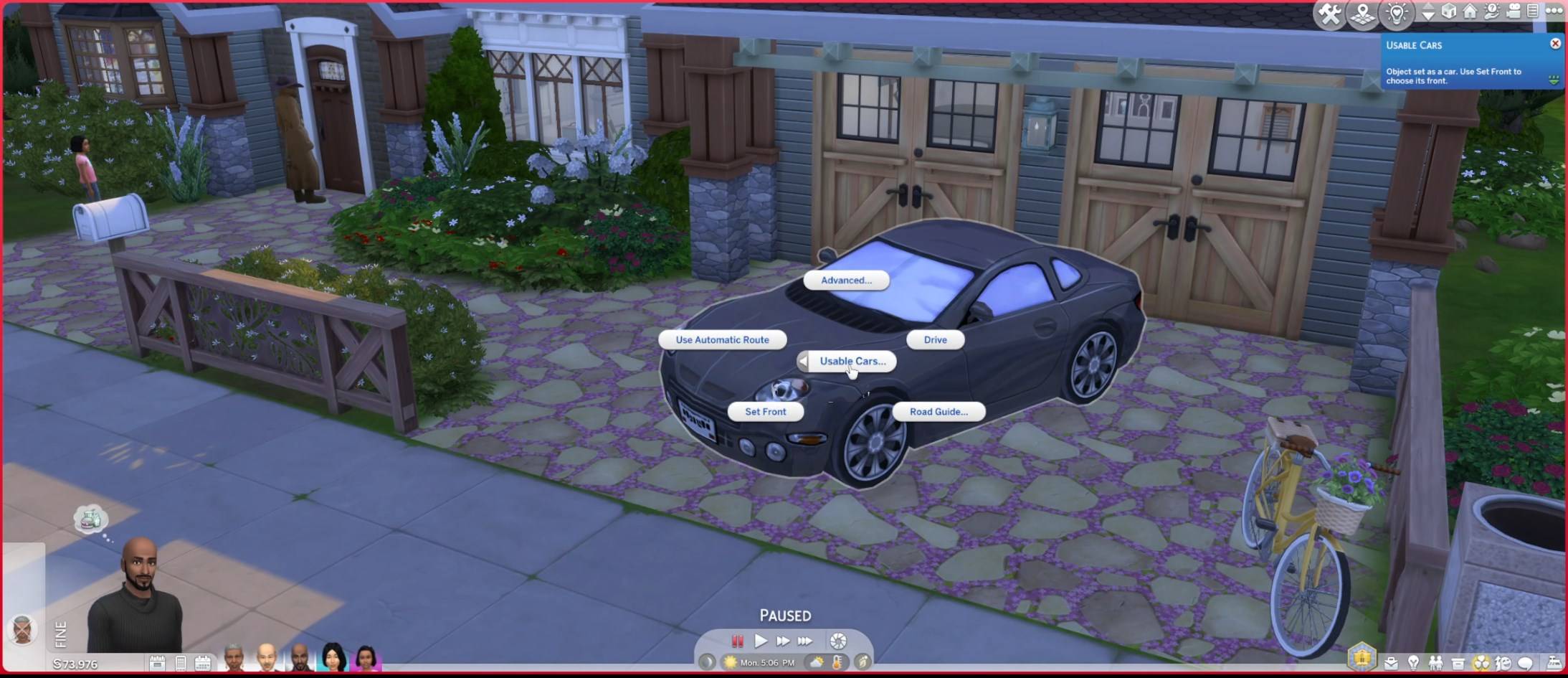
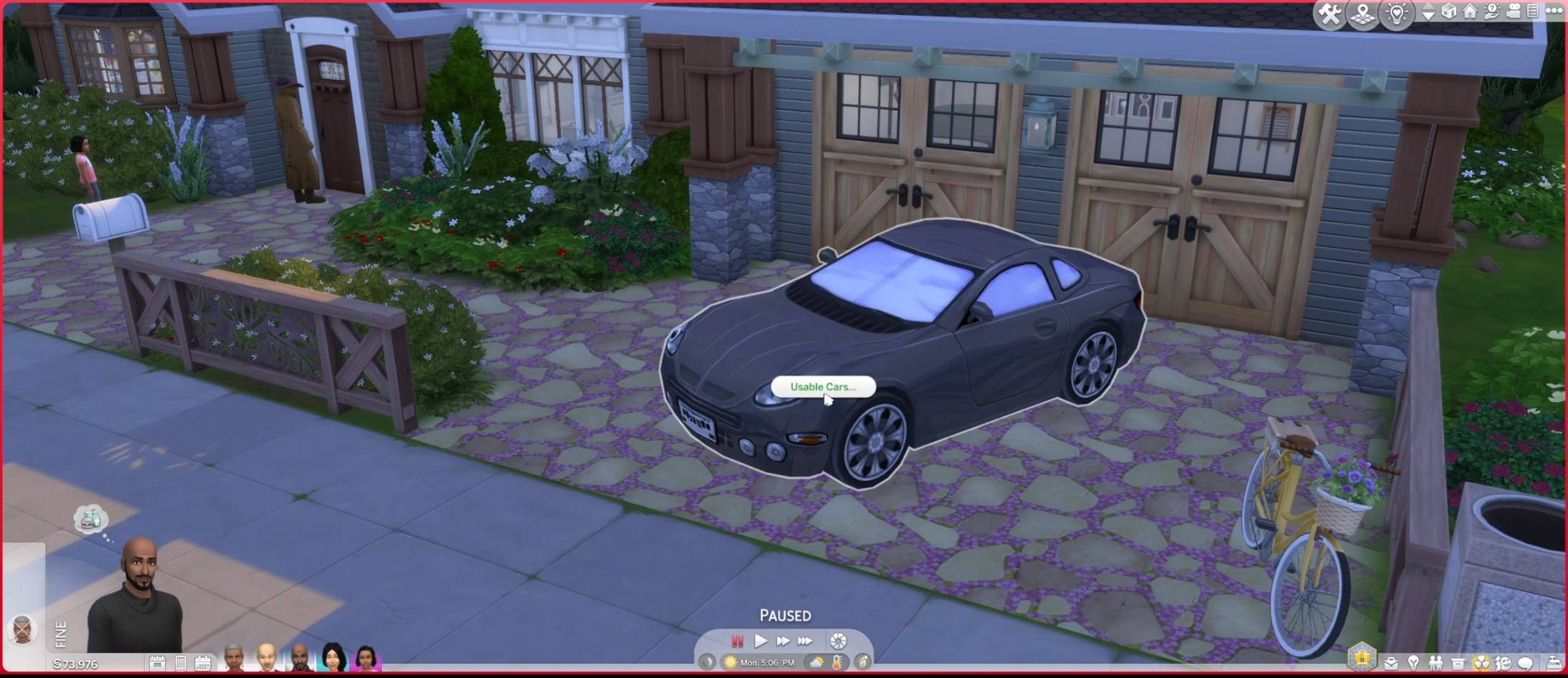
- Switch to Live Mode, click the car, and select Usable Cars > Set as Car.
- Next, use Set Front to adjust which way the car is facing. Keep selecting it until the temporary red arrow points towards the front of the vehicle.
- Set the road position to tell the mod where the road is located. This lets you control where the car drives towards when leaving the lot.
- You can also click Use Automatic Route to let the mod work out the best path.
- Once everything is set up, select Drive.
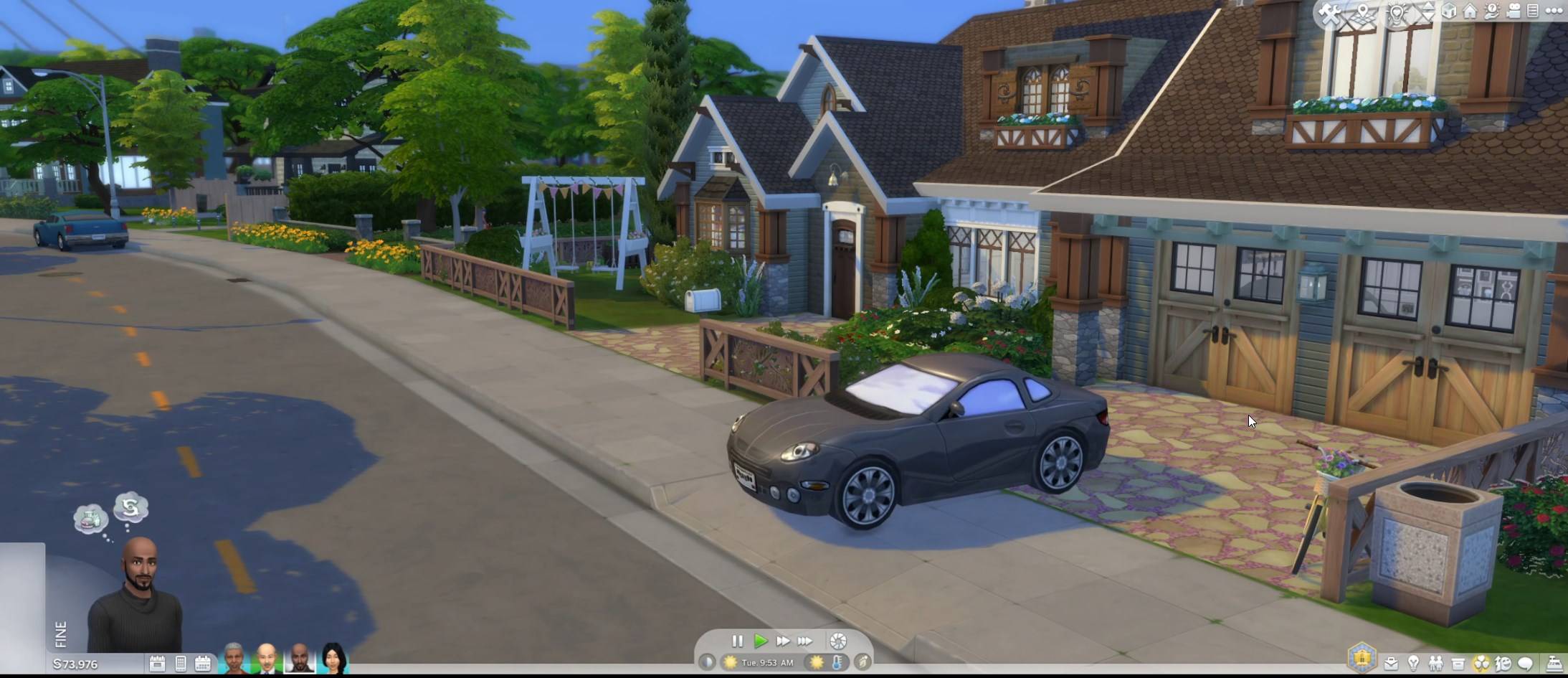
Your Sim will walk over to the car, fade, and the vehicle will physically drive away from the lot. After that, the usual travel screen will appear, allowing you to pick your destination and any other Sims to take along.
One thing to keep in mind: accompanying Sims won't actually walk over to the car with your selected Sim.
Modded cars are supported too! Since Usable Cars allows you to assign car functionality to objects, you can use vehicles from other creators as well. You're not restricted to standard cars.
Useful settings and options
There are a few extra settings worth knowing about if you want to customise how the cars behave.
- Departure Wait: Found under Advanced > Settings. Controls how long the car waits before setting off. It's five seconds by default, and the timer pauses whenever the game is paused.
- Preview Drive Path: Found under Advanced > Route Tools. Shows you the car's planned route using red dots.
- Change Street Distance / Switch Turn Direction: Found under Advanced > Settings. Lets you tweak the estimated road position and how the car approaches turns.
- Toggle Ignore Collisions: Also under Advanced > Settings. Allows the car to pass through objects and Sims. Be careful with this one, as it can also drive straight through walls and houses.
- Return to Parking Spot: Found under Advanced > Car Management. Cancels an active departure and returns the car to its parking spot.
Setting up your own routes (Optional)
If you'd rather have the car follow a specific path instead of using automatic routing, you can set up your own route.
- Open the cheat console and enter
testingcheats true.
- Click your car and select Advanced > Route Tools > Set Route.
- Shift-click the ground where you'd like the car to travel and select Usable Cars > Use as Route Point.
- Repeat this for any additional points you want the car to pass through. You can add as many intermediate points as needed.
- Before driving, use Preview Drive Path to check that everything looks right.
If you want to go back to automatic routing at any point, simply select Use Automatic Route on the car. This will remove your custom route.
Known Bugs and Limitations
A few things to be aware of while using the current version:
- Don't exit the game while a car is driving. If you close the game before the car finishes its journey, it can get stuck at the last position it was in.
- No audio yet. Cars currently have no engine sounds or other vehicle audio.
What's Planned?
There's still more I'd like to add to the mod. Here's what's currently planned for future updates:
- Custom cars: Dedicated car objects with proper enter and exit animations, rather than Sims simply disappearing when getting into a vehicle.
- Audio: Engine sounds and other vehicle audio to make driving feel a little more alive.
- Pulling onto the lot: Cars will eventually be able to drive back onto the active lot when returning.
A Few Other Things to Note
You can now choose where the road is located, giving you more control over how cars leave your lot.
Routes won't always be perfect, and some paths may still be rejected if the car can't safely make a particular turn.