
Smart Simulation
- By
image 1.jpg
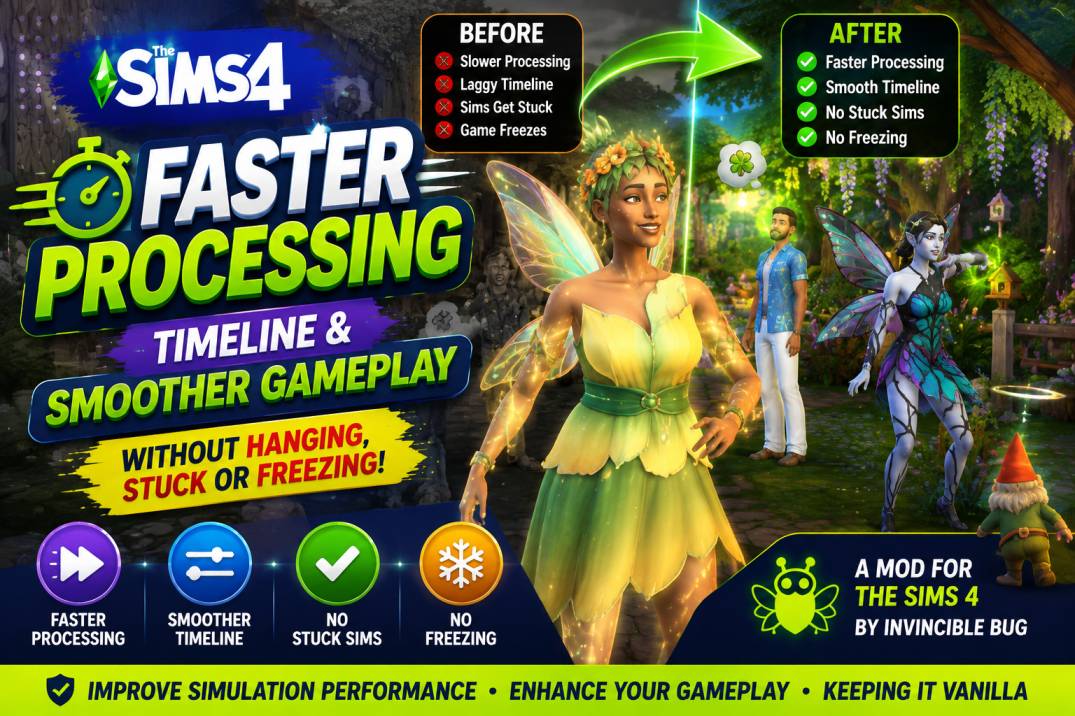
image 4.jpg
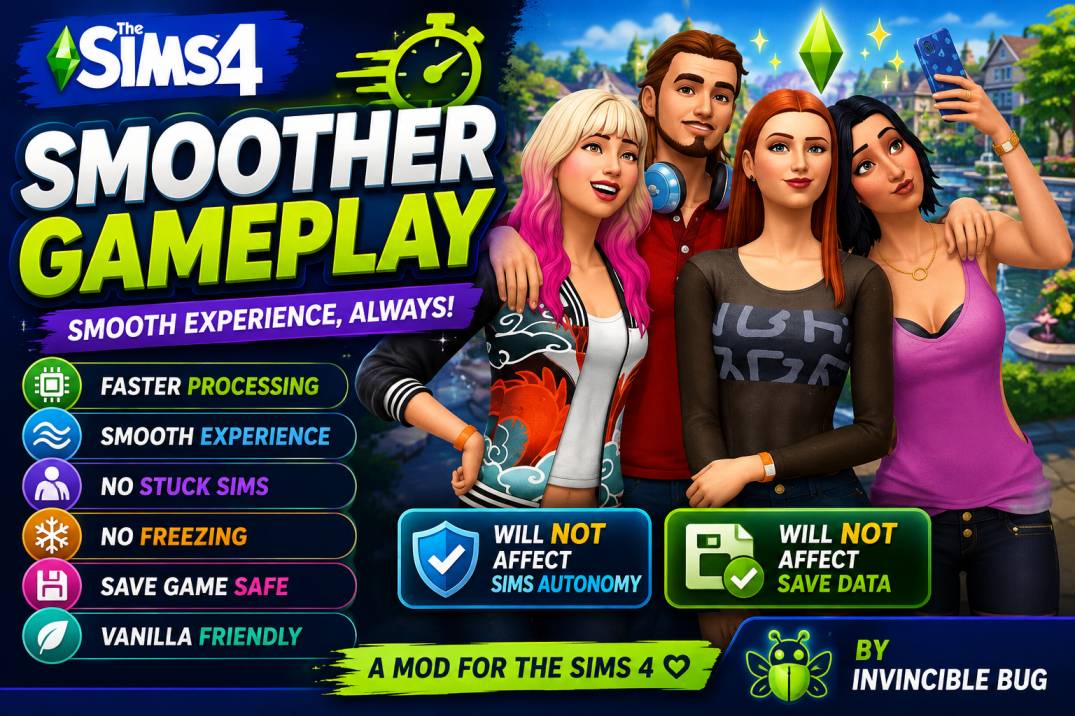
image 5.jpg
image 2.jpg
Description
Smart Simulation
Intelligent simulation optimization for The Sims 4











Smart Simulation is an intelligent simulation optimization mod designed to make gameplay smoother, more responsive, and more stable. It continuously monitors the game's simulation, safely detects stalled interactions, and helps recover from common simulation issues without changing the core gameplay experience. The mod is designed to be lightweight, reliable, and compatible with regular gameplay while focusing on improving simulation responsiveness rather than altering game mechanics.
Features
Smart Simulation includes intelligent simulation monitoring, automatic stall detection and recovery, improved simulation responsiveness, reduced simulation slowdowns, timeline watchdog protection, safe interaction recovery, comprehensive routing diagnostics, native crash reporting, automatic update notifications, detailed diagnostic logging with automatic log rotation, optional in-game diagnostic cheat commands, cross-platform support for Windows, macOS, and Linux, and a lightweight design that minimizes performance overhead while remaining compatible with most mods.
What Smart Simulation Helps With
Smart Simulation helps reduce common gameplay issues such as Sims standing still without responding, stalled interactions, timeline freezes, simulation slowdowns, delayed autonomous behavior, routing-related issues, and general gameplay responsiveness problems. Its goal is to keep gameplay smooth and reliable while allowing the game to continue functioning naturally.
Designed for Stability
Smart Simulation focuses on safe simulation optimization. It does not modify your save files or permanently change your game. Instead, it works during gameplay to monitor simulation health, detect potential problems, collect diagnostic information, and recover from stalls whenever possible.
Logging & Diagnostics
Smart Simulation automatically creates diagnostic logs that help identify and troubleshoot issues. Log files are automatically rotated to prevent excessive disk usage, and optional crash reporting can provide additional diagnostic information when enabled. Built-in diagnostic commands are also available for advanced troubleshooting.
Compatibility
Smart Simulation is designed to work with the latest version of the game and is compatible with most other mods. If certain features are not supported by your game or another mod, Smart Simulation will continue running safely without affecting your gameplay.
Privacy & Transparency
Smart Simulation is designed to be transparent and privacy-friendly.
No personal data is collected: The mod does not collect, upload, or transmit information from your computer, your EA account, or any other personal information. No gameplay data is sent anywhere. Your saves, Sims, screenshots, and personal files remain on your computer.
Automatic update checking: Smart Simulation automatically checks the official GitHub repository to determine whether a newer version is available. This is the only time the mod accesses the internet. No personal information, save data, EA account information, or other data from your computer is collected or transmitted as part of this check.
Local diagnostic logs: The mod creates local log files to help diagnose issues. These logs remain on your computer unless you choose to share them when reporting a bug.
Complete transparency: The generated update check script can be viewed at: Documents\Electronic Arts\The Sims 4\[INVINCIBLEBUG]\update_check.bat
You are welcome to inspect the script yourself to verify exactly what it does.
The [INVINCIBLEBUG] folder may contain files similar to the following:
LICENSE
README.md
smart_simulation.dat
latest_version.ini
update_check.bat (Windows)
update_check.sh (macOS/Linux)
ss-<date>.log
act-<date>.log
config-<date>.log
These files are used only for configuration, update checking, documentation, and local diagnostics.
Note: Some security tools (such as ModGuard) may display alerts because the mod performs update checks and writes local log files. This does not mean Smart Simulation is collecting or transmitting your personal data. The only network activity performed by the mod is checking whether a newer version is available.
If you believe you've found an issue or unexpected behavior, please report it on the official GitHub issue tracker rather than in the comments so it can be investigated properly.
GitHub Repository: https://github.com/invinciblebug/SmartSimulation
Support My Work
If you'd like to support the continued development of Smart Simulation and my other open-source projects, you can find donation information here:
https://github.com/invinciblebug/SmartSimulation/wiki/Support-My-Work
Thank you for your support. Every contribution helps me continue maintaining and improving free software and mods for the community.
Support
If you encounter a bug or unexpected behavior, please submit a report using the official GitHub Bug Report template:
https://github.com/invinciblebug/SmartSimulation/issues/new?template=bug_report.yml
If you would like to suggest a new feature or improvement, please use the official Feature Request template:
https://github.com/invinciblebug/SmartSimulation/issues/new?template=feature_request.yml
If you have questions, need help, want to share feedback, or would like to discuss the project with the community, please visit GitHub Discussions:
https://github.com/invinciblebug/SmartSimulation/discussions/new/choose
For detailed documentation, source code, release notes, and additional project information, visit the official GitHub repository:
https://github.com/invinciblebug/SmartSimulation
For the latest news, documentation, and project updates, visit the official website:
https://invinciblebug.github.io
Disclaimer
Smart Simulation is an independent community project developed by Invincible Bug. It is not affiliated with, endorsed by, sponsored by, or associated with Electronic Arts or Maxis. The Sims™ and all related trademarks are the property of Electronic Arts Inc.
The Smart Simulation Team
