Sims Plumbob Recolors Override
- By
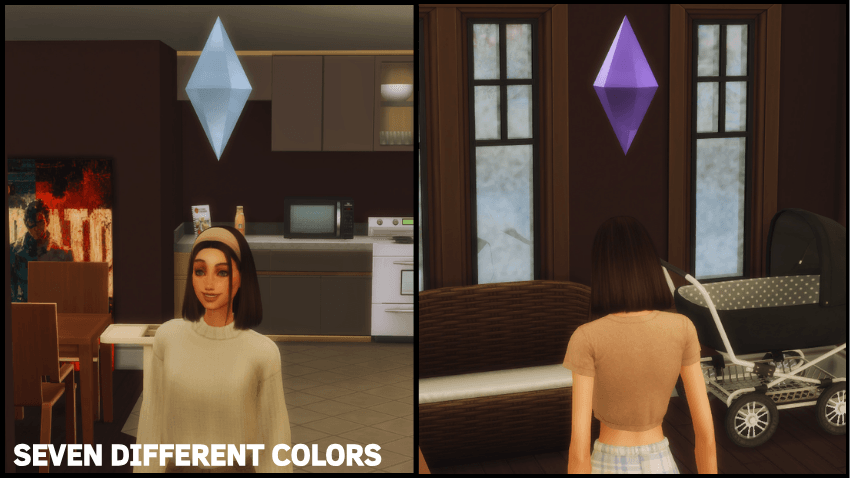
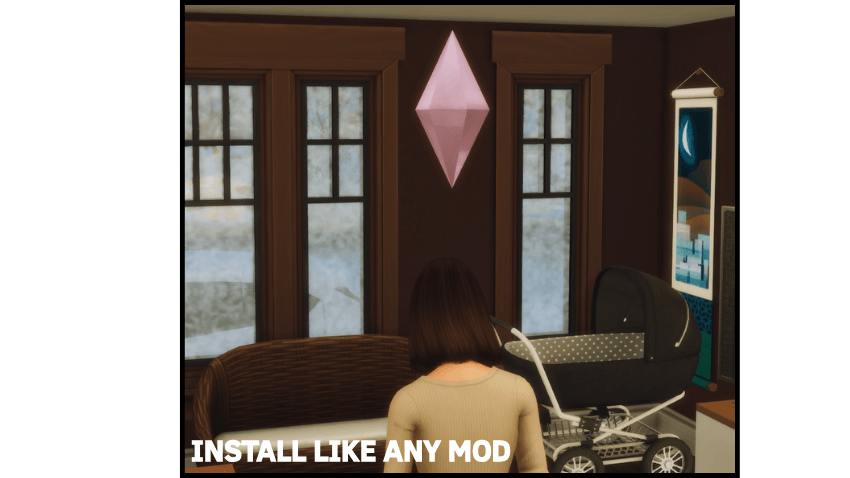
This mod adds 7 different Plumbob color options to choose from.

Thumbnail
In-game

In-game
In-game
In-game
Description


This mod adds 7 different Plumbob color options to choose from.

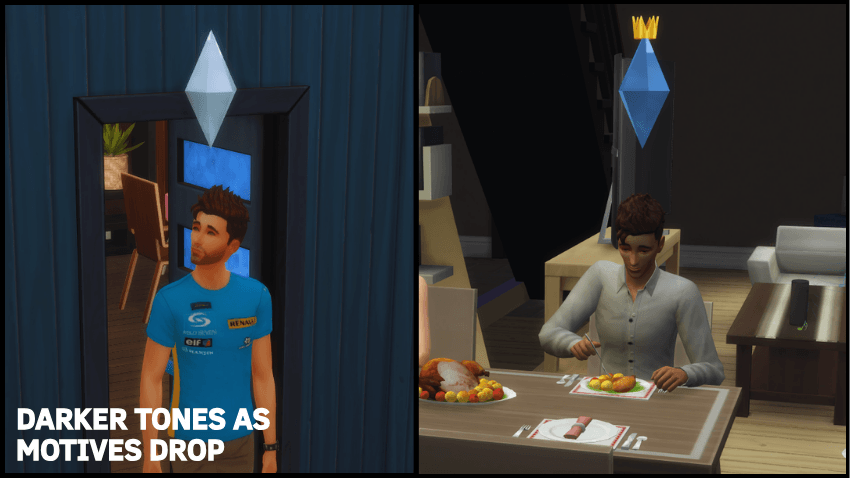
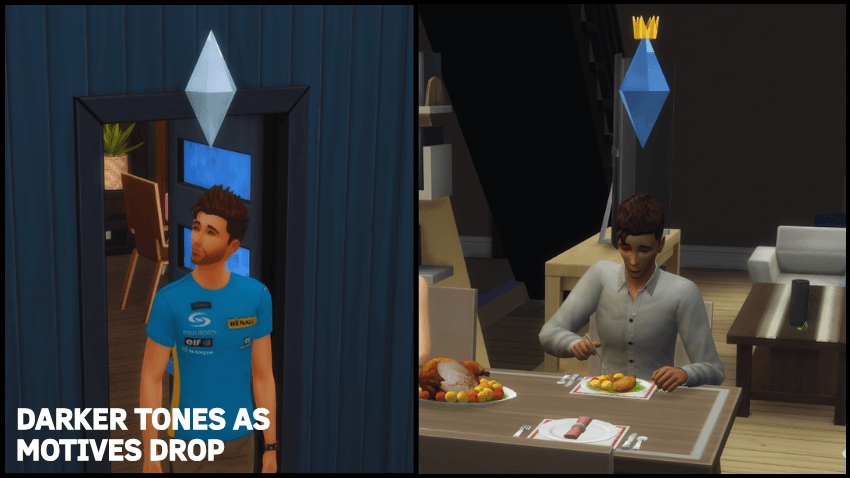
Each color becomes progressively darker as your Sim’s motives drop, making low needs more visually clear while keeping the color style.
Available Colors: blue, beige, brown, pink, purple, black and white.

INSTALL
- Download the color you want from the files section
- Place the chosen file into your Sims 4 Mods folder
- Launch The Sims 4
- Restart the game once
Done!
You do not need to load into a household or save file.
Simply reaching the main menu once is enough, then close and restart the game.
(This only needs to be done once per color, not every time you launch the game!!)
UNISTALL
Delete "Default.ini" file located in "Documents\Electronic Arts\The Sims 4\ConfigOverride"
Notes
Only install ONE color version at a time.
Script Mods must be enabled.
If you'd like to follow more content, updates, and future projects, you can visit my Patreon :)
Enjoy whichever color fits your save best!
Sims Plumbob Recolors Override Team

Owner