Description
Join my Patreon for status updates. Leave feedback here.


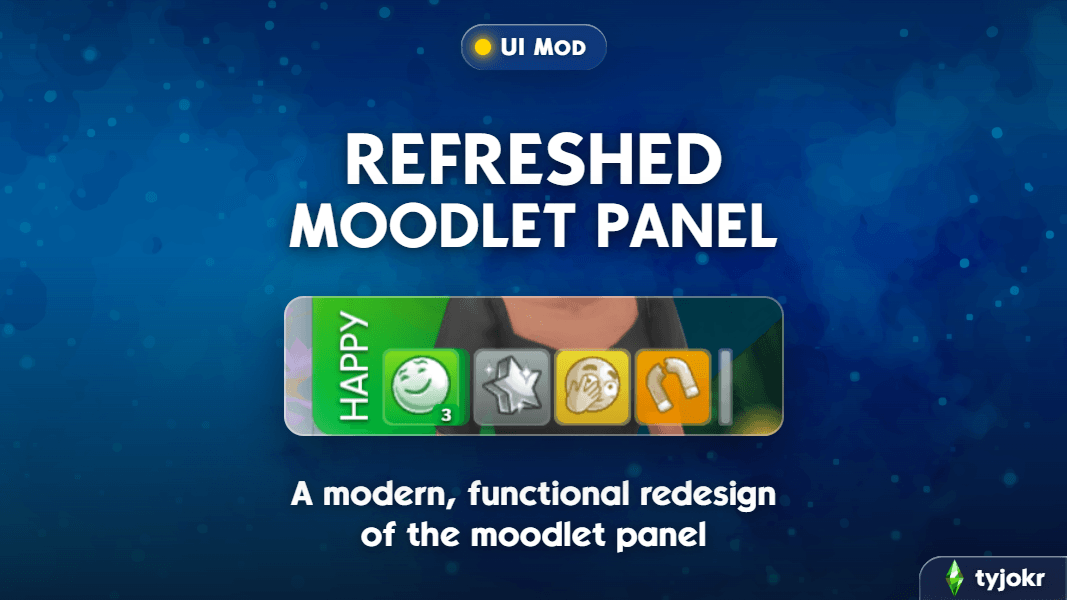
If you’re anything like me, your Sims can end up with a ridiculous number of moodlets, especially once you start mixing in expansions and mods. After a while, the moodlet panel can get pretty cluttered and hard to read.
Refreshed Moodlet Panel gives it a cleaner look while making everything easier to keep organized. You can customize the panel’s style, group moodlets by mood, control how the expanded panel behaves, resize the strip depending on how much you want to see at once, and more.
Features
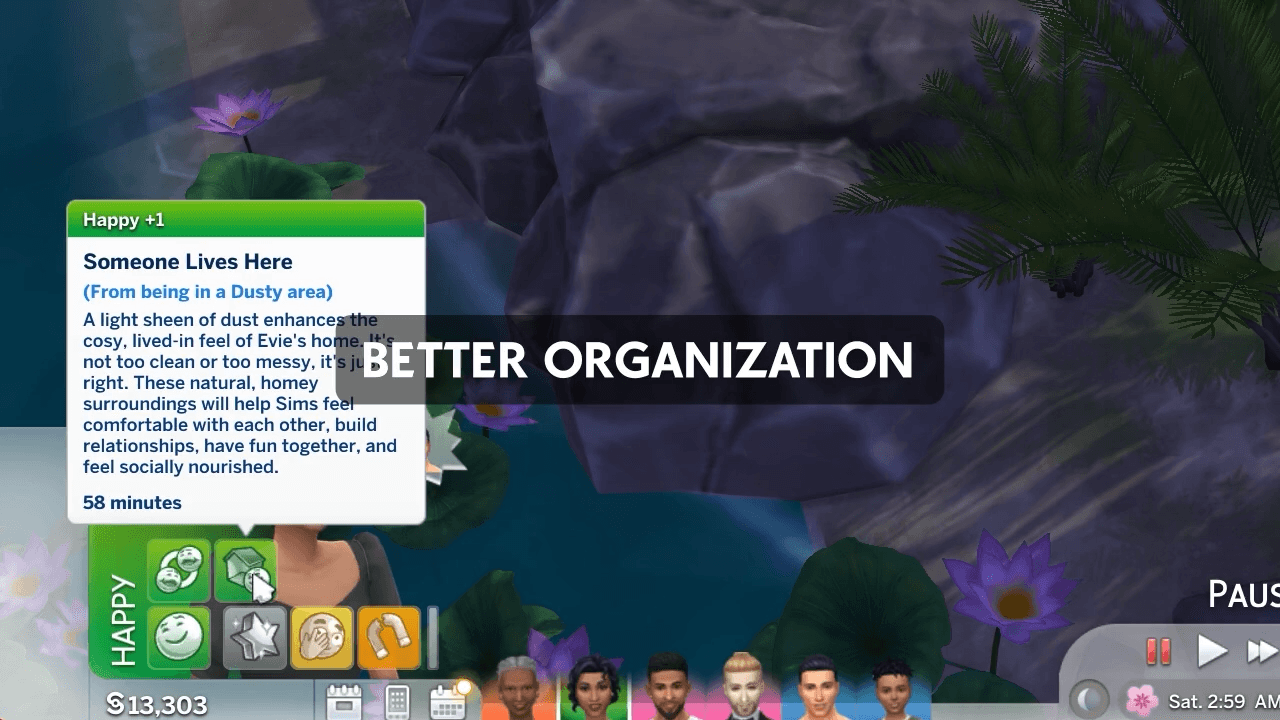
Refreshed style: The moodlet panel has been updated with a cleaner, more modern look.
- Moodlets now use flat, softly shaded tiles in their mood’s original color, with a subtle rim and shadow.
- Moodlet icons can inherit the color of their mood, helping the whole panel feel more vibrant.
- The stronger the moodlet, the more contrast its gradient will now have.
- Fine moodlets are more translucent than other moodlets, allowing them to fade into the background more.
- The old godrays behind +3 positive moodlets have been replaced with a soft, light halo that hugs the tile.
- The squiggly effect behind +3 negative moodlets has been replaced with a soft, moodier halo around the tile.
- Prefer the original look? You can switch back to the base game’s tiles, effects, and icons while keeping the mod’s other functionality.
Grouped by mood: Moodlets of the same mood can stack behind one front tile with a count badge, keeping the row much cleaner. Grouping can also be turned off if you prefer one tile per moodlet.
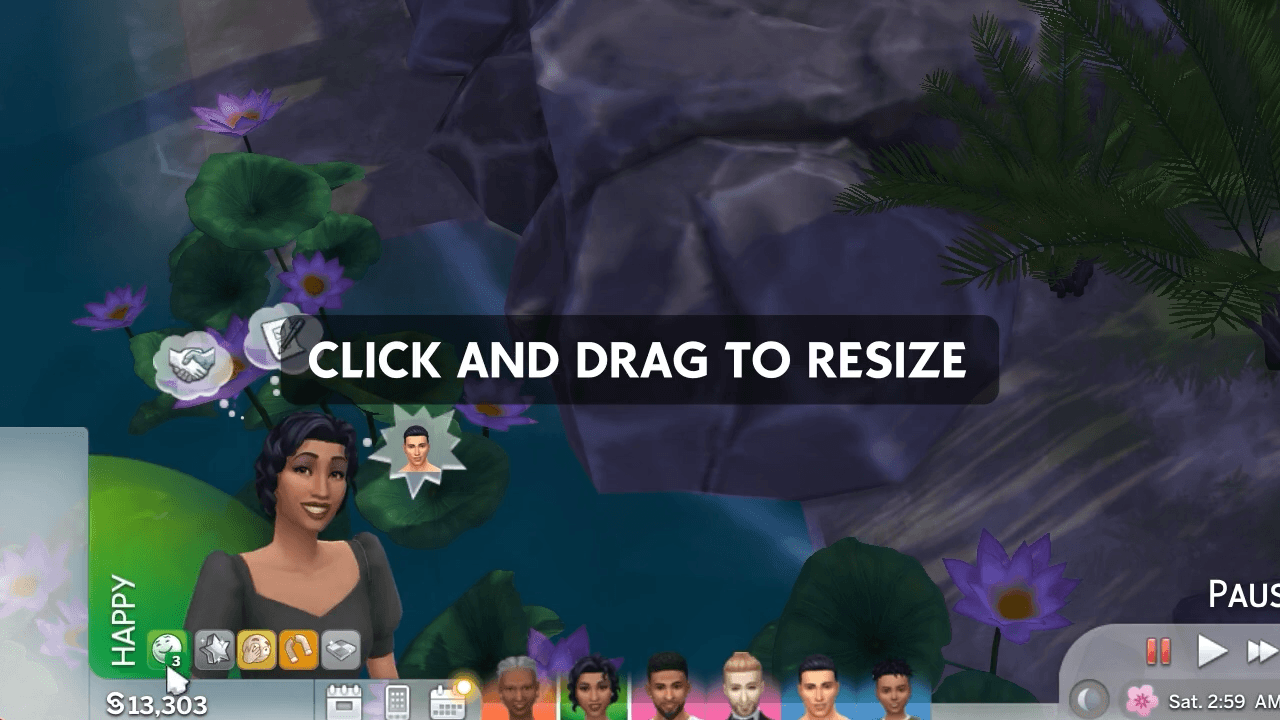
Resizable: Hold and drag any primary moodlet left or right to resize the strip between 7, 6, 5, or 4 slots. Drag one step further right for a minimal row that shows only moodlets relevant to your Sim's current mood, the way the base game panel works. Your choice is remembered between saves.
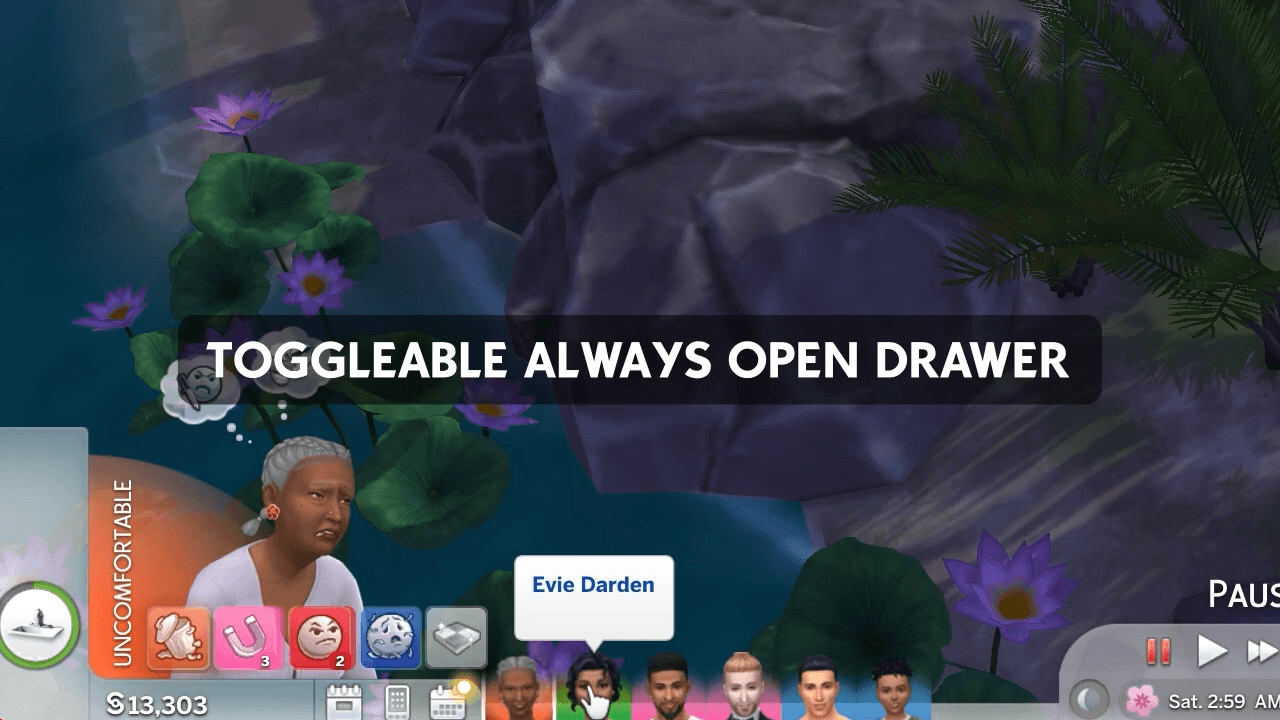
Customizable panel behavior: Choose whether the expanded moodlet panel follows the base game’s behavior, stays open whenever there is overflow, or remains extended only while your Sim is awake.
Moodlet Panel Options
Double-click any moodlet to open the new Moodlet Panel Options dialog. Changes apply instantly and are saved with your game options, so your preferences carry across saves and sessions.
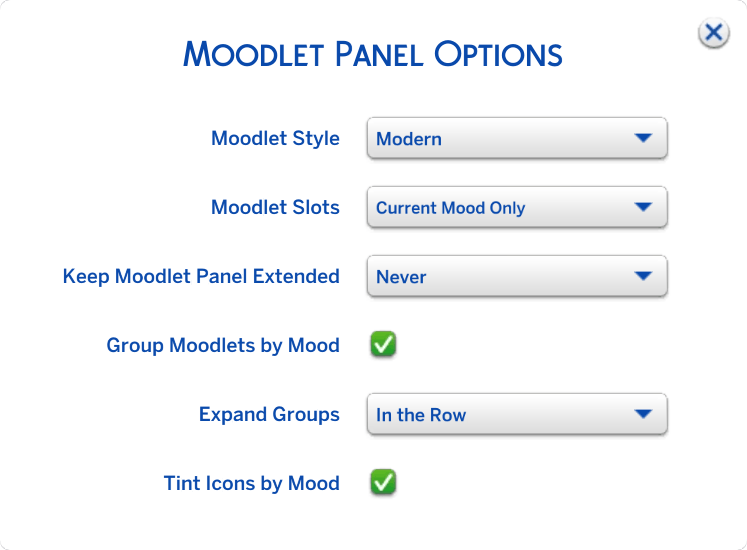
The options dialog is translated into all 18 supported game languages.
Click here to see the full list of settings ↗️
Controls
Double-click any moodlet: Opens the Moodlet Panel Options dialog.
Click a stacked moodlet: Expands that mood group. Depending on your selected setting, the group can open in a separate row above the strip or expand directly within the row.
Hold + drag any moodlet left or right: Resizes the strip between 4, 5, 6, or 7 slots. Drag left for more slots and smaller tiles, or right for fewer slots and larger tiles. One step past 4 enables current-mood-only mode. The default number of slots shown is 4.
Click the overflow indicator: Opens the full moodlet panel. How long it remains open depends on your Keep Moodlet Panel Extended setting.
Compatibility
✅ Compatible with Better Simology Panel and Screen Reader.
✅ Compatible with Meaningful Stories and any custom moods.
✅ Compatible with UI Cheats Extension, as long as Refreshed Moodlet Panel is placed in a priority/override folder so it takes precedence.
⚠️ Conflicts with januksenkosketus' Keep Buff/Moodlet Panel Always Open and any other mods that override SimHub UI.
This mod was made possible by Sims 4 Studio. The “In the Row” expanded group setting was suggested and designed by SimMattically.
Refreshed Moodlet Panel Team

Owner