Disco Diamond Loading Plumbob — Bronze | Sims 4
- By
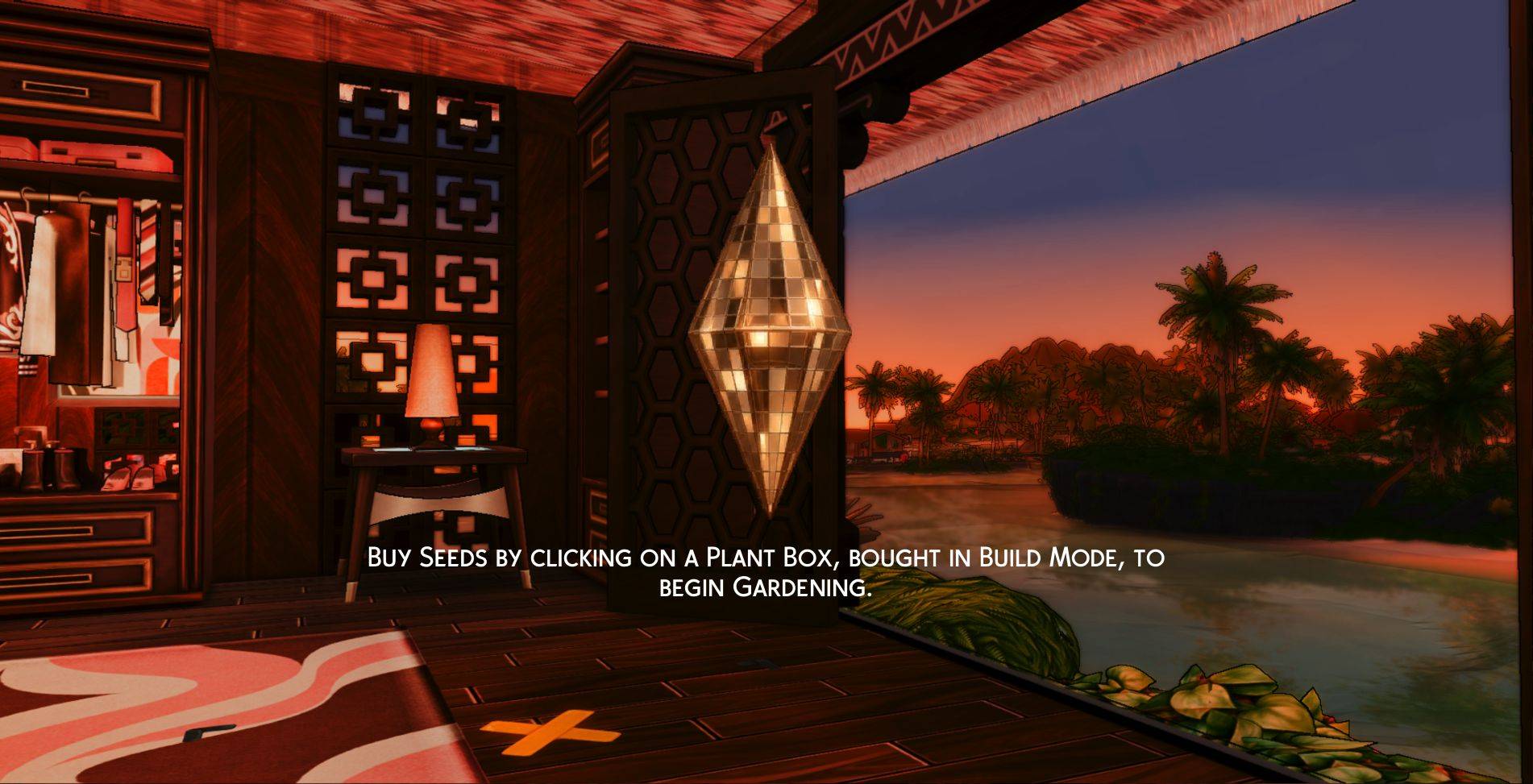
Give your Sims 4 loading screen a bronze disco diamond with mirrored tiles and warm highlights. Install only one loading-plumbob override.
TS4_x64 2026-10-31 09-03-15_3.jpg
Description
INSTALL ONE LOADING-PLUMBOB OVERRIDE ONLY
This download contains one color of the Disco Diamond loading plumbob. Do not install it alongside another color or any other loading-plumbob replacement. Each color replaces the same game resources.
Disco Diamond Loading Plumbob by Chr3naSims
Bring a little 1970s disco glamour to your The Sims 4 loading screen. This custom loading-plumbob override replaces the default green loading diamond with a mirror-tiled disco design inspired by the elongated, double-pointed silhouette of The Sims 3 plumbob.
Reflective tile artwork and contrasting highlights give the spinning diamond a polished, jewel-like finish—perfect for a glamorous save, a retro-inspired game, or a more personalized loading screen.
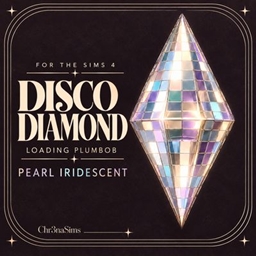
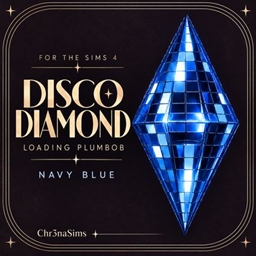
The title and preview images identify the color included in this download.
What this mod changes
- Replaces the loading-screen plumbob artwork.
- Adds a mirrored disco-tile appearance with illustrated reflections.
- Uses the existing loading-screen UI animation system.
This is a default replacement, not a CAS or Build/Buy item. It does not provide an in-game color selector, replace your loading-screen background, or change the plumbob above Sims during gameplay.
Installation
- Close The Sims 4.
- Remove any existing loading-plumbob override, including previous versions of this mod.
- Extract the download if it is a ZIP file.
- Place this download’s single
.packagefile in your Documents → Electronic Arts → The Sims 4 → Mods folder. - Enable Custom Content and Mods in Game Options if needed, then restart the game.
Changing colors? Remove the installed color before adding its replacement. Renaming the files does not prevent conflicts.
Compatibility
All Disco Diamond colors are alternative versions of the same override. Choose one—not the whole collection.
Other mods that replace the loading plumbob or the same UI texture resources will conflict. A separate loading-screen background can be used if it does not replace those resources.
Reflections and iridescent effects are painted into the artwork rather than produced by a dynamic material shader. Your display settings and ReShade effects may influence the final appearance.
Uninstallation
Close the game and remove this mod’s .package file from your Mods folder. The game will use its original plumbob artwork unless another override is installed.
Created by Chr3naSims.
Disco Diamond Loading Plumbob — Bronze | Sims 4 Team