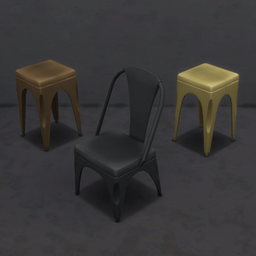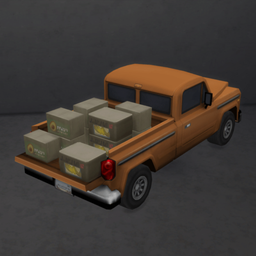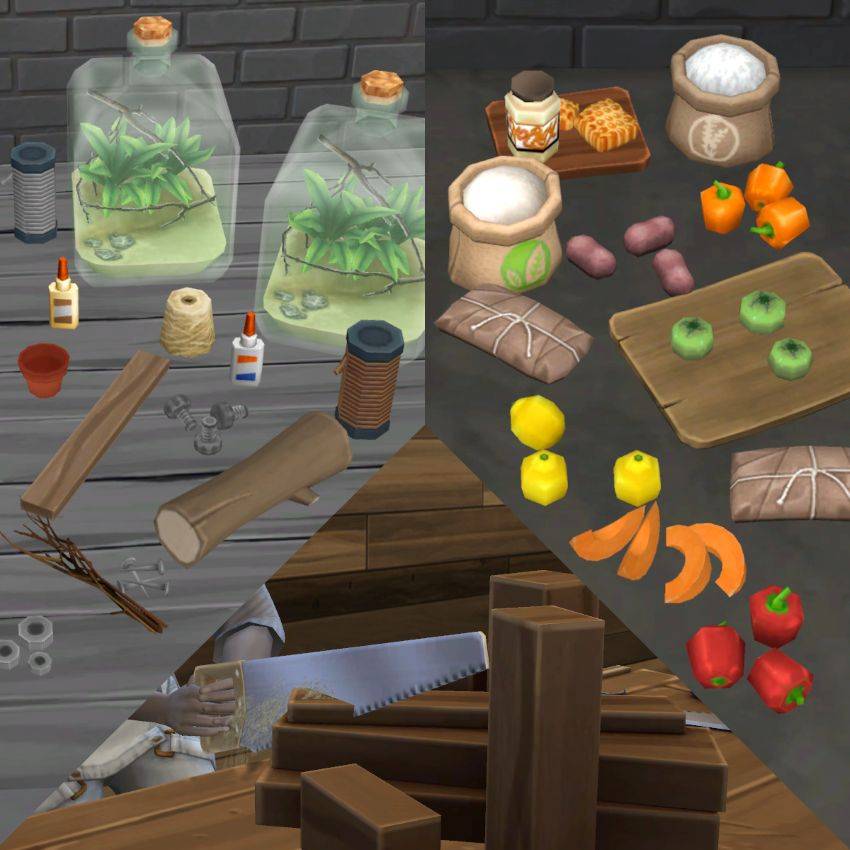
The foundation my mods run on, adding a notebook tab of its own and my custom ingredient types.
All the details on this mod, how to use it, and any known conflicts are on its wiki page, which you'll find under Wiki in this project's Links section.







F.A.Q.
How do I install this?
In the CurseForge app, click Install and you're ready to play.
Otherwise, download everything listed under the Relations tab first. Those are what make this work. Don't put ts4script files more than one folder deep.
What if this mod includes overrides I don't want?
The CurseForge app installs all files inside of this download. If there is an override you don't want installed then you'll need to delete those files from your Mods folder manually after installing.
Will this work with other mods?
Almost always. Most of my content is new or injected rather than overwritten, and a mod that does override the game's own content says so on its page. Any known conflicts are listed on this mod's wiki page, which you'll find under Wiki in this project's Links section.
Something isn't working
Work through these three, in order:
How to install my content
Clear your cache
Troubleshooting guide
Still stuck after all three? Report it on Discord and I'll take a look.
Find more search tools and resources on my site BrazenLotus.com!