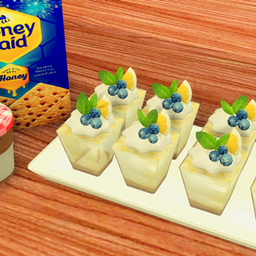
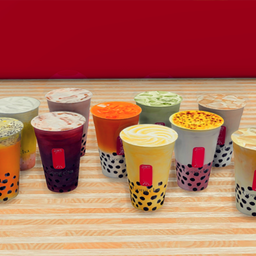
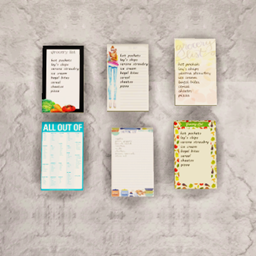
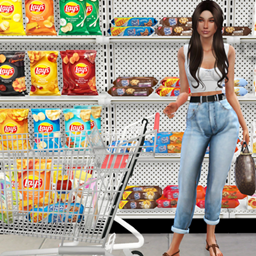
If you enjoy my content and want to help me keep creating, you’re welcome to subscribe to my Patreon, I’d truly appreciate it! You will also get early access to my content. Thank you!
NOTE: This functions the same way as custom recipes (even though there is no cooking involved)!! Meaning you would have to click through the Grocery List mod to use them!
REQUIRED MOD: The latest version of My Grocery Shopping List mod. Please delete the old version after updating to the latest version.
Found in Drinks!
HOW TO USE RECIPE:
Make sure you have the most recent version of the Grocery List Mod installed. (linked above) ALWAYS DELETE THE PREVIOUS VERSION.
Download the recipe file attached at the bottom of this post.
Click on the Grocery List, find and click the recipe, and start cooking!
HOW TO USE RECIPE (IF USING Insimnia's Custom INGREDIENTS):
Make sure you have the most recent version of the Grocery List Mod installed. (linked above) ALWAYS DELETE THE PREVIOUS VERSION.
Download the custom ingredient below.
Download the recipe file attached on this post.
Click on the Grocery List to check what ingredients are needed. If you don't have them all, the recipe will be grayed out and your Sim will not be able to cook.
Make sure to click "open" on the ingredients if necessary, then put ALL of the required ingredients in your Sim's inventory or the fridge to "unlock" the recipes in the Grocery List Mod. If there is no option to "open", the ingredient can be used as is.
Once you have all the required ingredients, click on the Grocery List, and you are now able to click on the recipes.
HOW TO INSTALL:
Simply drag and drop the PACKAGE file directly to your Mods folder.
Cabernet Sauvignon Functional Drink Team

Owner