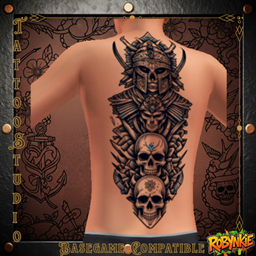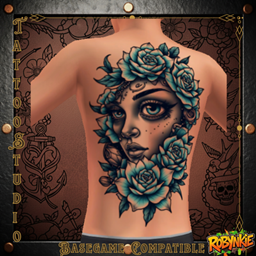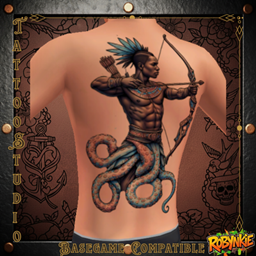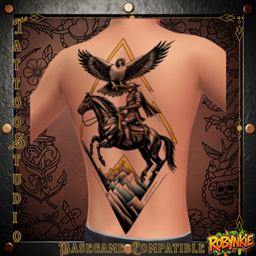
Robynq Clothing (22).png
Robynq Clothing (5).png
Robynq Clothing (9).png
Robynq Clothing (10).png
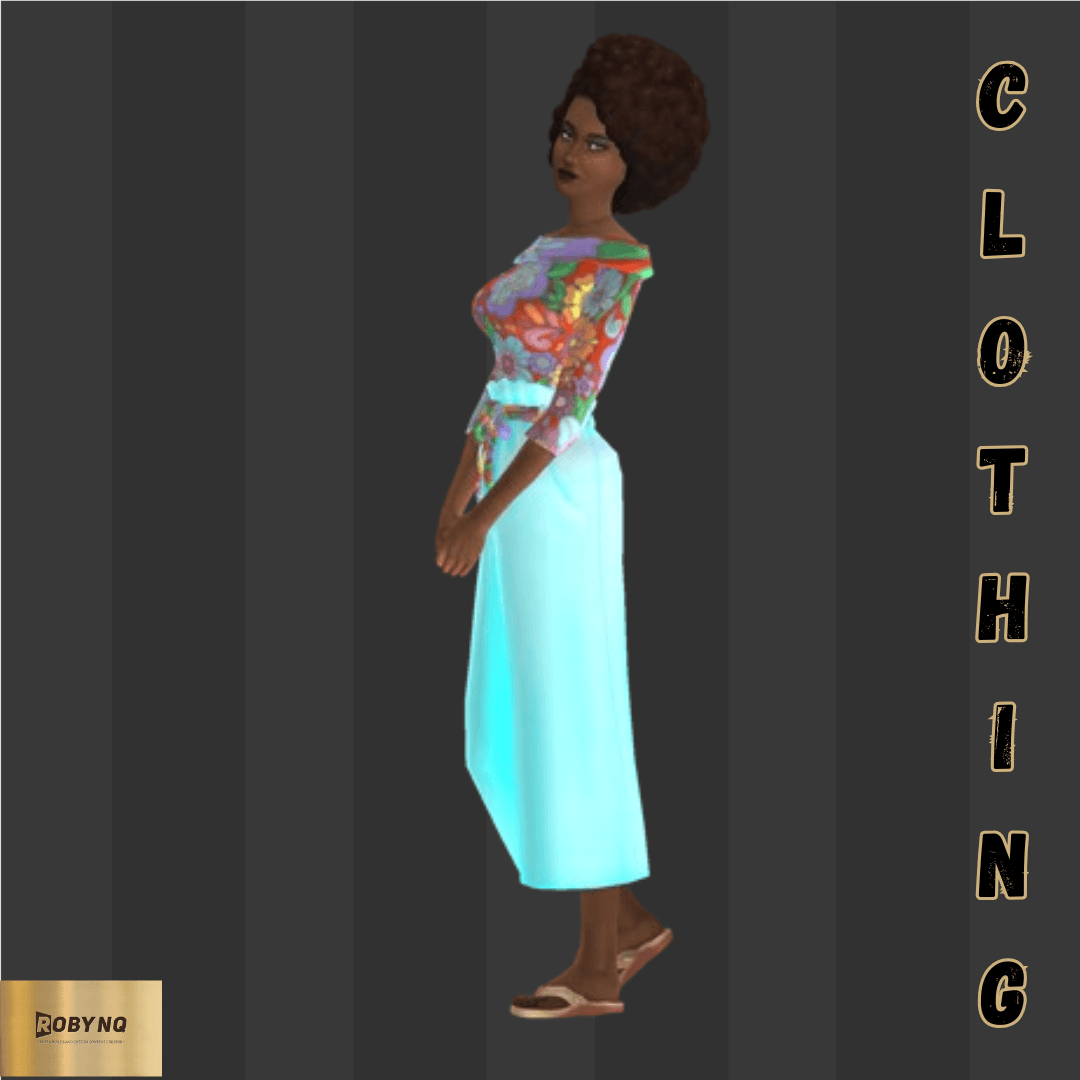
Robynq Clothing (2).png
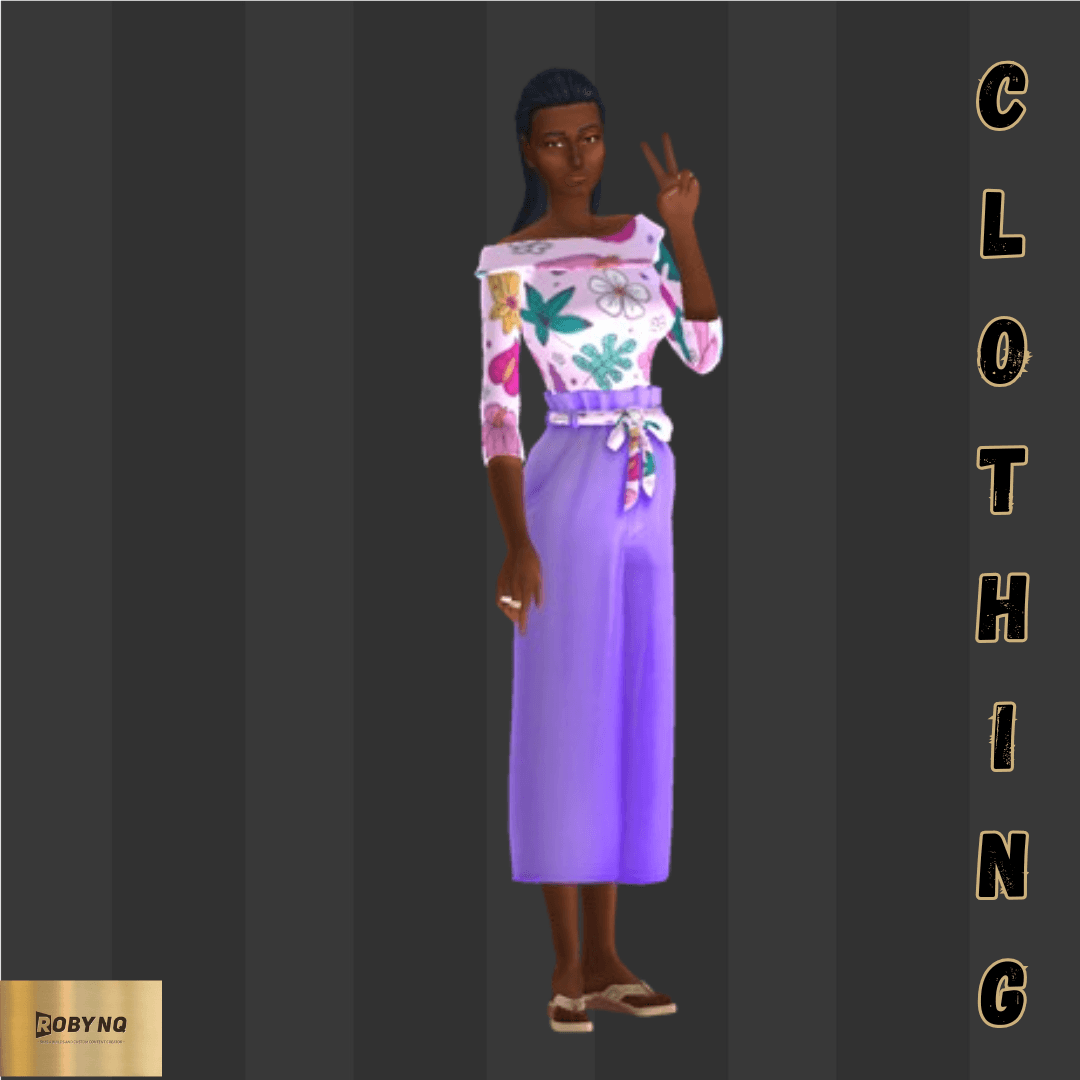
Robynq Clothing (18).png
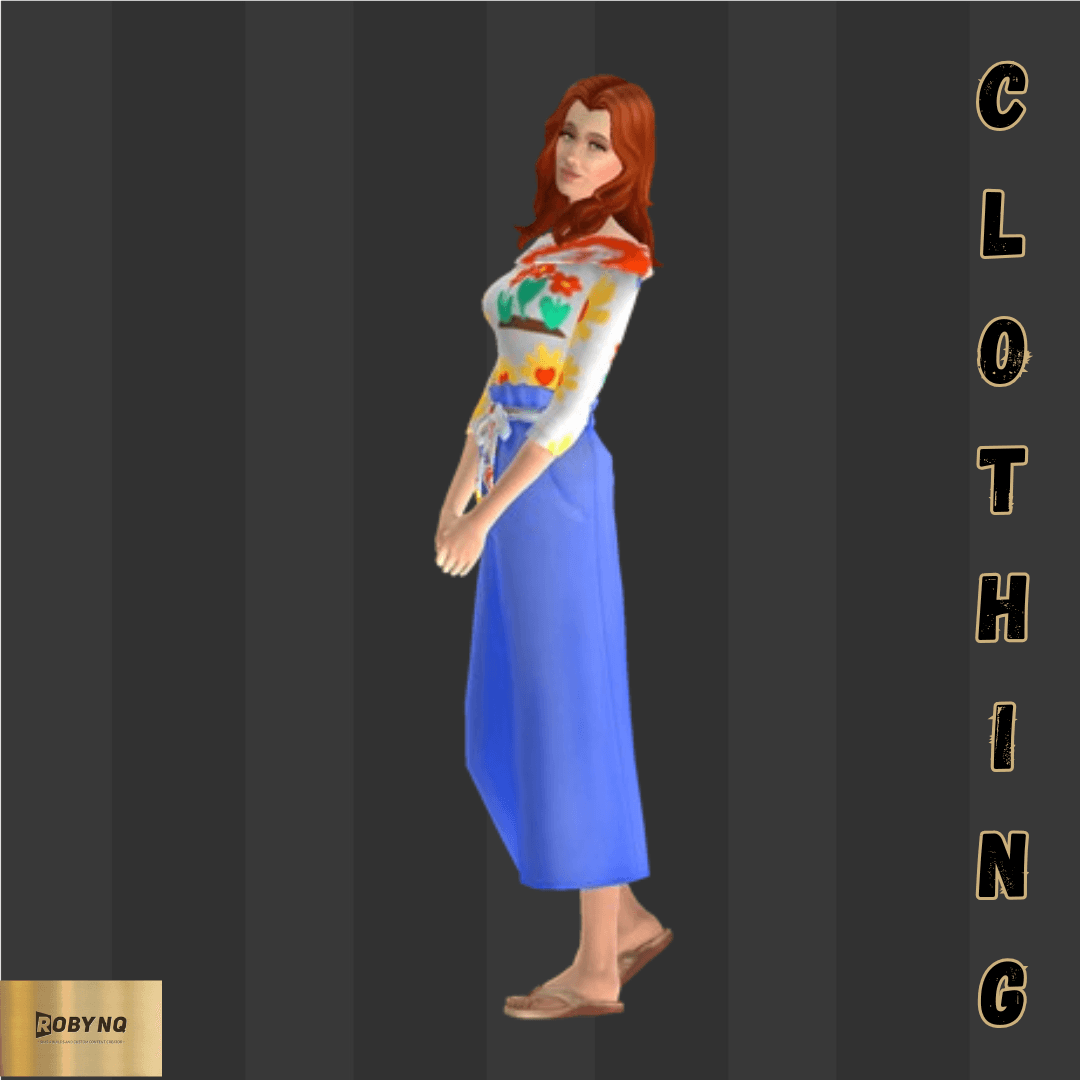
Robynq Clothing (17).png
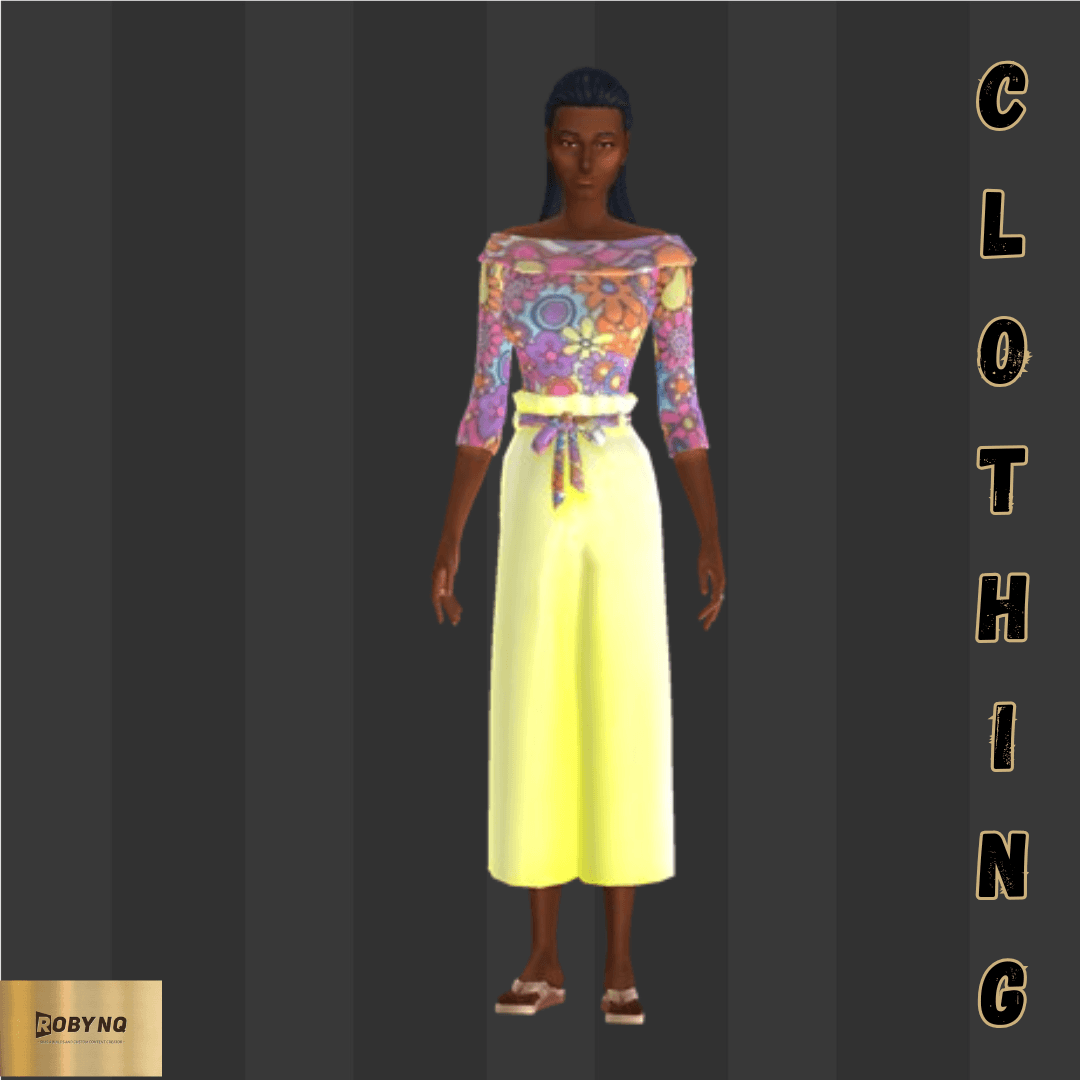
Robynq Clothing (3).png
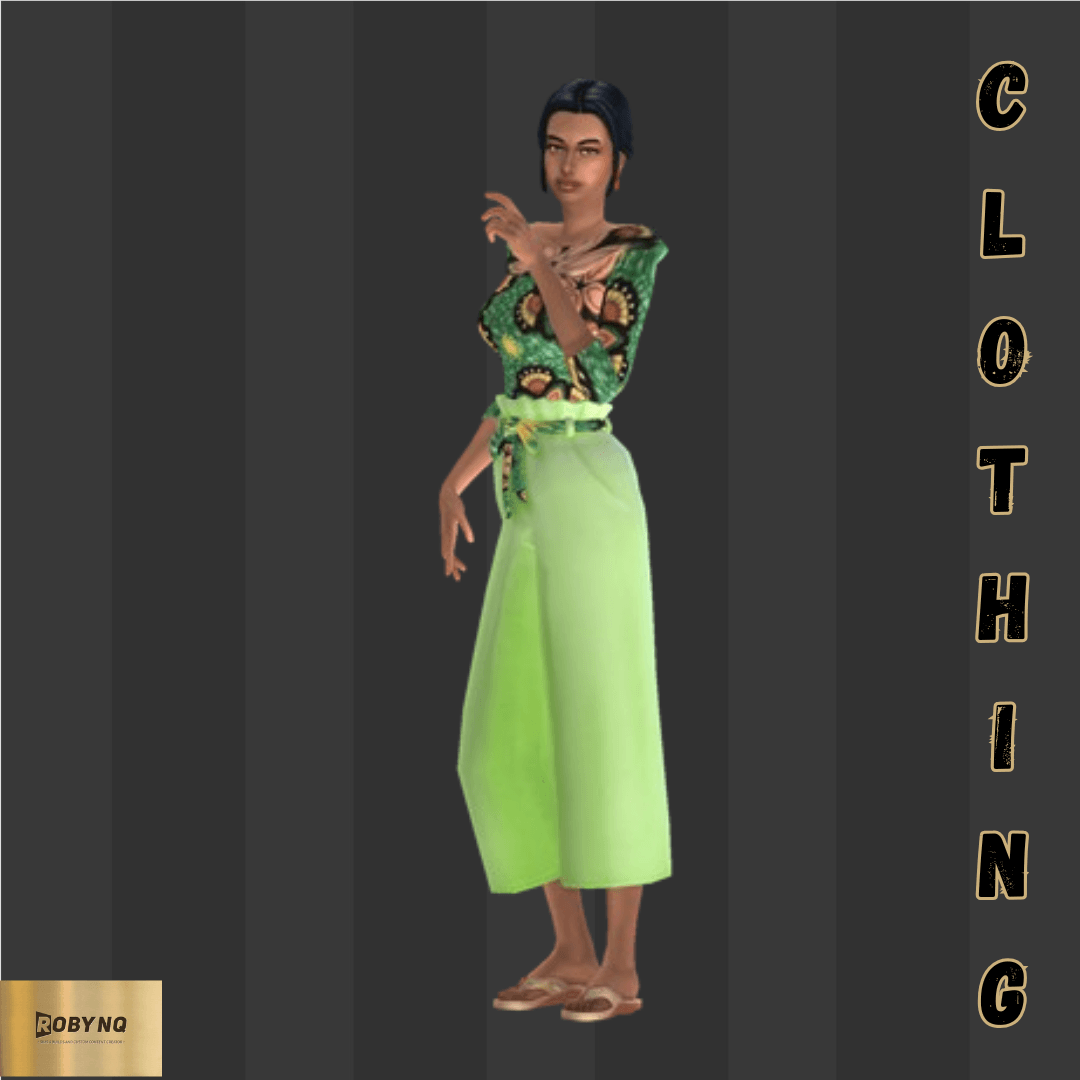
Robynq Clothing (7).png
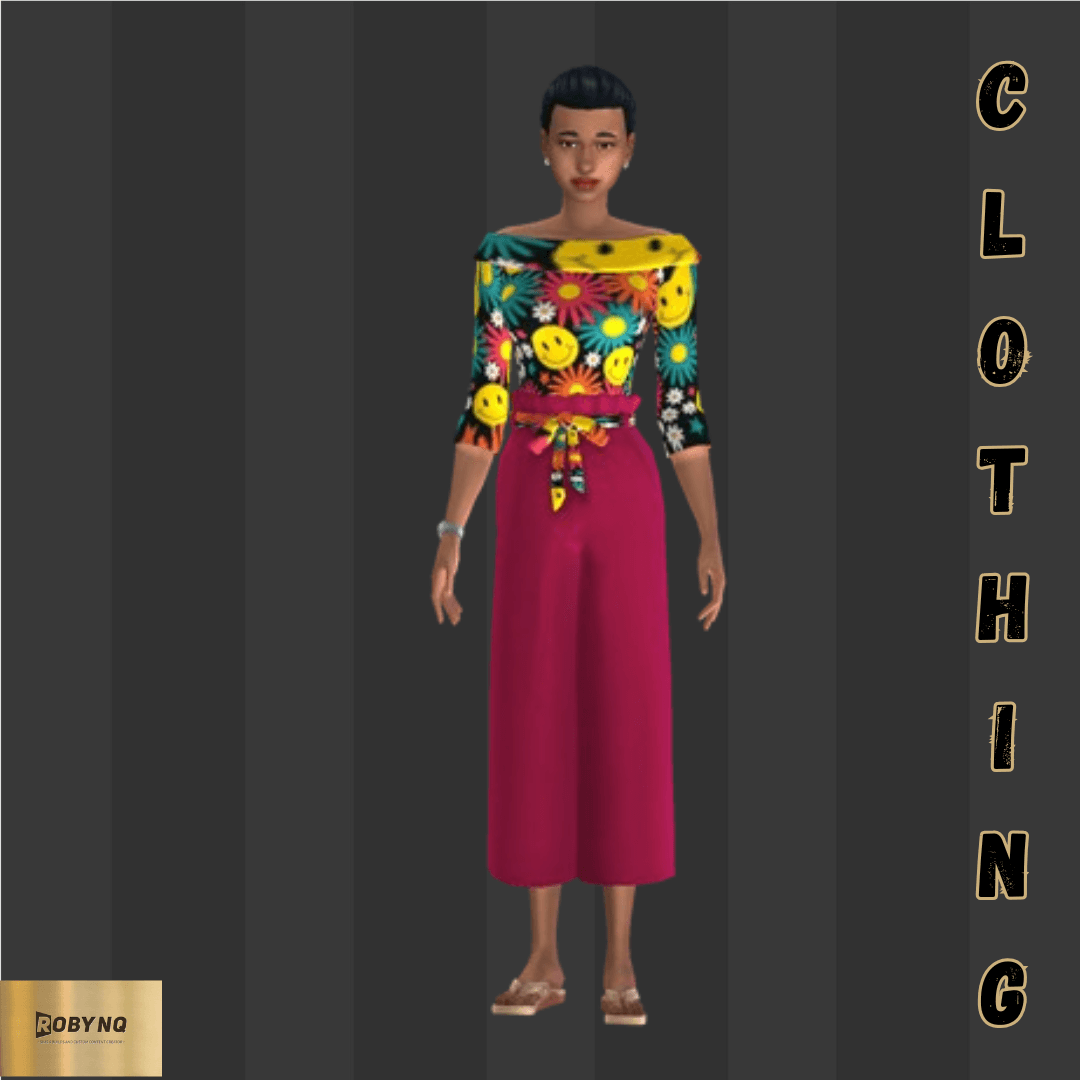
Robynq Clothing (23).png
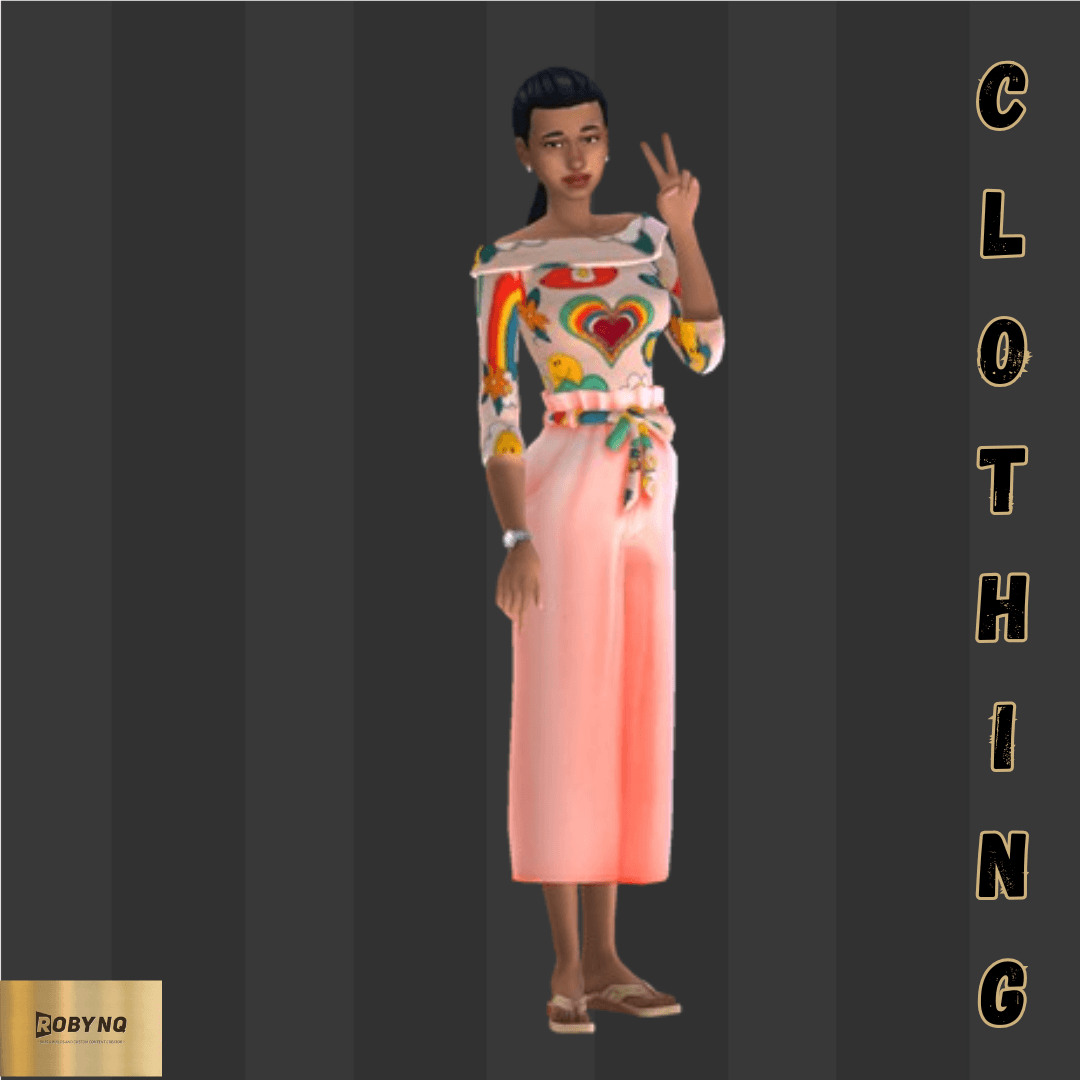
Robynq Clothing (8).png
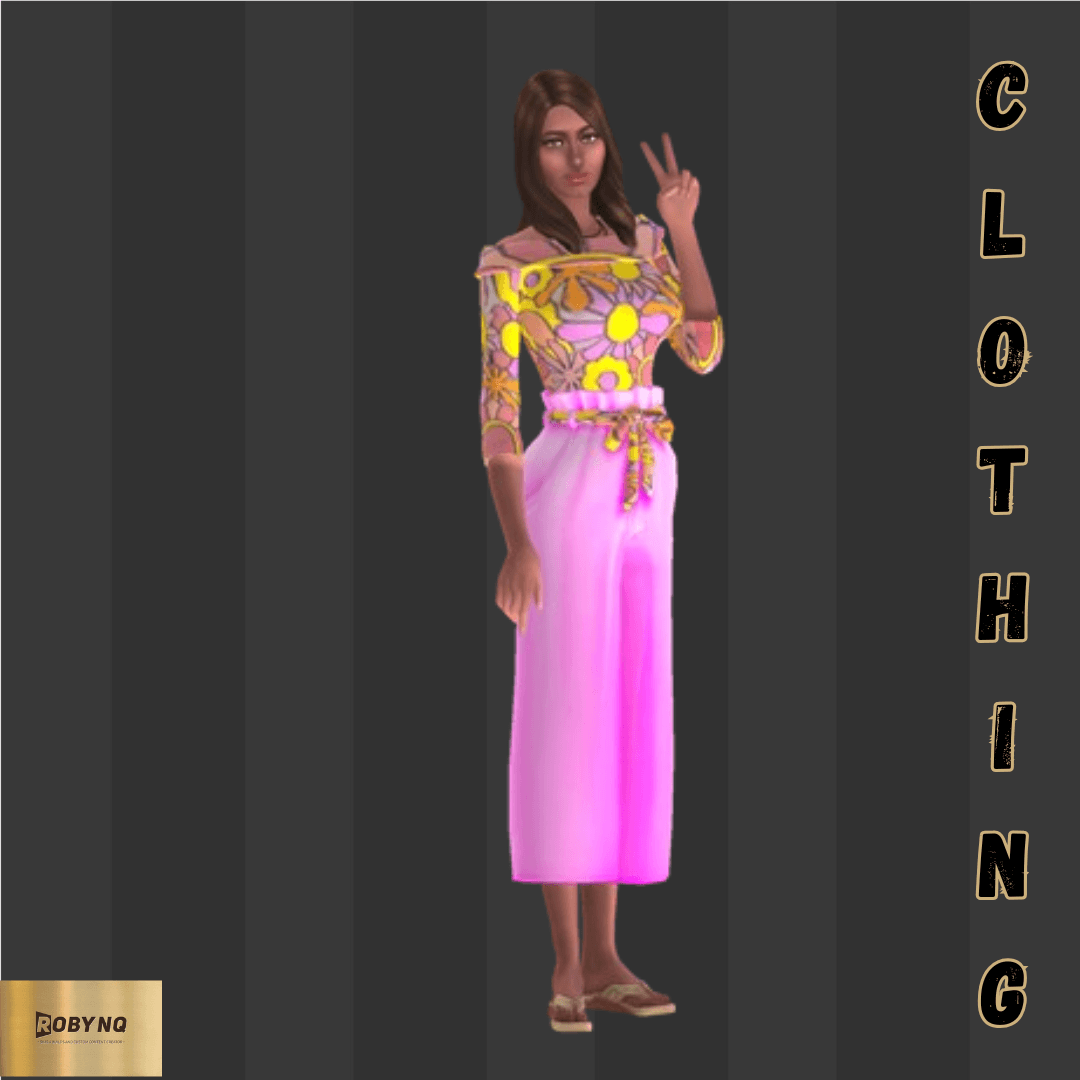
Robynq Clothing (4).png
Robynq Clothing (21).png
Robynq Clothing (14).png
Robynq Clothing (13).png
Robynq Clothing (11).png
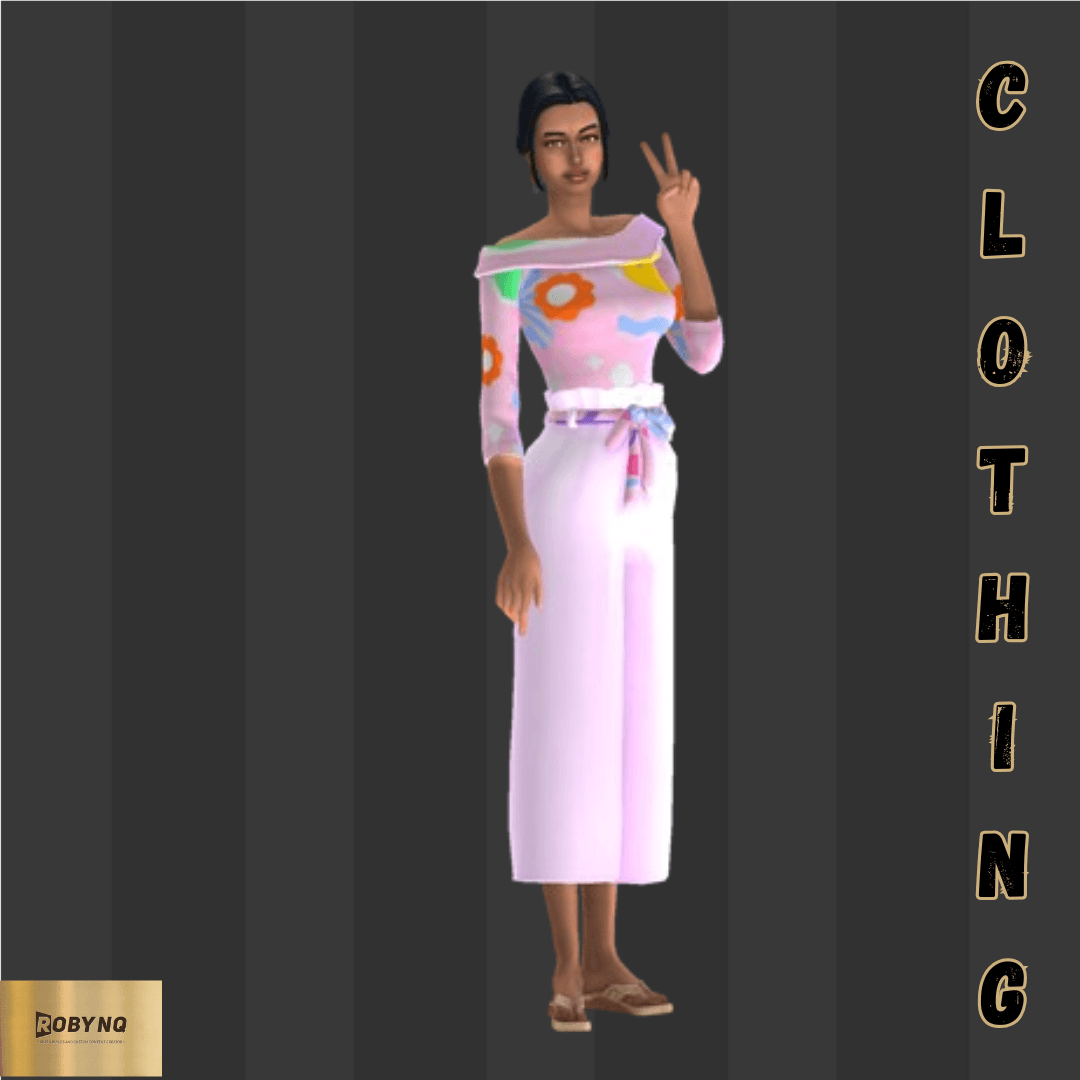
Robynq Clothing.png
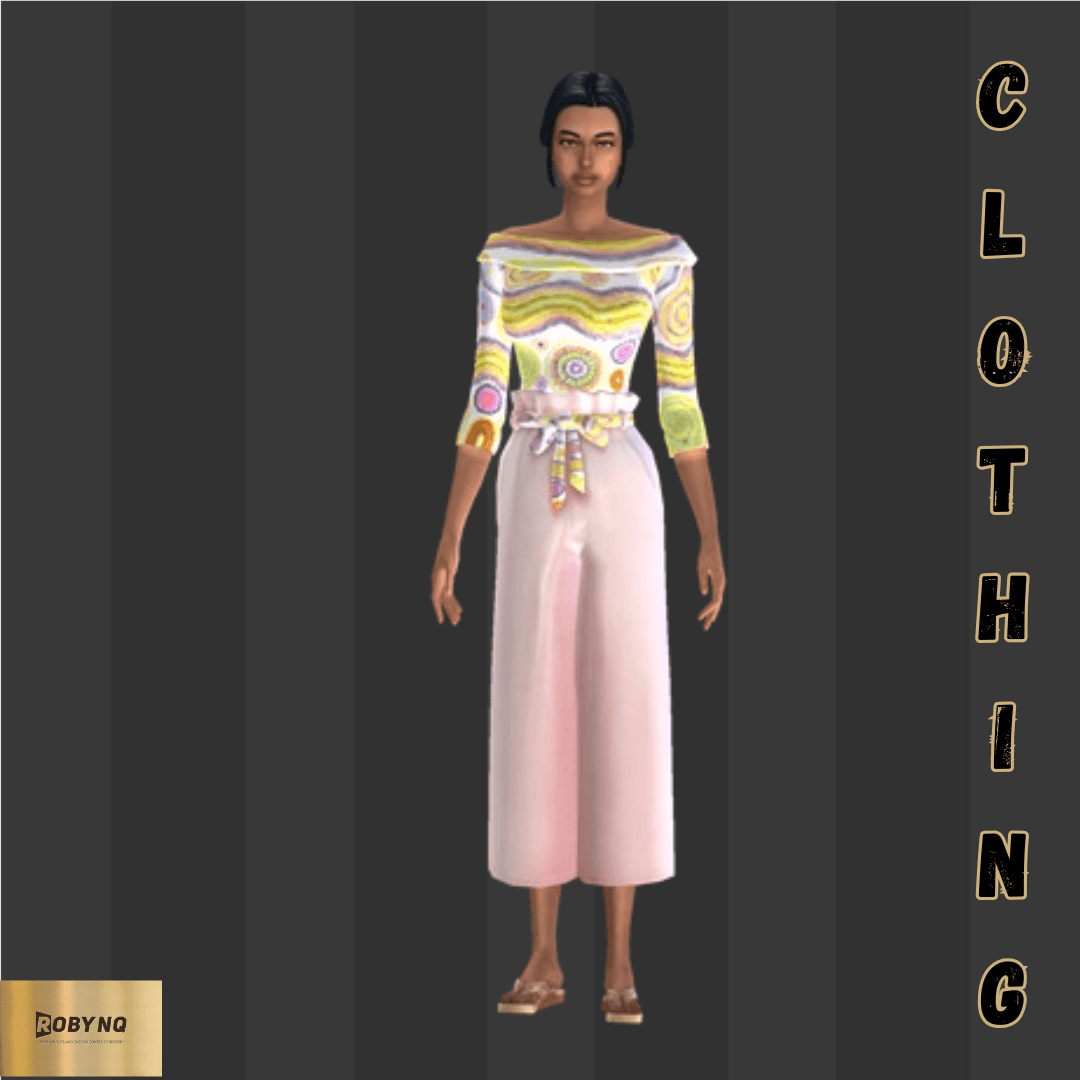
Robynq Clothing (16).png
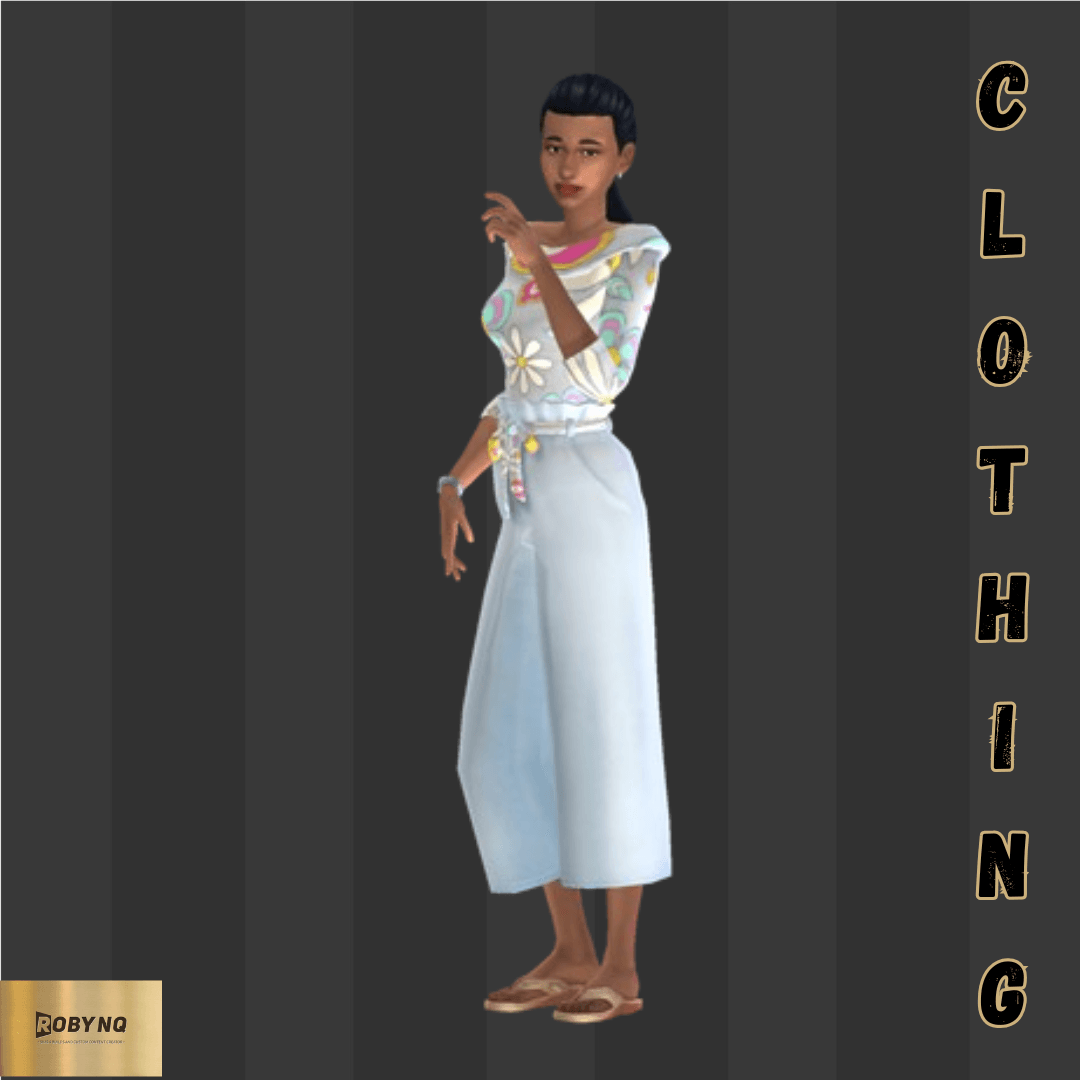
Robynq Clothing (15).png
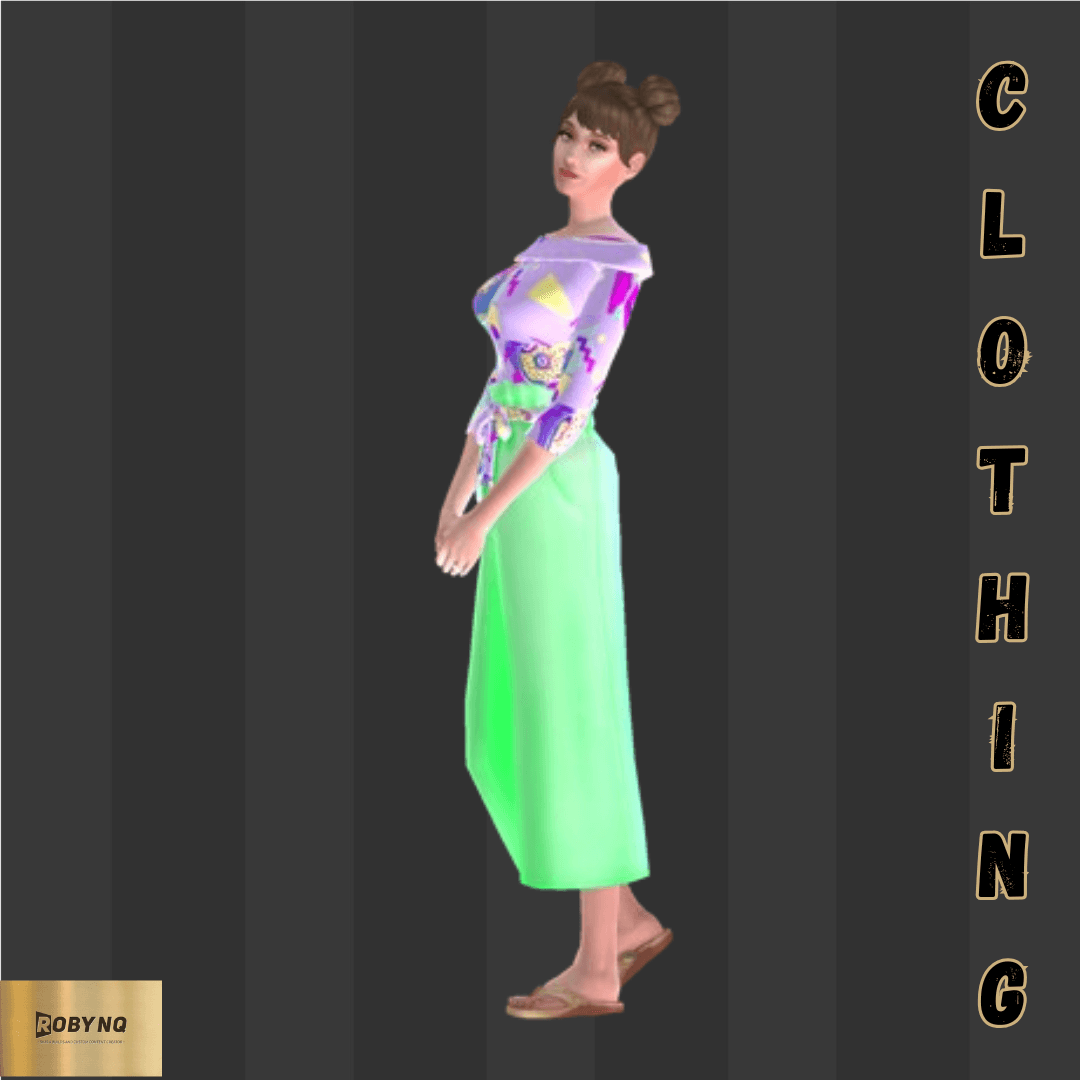
Robynq Clothing (6).png
Robynq Clothing (12).png
Robynq Clothing (19).png
Robynq Clothing (20).png
Robynq Clothing (1).png
Description
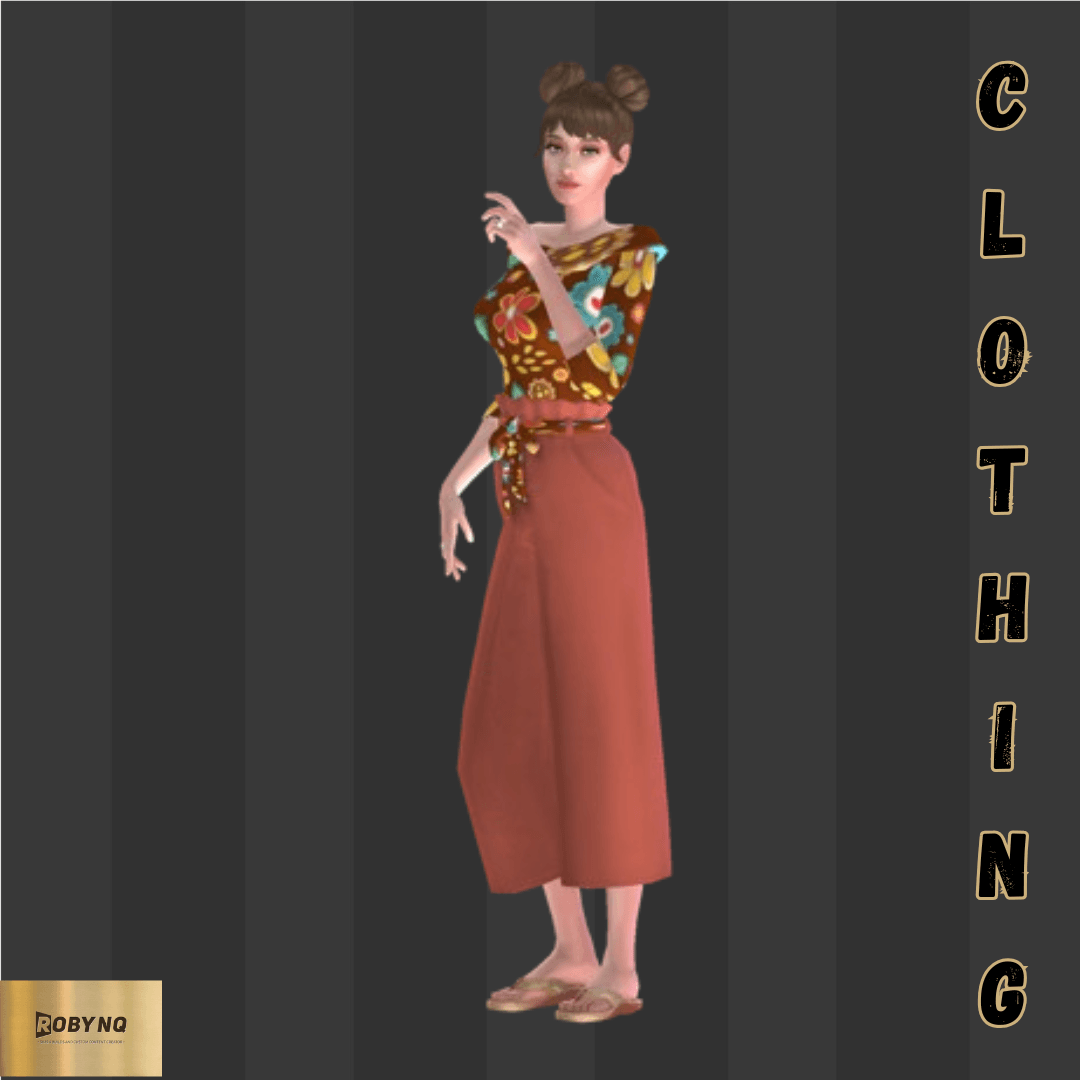
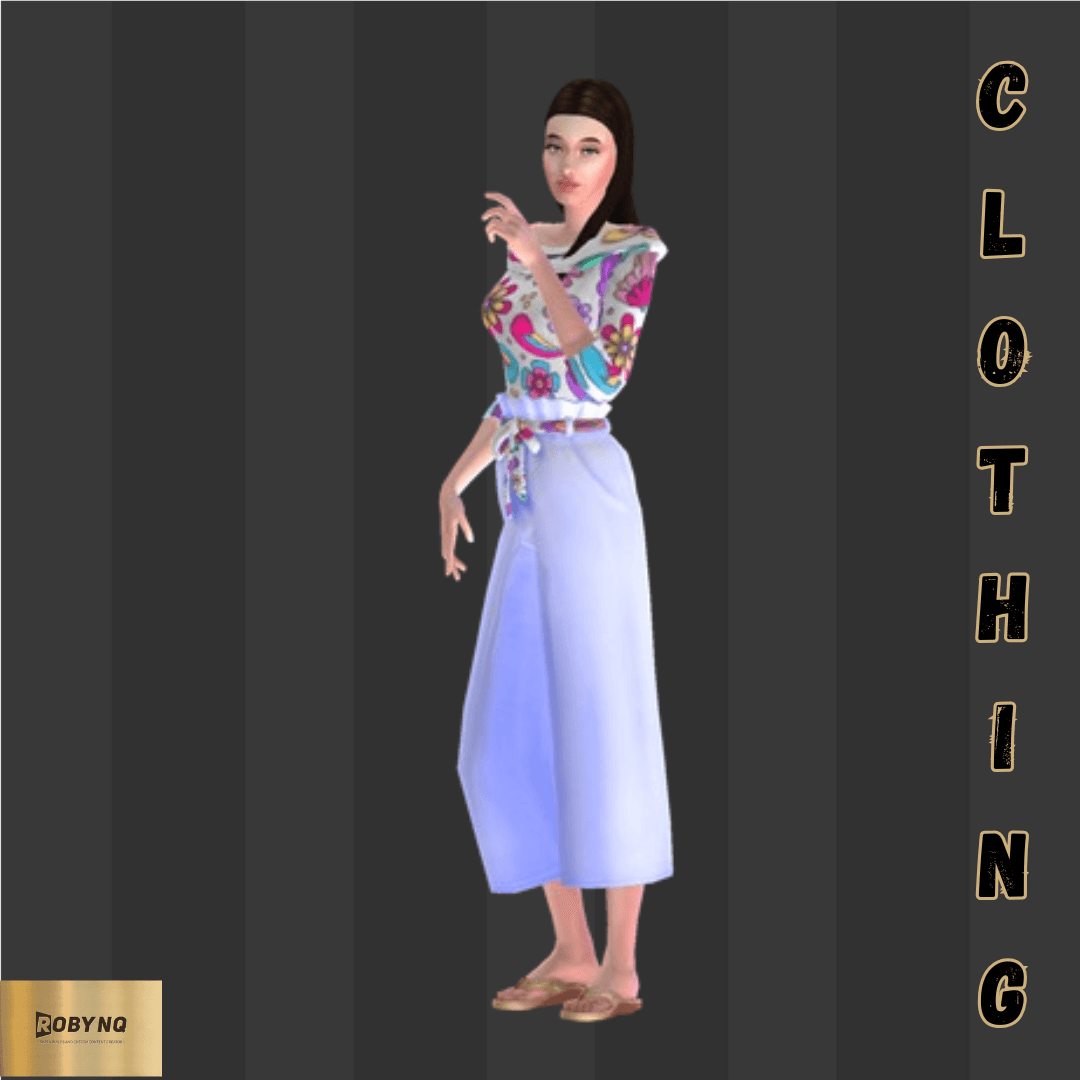
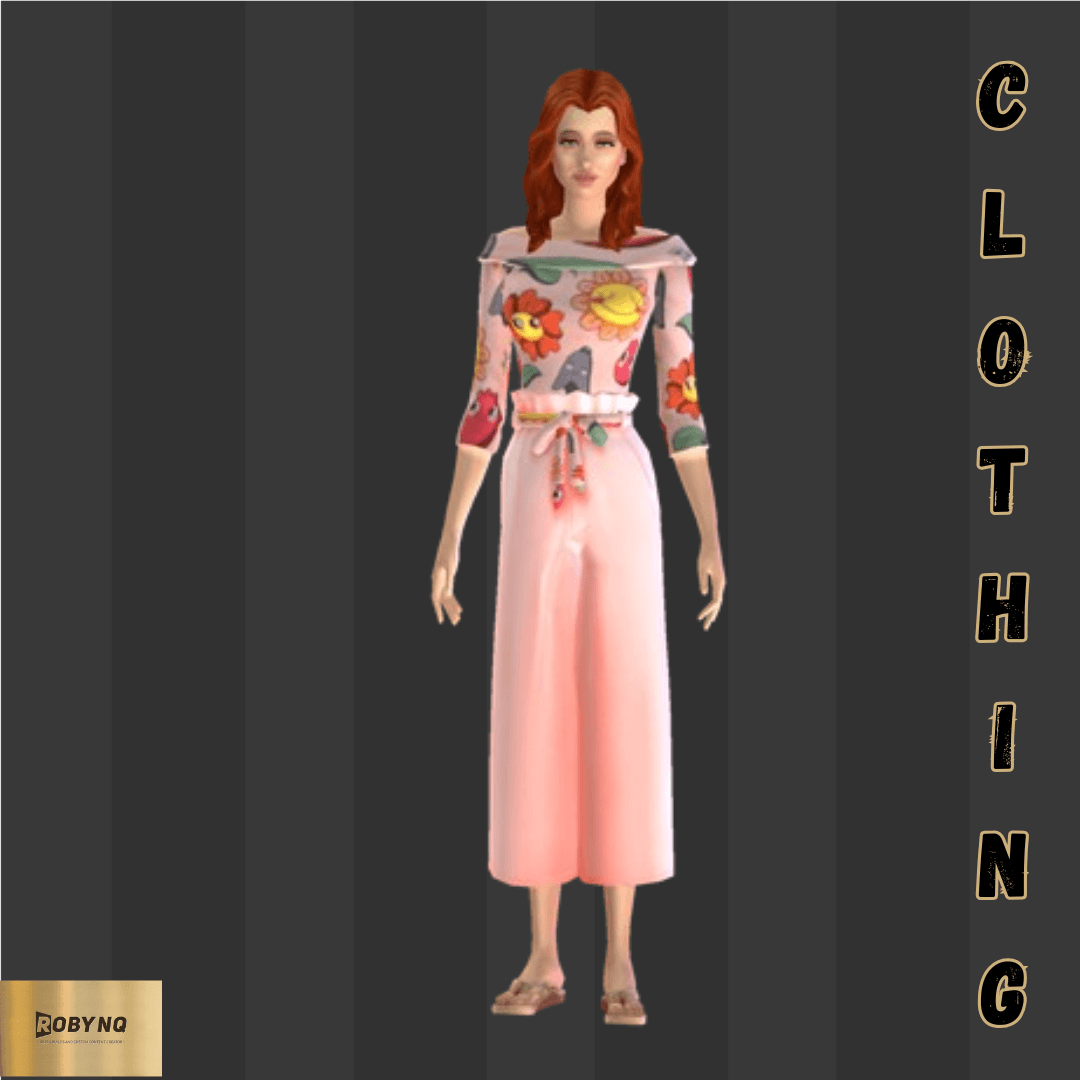
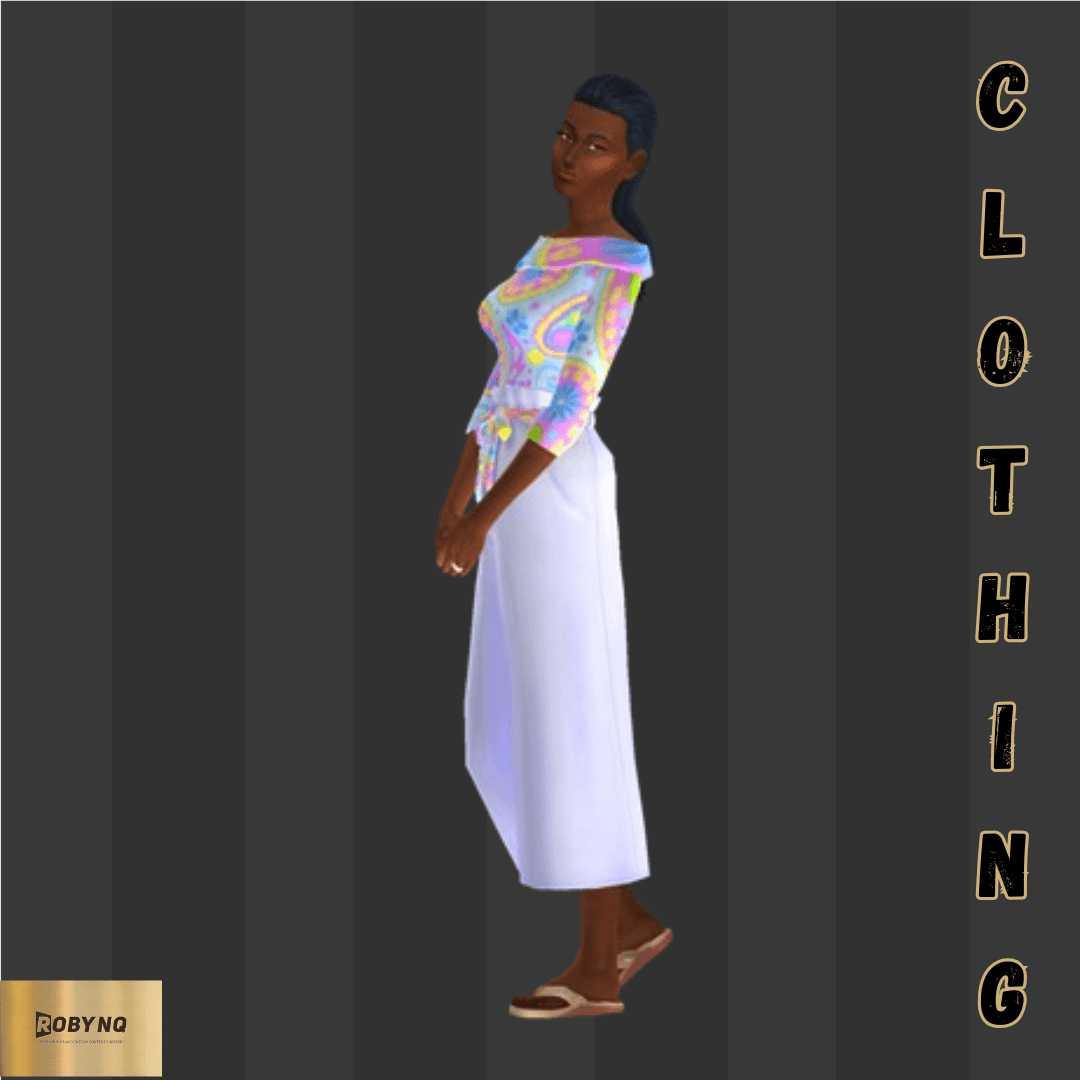
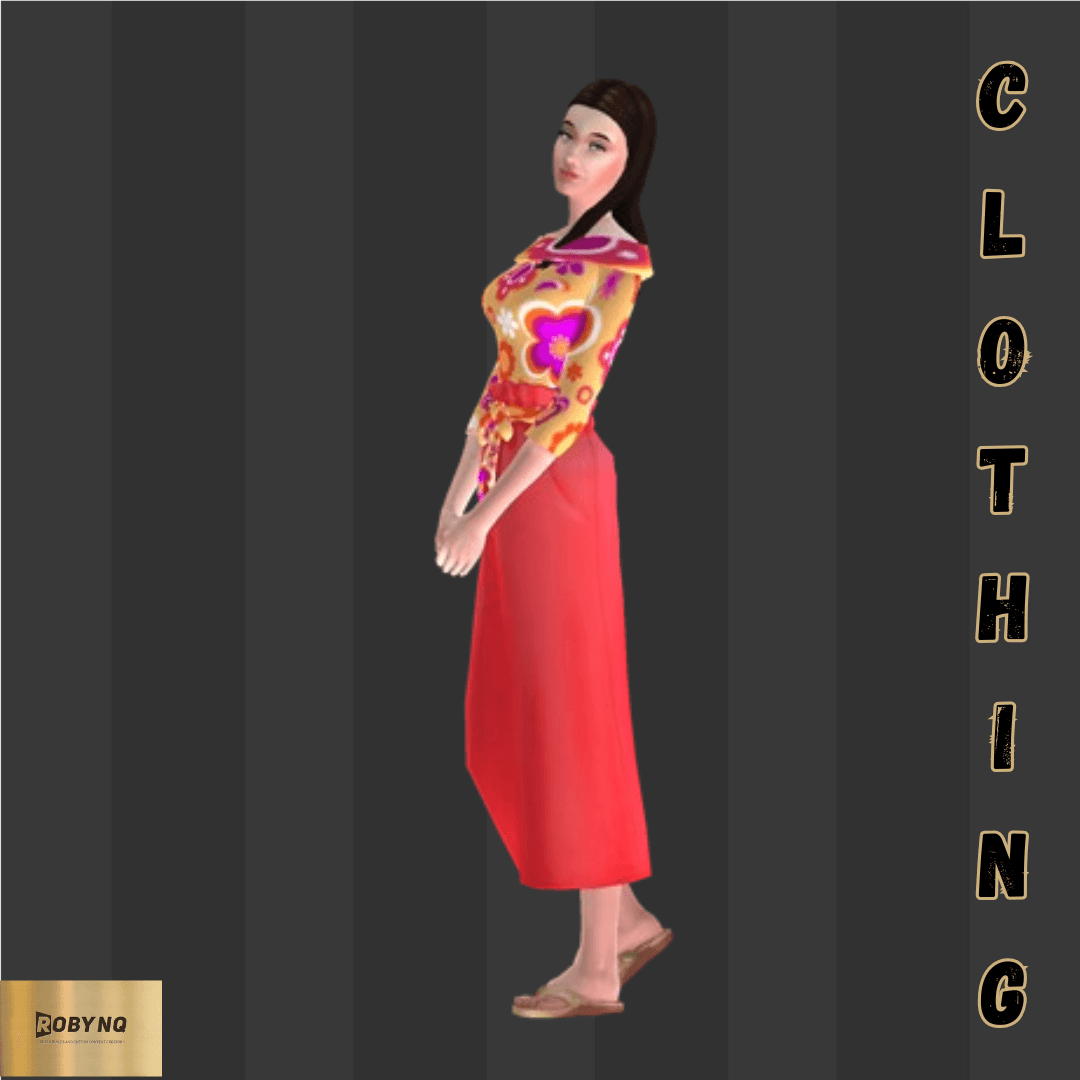
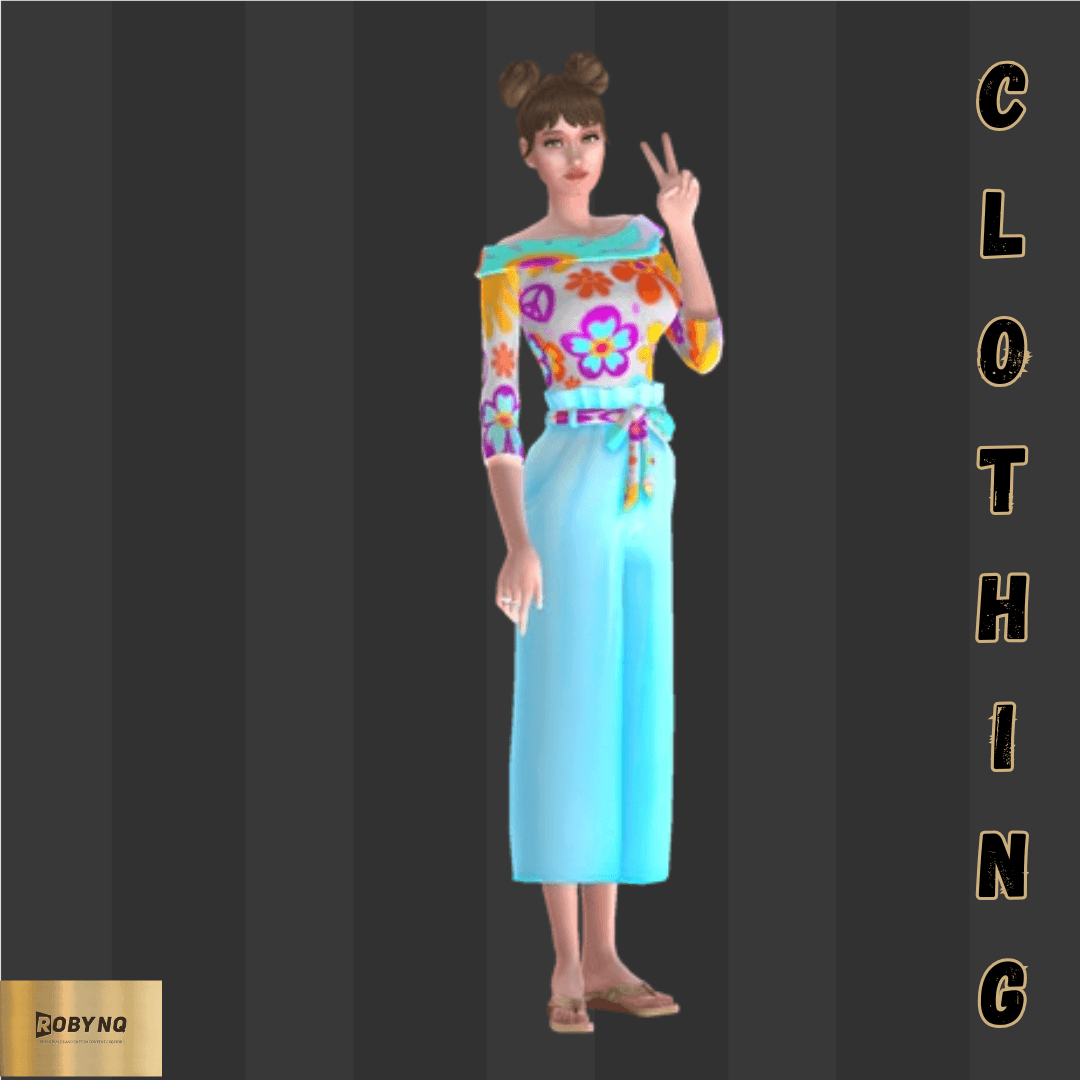
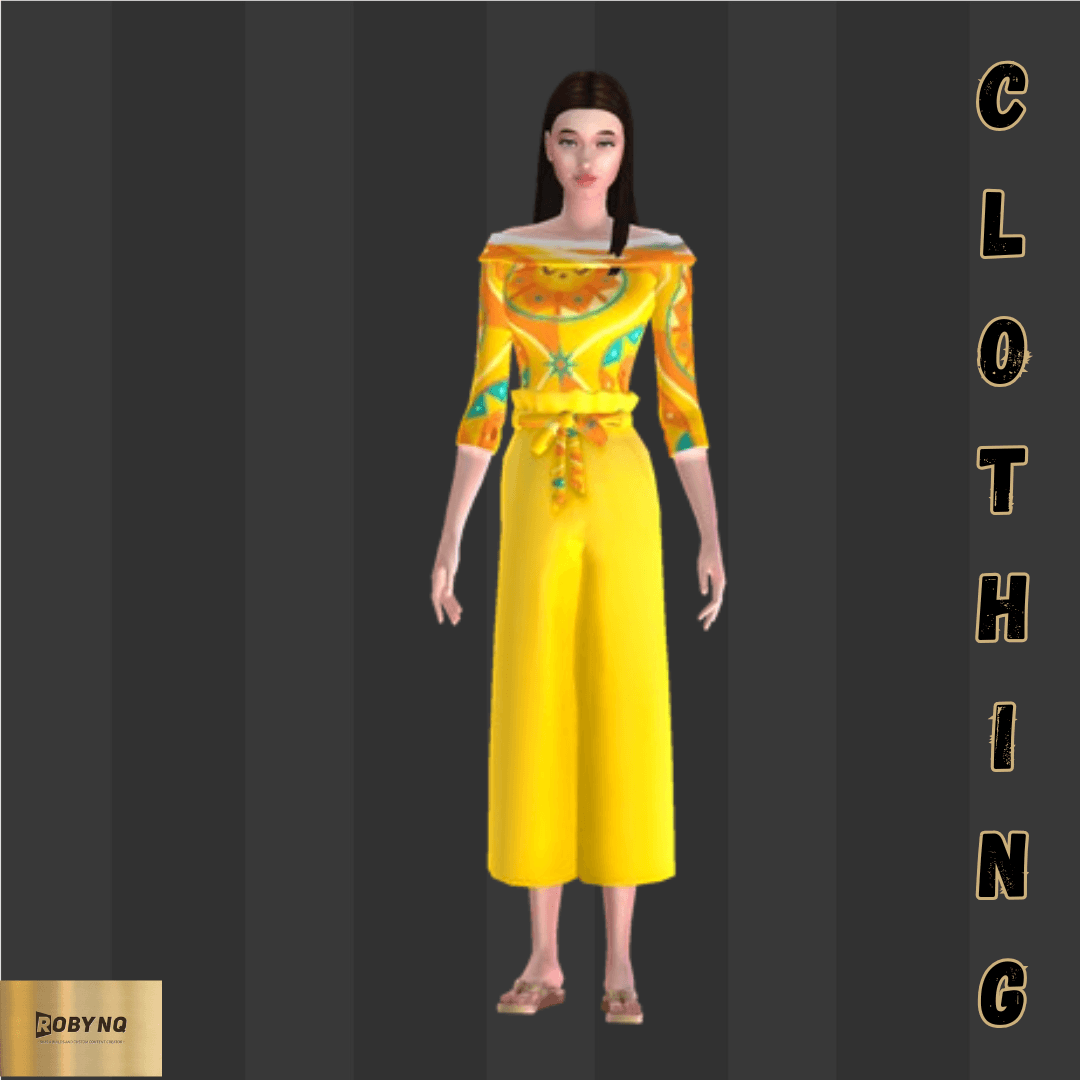
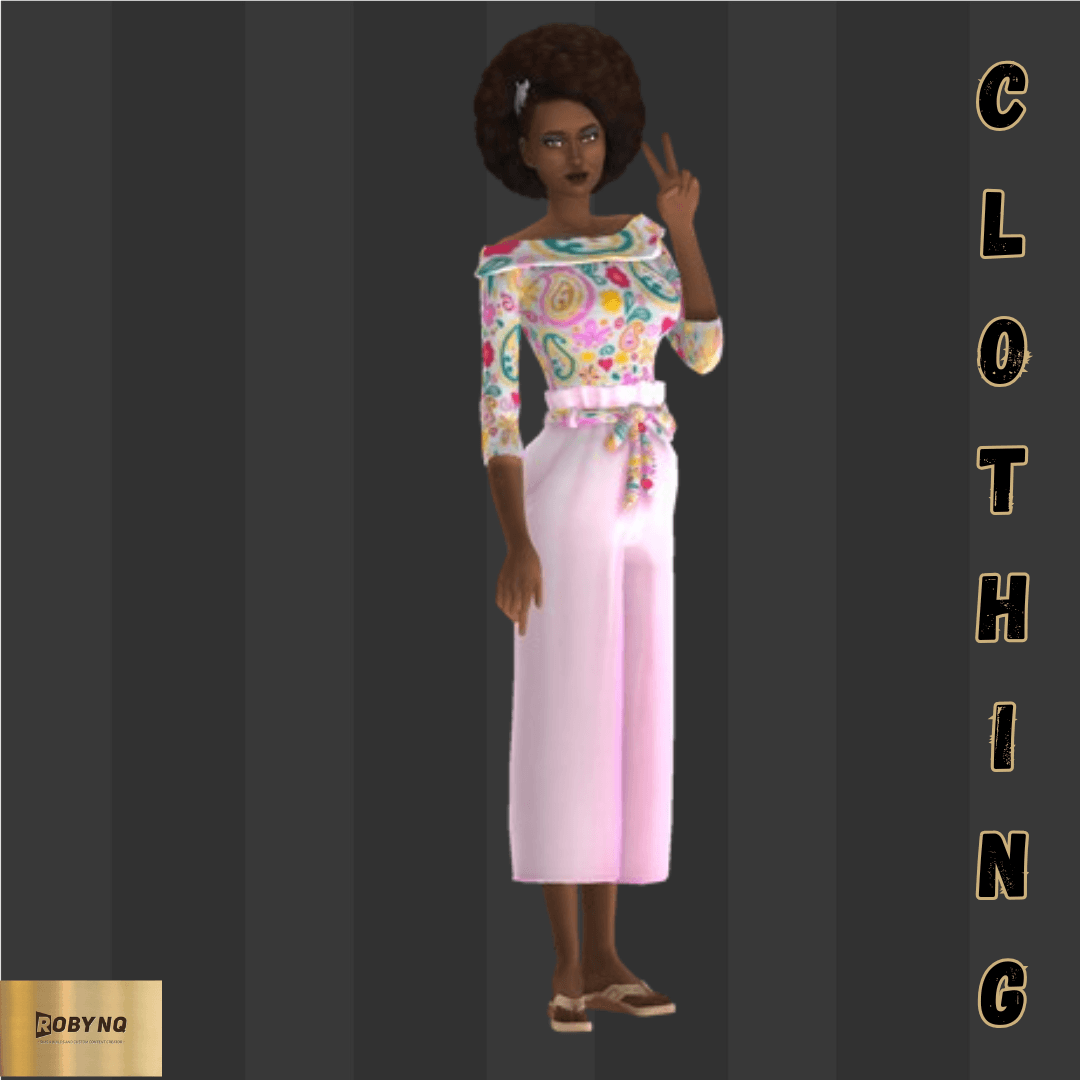
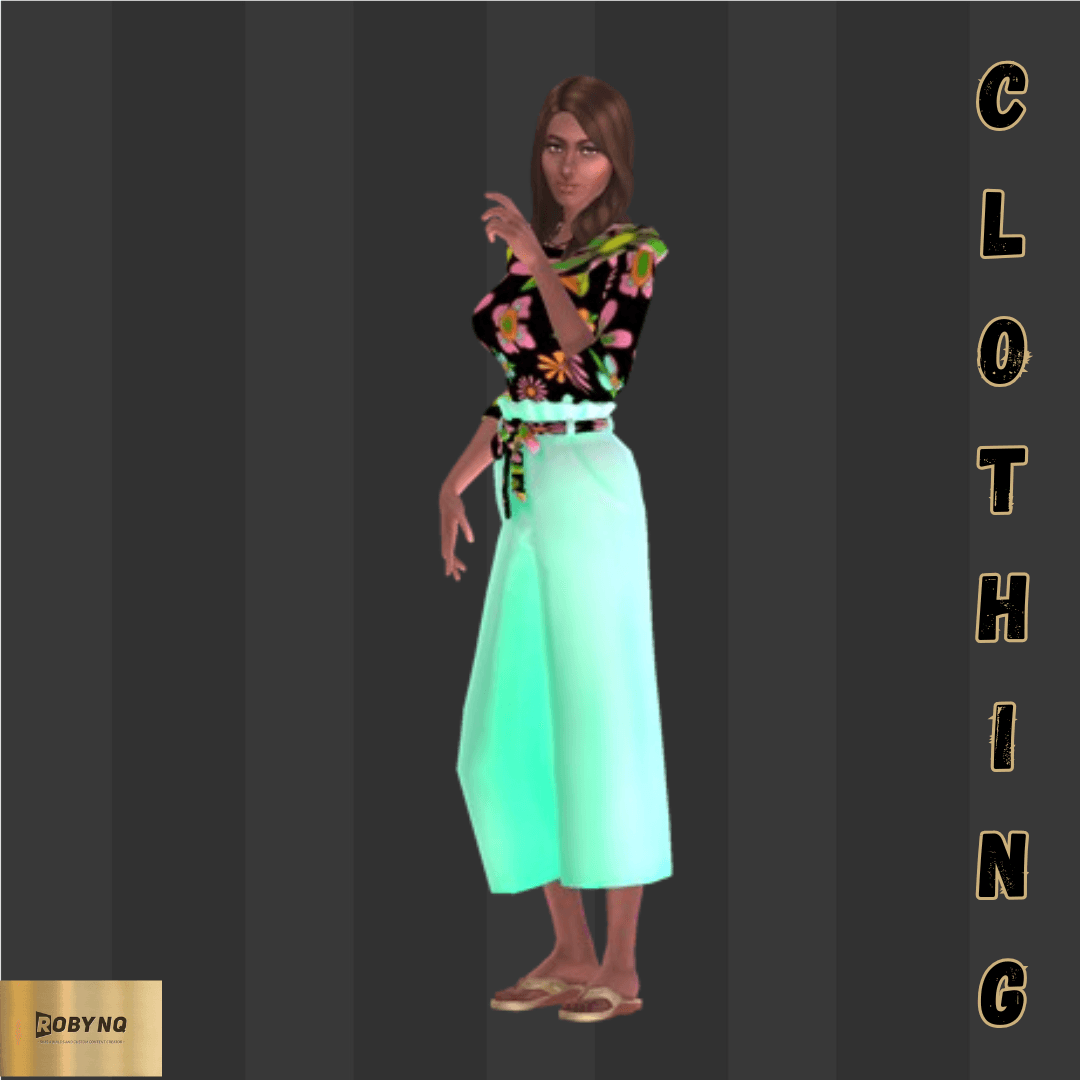
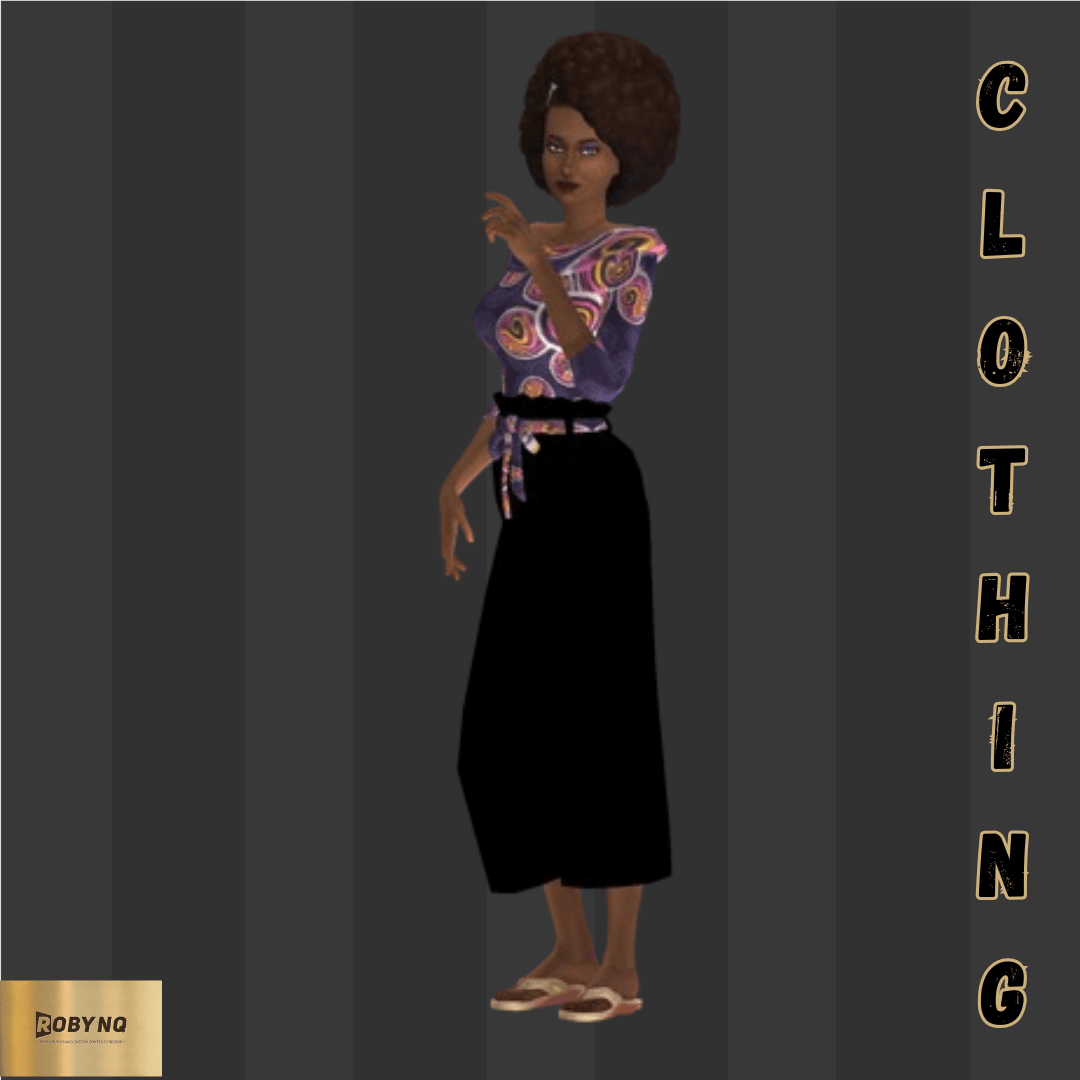
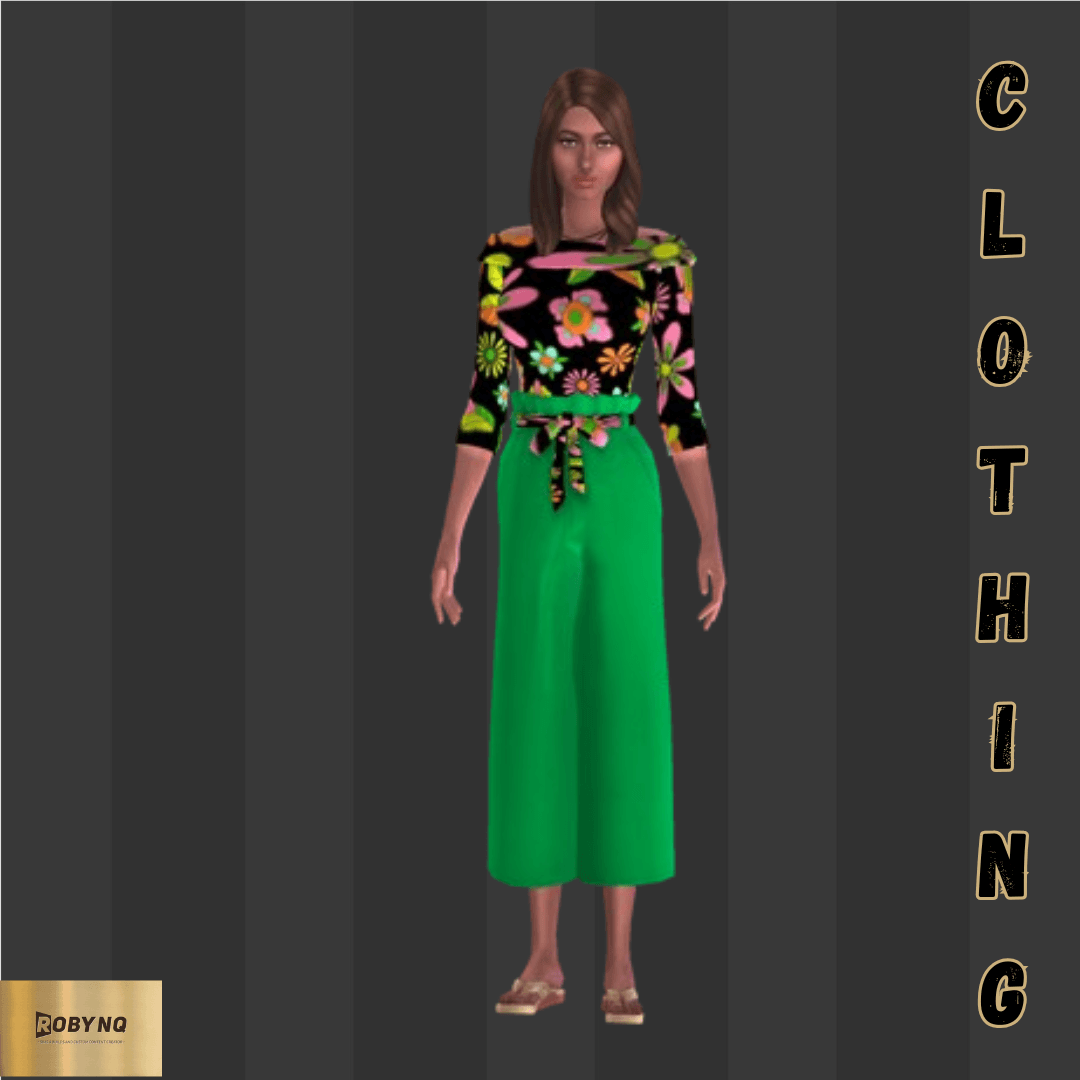
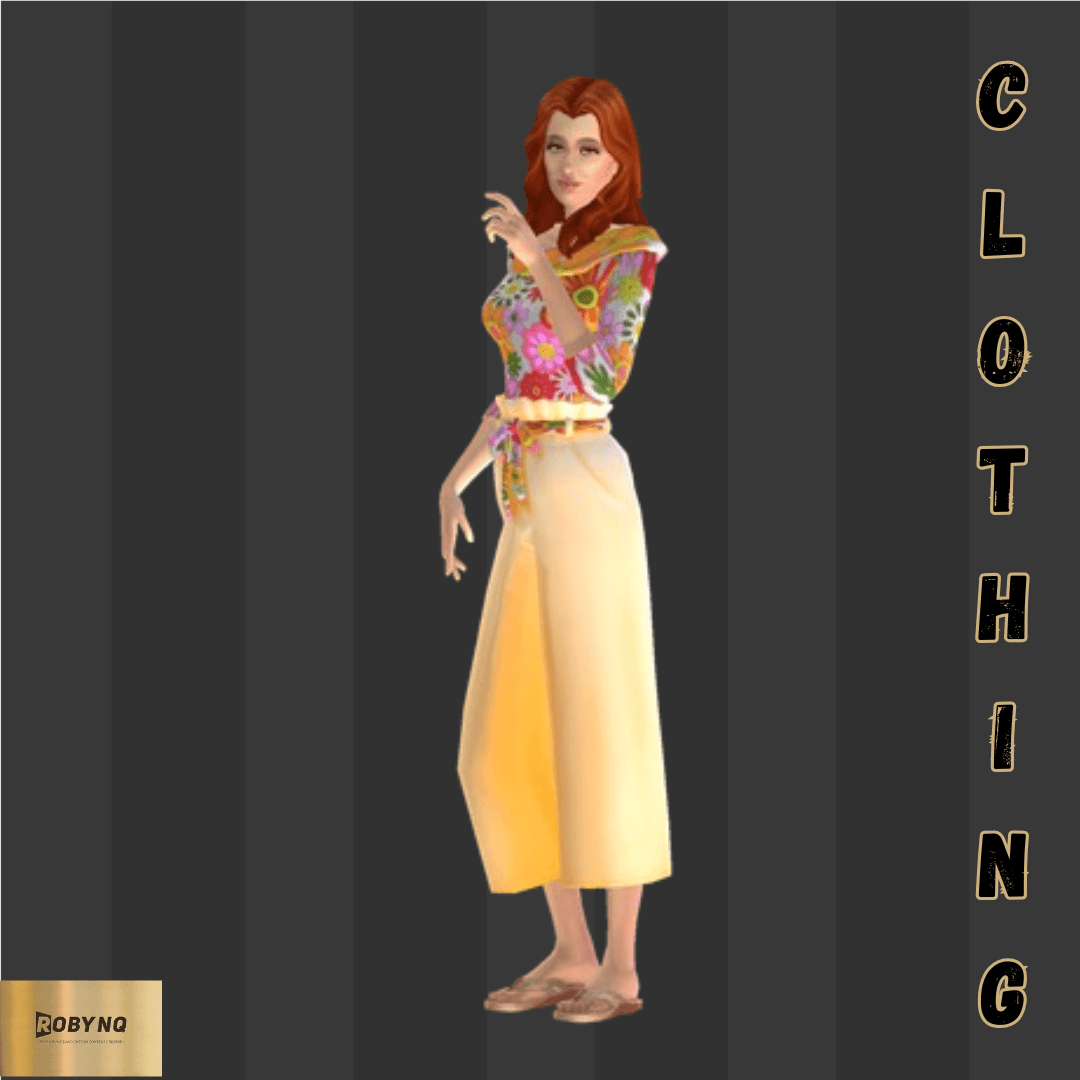
Introducing Naturehues' latest addition, the 80's pants set! This fashion-forward set comes in 24 vibrant designs, perfect for any occasion. The bright printed tops paired with loose-fitting pants provide comfort and style all in one. Whether you're going to a casual brunch or a night out with friends, the Naturehues 80's pants set will have you standing out in the crowd. Don't miss out on this trendy and colorful set!
Thank you for clicking on this project.
Please do not re-upload my content and claim it as your own.
Do no re upload my CC behind a paywall
If you do use my CC please link my Curseforge address
Thank you for understanding
If you want to see more of my projects kindly visit my page at https://legacy.curseforge.com/members/robynkie/projects
Instructions to install custom content into your game.
1. Unzip the Zip file
2. Make sure your game is not launched
3. Open Electronic Arts in your Documents folder
4. Open The Sims 4 in your Electronic Arts folder
5. Search for the Mods folder
6. Place the unzipped files into the Mods folder
7. Launch your game items will appear in build-buy mode
8. Make sure your custom content box is clicked to ensure cc shows in-game
Hope you enjoy
The Huescapes 80's pants set Team