MCM Electronics: Retro Classics
Five retro favorites for the well-appointed Sim home.
Welcome to MCM Electronics: Retro Classics, the first release in my ongoing MCM Electronics series.
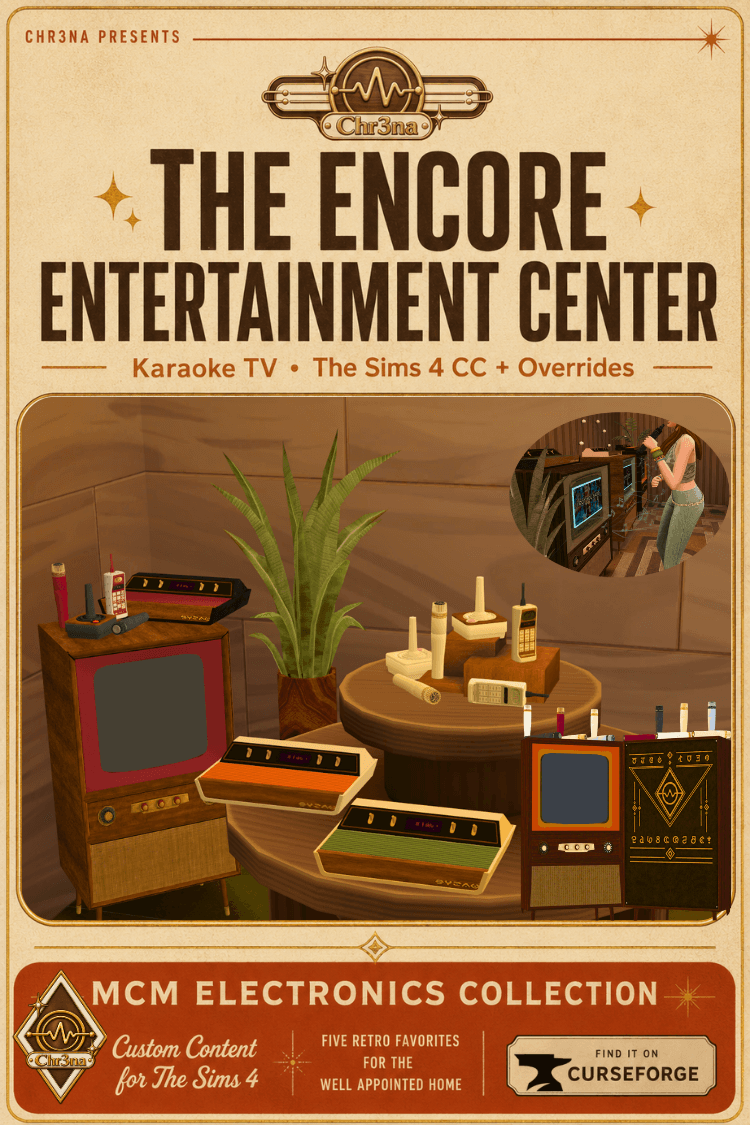
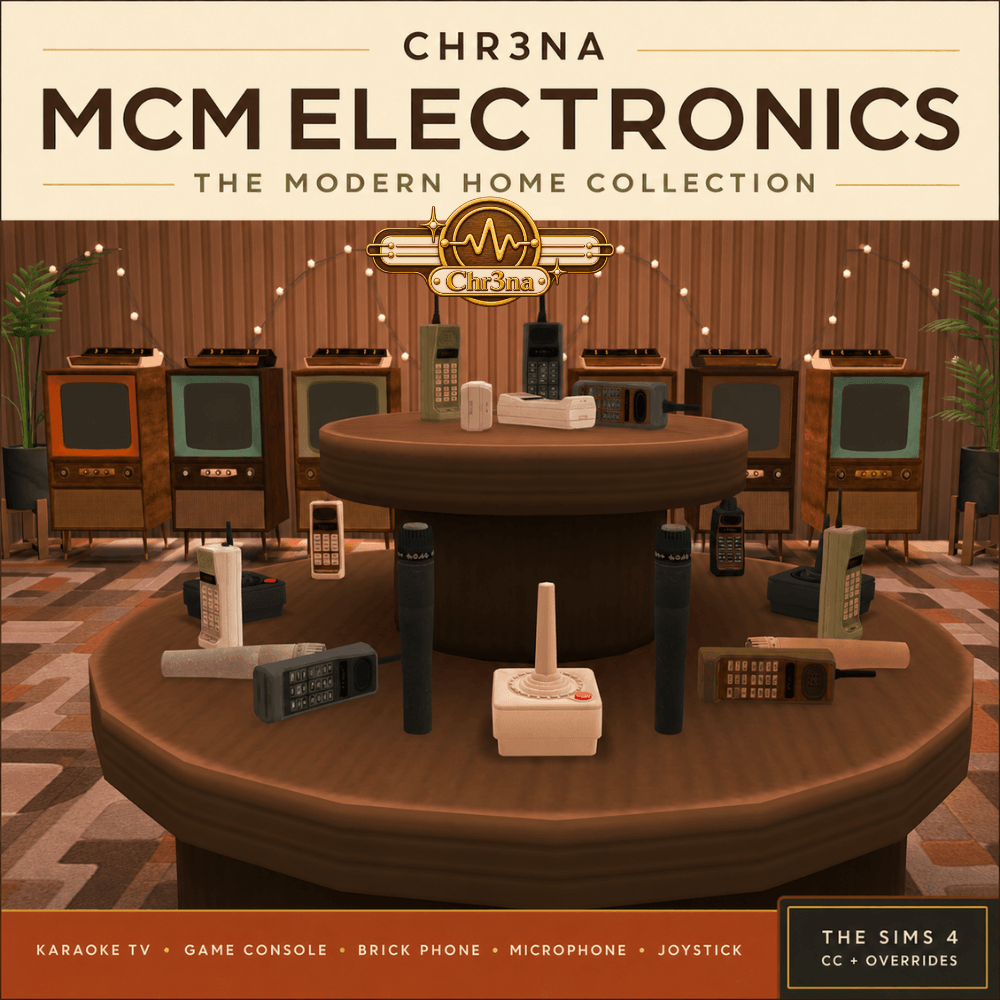
This coordinated Build/Buy collection brings nostalgic technology into The Sims 4 with five distinctive electronics: a decorative microphone, decorative joystick, decorative executive phone, functional karaoke television, and functional game console.
Each piece features custom textures, fictional Sim-friendly detailing, and a curated palette inspired by mid-century and late-1970s interiors. Expect warm wood finishes, creamy neutrals, rich browns, avocado and olive tones, burnt orange, burgundy, and vintage metallic accents.
Use the complete collection to furnish a retro entertainment room, or mix individual pieces into contemporary, eclectic, and vintage-inspired homes.
What’s Included in the Main Collection
The main MCM Electronics Collection ZIP contains all five Build/Buy objects:
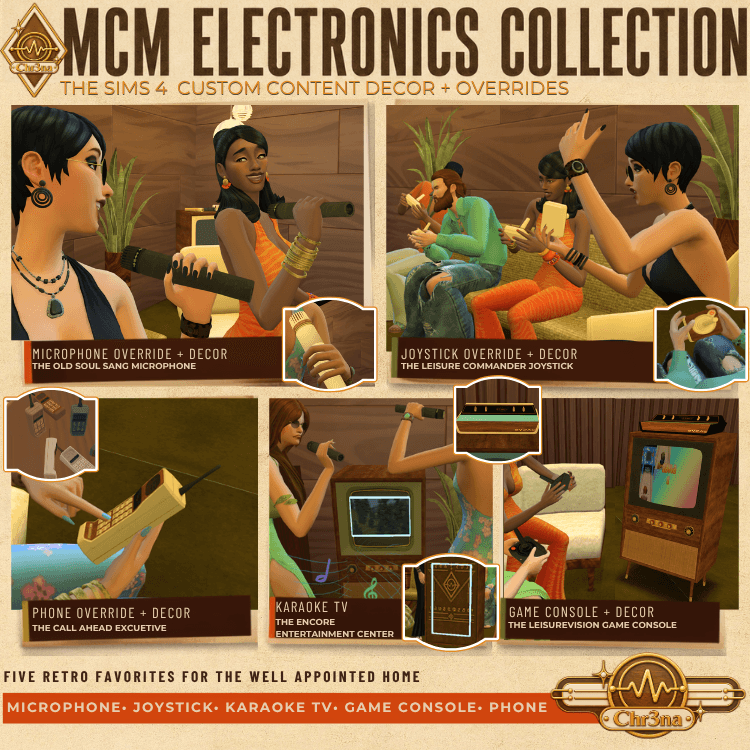
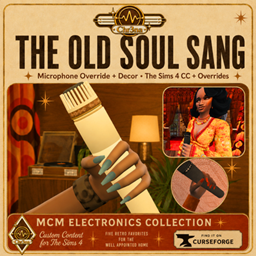
- The Old Soul Sang Microphone — decorative microphone
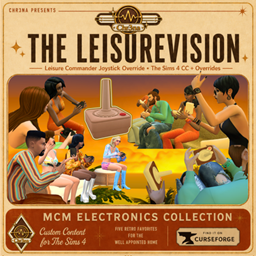
- The Leisure Commander Joystick — decorative controller
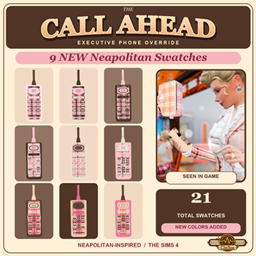
- The Call Ahead Executive Phone — decorative brick phone
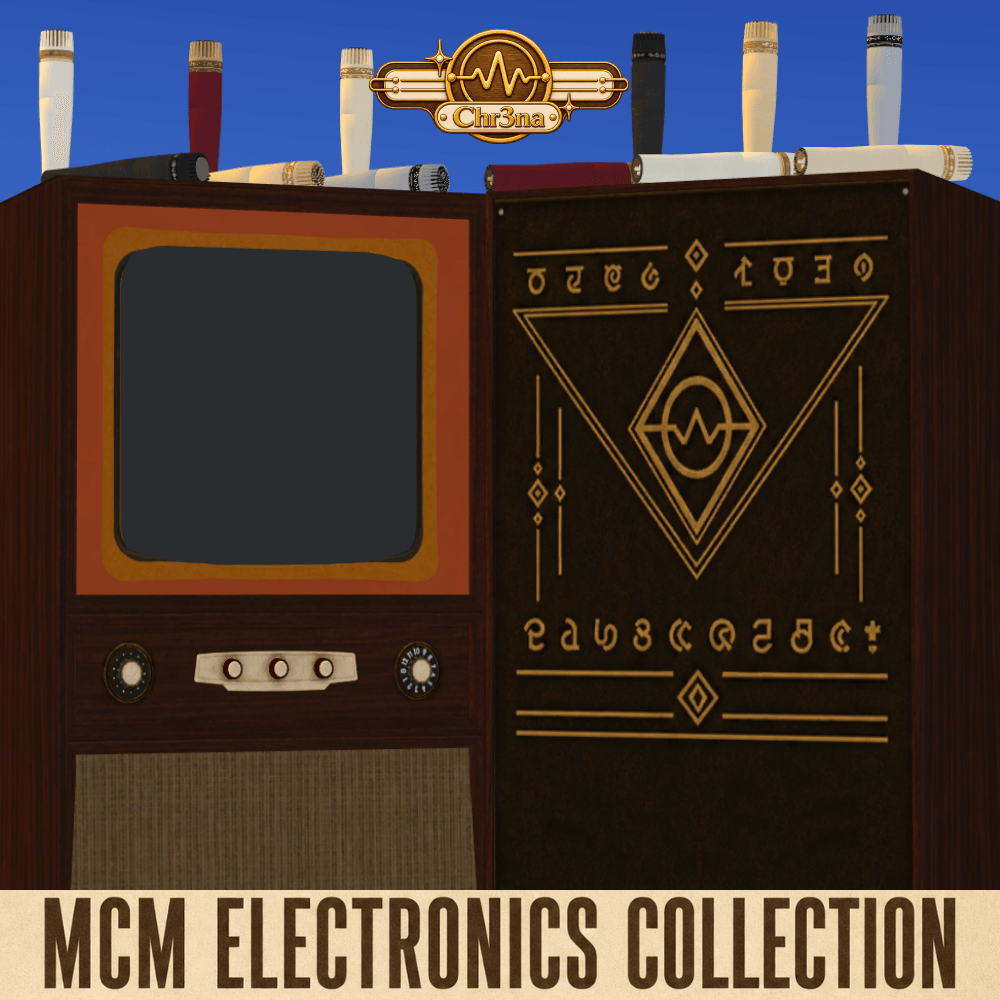
- The Encore Entertainment Center — functional karaoke television
- The LeisureVision Game Console — functional game console
The microphone, joystick, and executive phone included in this collection are decorative display objects. They will not replace any existing gameplay objects.
The optional gameplay overrides are available separately using the links below.
Optional Gameplay Overrides
Want your Sims to use the coordinating microphone, joystick, or brick phone during gameplay? Download the corresponding optional override from its own project page:
These overrides are not included in the main collection download.
Please install only one color option for each overridden object. Different colors of the same override will conflict with one another, as will custom content from another creator that replaces the same game object.
The decorative versions from this collection can be installed alongside the corresponding gameplay overrides.
Collection Features
- Five coordinated Build/Buy electronics
- Functional karaoke television and game console
- Decorative microphone, joystick, and executive phone
- Multiple era-inspired swatches for every item
- A curated Retro Classics color palette
- Simlish and fictionalized product details
- Custom diffuse, normal, and specular textures where applicable
- Modified and optimized meshes adapted for The Sims 4
- Designed for retro, mid-century, eclectic, and vintage-inspired builds
This release features the mature, interior-friendly Retro Classics palette. A brighter Pop Classics collection inspired by playful ’90s and Y2K color combinations is planned as a future release in the MCM Electronics series.
Requirements
- The Sims 4
- City Living is required for The Encore Entertainment Center and The LeisureVision Game Console.
- The decorative microphone, joystick, and executive phone are Base Game compatible.
Individual override requirements are listed on their respective project pages.
Main Collection Installation
- Download The MCM Electronics Collection.zip using the main download button.
- Extract the ZIP file.
- Place the included
.package files in:
Documents\Electronic Arts\The Sims 4\Mods
- Enable Custom Content and Mods in the game settings.
- Restart the game after enabling custom content.
Optional gameplay overrides must be downloaded separately from the links above. Follow the instructions provided on each override page.
Mesh Credits
This collection contains adapted meshes made available by their original creators on Sketchfab:
These source models are listed on Sketchfab under Creative Commons Attribution. The meshes were modified, optimized, retextured, debranded, and adapted for The Sims 4 by Chr3naSims.
No endorsement by the original model creators or real-world manufacturers is implied. All visible in-game product names, markings, and branding used in this collection are fictional.
Support
If you experience an issue, please leave a CurseForge comment containing:
- The affected object
- The installed filename
- Whether you installed its optional gameplay override
- Whether another creator’s override for the same object is installed
- A screenshot, if possible
Created for The Sims 4 by Chr3naSims.