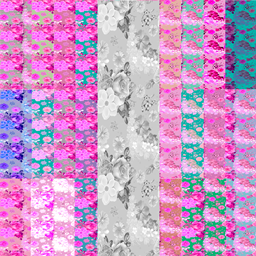
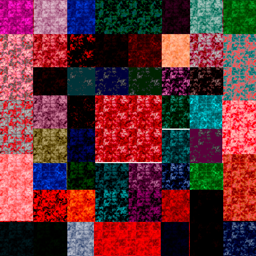
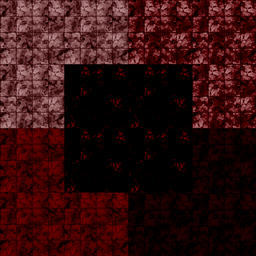
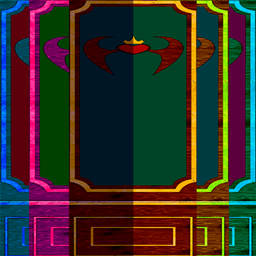
As promised, I'm talking about creating these tiles. After adding a diffuse texture to the Studio, I made a normal map so that it was both smooth and embossed. (Lowered the "Detail scale" slider). Next, I started on the reflection map.A black and white filter should be applied to the diffuse image. It should turn light gray, but not too much. Then 1 time I paint the red and blue channel into black with 50% transparency and the green channel twice. I paint the alpha channel white. And everything is ready)))
If it came in handy, please like it, I will be very grateful. If you have any questions, write in the comments, I will try to help.))) for now, everyone
The RGB Spread.Wall Team