📘 LUMON INDUSTRIES | DEPARTMENTAL ORIENTATION MANUAL
DOCUMENT REF: CO-REF-MDR-004
CLASSIFICATION: FOR SEVERED EYES ONLY
WELCOME TO YOUR LUMON TERMINAL PRO
ATTENTION EMPLOYEE: Please read this orientation guide in its entirety before touching the apparatus. If you do not remember reading this guide, do not panic; this simply means your onboarding elevator sequence was successful and you are currently fulfilling your career aspirations.
1. OPERATIONAL COMFORT & BEZEL SPATIAL ALIGNMENT
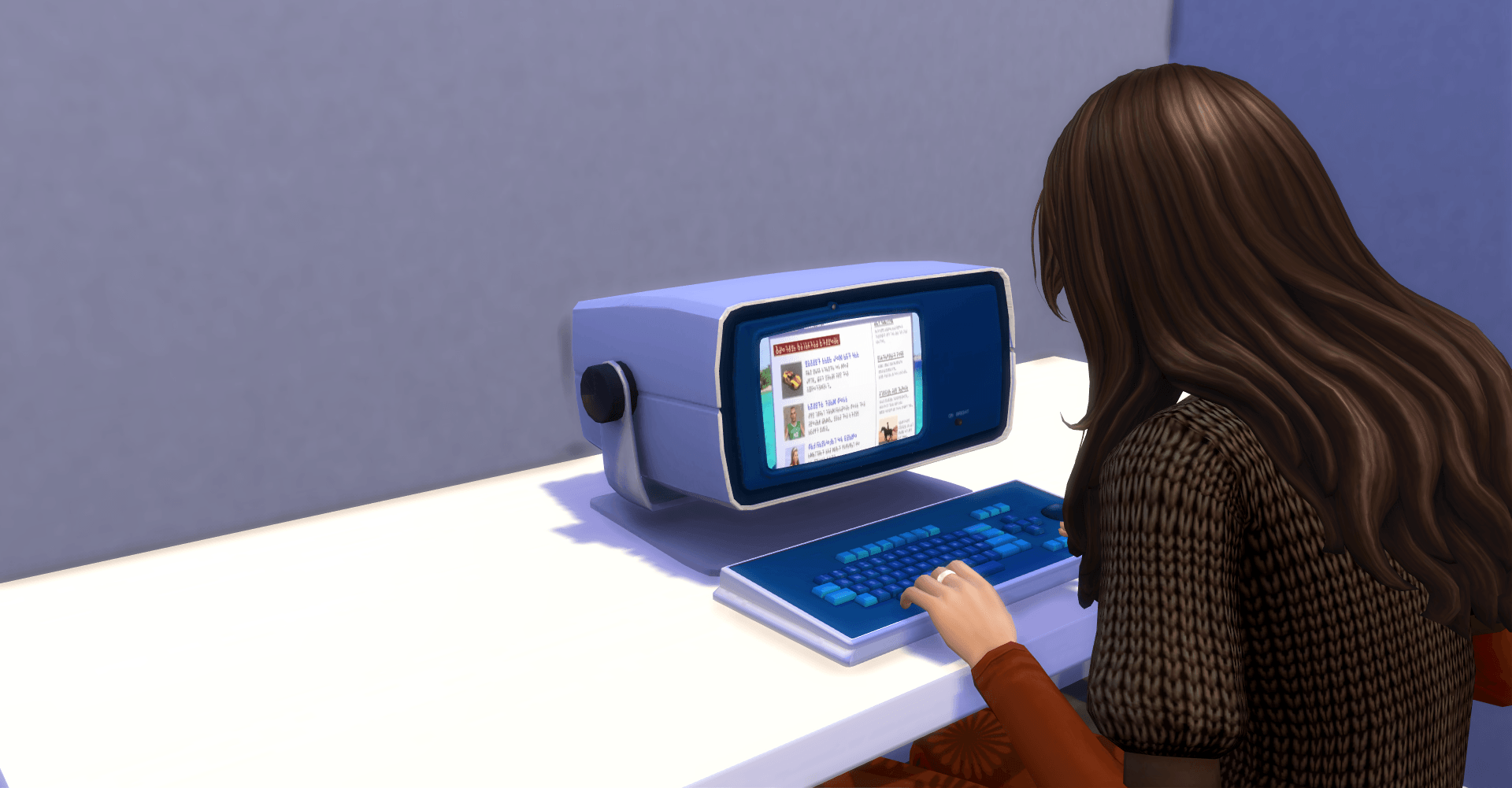
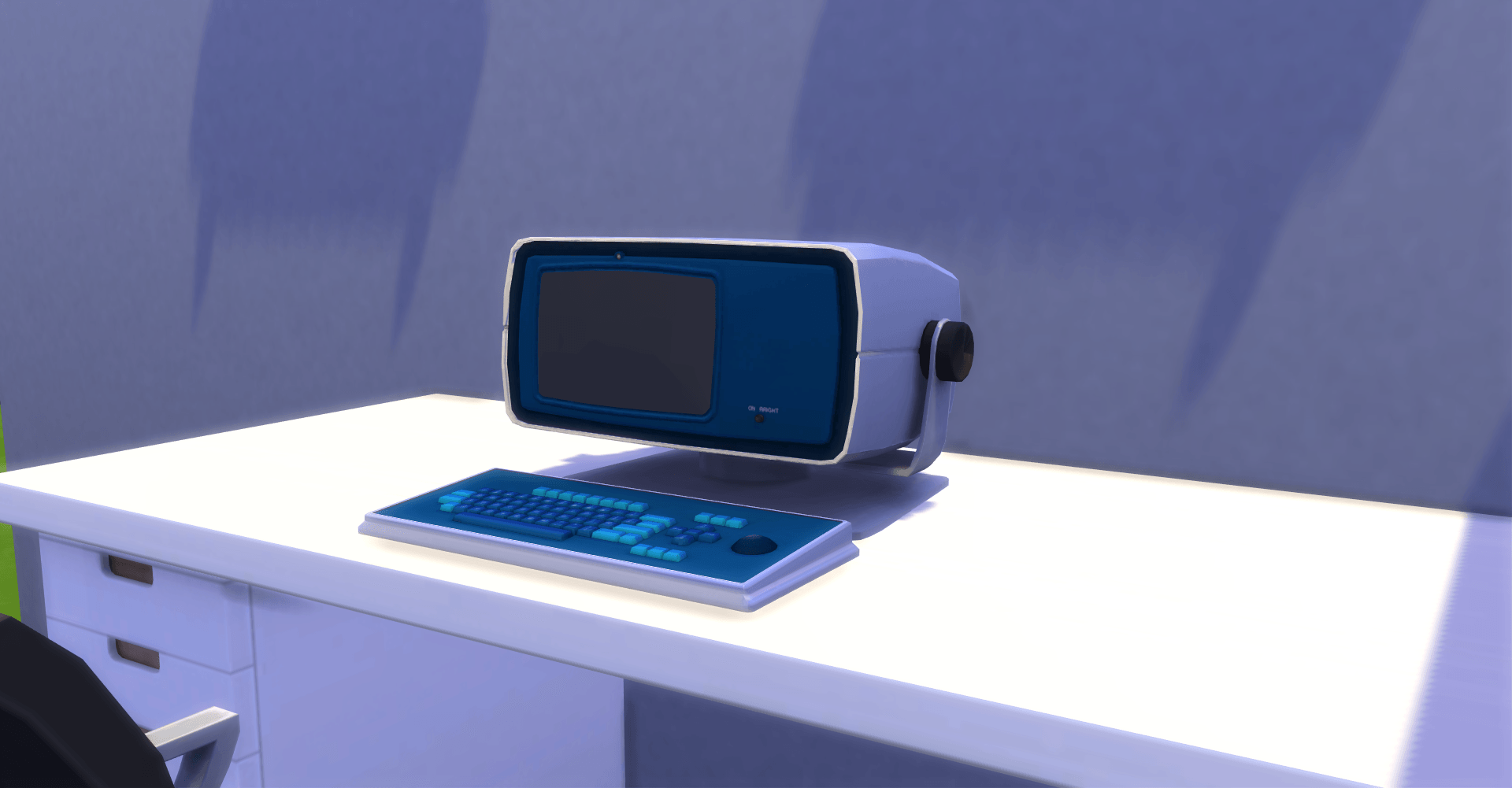
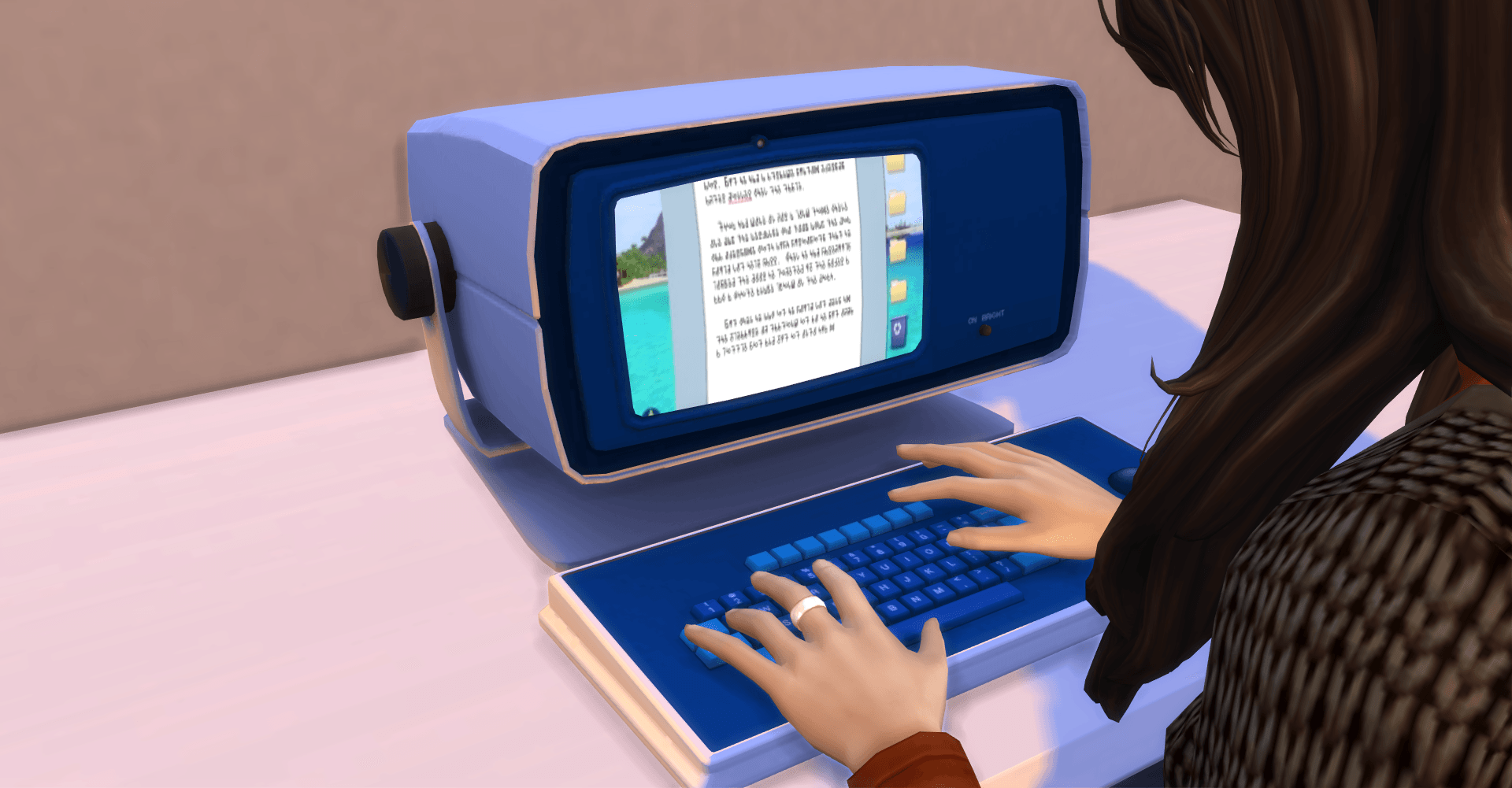
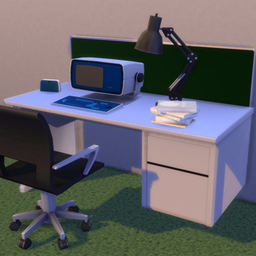
Your workstation features an asymmetrical chassis, specifically designed to push the cathode-ray tube screen entirely to the left. The extensive, featureless grey plastic blank space on the right side of the unit is intentional.
Do not attempt to paste photos of family, drawings, or post-it notes onto this blank plastic area. The void exists to absorb your visual field and minimize peripheral distractions. Looking at the blank grey plastic for five minutes between numeric shifts has been proven by the Department of Wellness to reduce unauthorized sighing by up to 14%.
2. PROPER HERDING OF NUMBERS & BALL COMPLIANCE
- The Interface: The numbers on the screen may occasionally evoke a sensation of mild dread, ambient panic, or profound melancholy. This is a normal computational byproduct. Do not look away from the numbers until they are safely herded into their respective digital bins.
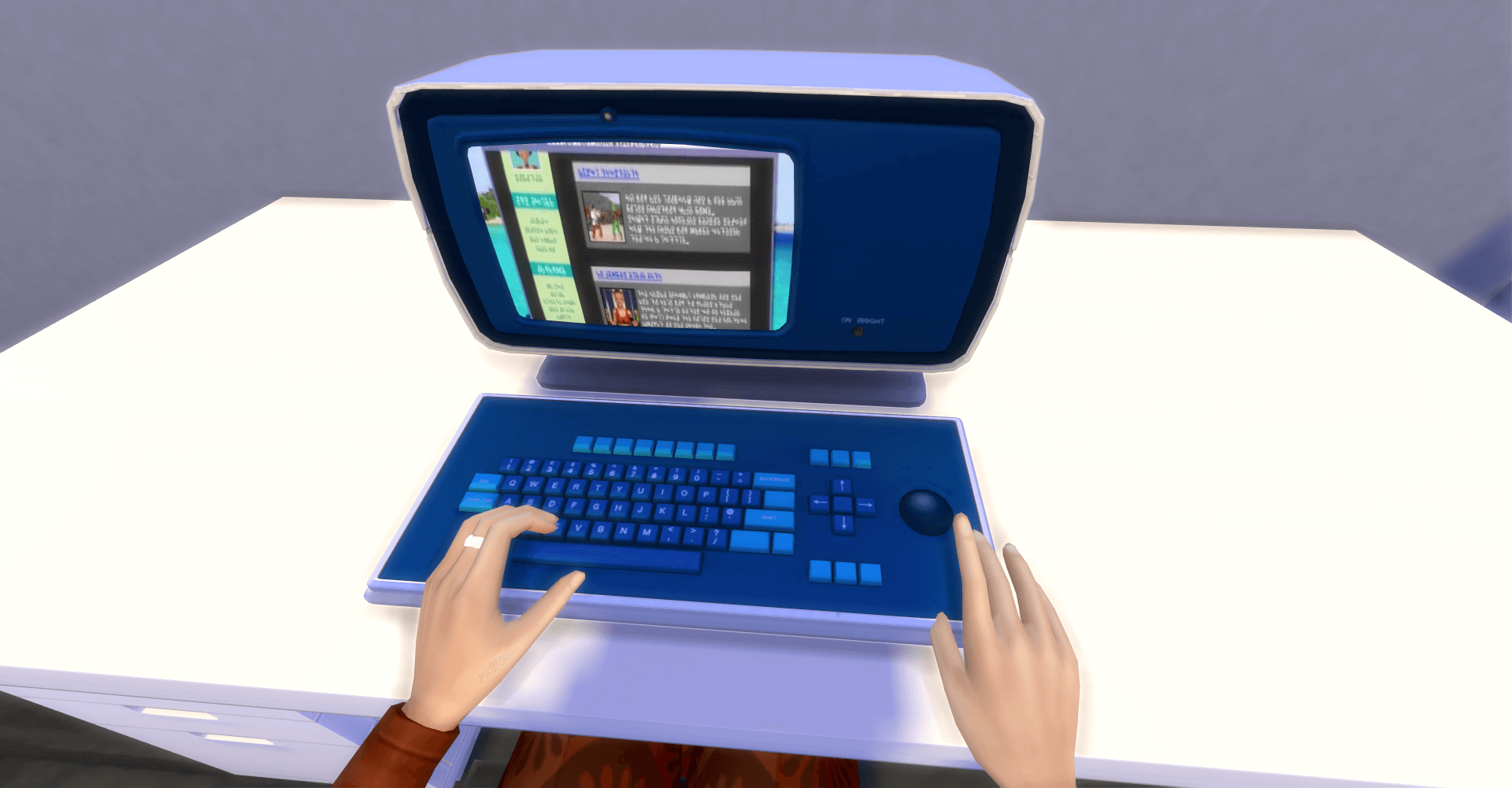
- The Trackball: The large, recessed trackball is weighted precisely to require deliberate physical effort. Moving a number must be a conscious, meaningful decision. If the ball becomes sticky or resists rolling, do not attempt to lubricate it. A sticky trackball indicates that you are rushing through your dataset, which disrupts the corporate harmony.
3. SANCTIONED INDEPENDENT TROUBLESHOOTING
In the event of a technical anomaly, you are strictly prohibited from looking behind the terminal or inspecting the power cables. If the screen goes entirely black and reflects your own face back at you, follow these three steps immediately:
- Close your eyes. Your Outie paid for the terminal, but your Innie is only leased to operate it. Looking at a blank screen counts as unauthorized downtime.
- Recite the Lumon Core Values aloud until the green glow returns.
- Do not visit the Break Room. If a technician is required, one will be dispatched. Do not speak to the technician. They do not know who you are, and you do not know who they are.
[ ACKNOWLEDGE RECEIPT & AGREE TO CEASE ALL OUTSIDE CURIOSITY ]
❓ FREQUENTLY ASKED COMPLIANCE QUESTIONS
SECTION 4-B: DATA REFINEMENT PROTOCOLS & DESKTOP HARMONY
Q: Sometimes when I am sorting the data, a specific cluster of numbers makes me feel a profound sense of existential dread and sudden, inexplicable weepiness. What should I do?
A: Congratulations! You are experiencing normal algorithmic synchronization. The numbers are working exactly as intended. When a number group triggers a localized emotional response, safely guide them into the designated digital bin with a firm, steady roll of your trackball. Do not attempt to analyze why the numbers make you sad. The numbers love you, but they do not require your curiosity.
Q: What do the numbers actually mean? Are we tracking inventory, predicting the weather, or editing old books?
A: That information is not relevant to your current shift. Knowing the true nature of the data would only clutter your pristine, severed consciousness and severely impact your quarterly processing metrics. Rest assured that the numbers are highly important to the global market, the Board, and the legacy of Kier Eagan. To help clear your mind of this unauthorized curiosity, please look at the blank grey plastic bezel on the right side of your terminal for three consecutive minutes.
Q: I noticed there are no status lights or power buttons on the Terminal Pro. How do I turn it off when my shift is over?
A: You don't. The terminal operates in a perpetual state of corporate readiness. When your shift concludes, simply stand up and step into the elevator. The machine will wait for your return. For all intents and purposes, from the perspective of your internal consciousness, the terminal never actually turns off, and you never actually leave the room.
Q: Can I bring a personal pen, a small notebook, or a mechanical pencil to keep at my desk for taking notes on my dataset?
A: Absolutely not. Unsanctioned writing instruments present a catastrophic risk of unauthorized internal communication. Below is the definitive, exhaustive list of items legally permitted to touch the surface of your desk:
- One (1) official Lumon-issued compliance manual (this document).
- One (1) standard Lumon keyboard and integrated trackball array.
- One (1) Ministry-approved desk partition (do not peer over it).
- Zero (0) personal belongings.
If you require a writing surface, you may request a Lumon-branded eraser after achieving a 95% data accuracy rating for three consecutive weeks.
Q: My trackball has begun making a faint, rhythmic clicking sound that sounds remarkably like a human heartbeat. Is this a mechanical defect?
A: The heavy-duty trackball mechanism is engineered to provide tactile feedback to ensure your compliance actions are deliberate. If the clicking matches your own pulse, the terminal has achieved optimal ergonomic calibration. If the clicking does not match your pulse, please report to the Wellness Center for a complimentary posture evaluation and a five-minute session of upbeat acoustic guitar music.
🔧 OFFICIAL WORKPLACE MAINTENANCE REGULATION
LUMON INDUSTRIES | MACRODATA REFINEMENT TECHNICAL BULLETIN
MALFUNCTION: The floating numbers on the display screen are vibrating violently but evoke absolutely no emotional response (neutral/indifferent).
- PROBABLE CAUSE: Localized data numbness resulting from an uncalibrated worker consciousness.
- CORRECTIVE ACTION: Do not look away from the terminal. Stare intensely at the right-side blank plastic bezel for exactly forty-five seconds to reset your focus matrix. If the numbers continue to look like ordinary, non-threatening digits, report to the Department of Wellness immediately for a complimentary clay-sculpting evaluation.
MALFUNCTION: The oversized trackball is rolling perfectly smoothly with zero resistance.
- PROBABLE CAUSE: A dangerous mechanical breakdown has eliminated the tension arrays. Herding a data cluster should never feel effortless.
- CORRECTIVE ACTION: CEASE INPUT IMMEDIATELY. If your trackball glides too easily, you risk refining data without proper corporate mindfulness. Firmly press down on the ball until you hear a deep, plastic crunching sound, effectively manual-braking the unit. Wait for a supervisor to bring a replacement heavy-duty weight assembly. Do not attempt to blow into the socket to clear dust.
MALFUNCTION: The screen housing is emitting a faint, rhythmic ticking noise that matches your own pulse.
- PROBABLE CAUSE: The Terminal Pro has achieved perfect thermodynamic and ergonomic synchronization with your current physical shift.
- CORRECTIVE ACTION: No action required. This is the optimal state of operational compliance. If your pulse begins to accelerate or decelerate away from the machine's ticking rhythm, please adjust your breathing until you match the terminal once again.
⚠️ COMPLIANCE WARNING: Attempting to tilt the terminal, look underneath the integrated keyboard well, or trace the video signal wires into the floorboards will result in an immediate administrative intervention inside the Break Room. The machine is a single, permanent unit. Treat it as such.