Clrblx kitchen counters individual package
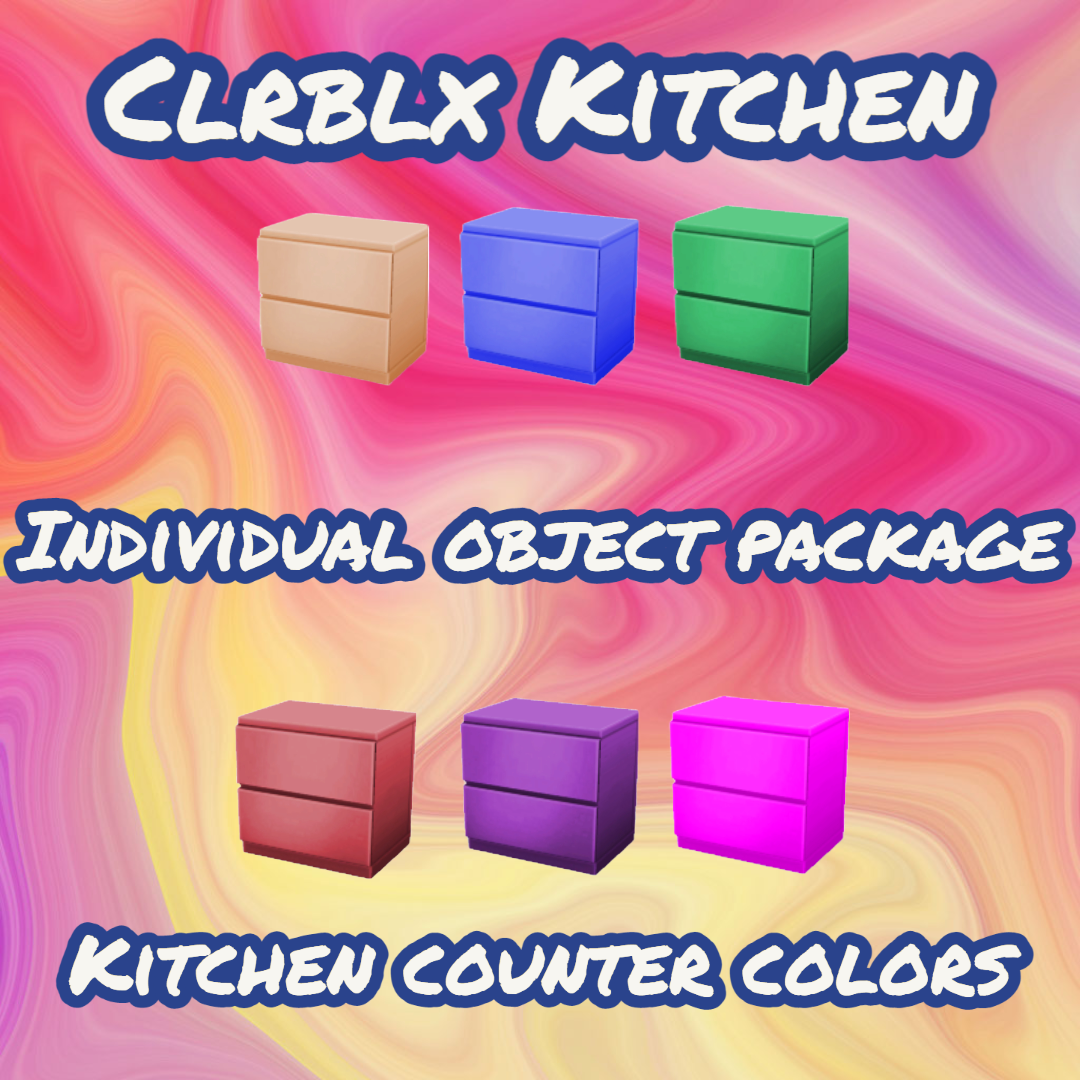
Colorful counters for your simmies to make base game more interesting and fun base game compatible includes Island counter file
Description
Add some pop of color to your kitchen with these amazing kitchen counters for your Sims in The Sims 4. From glossy red to bold blue, stand out with these colorful options that will surely brighten up your sims' homes. Upgrade from the traditional neutral tones and give your kitchen a vibrant new look. These counters are not only stylish but also functional and durable, making them the perfect addition to any sim's home. Whether you prefer a modern or eclectic style, these colorful kitchen counters will definitely add that extra oomph to your sim's kitchen.
Kindly please follow me on this platform to ensure you know when I upload content. Thank you so much for everyone's support.
Please do not re-upload my content and claim it as your own.
If you do use my content publicly please tag me in a mention.
Thank you so much for understanding
Instructions to install lots and rooms into your game.
1. Unzip the Zip file
2. Make sure your game is not launched
3. Open Electronic Arts in your Documents folder
4. Open The Sims 4 in your Electronic Arts folder
5. Search for the Tray folder
6. Place the unzipped files into the Tray folder
7. Launch your game items will appear in build-buy mode
8. Make sure your custom content box is clicked to ensure cc shows in-game
Hope you enjoy
If you wish to download the complete cc kit you can find it here
The Clrblx kitchen counters individual package Team