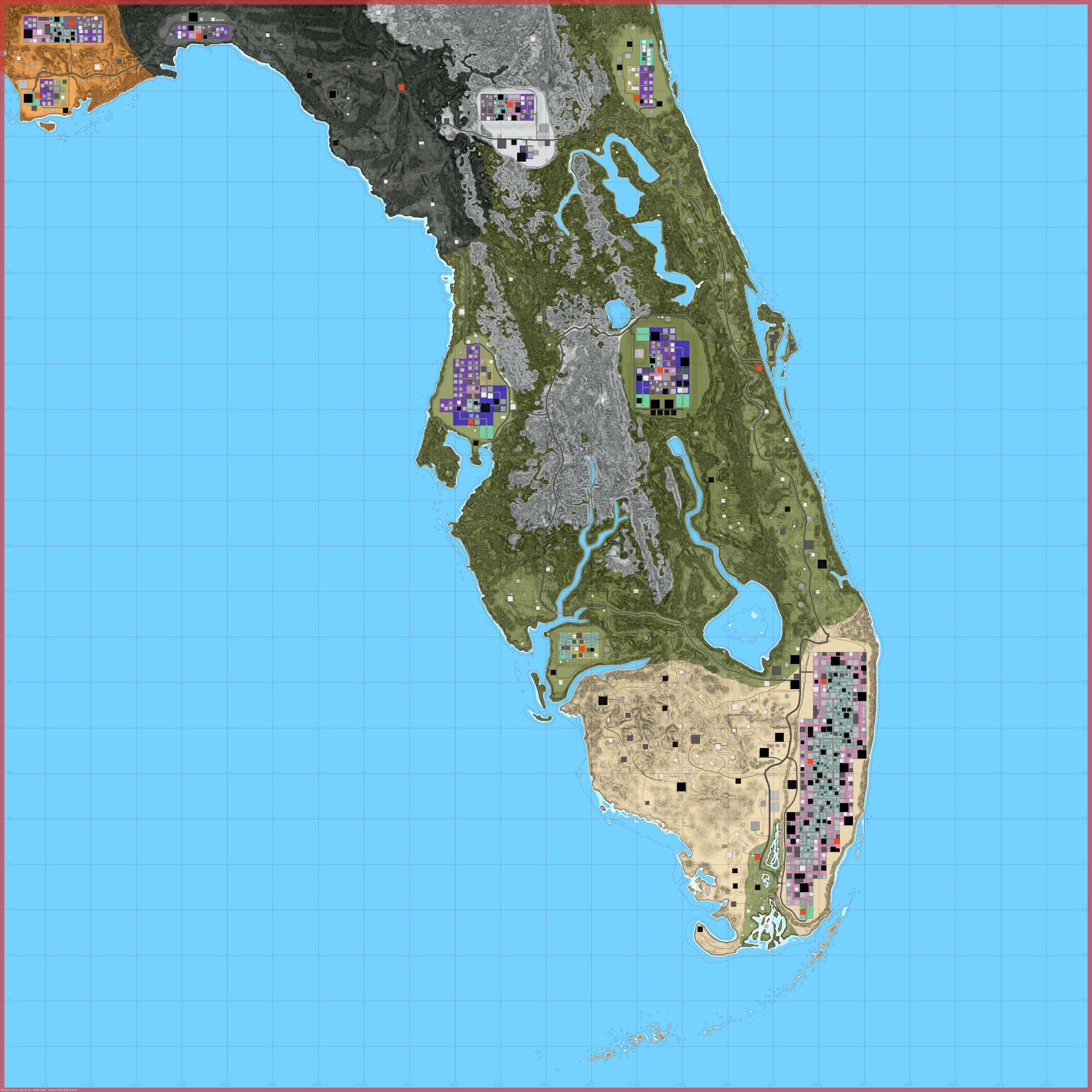
Florida-Undead-III-Map-Preview.jpg
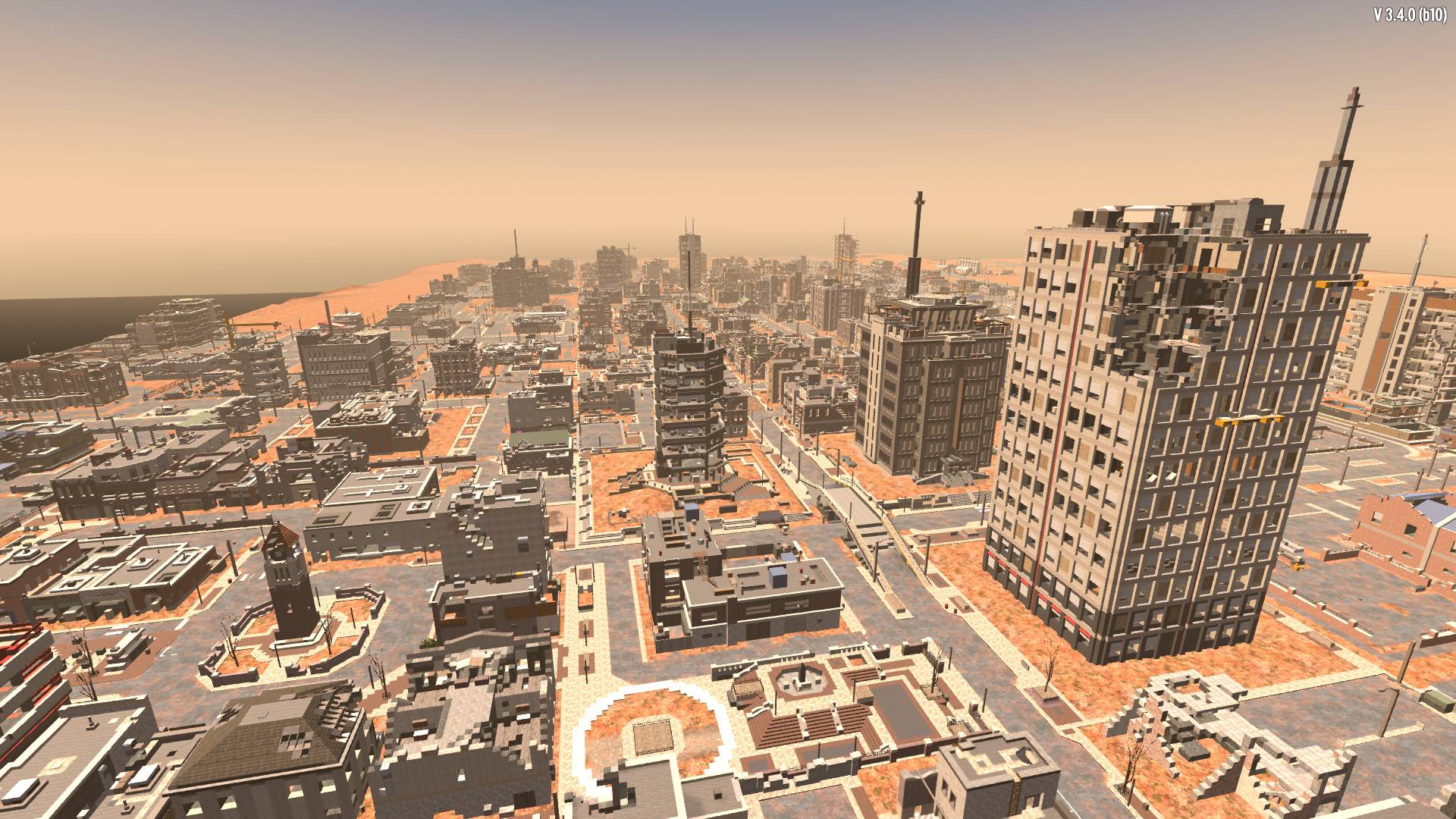
Miami.jpg
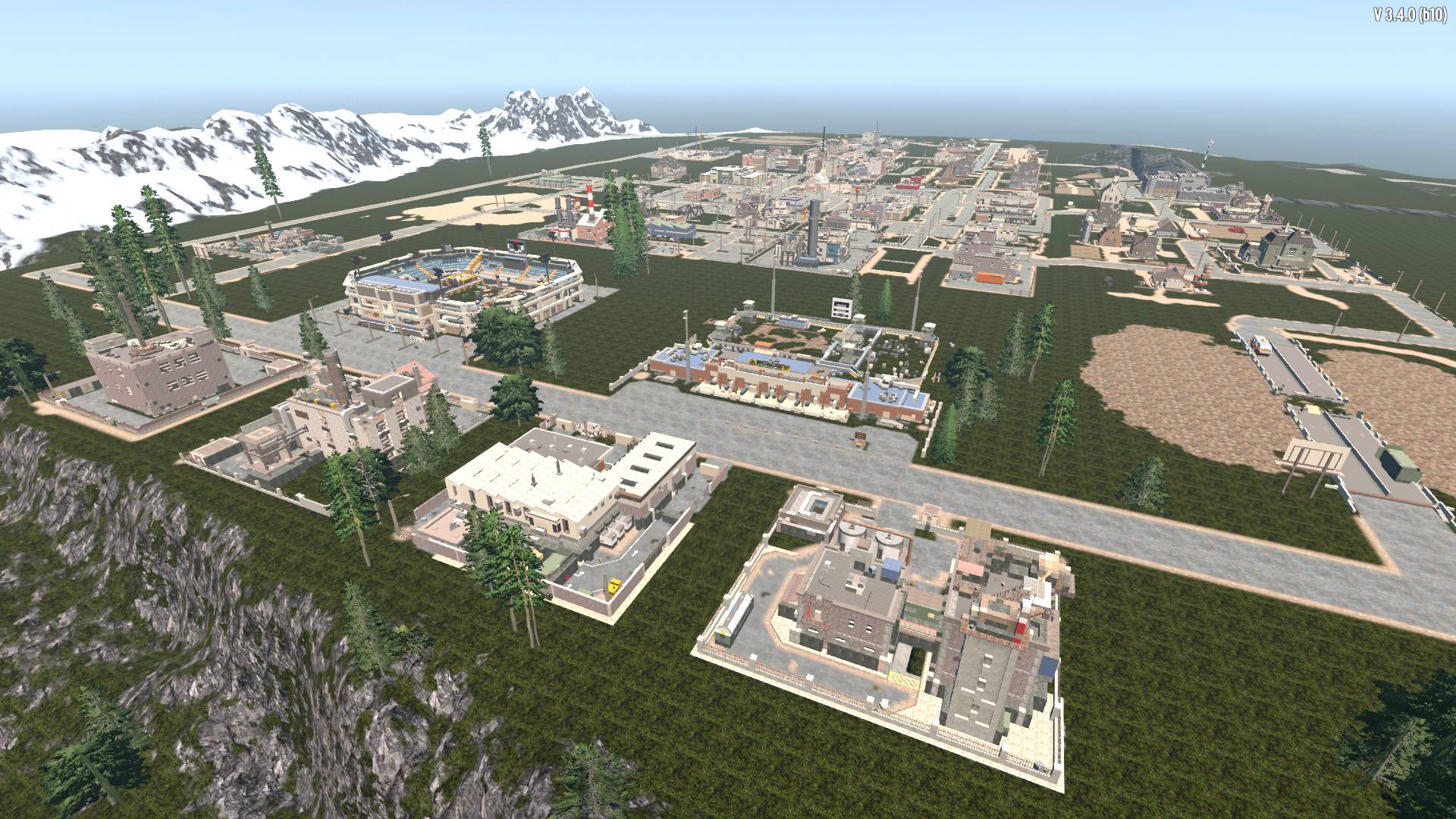
Orlando.jpg
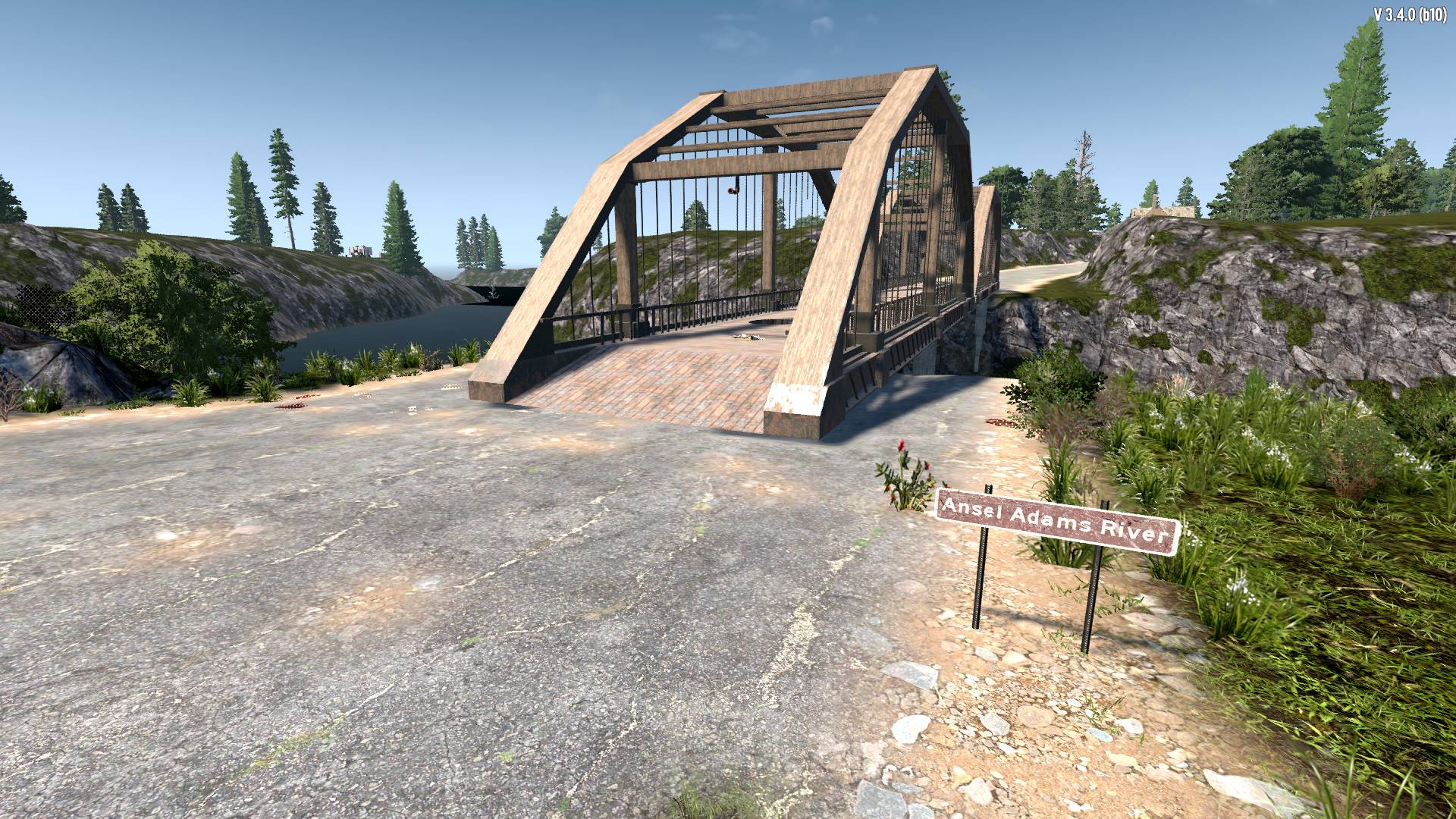
Bridge.jpg
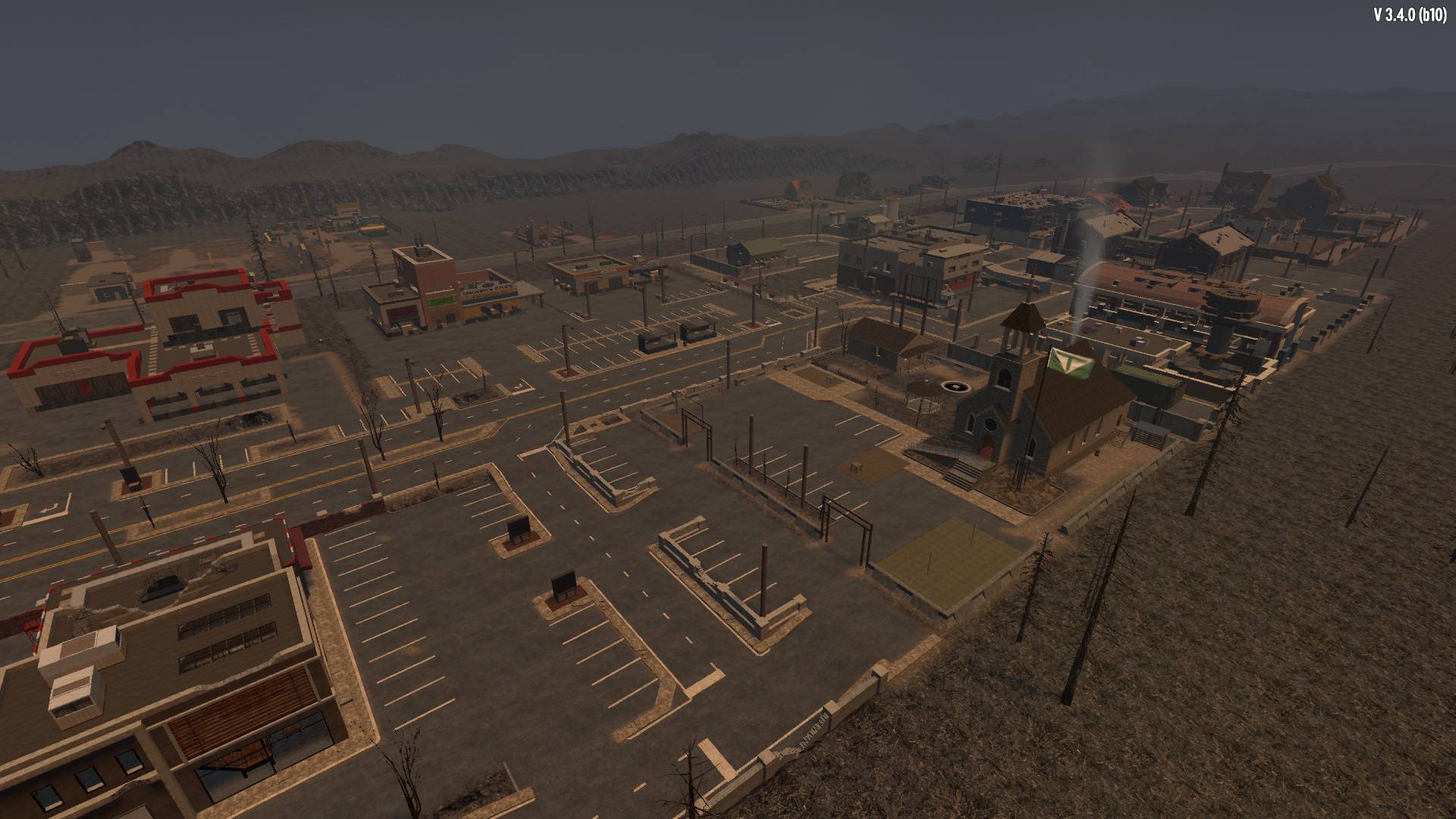
BurntBiome.jpg
Description
Here comes Florida Undead III, the Successor of Florida Undead Two.
Features
- The Size of the Map is 12k
- Ported from the previous Version (2.x)
- Many new 3.x-Towns created
- Dozends of new 3.x-POIs added and many old POI-Positions fixed
- More Traders than ever before on the Map
- Many new Streets & Roads added
- Landscape overworked = more Erosion & many unnatural Edges smoothed out
- Many Street-Signs & -Lights placed by Hand on the Map
- More Spawnpoints than in the old Versions
- One big City (Miami) and a lot of Towns to explore
- Not all Traders are in their specific Biomes
- Cap Canaveral is also on the Map and connected by some bridges
- Some secret Loot Chests and Areas to find
- Players can visit & loot a lot of Buildings, Bunkers, Bridges etc.
Installation
Download & unzip the File and put the Folder “Florida-Undead-III” into your Generated Worlds-Folder: OS(C:)/User/”YourUserName”/AppData/Roaming/7DaystoDie/GeneratedWorlds (create it if it's missing!)
If the Folder “AppData” is not showing up just unhide your “YourUserName”-Folder!
Attention!
If your Game is not on your C-Drive i recommend to install the Map directly into your Game-Folder where “Navezgane” is to find (or maybe 7D can’t find the Map):
…/Steam/steamapps/common/7DaystoDie/Data/WorldsChoose the Map in the Game Menu (=Static Map!) and Start the Game.
Enjoy & have fun
Map: Florida Undead III Team

Owner