Rune UI
- By
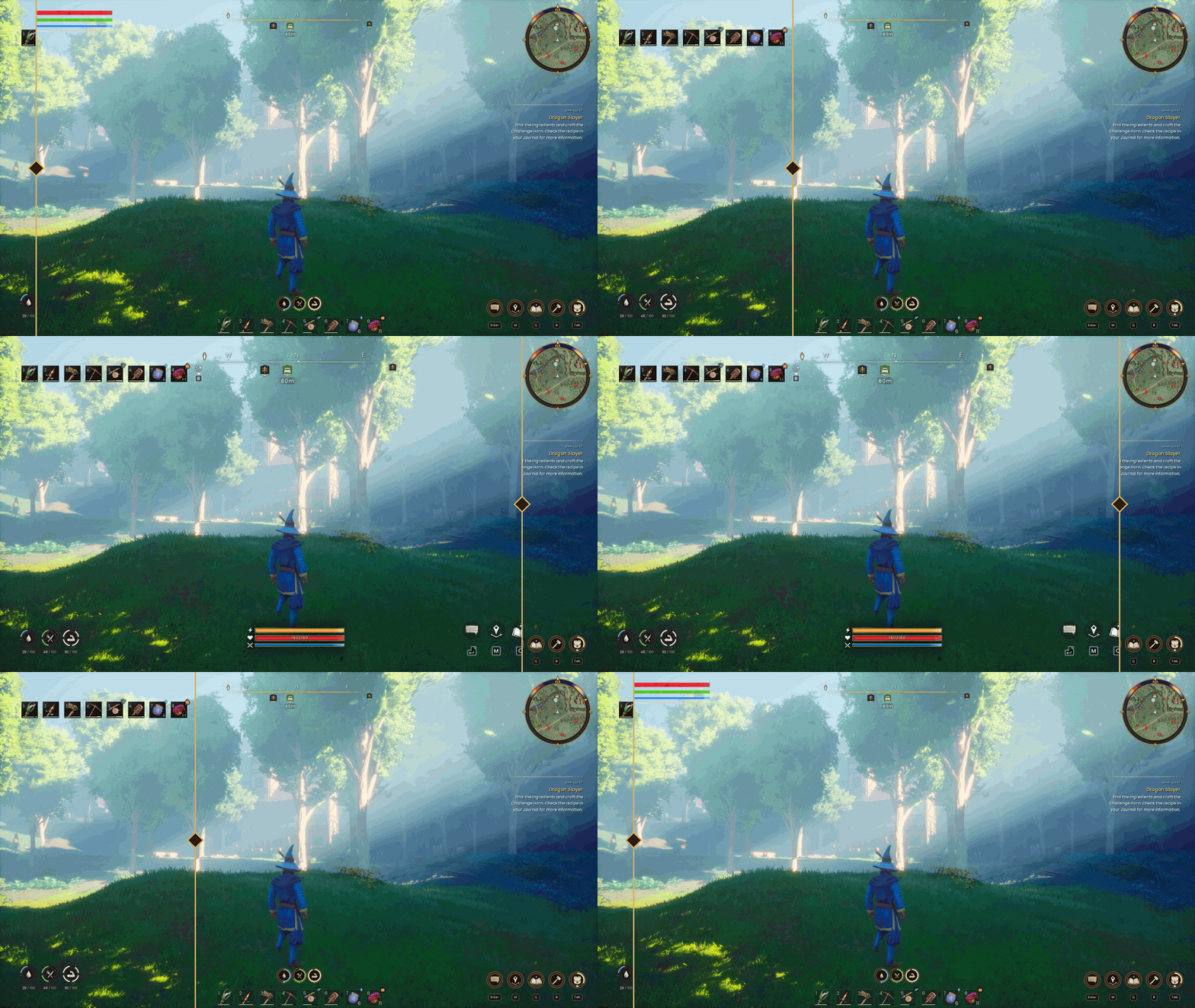
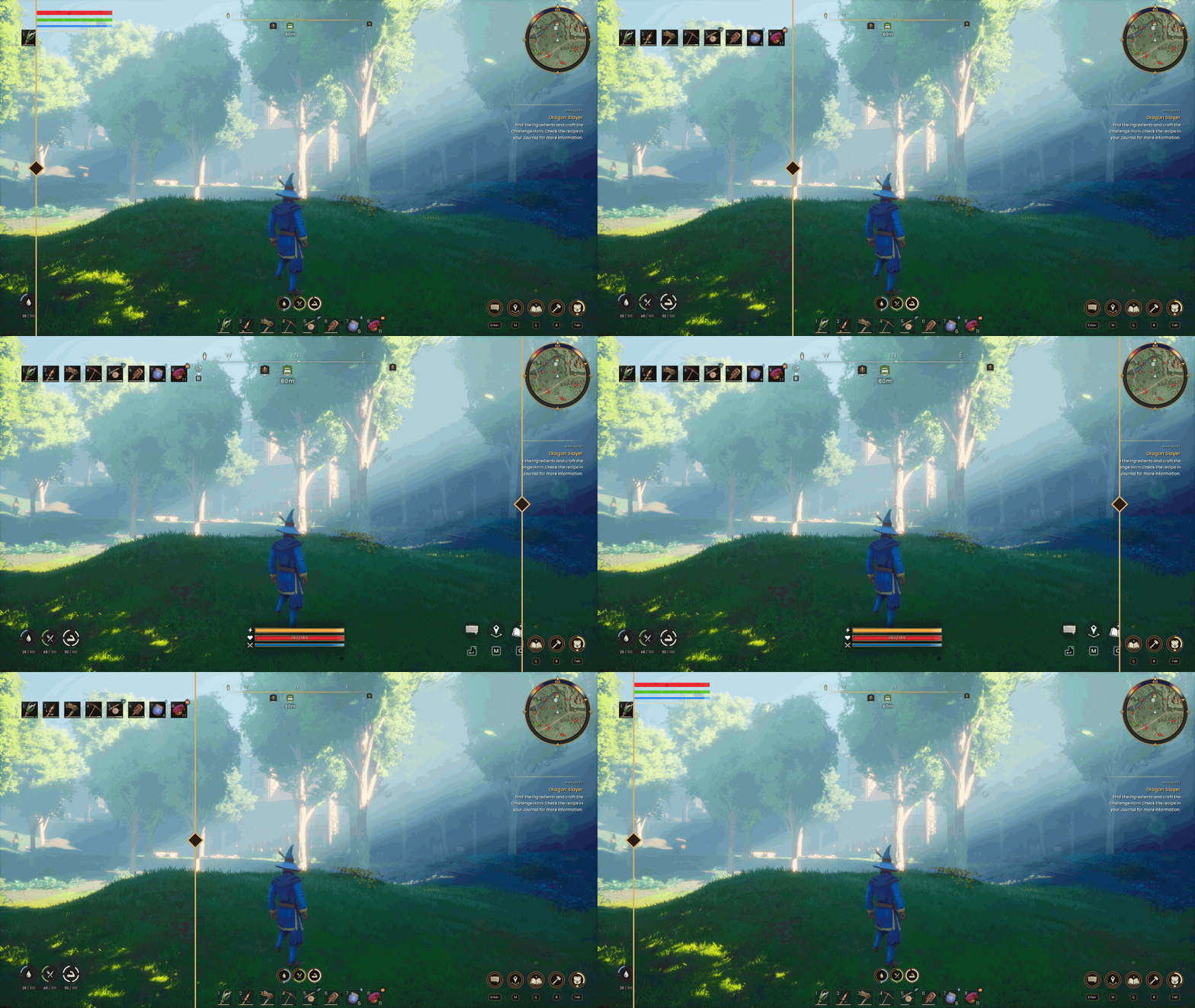
before-after.gif
Description
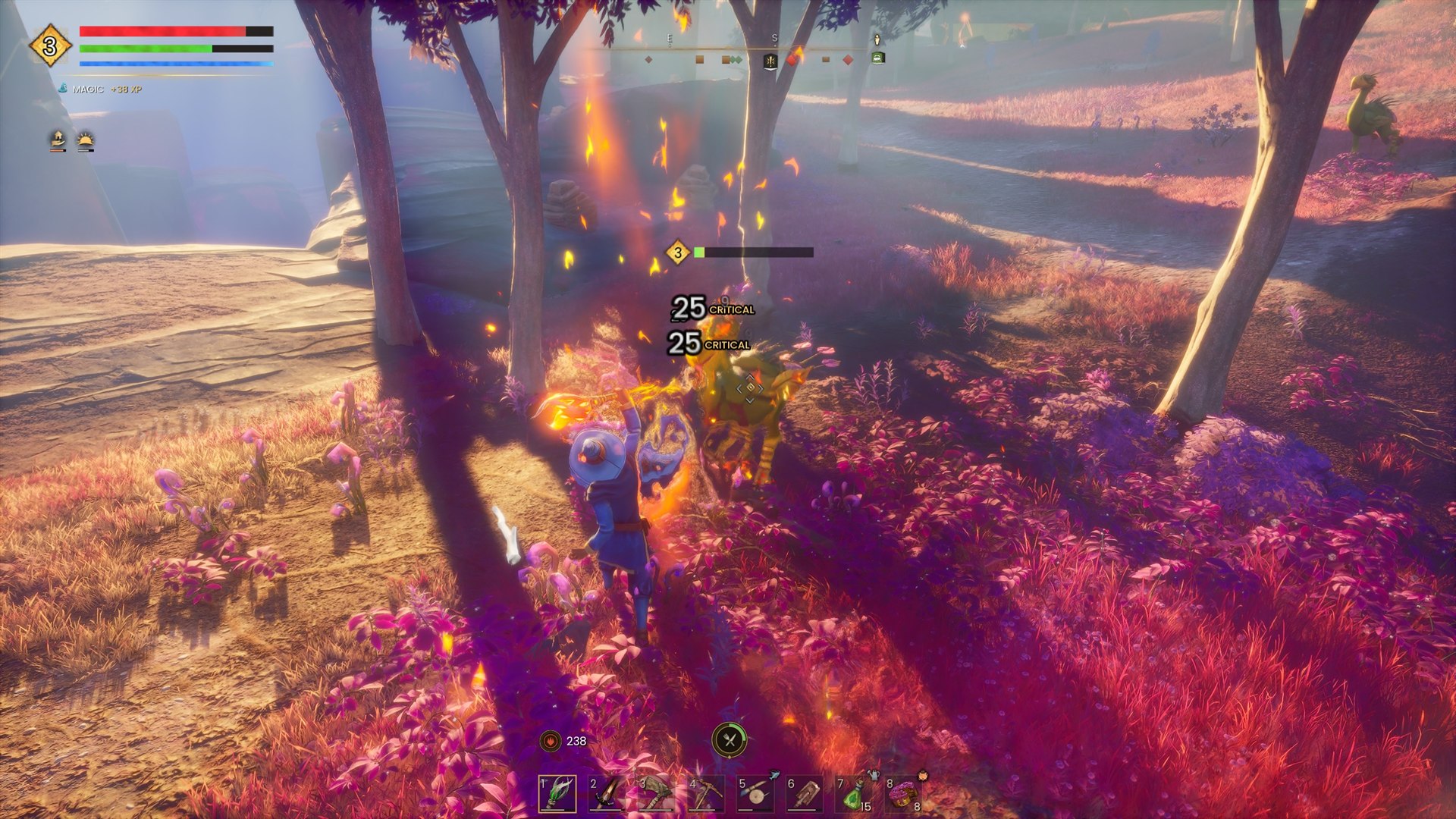
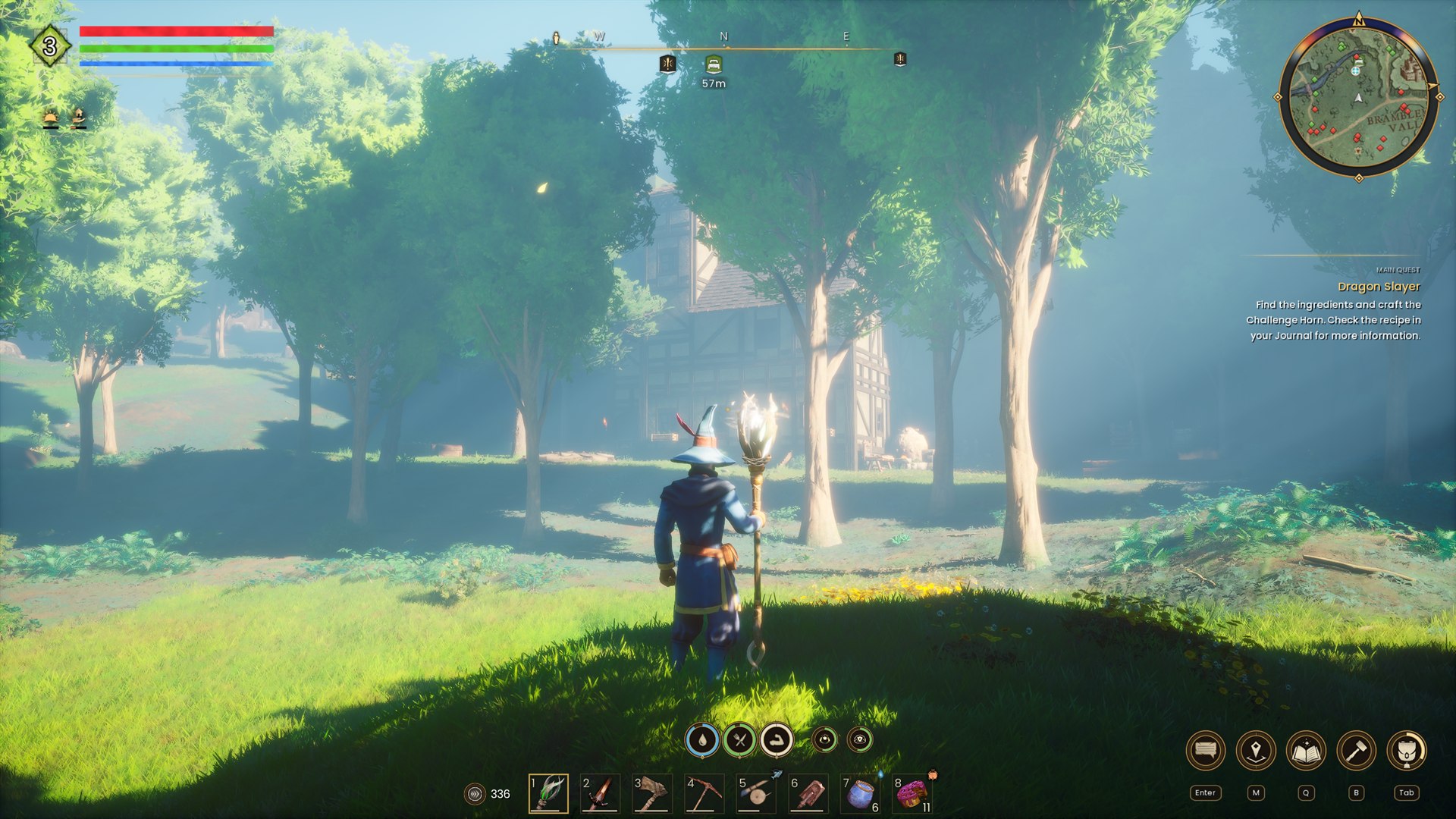
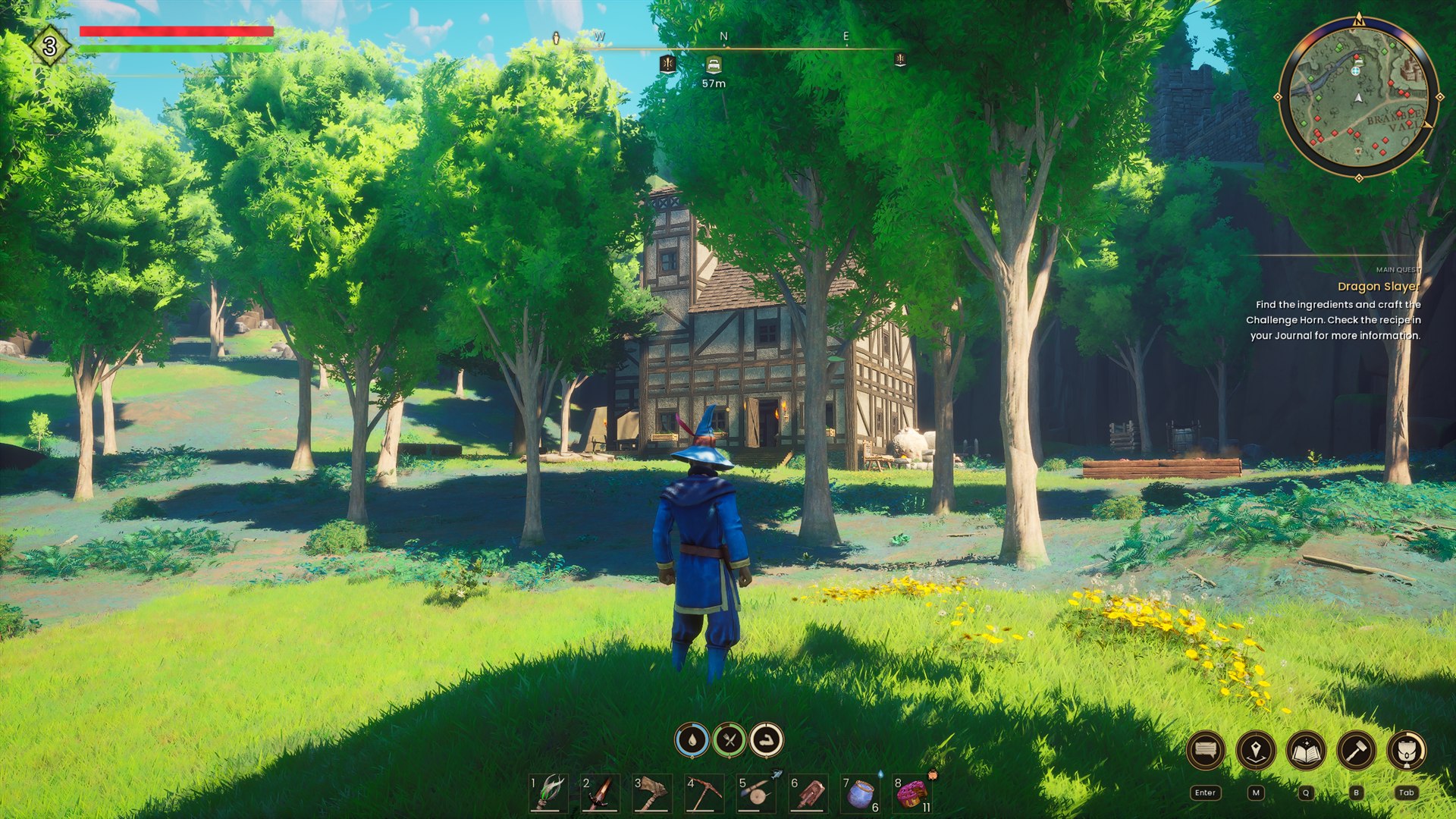
A big overhaul of the vanilla UI, built in the game's own style. Move, resize, fade or hide 35 HUD parts and switch between 3 profiles, all in the game with no files to edit. The minimap, bars, buffs, party panel, wheels and notices are redesigned too.
Rune UI needs a newer UE4SS than the one the CurseForge app installs. See Install below.
Before and after
What you get
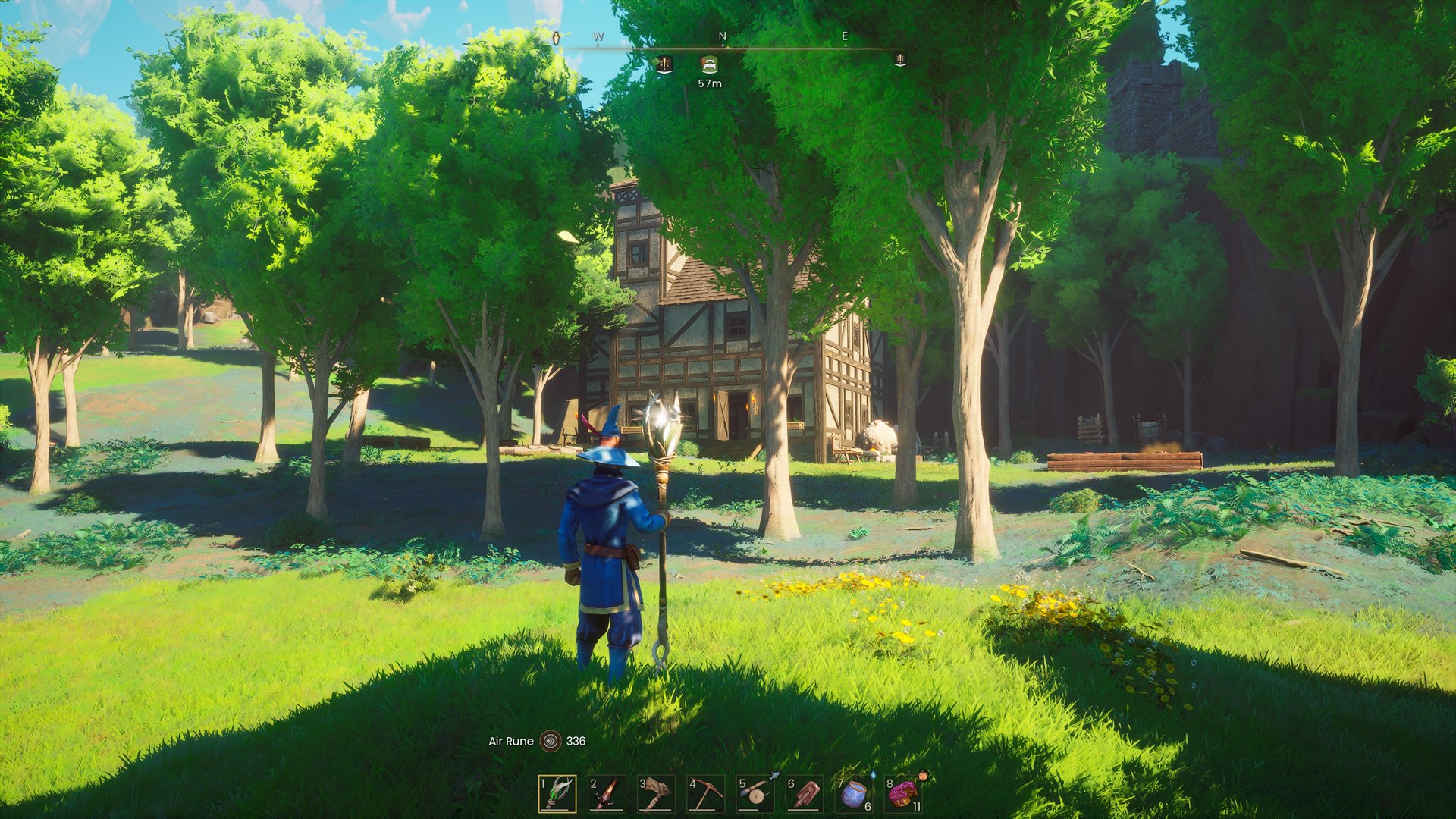
Immersive mode
The HUD fades away when nothing happens, and comes back when you need it.
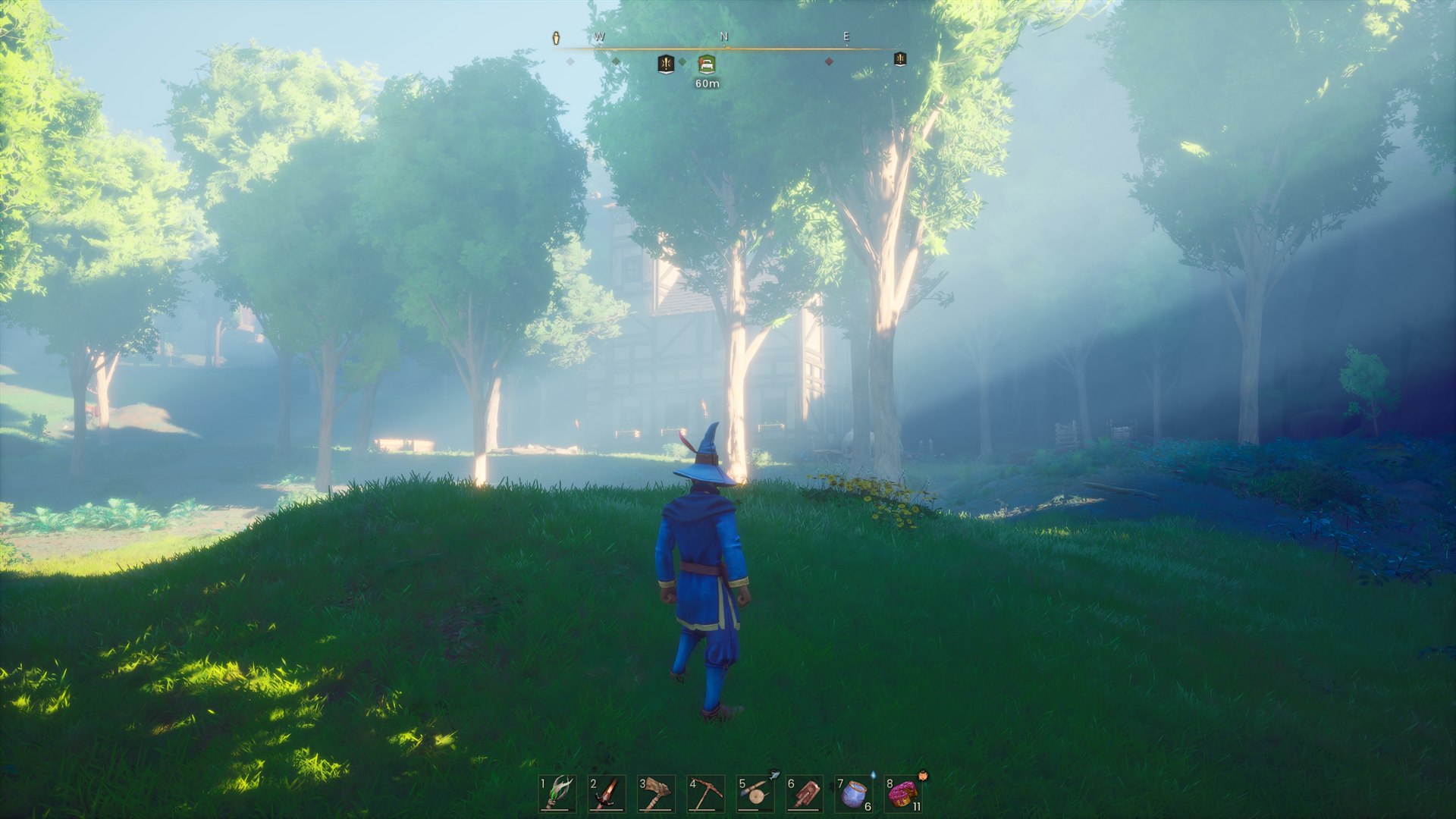
Immersive camera
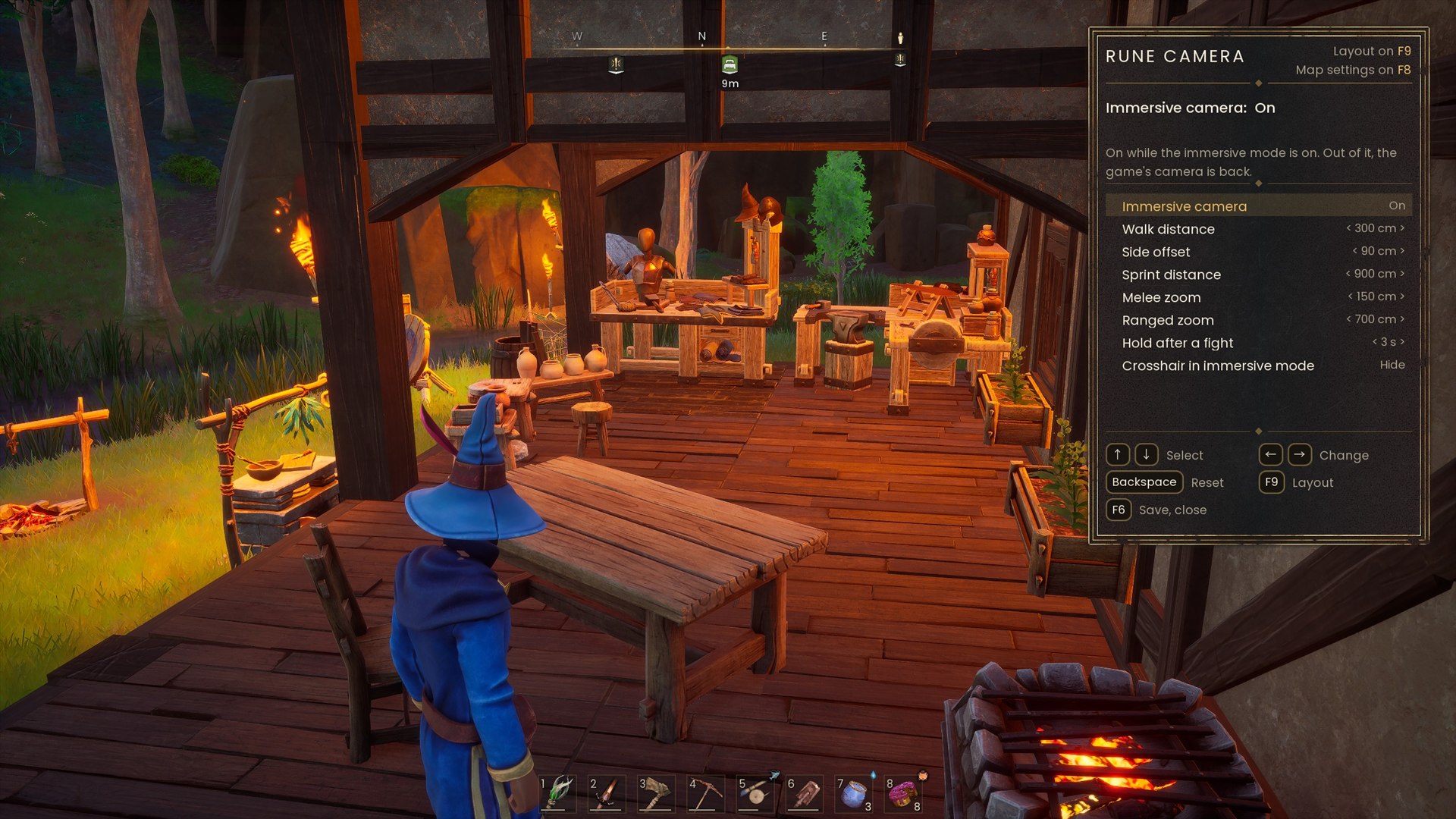
A closer, over-the-shoulder camera, with or without immersive mode.
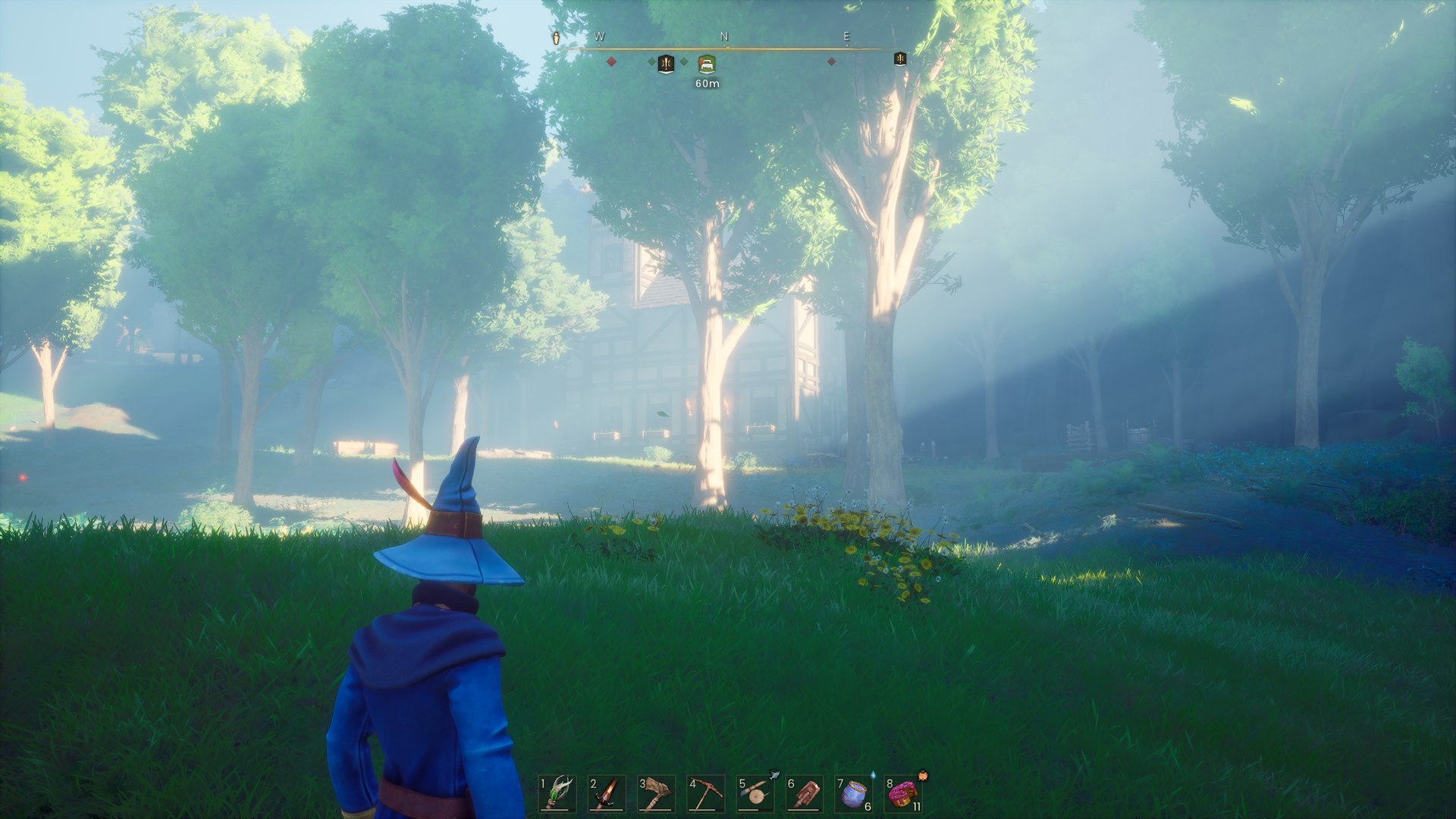
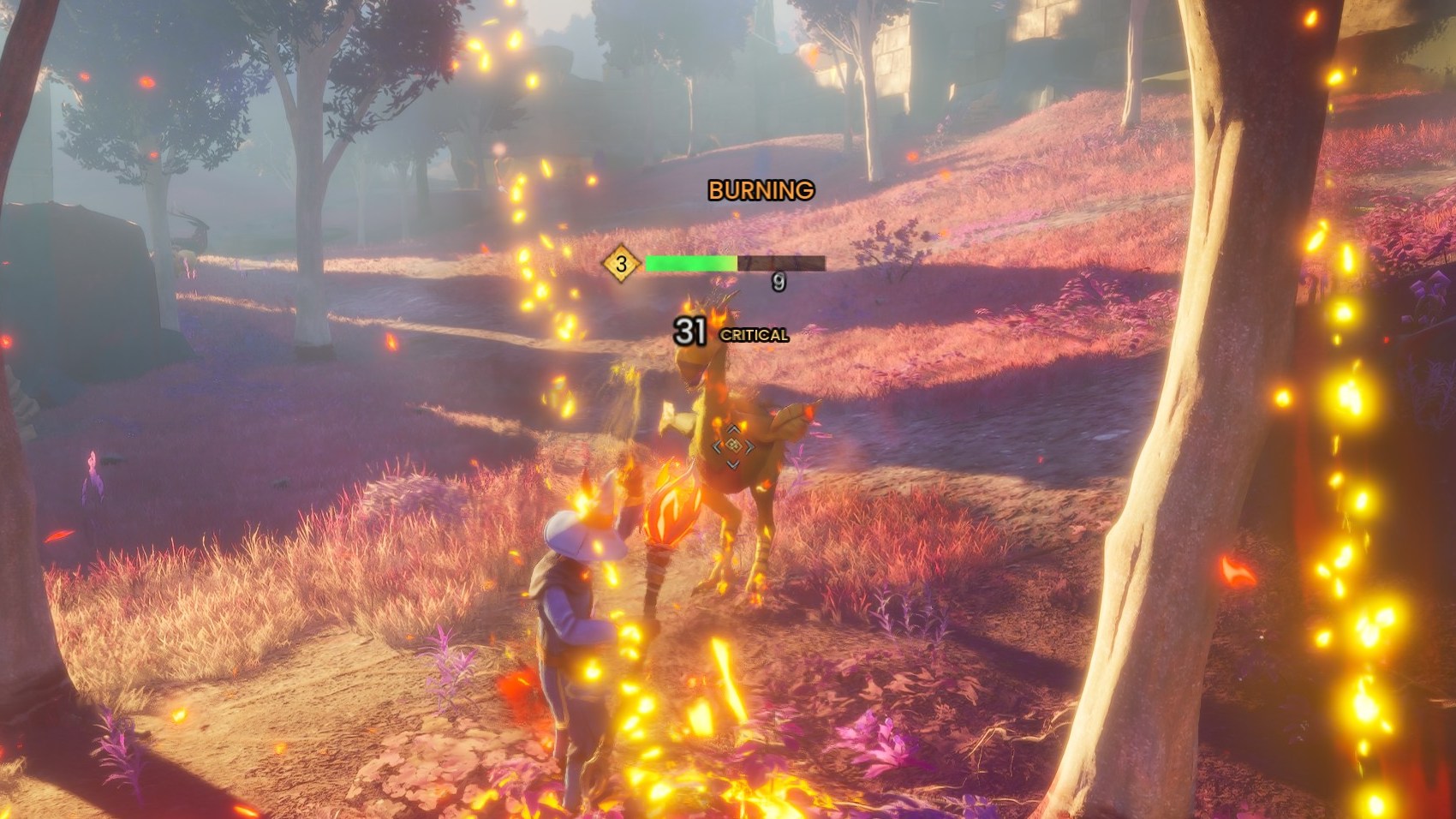
Combat text, enemy and boss bars
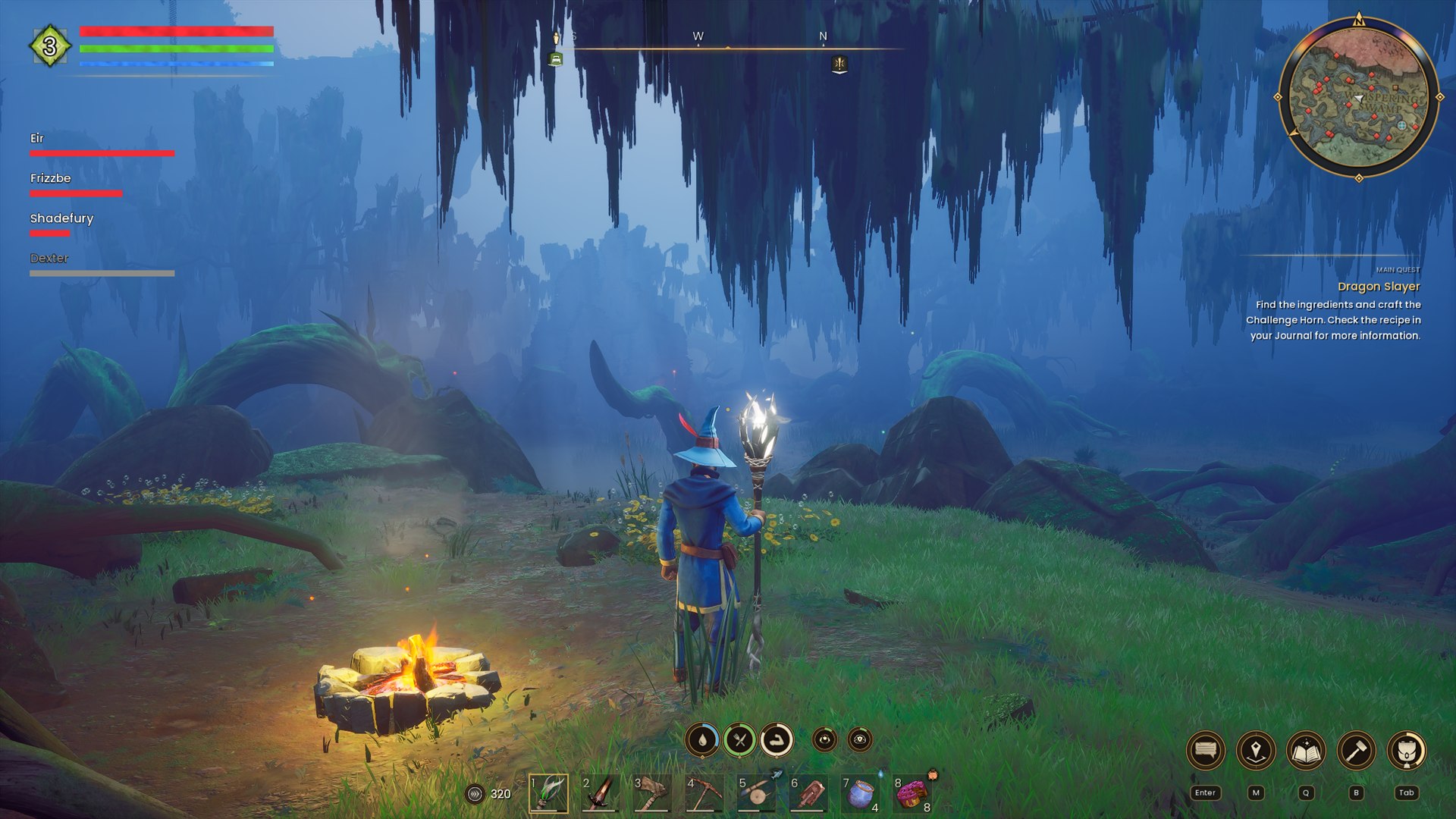
Party panel
Have fun with your friends, even the ones who are scared of the dark.
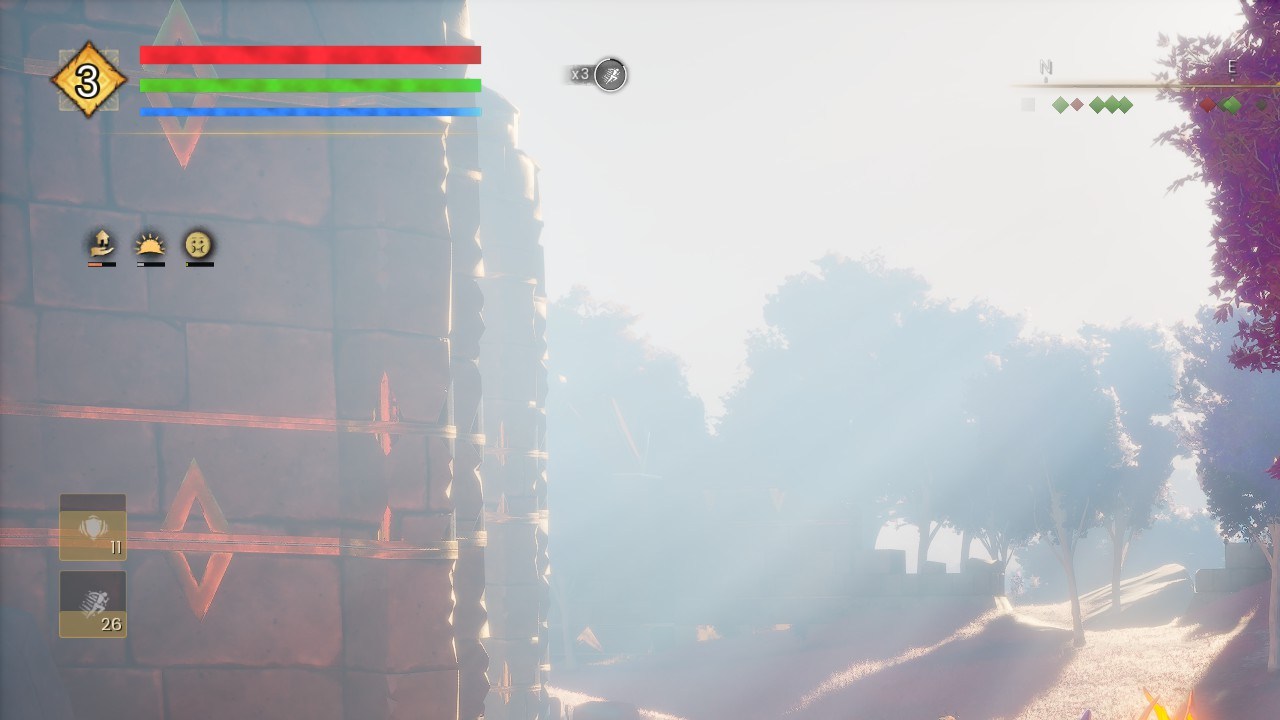
Buffs, debuffs and spell cooldowns
Minimap and quest log
Each with its own options.
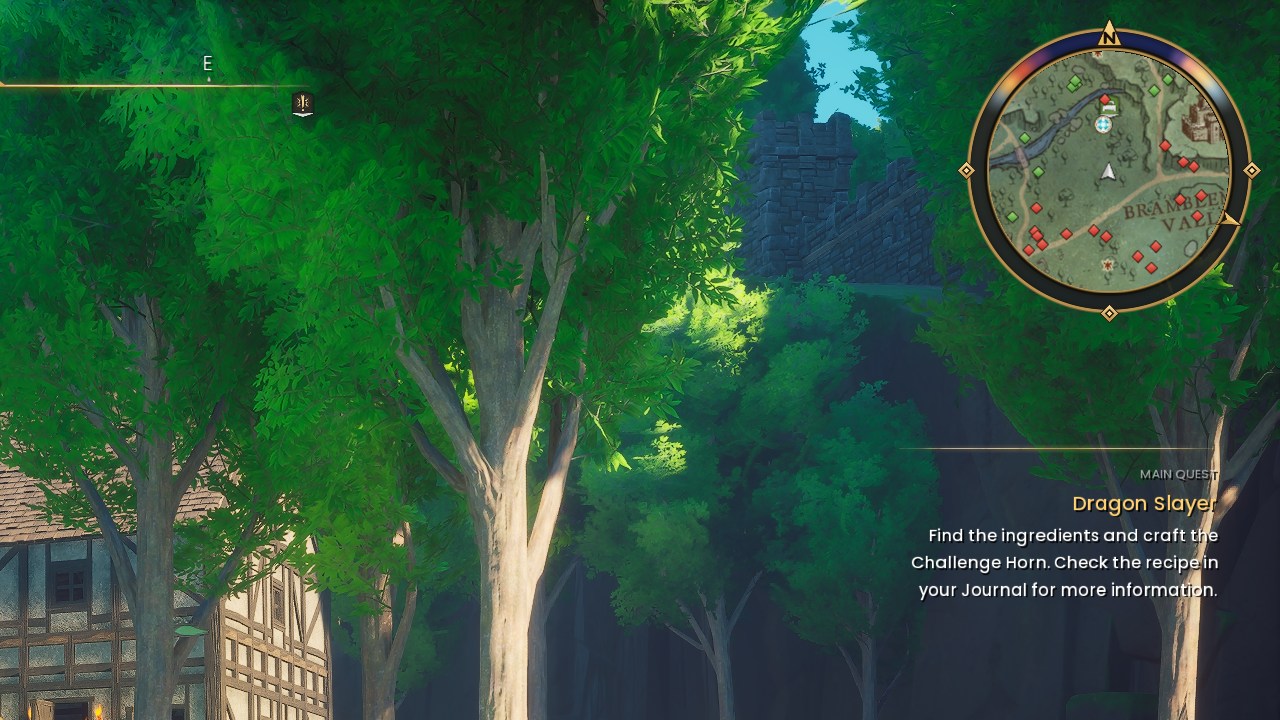
Farming and XP
Smaller, redesigned farm plot icons, and a new XP bar.
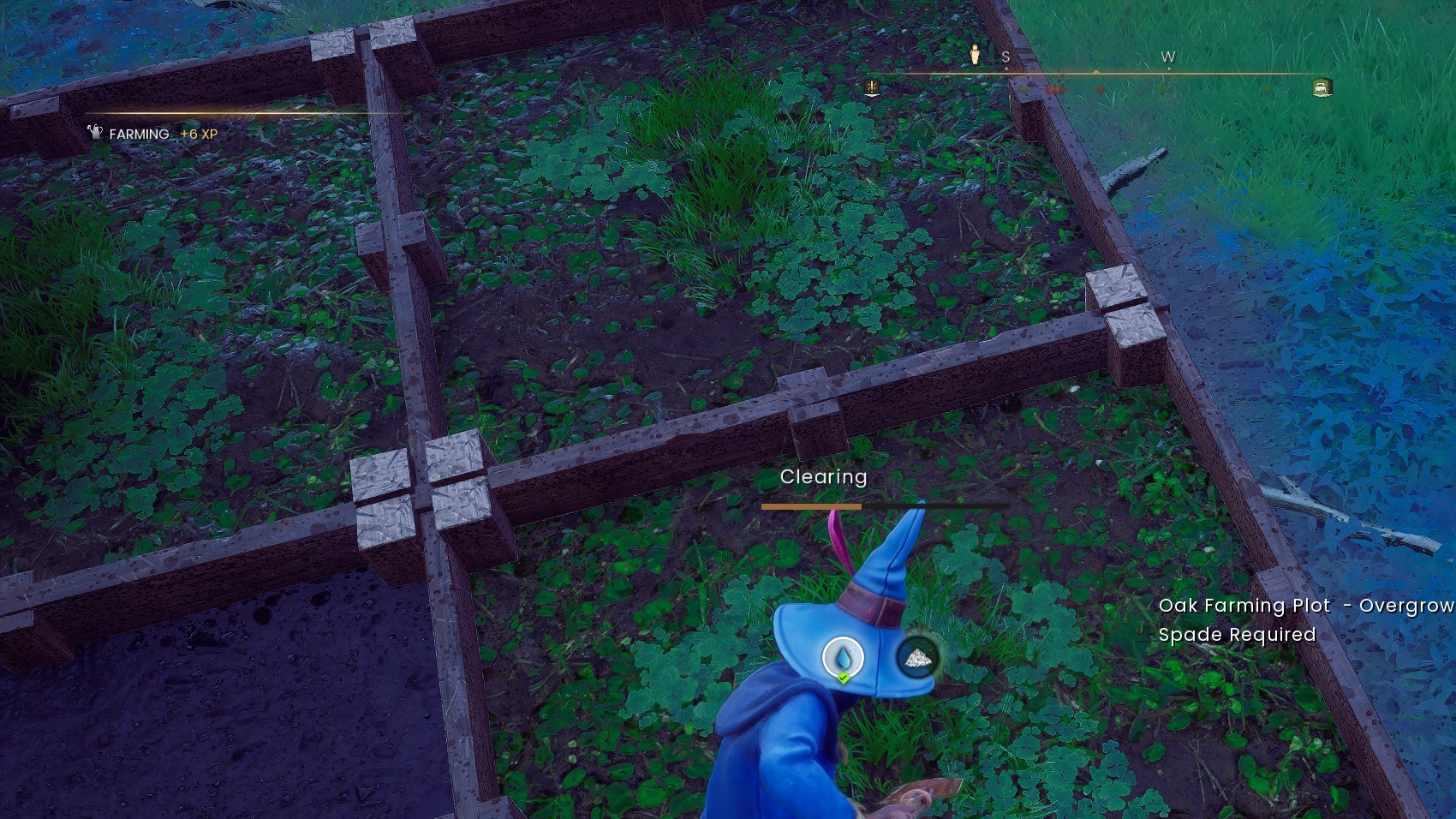
Spell wheel
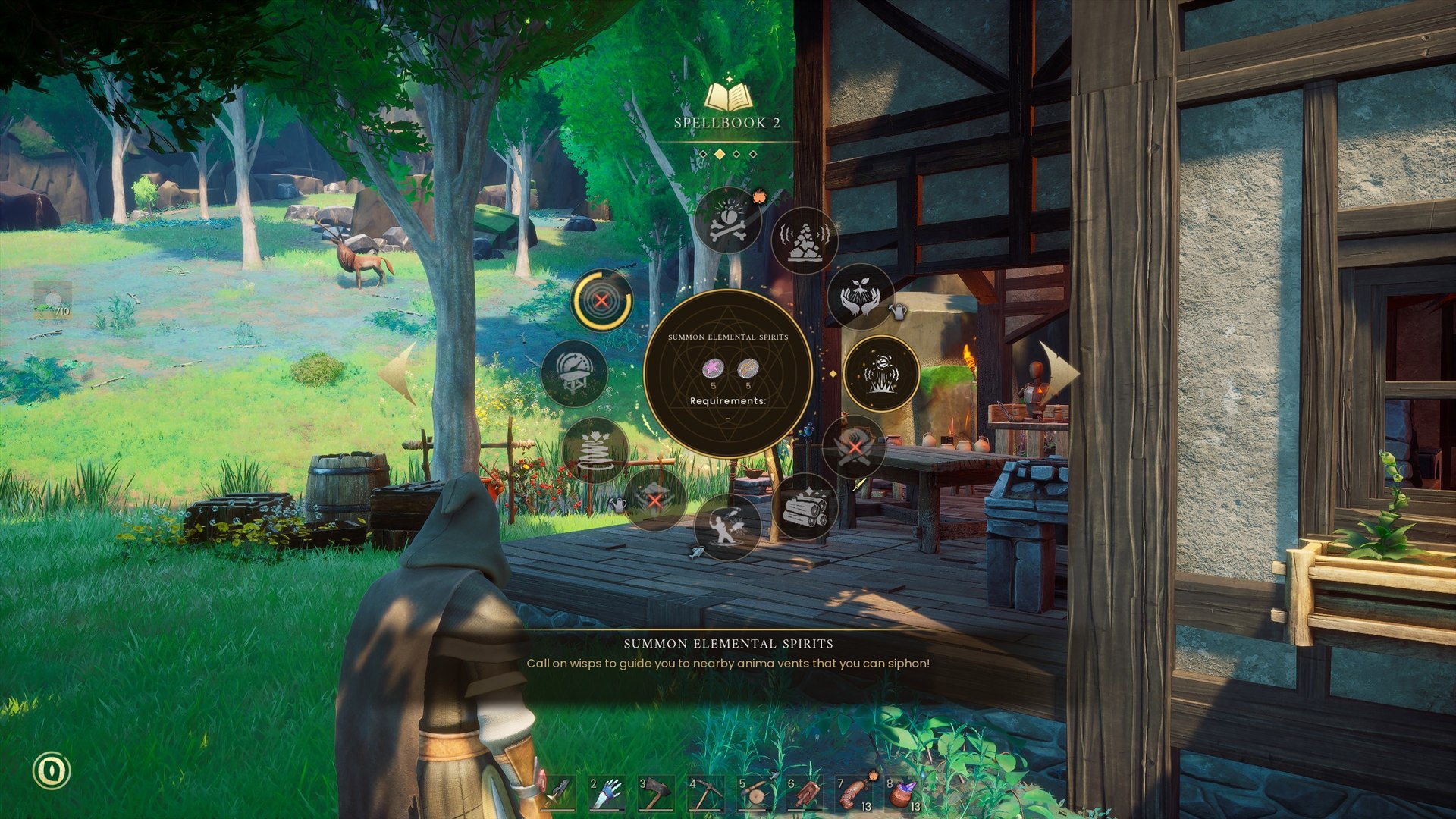
Quick access wheel
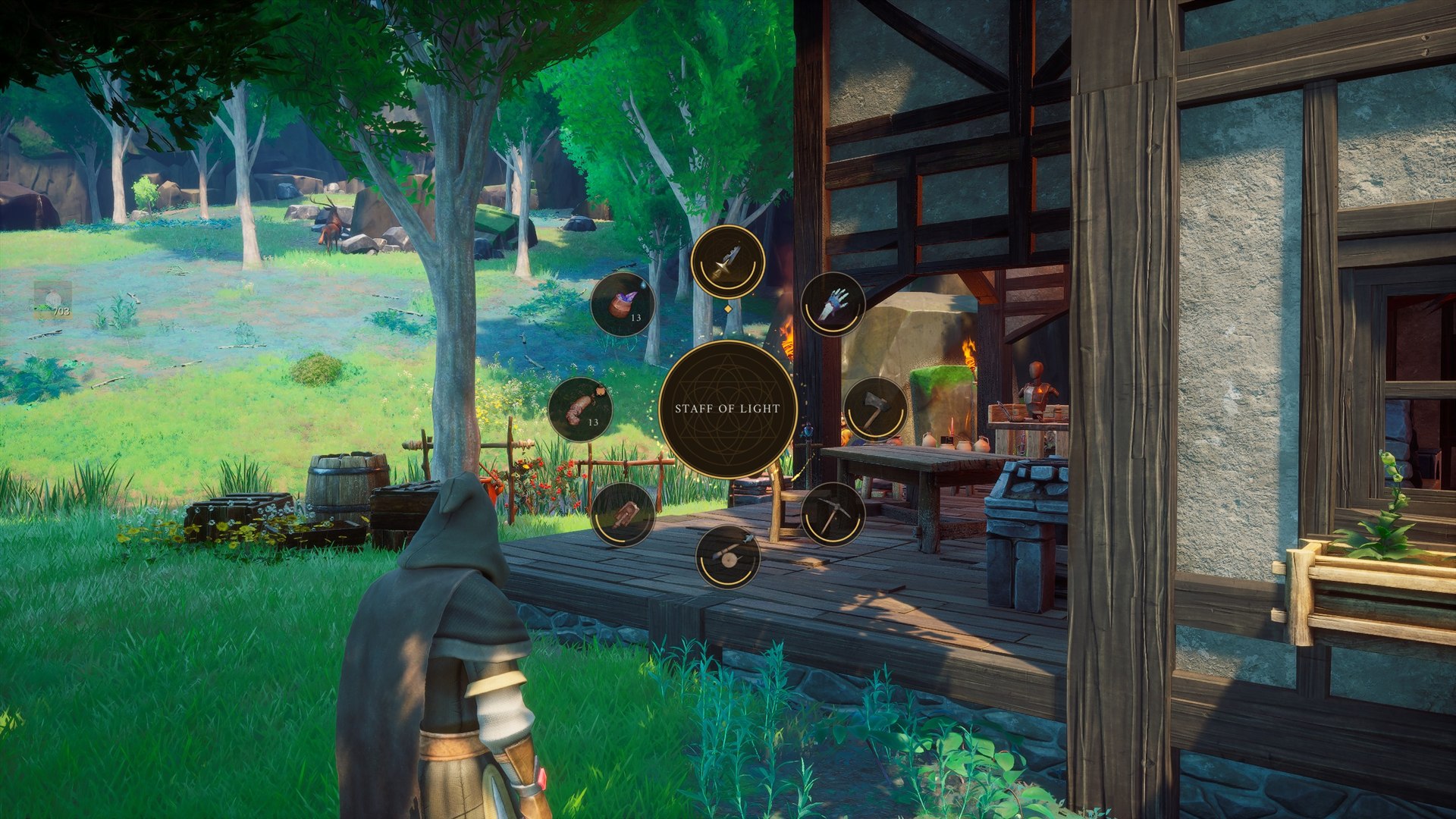
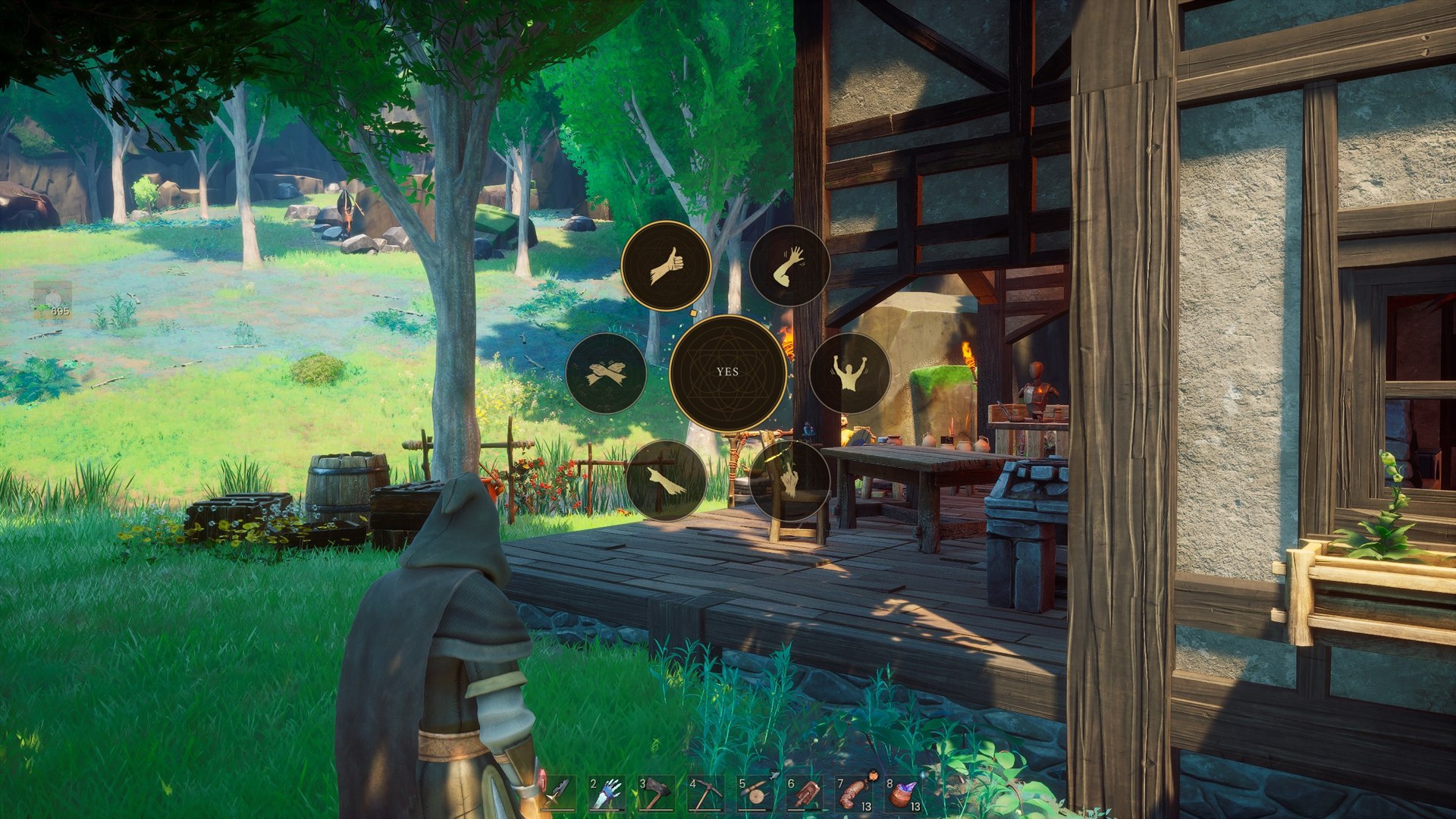
Emote wheel
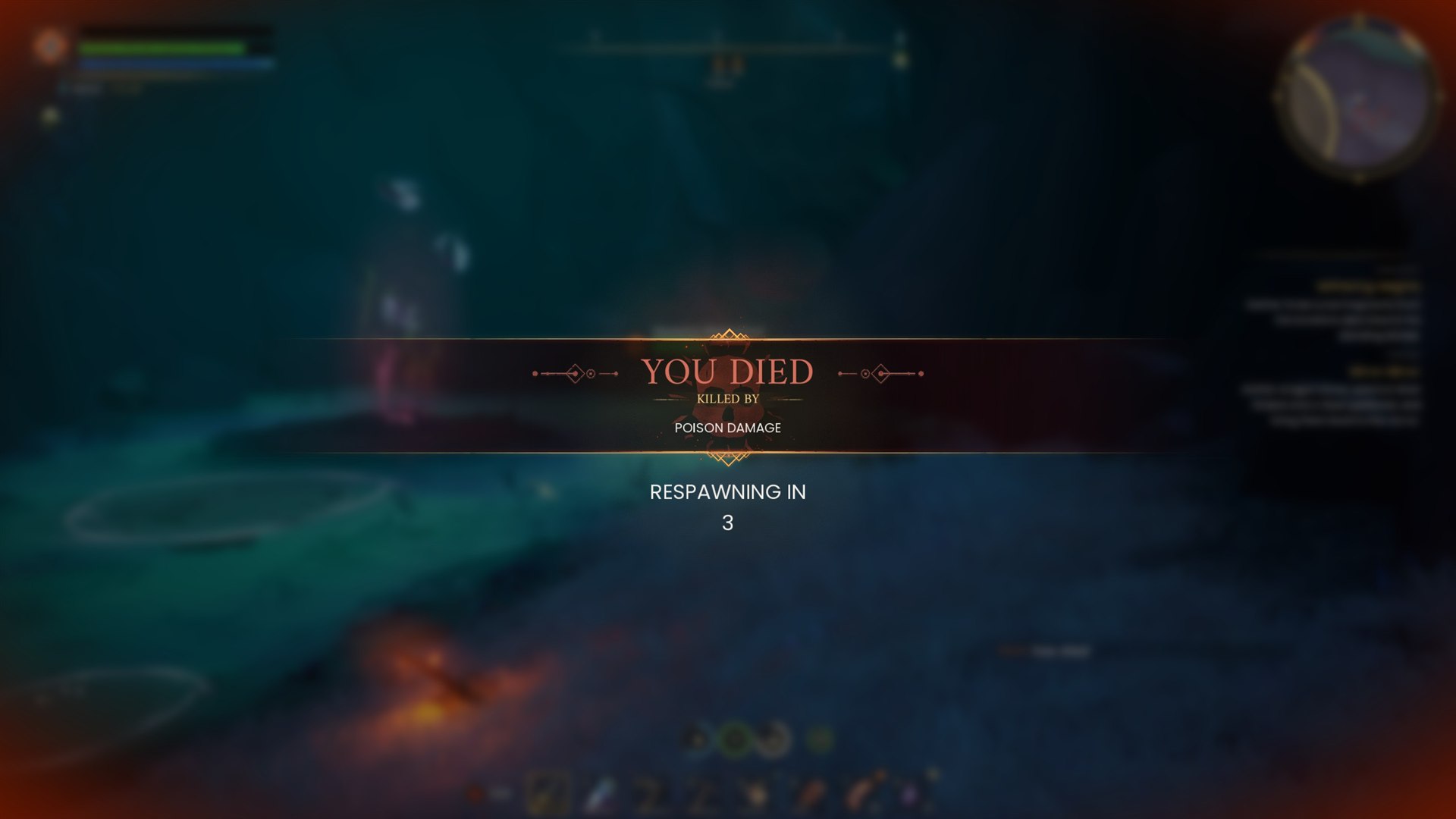
Death screen
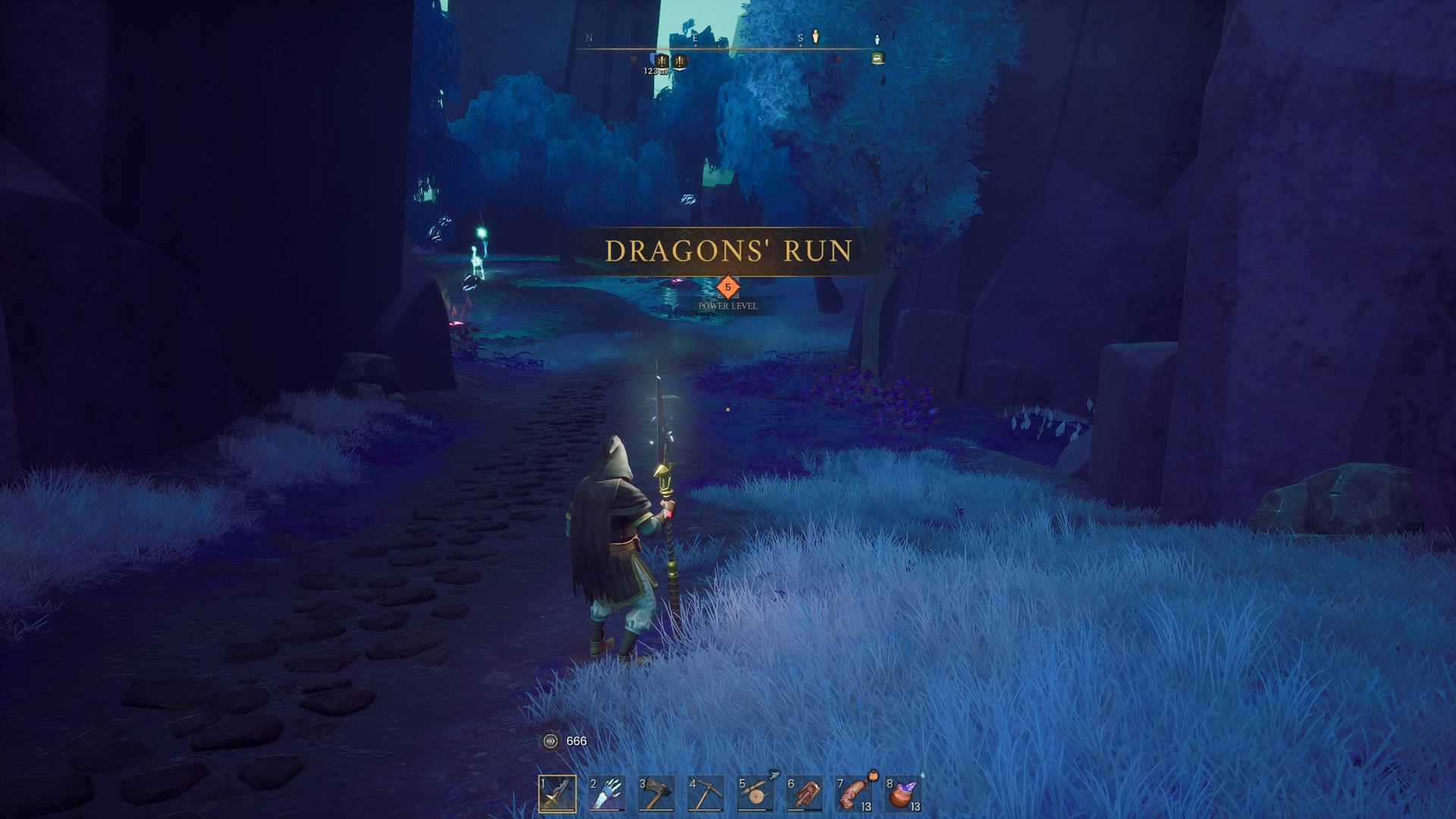
New area notice
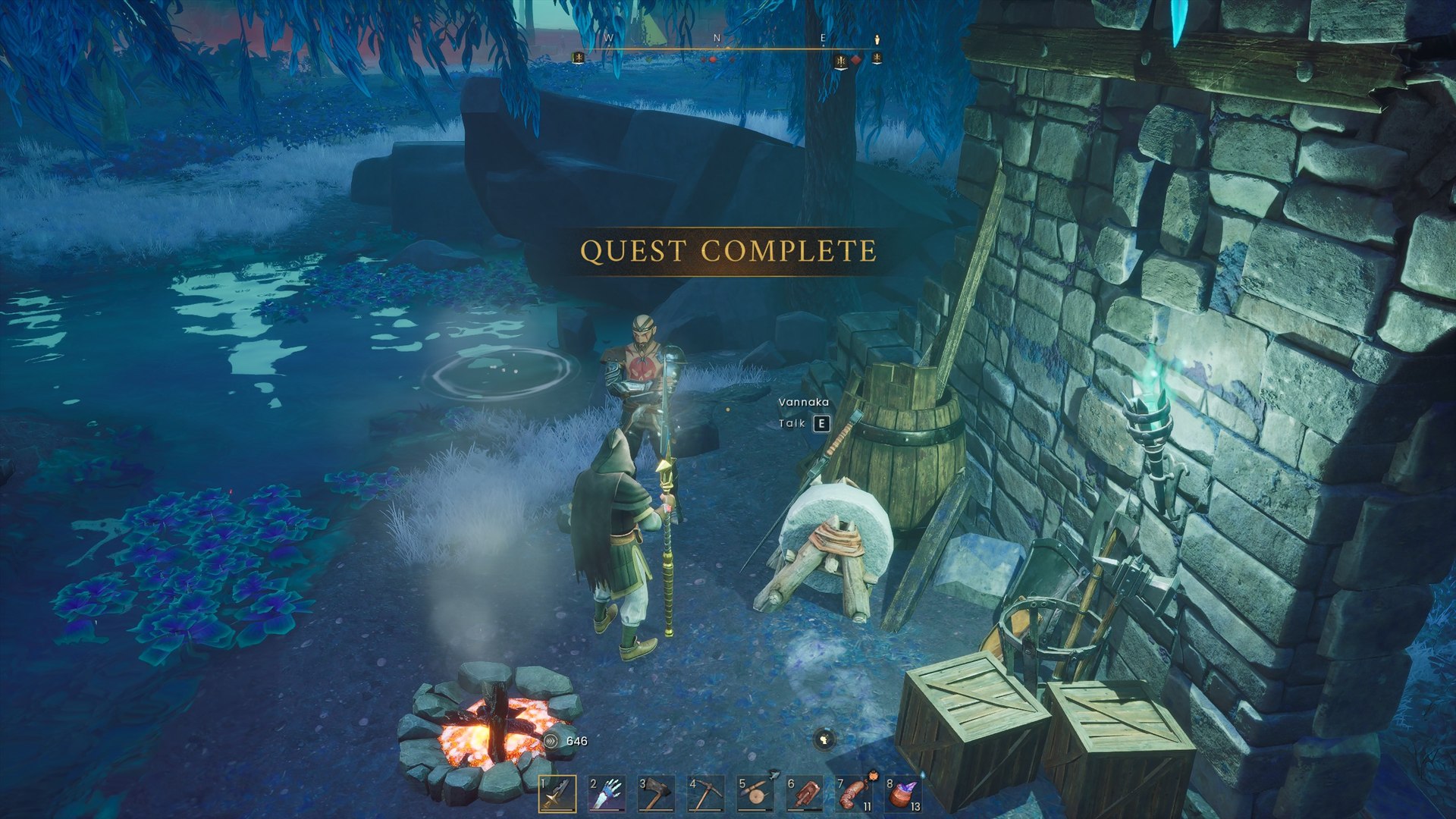
Quest notice
How to use it
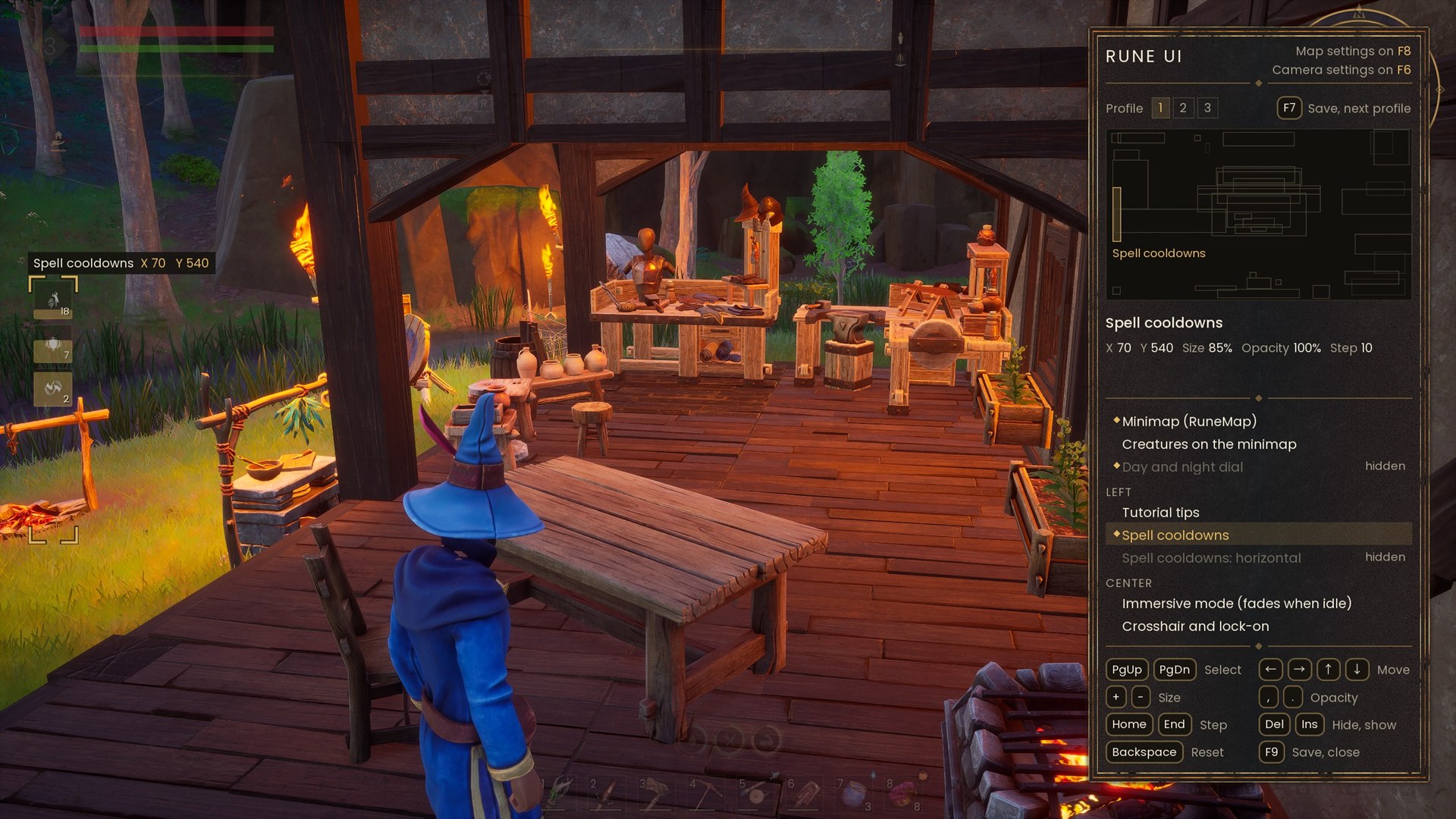
- F9 opens the editor. Pick a part, then move it, resize it, fade it or hide it. The editor lists its keys. The mod saves your layout.
- F7 in the editor saves the layout and goes to the next of three profiles.
- F5 opens Rune Skin: the switches of the looks.
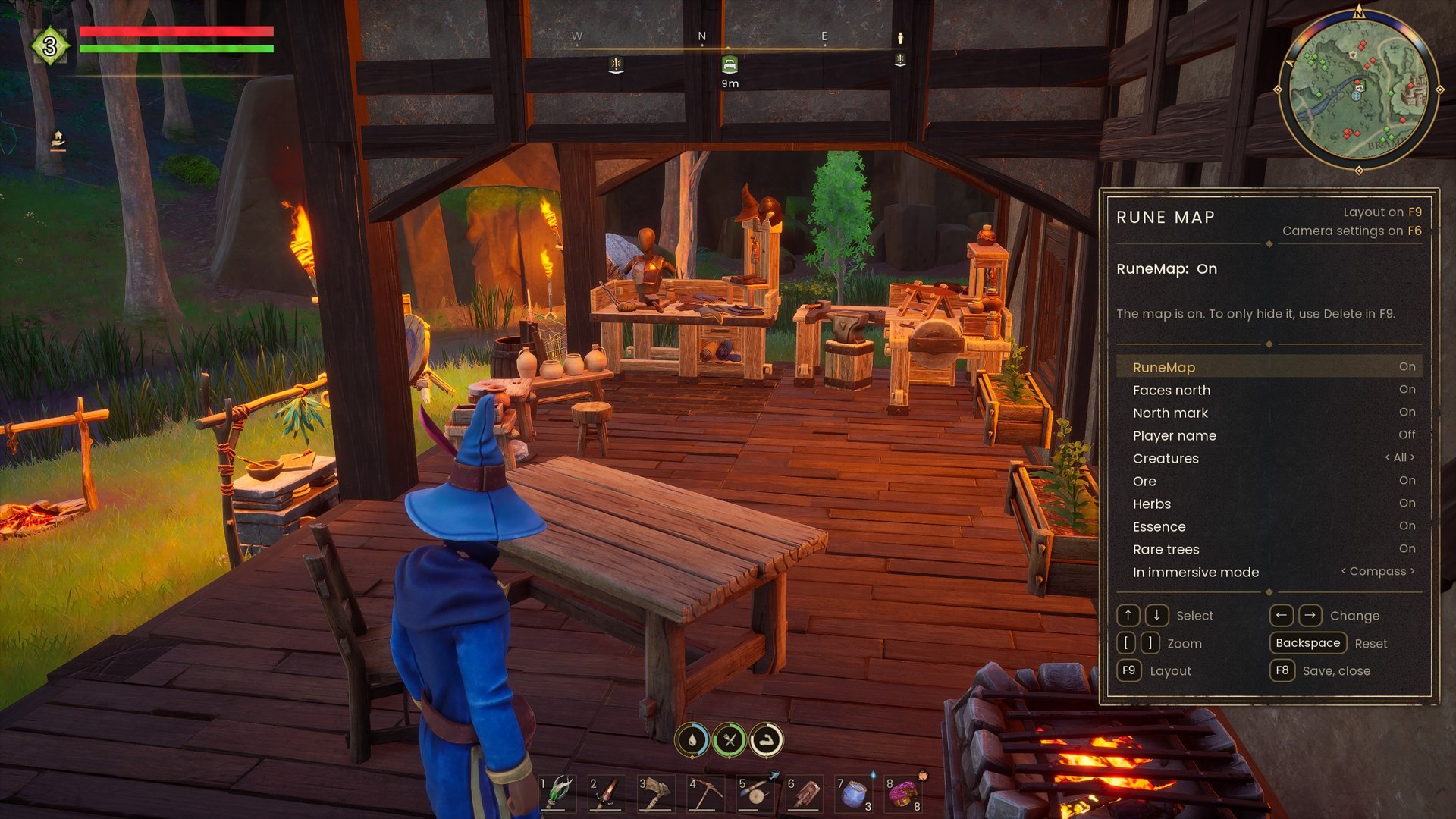
- F8 opens the Rune Map settings.
- F6 opens the immersion mode settings, with the camera.
Install
The CurseForge app installs UE4SS 3.0.1 for Dragonwilds. At the moment, that version does not start with the game, so no mod runs. Use the newer UE4SS build:
- Go to the UE4SS experimental release on GitHub.
- Download the zip whose name starts with "UE4SS_v3.0.1-". Do not use the "zDEV" zip.
- Open the game folder:
Steam\steamapps\common\RSDragonwilds\RSDragonwilds\Binaries\Win64 - Copy dwmapi.dll and the ue4ss folder from the zip into Win64. Replace the old files.
- Install Rune UI with the CurseForge app, or copy the RuneUI folder into
Win64\ue4ss\Mods. Keep the name RuneUI. - Start the game and press F9.
Other mods that change the HUD can conflict with Rune UI.
Rune UI does not show?
Open Win64\ue4ss\UE4SS.log. If it says "Fatal Error", UE4SS is the old version. Do steps 1 to 4 again.
When you install or remove a mod with the CurseForge app, the app can put the old UE4SS back. If your mods stop working after that, do steps 1 to 4 again.
What's new
See the changelog of each file in the Files tab.
Gallery
Licence
Rune UI is free to use, and its code is open to read. You may change it and send your change to me. You may not upload it again, publish a changed version, or use parts of it in another mod without my written permission. See the licence of this page and LICENSE.txt in the mod folder.
Thanks
To Eravex for Move it Move it, and to Mathayus for Mini Map. Their mods got me started, and gave me the idea to build a HUD I could move and shape myself.
To Taylor Powell (tcpowell) for the idea and the first code of the map setting "Player name".

Created using intellectual property belonging to Jagex Limited under the terms of Jagex's Fan Content Policy. This content is not endorsed by or affiliated with Jagex.
Rune UI Team