v4.x is live! includes: HATS WITH HAIR! and more
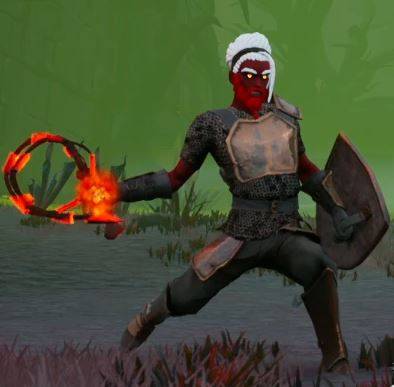
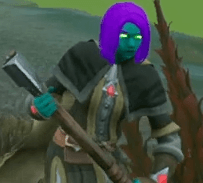
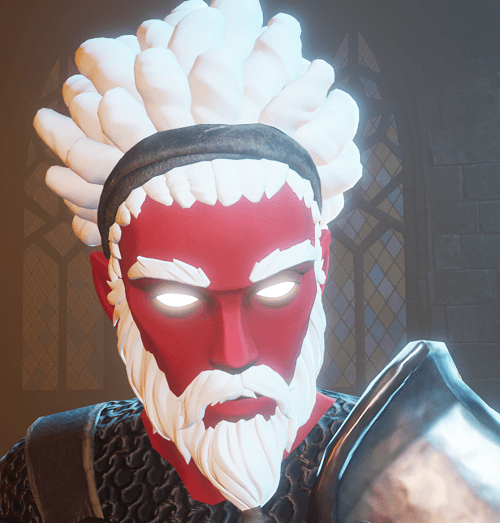
Welcome to RSHC: a massive multiplayer-supported character customization mod which BROADLY widens character creation options, unlocking infinite color choices for hair, glowing eyes... and also literally everything else, adding patterns, hair highlights, tattoos, horns, customizable hands, and a whole lot more. Read on for full feature list. ♥
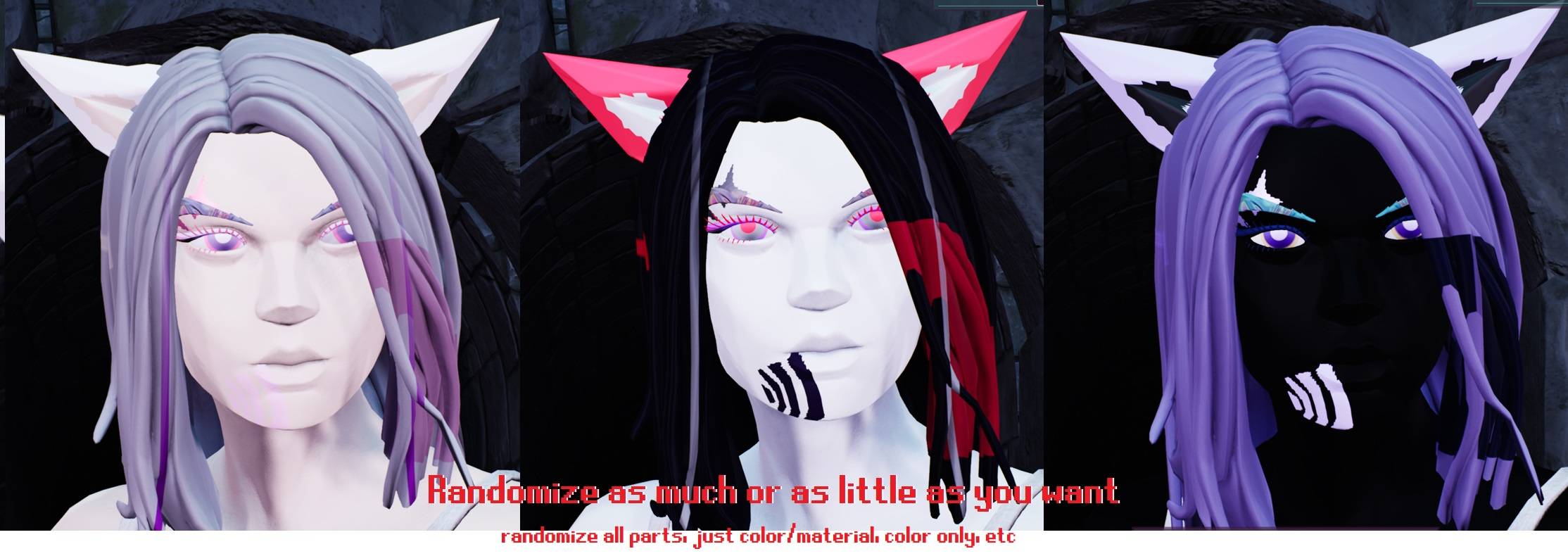
If you are overwhelmed and don't know where to start after installing (I recommend exploring/experimenting with settings) try the randomizer!
Supports co-op (everyone needs the mod) and server (everyone needs the mod, and the server also needs a special mod). Access RSHC through the character edit in the main menu, or edit your character ingame via unlockable/buildable mirrors.
THIS MOD HAS REQUIREMENTS:
REQUIRES UE4SS
WARNING: CF tries to install old UE4SS which is incompatible (it will be MEGA LAGGY) You need LATEST:
REQUIRES RSHC  Asset Pack <--- Get here or use CF installer
|___________________________________|
⚠⚠⚠ ‼ INSTALL INSTRUCTIONS ‼ ⚠⚠⚠
recommended, verified working UE4SS versions: f58e8f84,g/f6d5f942
You can skip to step 4 below if you already have one of these or newer.
----1.  UE4SS Download: click here and download the zip whose name starts with UE4SS_v3.0.1- (not zDEV- unless you want a dev console). If unsure, I recommend downloading the newest v3.0.1 to start.
----2. Navigate to RSDragonwilds\Binaries\Win64\ (In Steam, right-click RuneScape: Dragonwilds > Manage > Browse local files)
----3. Extract the zip into that folder, so dwmapi.dll and the ue4ss folder
       sit next to RSDragonwilds-Win64-Shipping.exe.
----4. Proceed to next install RSHC either via CF or manually. Don't forget assets.
 for manual installation:
- if UE4SS is set up, download both RSHC and assets
- RSHC folder goes into Binaries\Win64\ue4ss\Mods
- Assets RSHC folder goes into Content\Paks\~mods
- IF YOU BUILD MIRRORS AND REMOVE THIS MOD, YOUR WORLD WILL BECOME INACCESSIBLE.
It will say world is corrupt  - Destroy the mirrors first!  If you forget, you can add the mod back and destroy the mirrors, then remove again. This was bugged until v2.1x
This likely also means players without the mod cannot join your world if it has mirrors.
- All players need RSHC to see eachother's custom selections. Otherwise, other players will see your existing default selections. (Custom selections do not remove default ones.)
♥What you can do♥
PARTS
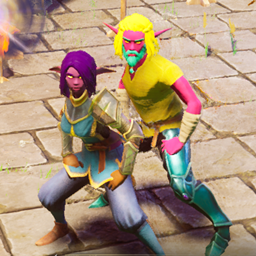
- Change hair, beard, brows, eyes, skin, head, ears, horns, tail, wings, hands and body.
- Wear a wolf head or a dragon head.
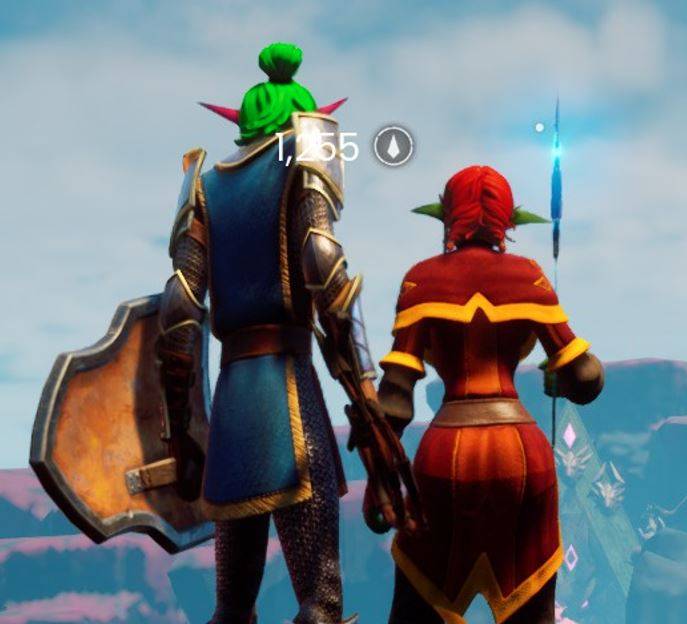
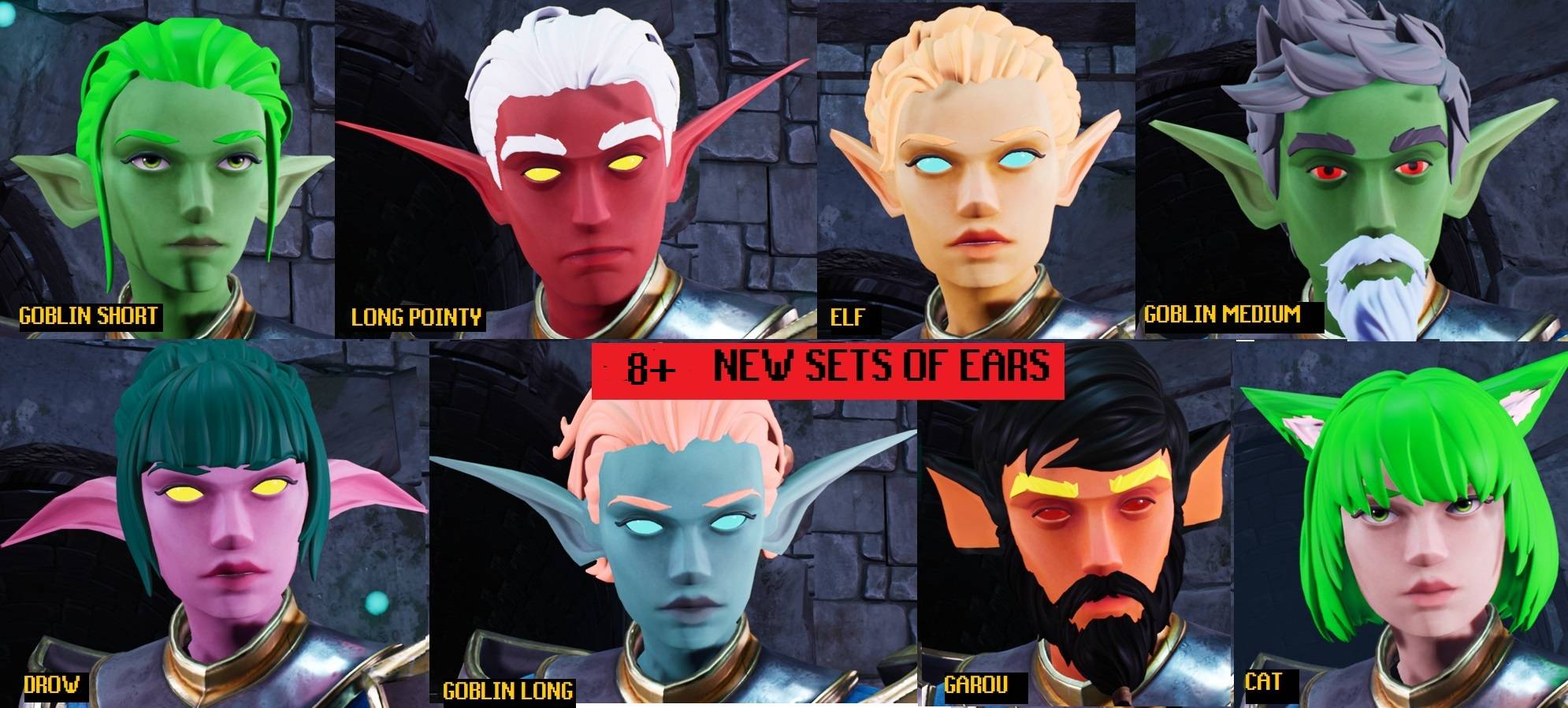
- Pick ears: elf, drow, cat, goblin, long pointy, ogre or garou.
- Ears bounce when you move.
- Shape the wolf tail: Tail bend, Tail twist, Tail left-right, Floof, Roundness and Spiky fur.
- Wear RSHC hairstyles: Tousled Waves Long and Short, Messy Crop, Extra Long Ponytail, Longer Hair, Wolf hair and Dragon hair.
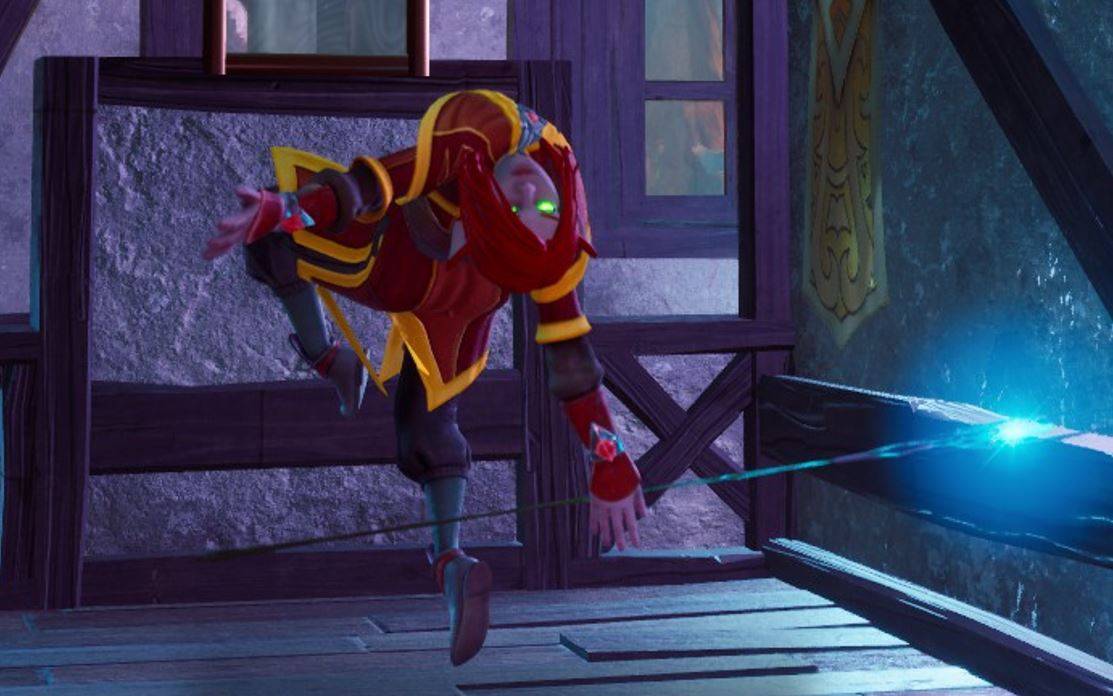
- Keep your hair under hats and hoods: it shows pressed inside them instead of vanishing.
- Hide the eyebrows, and show crown horns in full, inner ring or outer ring.
HANDS
- Make hands bigger or smaller.
- Make fingers longer, shorter, slimmer or thicker.
- Make paw-shaped hands with paw pads.
- Add nails: long, sharp, square, coffin or curved like talons.
FACE
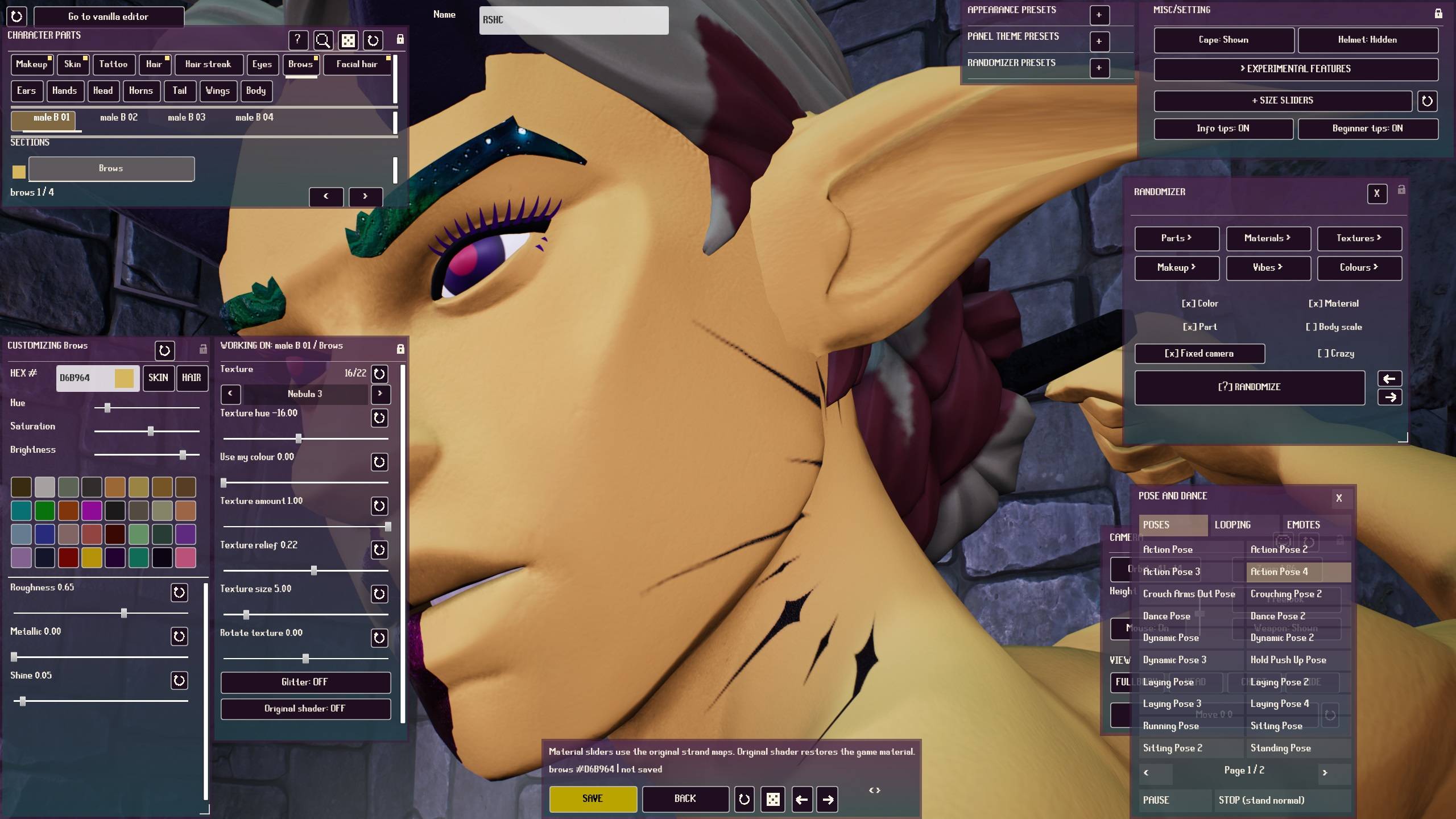
- Wear eyelashes: soft, wispy, winged or full. Set their length.
- Lashes blink with your eyes.
- Wear eyeliner. Change its wing length, wing lift and thickness.
- Pick a lip colour and lip shape.
COLOUR
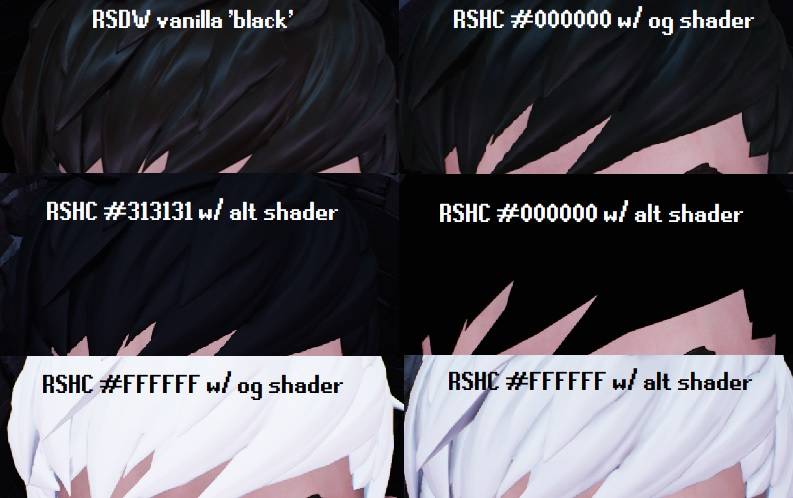
- Pick any colour for each part.
- Colour each section of a part on its own.
- Make white or grey skin.
- Use your skin or hair colour on another part with SKIN and HAIR.
- Cat ears follow Hair on the outside and Skin on the inside, including shared texture and finish settings. Set an ear slider yourself to override it.
SHAPE
- Make parts bigger, smaller, longer or wider.
- Change your body and face shape.
- Change the size of your whole character.
SURFACE
- Put a texture on anything: scales, velvet, fishscale, leopard, stone, fluffy feathers and more.
- Pick space and colour textures: Nebula 1 to 7, Holographic and Facets.
- Rotate any texture, shift the colours of a colour texture, or fade it to your own colour.
- Make a colour texture brighter or darker with Texture brightness.
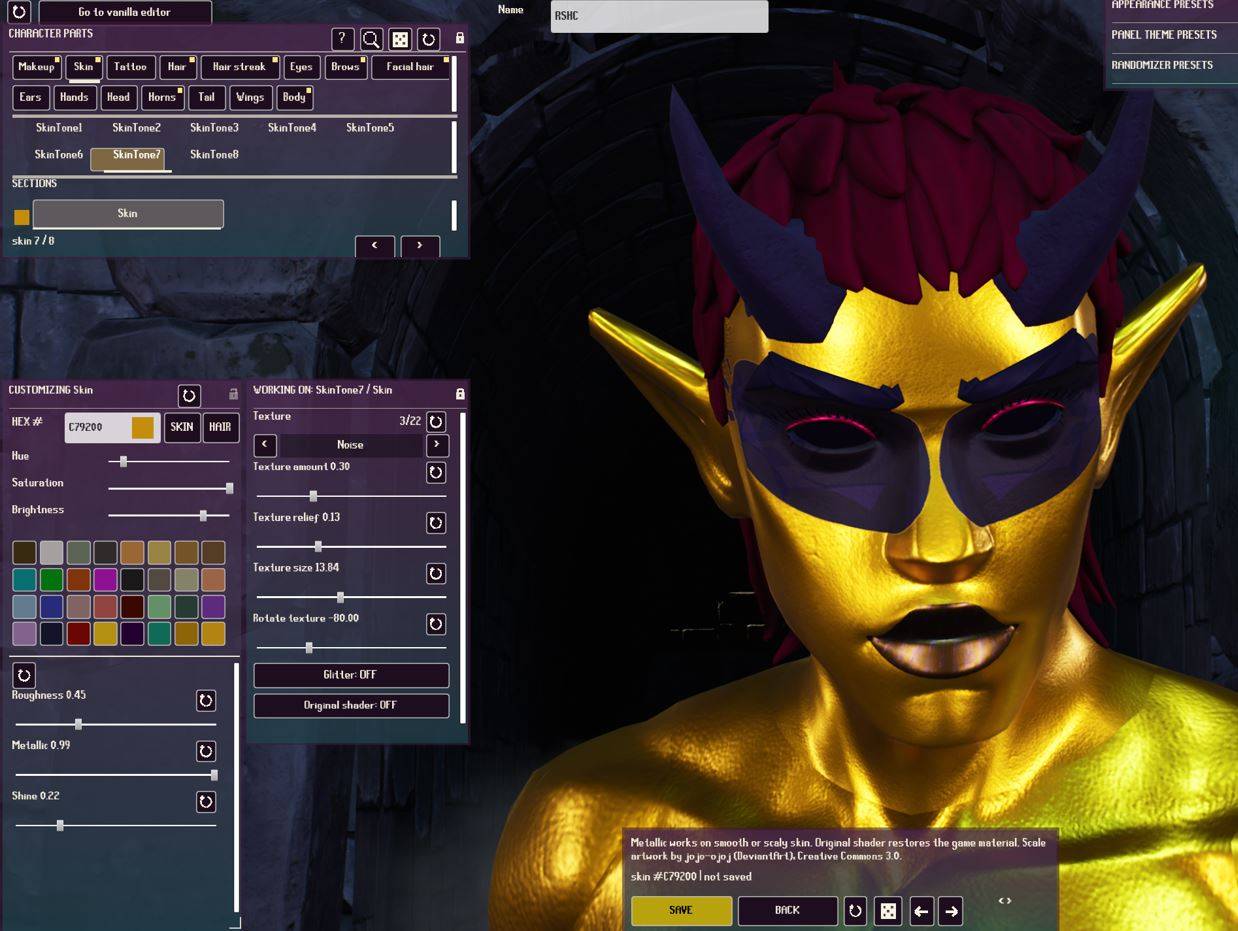
- Make anything metallic or shiny.
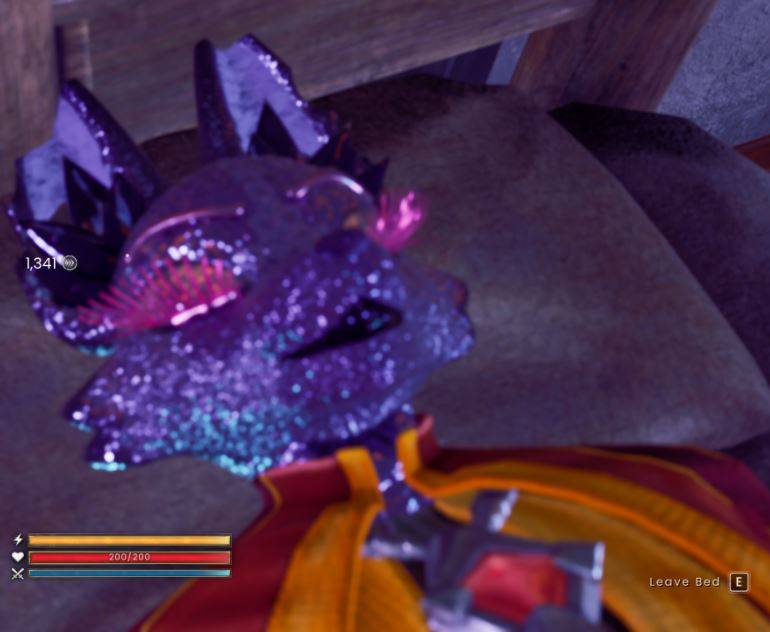
- Add glitter to anything, hair too. Turn it on, then pick its glitter section to set its colour, glow and metal look.
- Make parts glow.
DETAILS
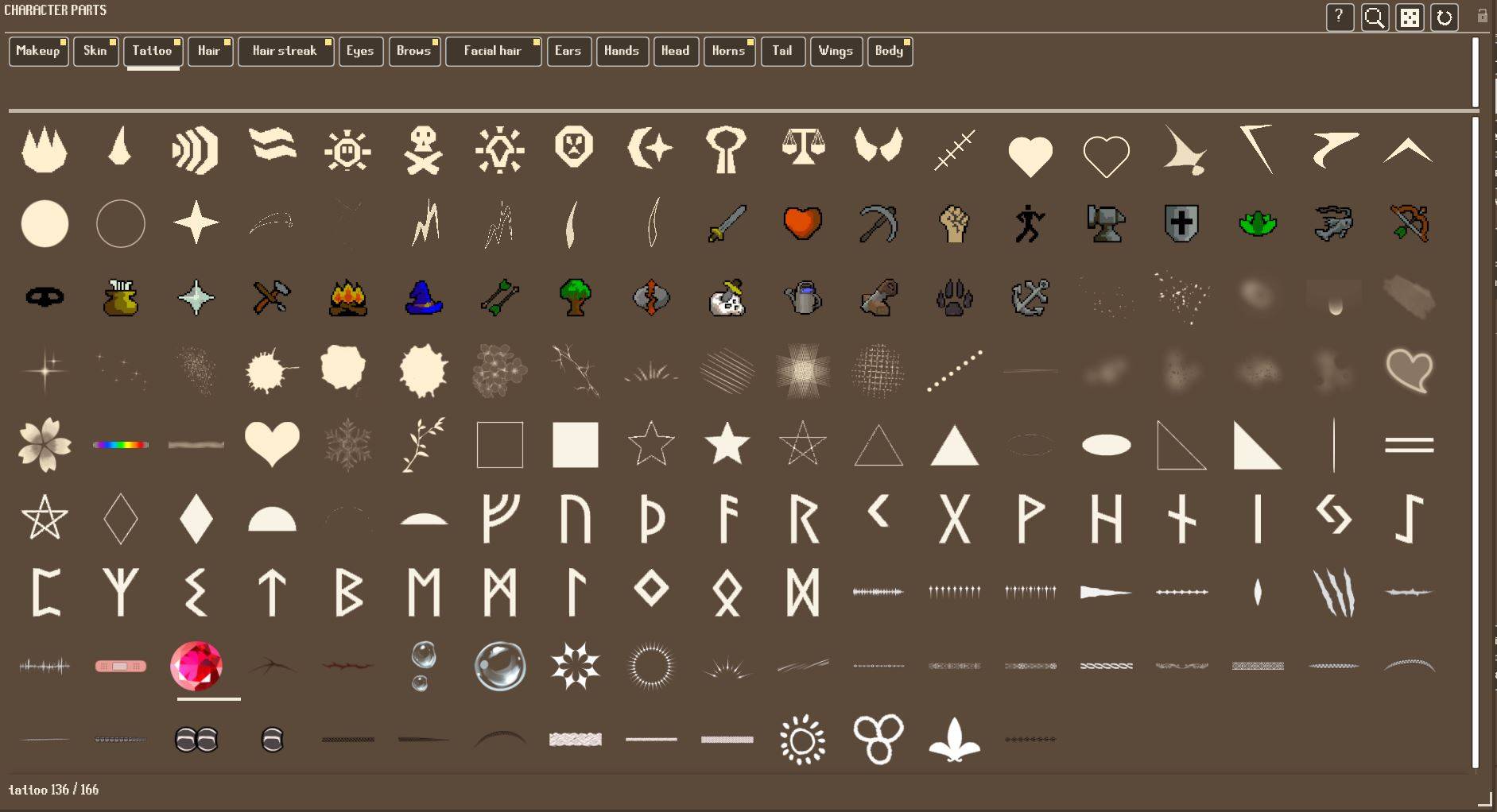
- Add up to 15 tattoos. Move, size, turn and flip each one in the ADJUSTING panel.
- Pick from tattoo designs like braids, beads, gems, bubbles, thorns and scars.
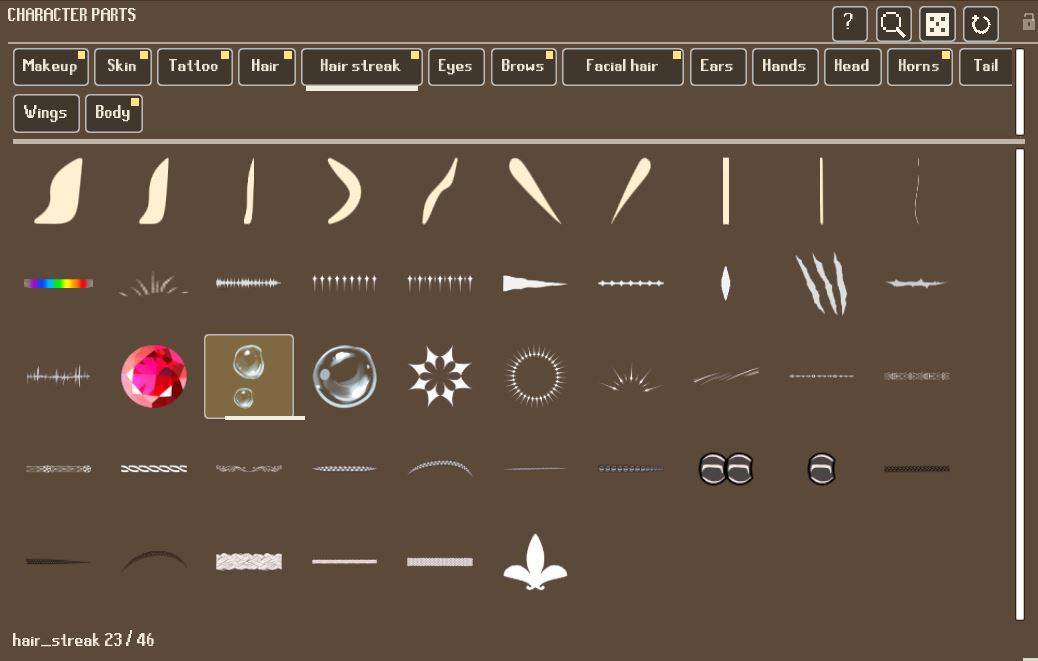
- Add hair streaks, including braids, beads and patterns.
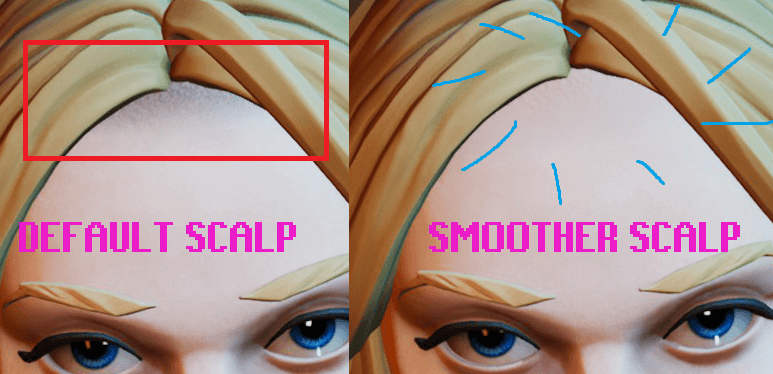
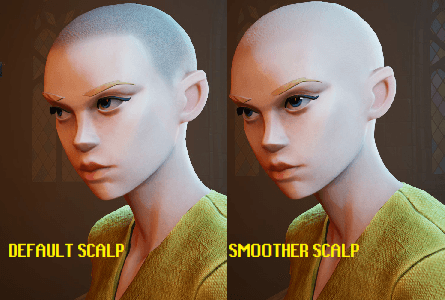
- Switch the scalp between smooth and stubble with Toggle scalp. Female characters start smooth.
TOOLS
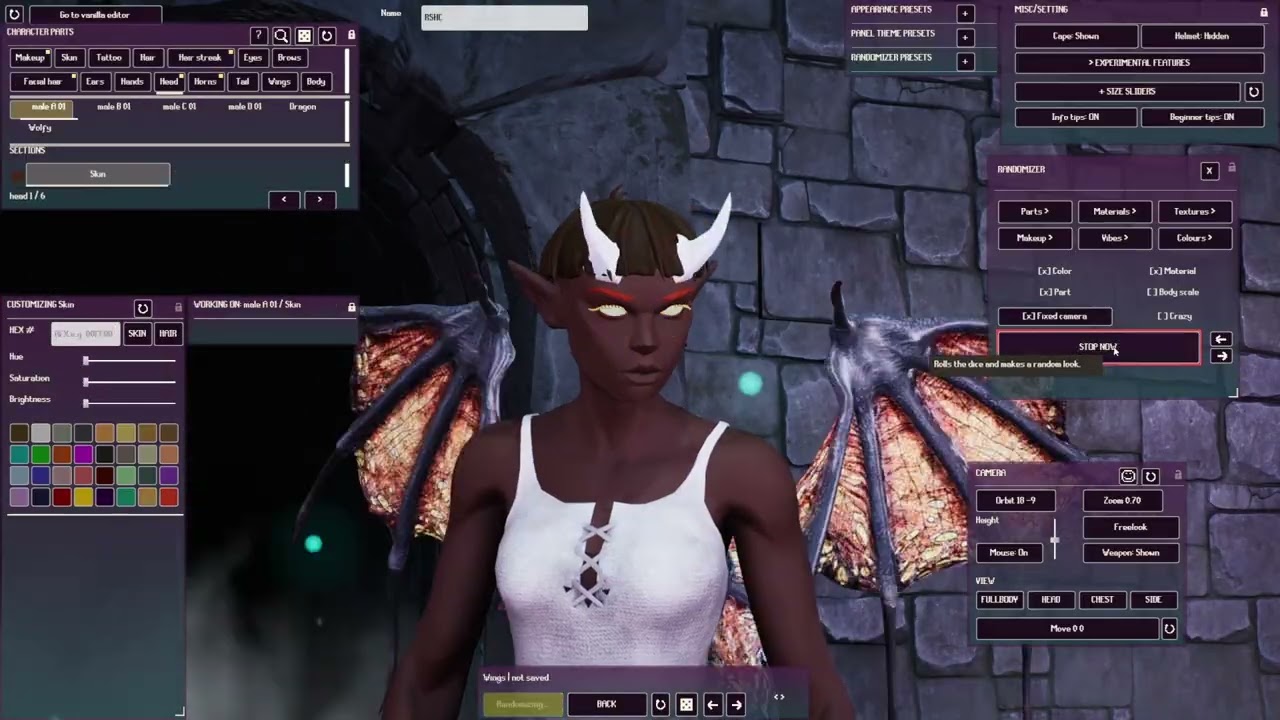
- Roll a random look with the dice. Pick ADVENTURER, MAGICAL or WILD first.
- Click a race, like ELF, WOLF or DRAGON, to roll that race in one click.
- Choose NONE, SOME, MANY or ANY markings (tattoos and hair markings) for the dice.
- Roll non-stop with ENDLESS. STOP NOW stops it.
- Pick an alignment for the dice with ALIGNMENT. It never influences skin tone.
- More options has the detailed choices: parts, textures, vibes and colours.
- Choose which parts the dice changes, its colour scheme and how much glitter it adds.
- Save looks as presets and load them again.
- Share a look as a code with Share code and Enter code on PRESETS (or COPY LOOK and LOAD LOOK in Find).
- Find any slider with the magnifier.
- Open and close slider groups (Shape, Textures, Glitter and more) in CUSTOMIZING and WORKING ON.
- Give each eye its own pupil, ring, placement and glitter with Heterochromia on.
- Undo and redo with the arrows.
- Pose and dance in the editor (needs More Emotes). Your pose stays on when you roll the dice.
- Make the main-menu light shady or sunny with the Light slider on CAMERA.
- Let the camera frame what you edit with Auto follow camera on CAMERA.
- Hide every RSHC window with the eye button on CAMERA.
PLAY TOGETHER
- See each other's custom looks when all players install the same RSHC release.
- Build a mirror, aim at its glass nearby and press E when Use appears.
- A player-hosted world uses the full player mod. A dedicated server uses RSHCServer plus the matching assets.
WORKS WITH OTHER MODS
- Body sliders and body physics work on bigger and smaller characters (needs RobidyBobidy's Bodyslide Body, RBBB).
- Incorporates More Emotes into the character editor to move and pose/freeze your character.
- v4.x updated with Runeschema compatibility fix (if you use RuneSchema and your RSHC panels are super laggy please update to RuneSchema 0.8.0.1 for their efficiency fix)
WINDOWS
- Move, resize and lock every window.
- Change the window colours and text size.
- Turn the tips on or off.
- See this guide again with the ? button.
This is also fully compatible and recommended to use with my other RSDW mods:
⭐"Scale any buildable / Relocate objects" (coming soon) - So you can scale stuff to match your character's new size :)
⭐"OSRS Inspired Main Menu"
⭐"MORE EMOTES"
I also recommend getting RobidyBobidy's Bodyslide Body (RBBB) for the female body sliders! it's compatible with this mod - the sliders appear in the parts-panel when female body is selected. If the female body in any of my screenshots looks non-standard, (aside from height/overall scale) that's why. Rob also procured the default dragon/wolf parts.
Also, a shout out to the folks over at Dragonwilds Creative and Sharing Hub on Discord. This is the first full standalone mod I've ever created for anything and I gained a lot of great ideas, insights and support from this community.
btw, heads up to the RSDragonwilds team over at Jagex - if you see this, which I hope you will :-)
I found an error in the character editor! I fixed it with v3.x but it's still in the game.
"body b" using FACE#1 and EYE/BROW#2 does not have the eyeliner which other eye/brow options do.
When using faces 2, 3 and 4, the eyeliner reappears for eye/brow 2.
Face 1 correctly displays eyeliner on eye/brow sets 1, 3 and 4.
Most importantly, a huge thanks to my husband for supporting me every step of the way and helping me test everything! ♥