

Minimap
- By
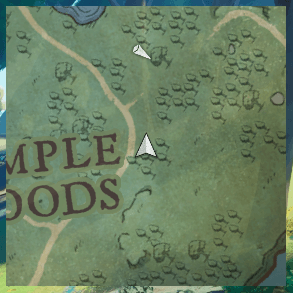
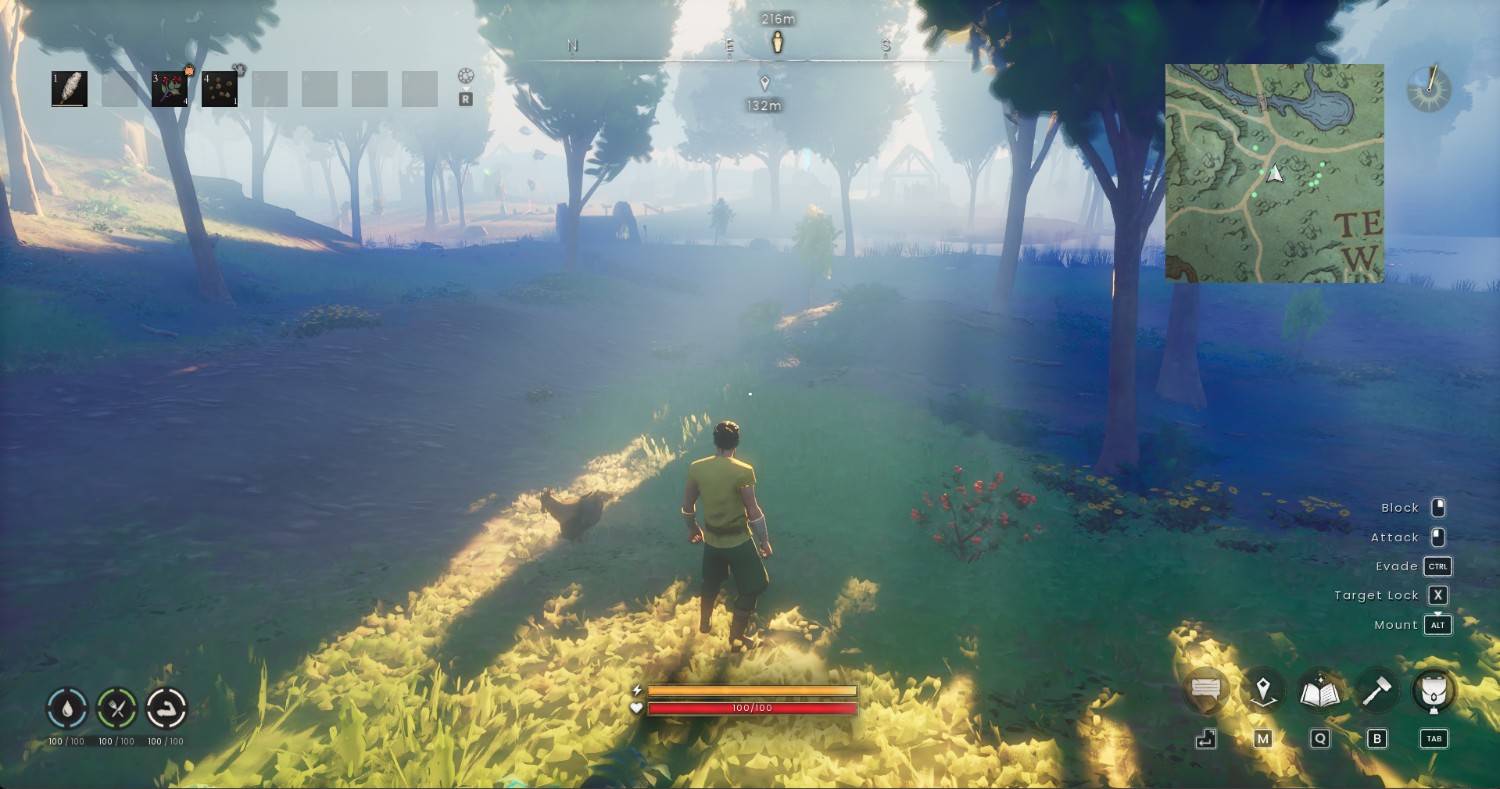
A lightweight, configurable minimap for RuneScape: Dragonwilds built on the game's native map system
Screenshot 2026-09-19 190556.png
Description
Minimap
A lightweight, configurable minimap for RuneScape: Dragonwilds built on the game's native map system.
What Minimap can do?
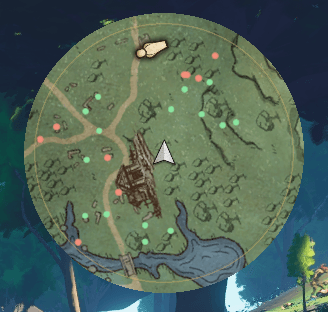
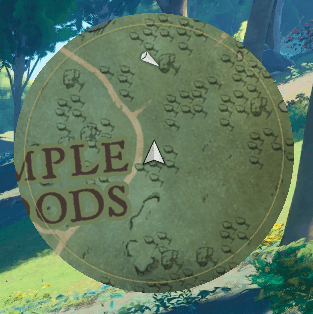
- Circle or Square minimap
- North Up and smooth Player Up orientation
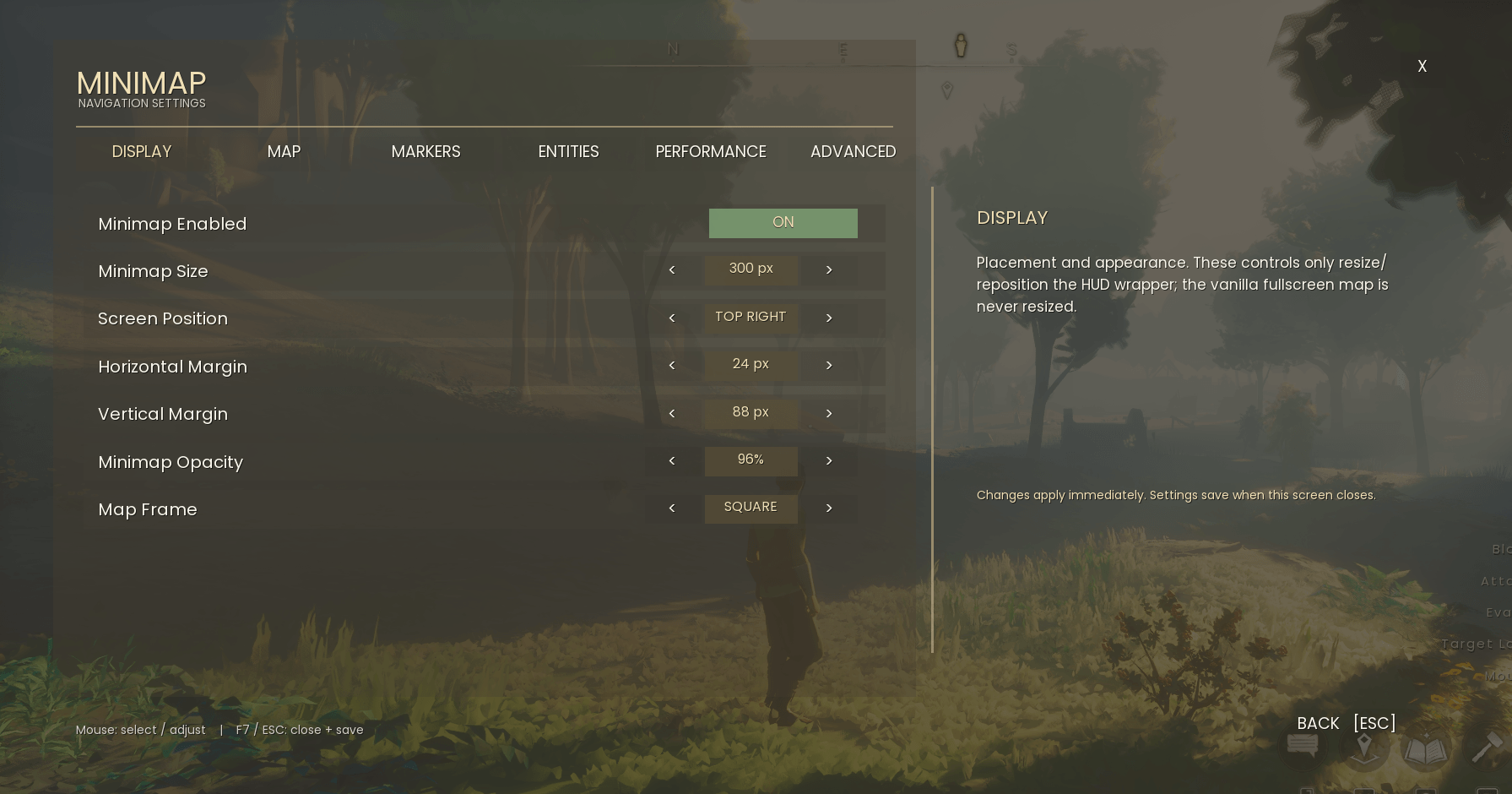
- Adjustable size, screen position, opacity, margins and map zoom
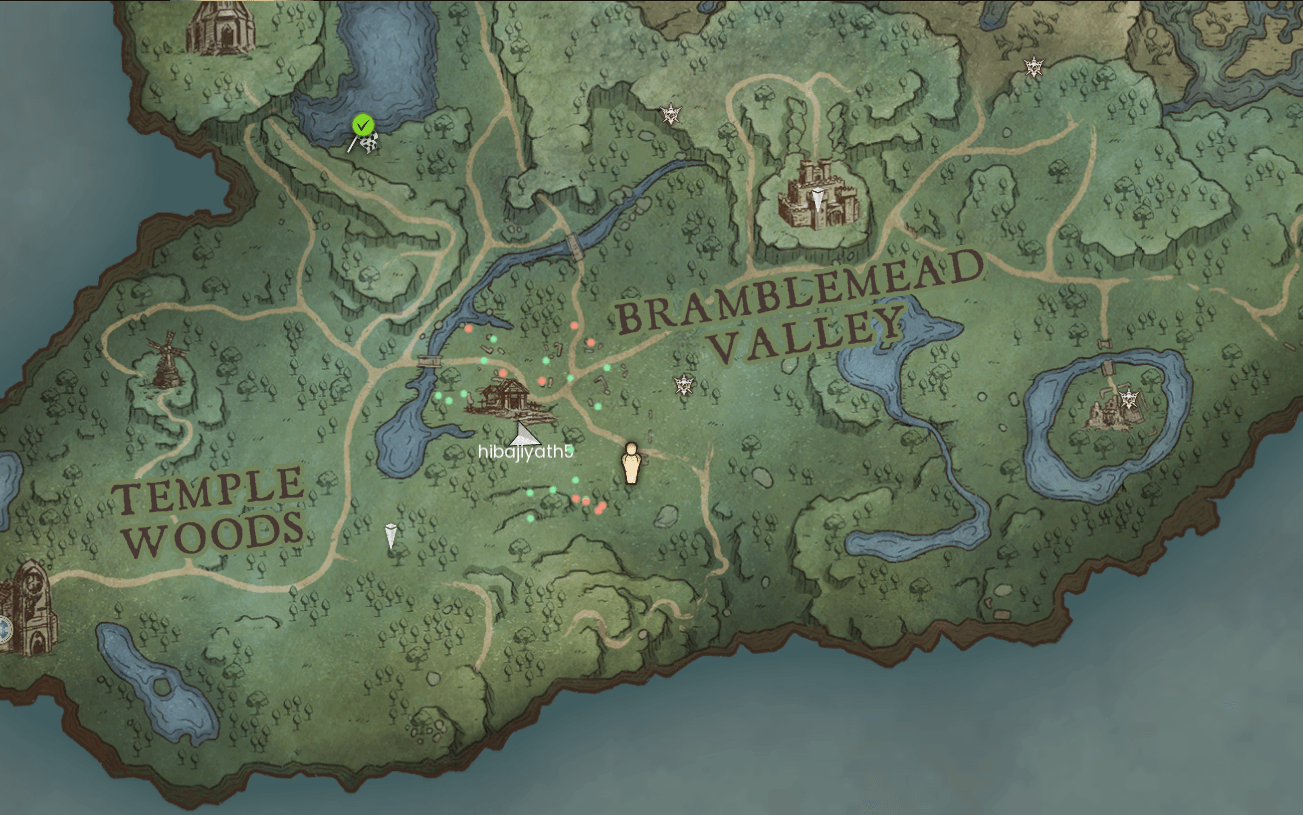
- Exploration fog plus native quest and POI markers
- Optional player name and POI labels
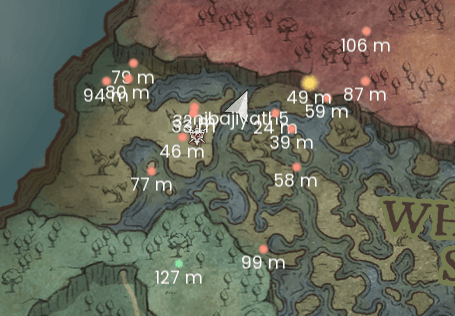
- Optional nearby creature markers: (entity features are experimental)
- Red hostile creatures
- Gold elite / boss creatures
- Green passive wildlife
- Optional entity labels: name, distance in metres, or both
- Separate HUD map state, so opening the fullscreen map does not change the minimap
- In-game configuration with F7
Entity detection is experimental and disabled by default. Creature coverage can vary between game updates. Enable only the categories you want from the Entities tab.
Installation
- Extract the file
- Copy the
Minimapfolder to:RSDragonwilds\Binaries\Win64\ue4ss\Mods\ - Start the game and enter a world.
- Press F7 to configure the minimap.
Controls
- F7 Settings
- F8 Toggle minimap
- F9 Rebuild minimap layers
Settings are saved when the F7 menu closes.
The Minimap Team

Owner
