


Ashfall Creative
- By
ashfall1.jpg
ashfall2.jpg
ashfall3.jpg
ashfall4.jpg
ashfall5.jpg
Description
Ashfall Creative
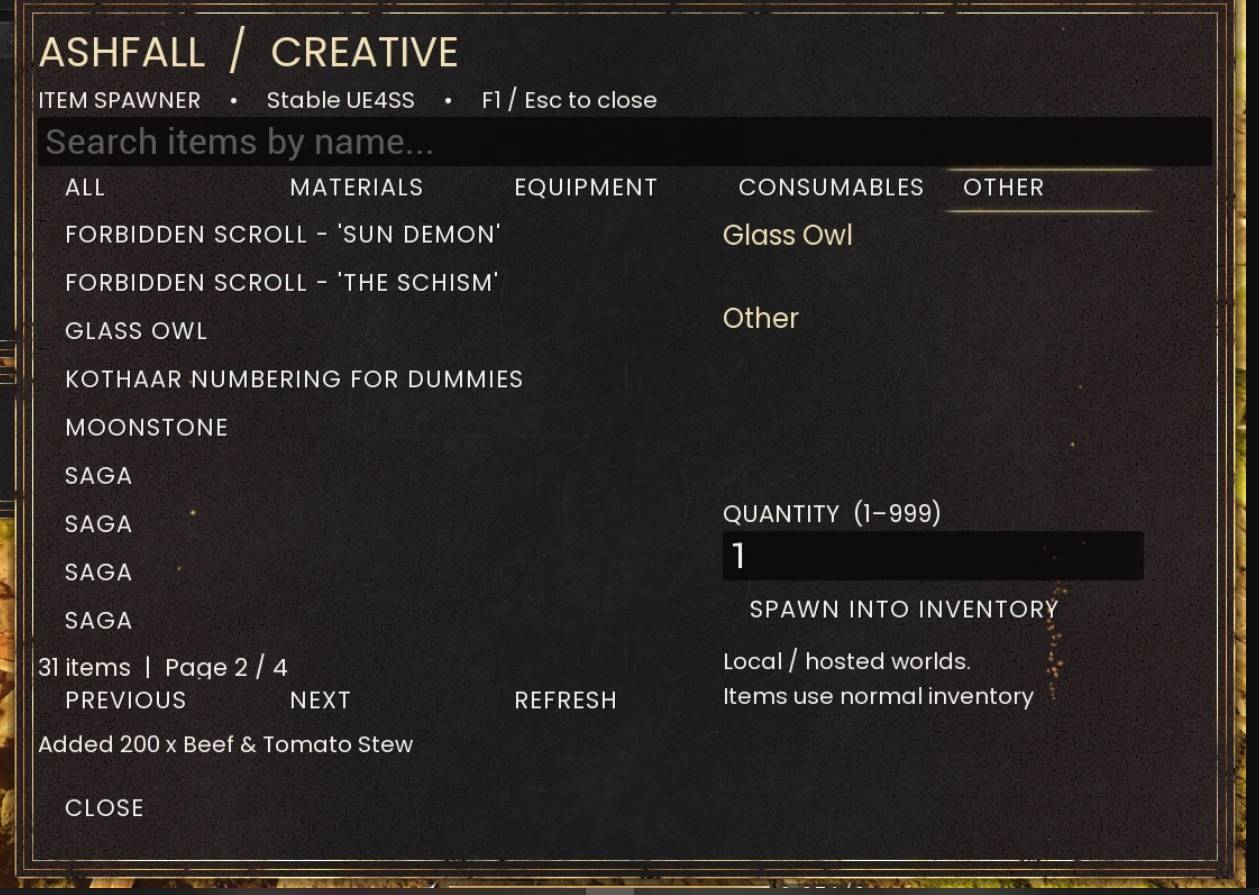
Ashfall Creative is a searchable in-game item spawner for RuneScape: Dragonwilds, designed for players who want a simple and convenient way to access items while building, testing, experimenting, or playing creatively.
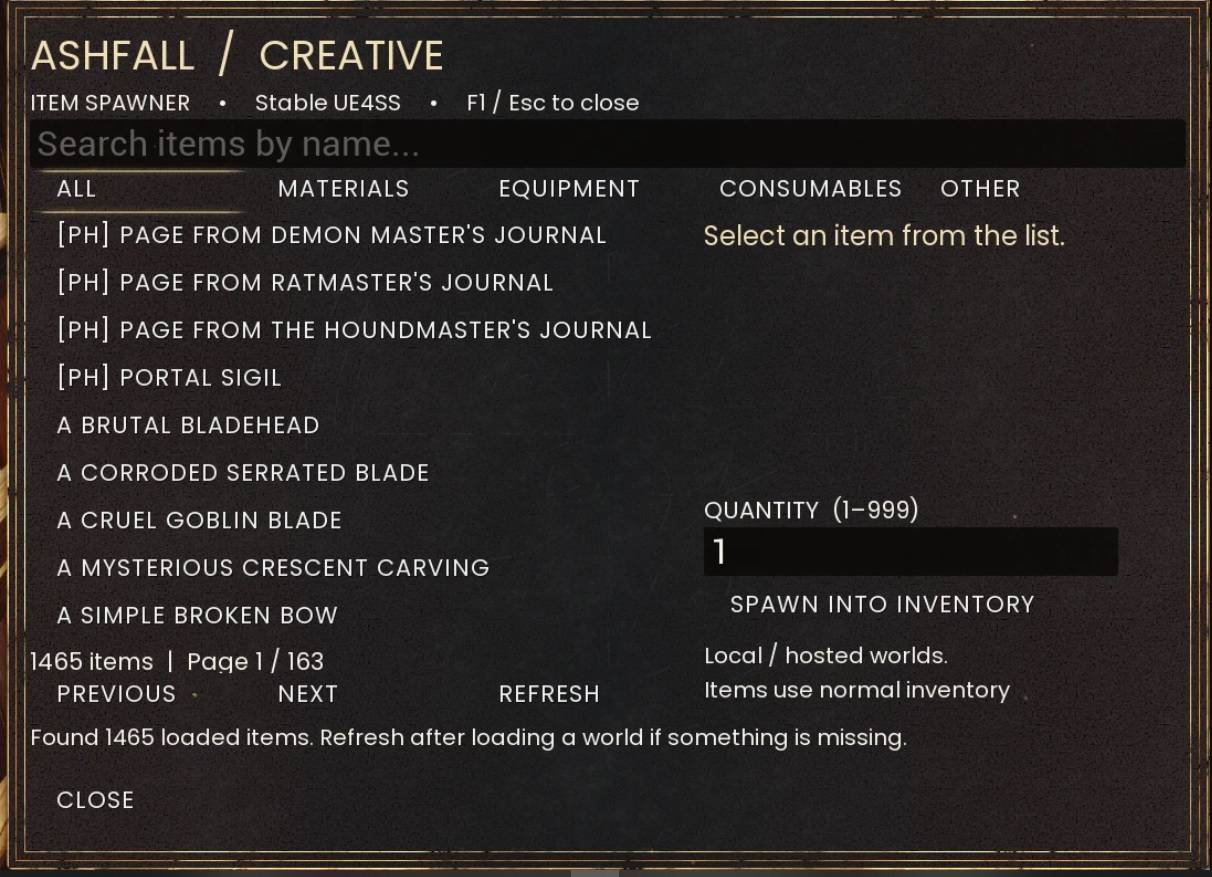
Instead of hunting down item IDs or repeatedly entering console commands, open Ashfall Creative with F1, search or browse the items currently loaded by the game, choose a quantity, and spawn the selected item directly into your inventory.
Features
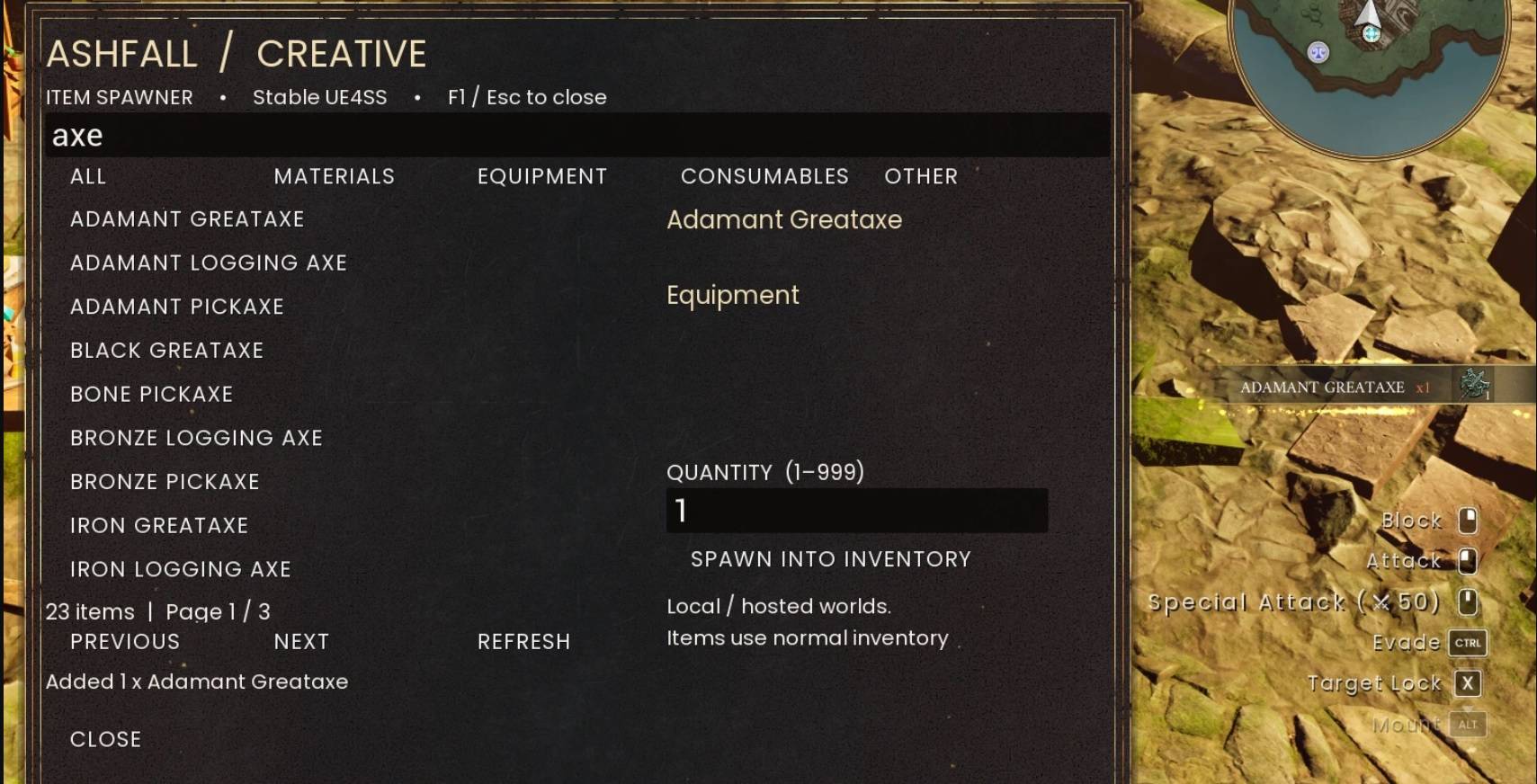
- Searchable Item Browser — Find items by name instead of memorizing item IDs.
- 1,400+ Detected Items — Ashfall Creative dynamically browses items loaded by the game.
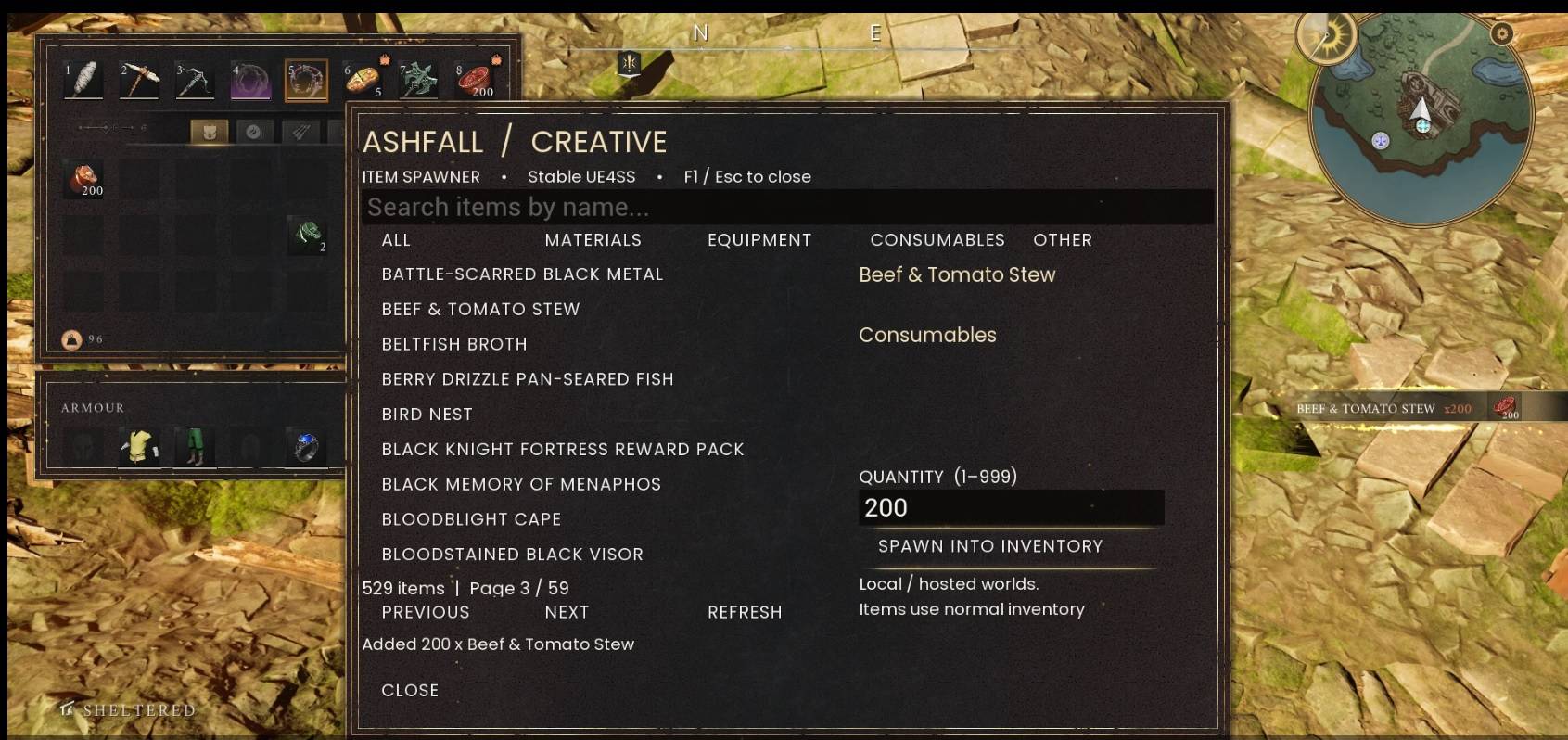
- Organized Categories — Browse Materials, Equipment, Consumables, Other, or view everything at once.
- Adjustable Quantities — Choose how many items to spawn, from 1–999.
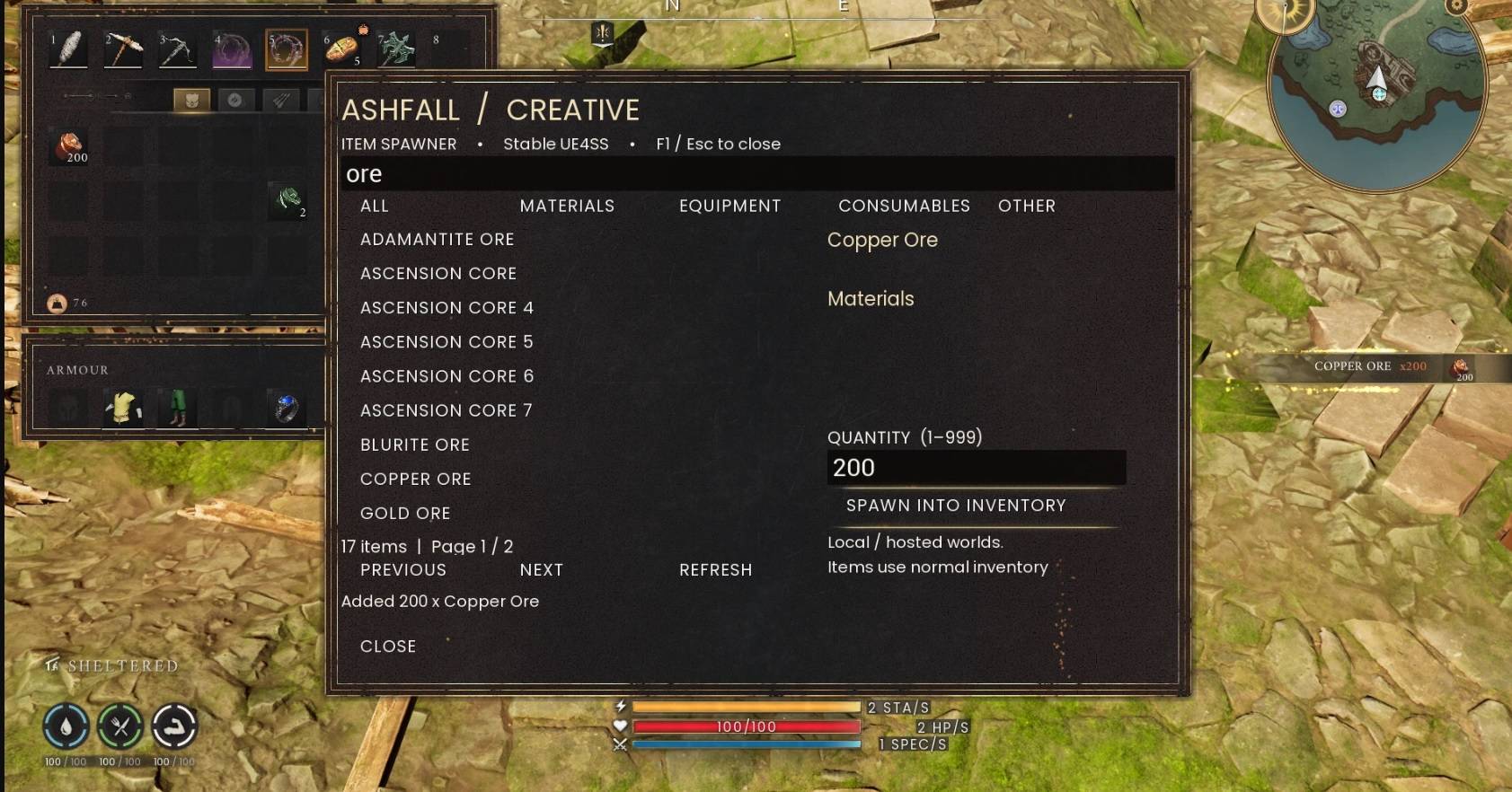
- Direct-to-Inventory Spawning — Selected items are placed directly into your normal inventory.
- Simple In-Game Interface — Access the features you need without repeatedly entering console commands.
- Refresh Function — Refresh the item list after loading a world if something is missing.
- Local / Hosted World Support — Designed for local and hosted worlds.
- Built for Stable UE4SS — Designed specifically to work with a stable UE4SS setup without requiring players to move their entire mod setup to a newer UE4SS build.
Why Stable UE4SS?
Ashfall Creative was intentionally developed for Stable UE4SS.
During development and testing, we found that moving to newer UE4SS builds could create compatibility issues with existing Dragonwilds mods. Rather than requiring players to change a working mod setup simply to use an item spawner, Ashfall Creative was designed to work within the stable UE4SS environment already used by many players and mods.
Our goal was simple: add a useful creative tool without forcing players to sacrifice compatibility with the rest of their mod setup.
How to Use
Press F1 to open Ashfall Creative.
Search for an item by name or browse the available categories. Select the item you want, enter the desired quantity, and choose Spawn Into Inventory.
Press F1 or Esc to close the interface.
If an expected item does not appear after entering a world, use Refresh to update the list of items currently loaded by the game.
Designed for Creative Play
Ashfall Creative is useful for more than simply giving yourself items. It can help with:
- Creative building
- Testing items and equipment
- Experimenting with crafting and materials
- Mod testing
- Quickly replacing materials during large builds
- Exploring the items available within Dragonwilds
The searchable interface was designed to make these tasks faster and easier without requiring players to know internal item IDs or constantly use console commands.
Already Used by the Dragonwilds Community
Ashfall Creative was originally released on Nexus Mods before coming to CurseForge.
At the time of this CurseForge release, Ashfall Creative had already reached:
799 total downloads
687 unique downloads
2,535+ views
on Nexus Mods.
Thank you to everyone who has downloaded, tested, and used Ashfall Creative. Your interest in the mod helped encourage us to continue developing and sharing it with the Dragonwilds community.
Requirements
- RuneScape: Dragonwilds
- Stable UE4SS
Important Note
Ashfall Creative is intended for local and hosted worlds where you have permission to use mods. It is a creative and utility tool and is not designed to bypass anti-cheat systems or interfere with other players' games.
Ashfall Creative Team
