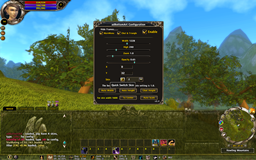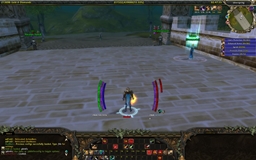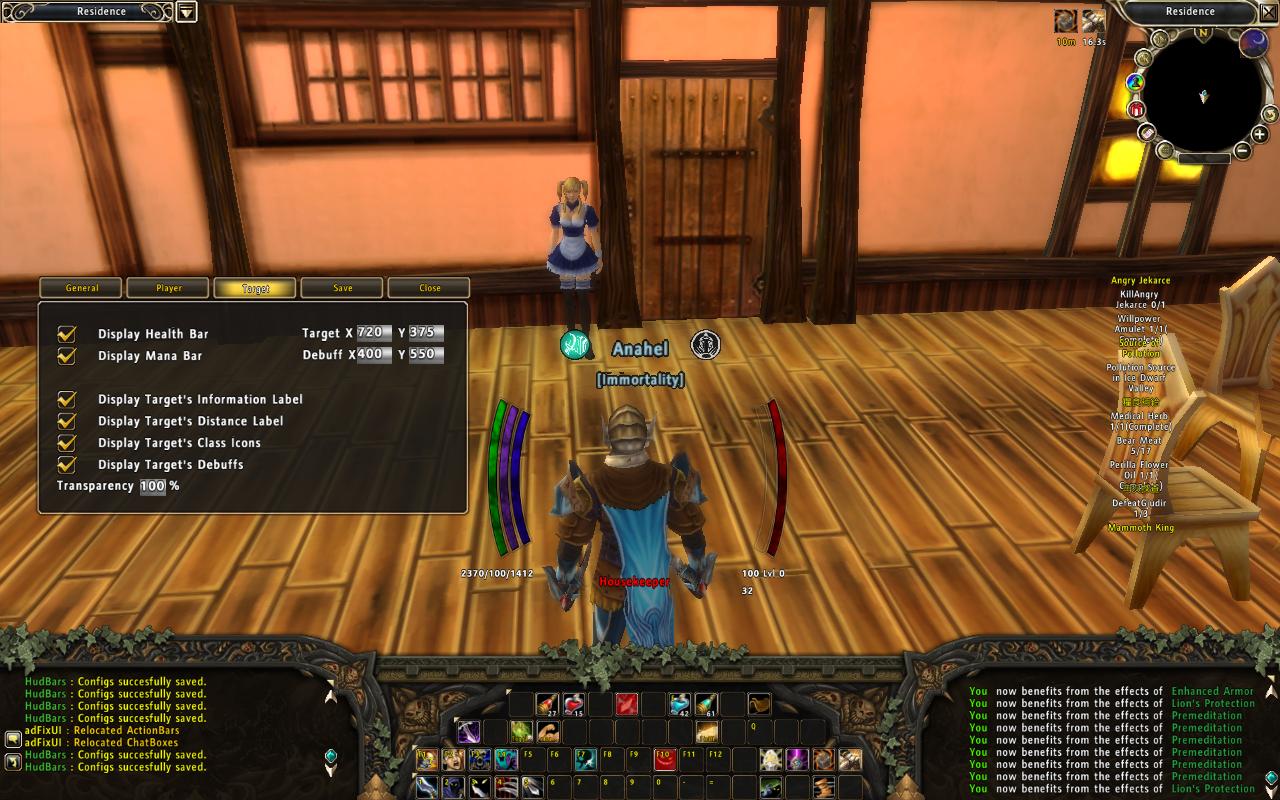
Screen shot that displays new features of v0.201.
Description
HudBars v0.208
- Updated: 18-01-2009
- Released under the [Creative Commons License By-Nc-Sa]
Description
- Displays arc-styled bars that shows :
- Player's Health, Mana and Skill.
- Target's Health and Mana.
- Target's Distance.
- Target's Main Class and Secondary Class.
Change log
v0.208
- Added texture pack 2 to the package.
- Added localization files.
- Added ability to toggle health bar colouring.
- Added tooltips on the debuff bar.
- Added scaling for debuff bar
- Added indepedant alpha for debuff bar
- Fixed the problem with layers being in front of other windows.
- Fixed class icons problem for german players.
- Removed class textures.
v0.202
- Fixed the Frame Lock inversion.
- Moving frames while having config window open will now override the hand written values.
v0.201
- Added tabs to the configuration window.
Every tabs will focus on precise frames. - ReAdded transparency configuration.
- Added texture selection.
- Fixed Skill Bar display
Hidden if Mana and Skill Type are the same.
Slash Commands
- /hb
Opens the configuration window.
Installation
- Unzip the "HudBars_v<Version>.zip". Copy the folder "HudBars" to "Runes of Magic\Interface\AddOns". Make sure the file structure is as follows:
    - Interface
          - AddOns
                - HudBars
                      + ConfigFrame
                      + PlayerFrame
                      + TargetFrame
                      + TargetOfTargetFrame
                      + Textures
                      · HudBars.toc
                      · HudBars.lua
- After starting the game, the message "HudBars Configs successfully loaded. Type /hb for settings" should appear in chat.
HudBars2 Team