


Weapon Roulette
- By
Description
Weapon Roulette
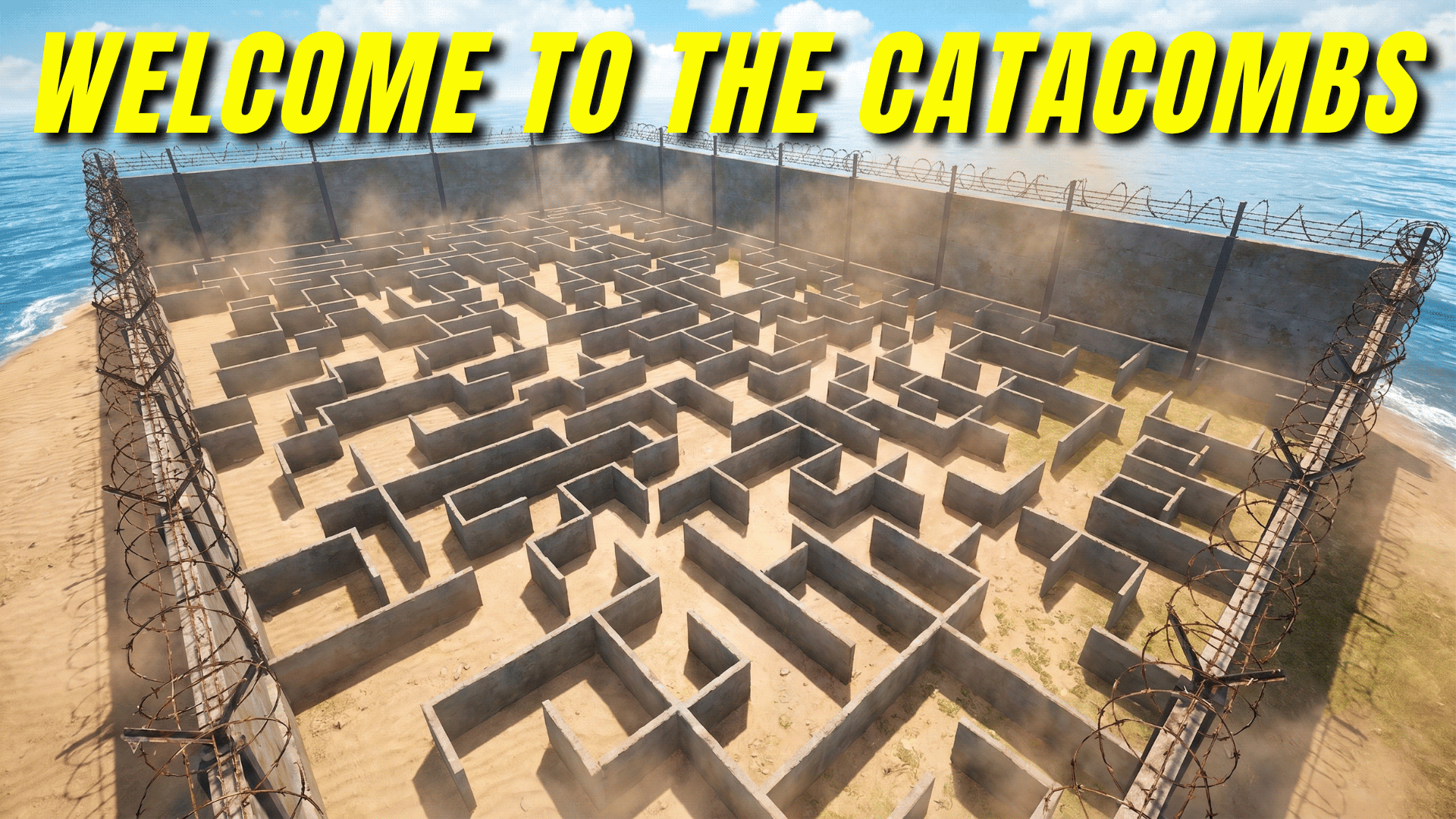
Welcome to The Catacombs. This game mode is built to feel like a suspense thriller where you never know what is around the next corner. It is a ten-player free-for-all combat mode.
How It Works
You drop into a tight concrete maze. There are no teams and no second chances. You are entirely on your own against nine other players, and everyone is hunting each other.
The Rules
Your Starting Gear
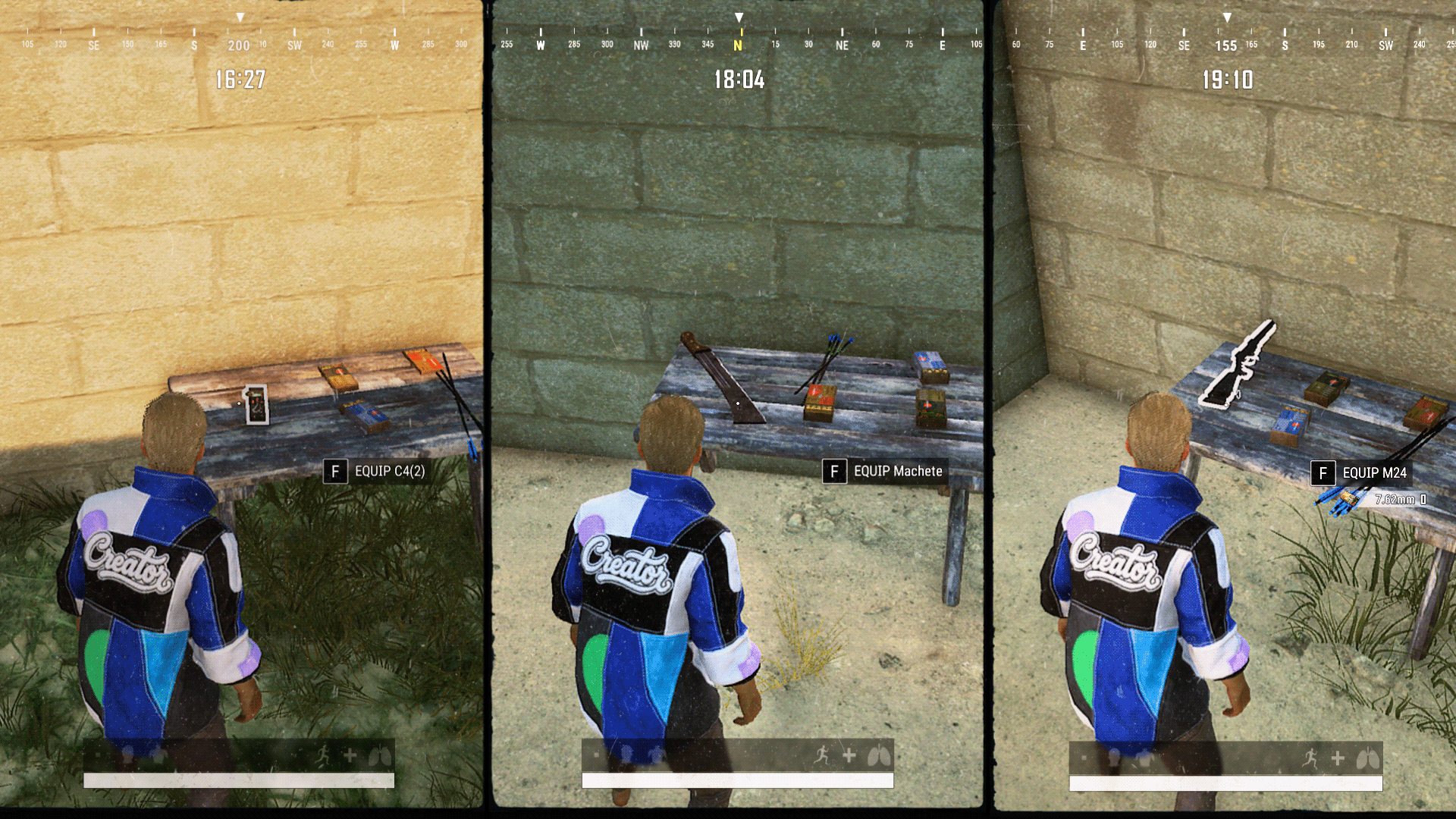
When you spawn, you will find a table right in front of you. This table will give you your random items to start the match. The drop is completely based on luck, but we have tried to make it as even as possible for the players. If you happen to draw a weaker item, you will receive multiple of them to help balance the odds.
Hunt and Loot
Since everyone starts with different items, the combat will force you to adapt. If you get a tough draw, your best choice is to outsmart the heavily armed players. When a player is eliminated, they drop a deathbox containing all their gear. You have to hunt down other players and loot their items off the ground to build up your inventory.
Health Drops
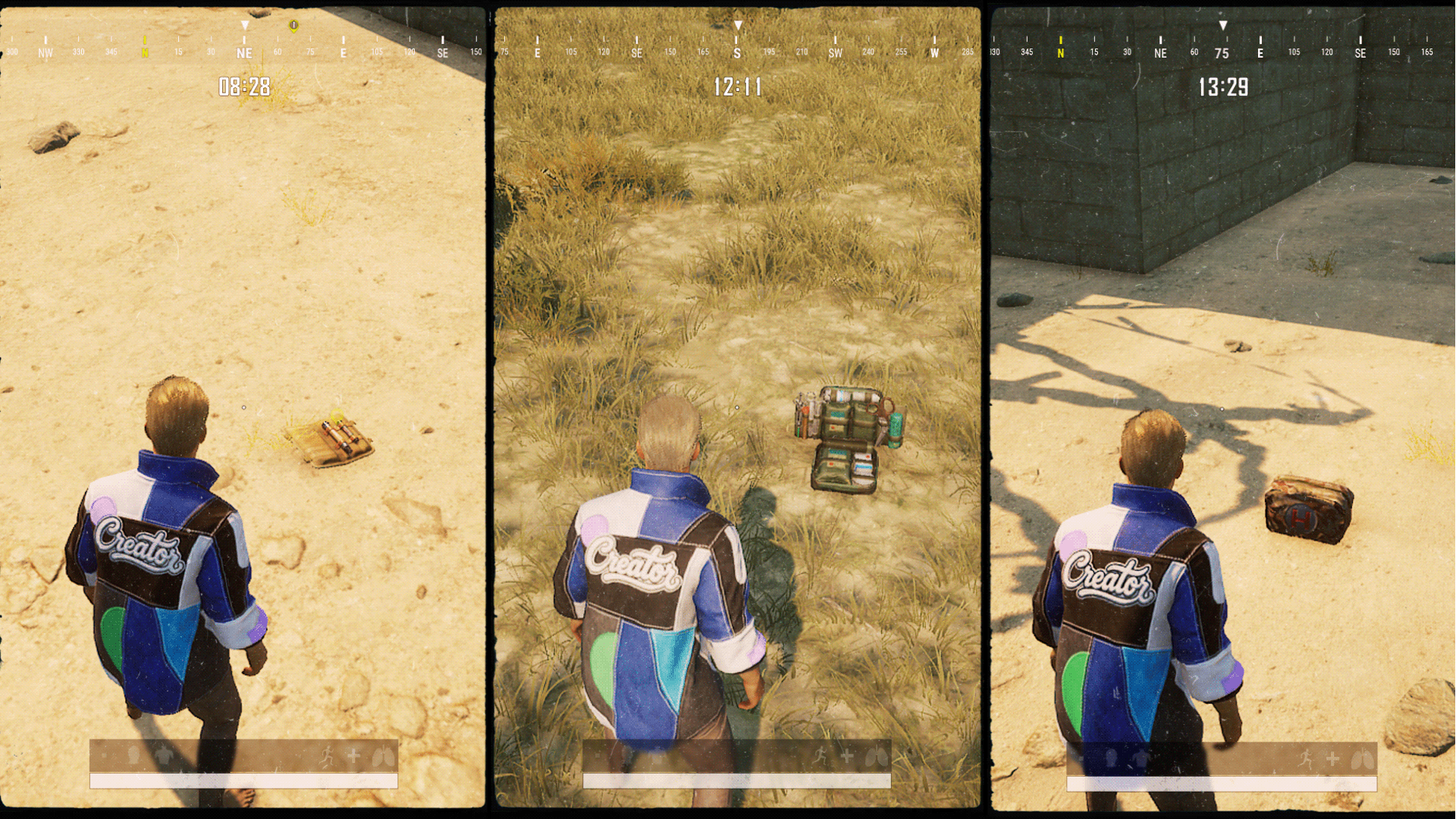
Make sure to keep an eye out while you move around the maze. Health items will spawn at random times around the map to help you stay in the fight.
Winning the Match
This is a single-life game mode. Once you die, you are out, and your final rank is locked in based on when you died. The last person left alive in the maze wins the match.
How to Download and Play (Manual Installation)
Follow these steps to load the map and start a match:
- Download the map file from this page.
- Press Windows + R on your keyboard, type
%localappdata%, and hit Enter. - Navigate to
TslGame/Saved/UGCand move your downloaded files into this folder. (If the UGC folder does not exist, simply create it). - Launch the game, go to Custom → Playgrounds, and create a room.
- Press F10 to load the file, then press P and click Play.
Weapon Roulette Team
