LAVA UP!
- By
LAVA UP! is a fast parkour survival mode where molten lava chases up to 16 players toward the finish line, with unique maps and a random modifier each round.
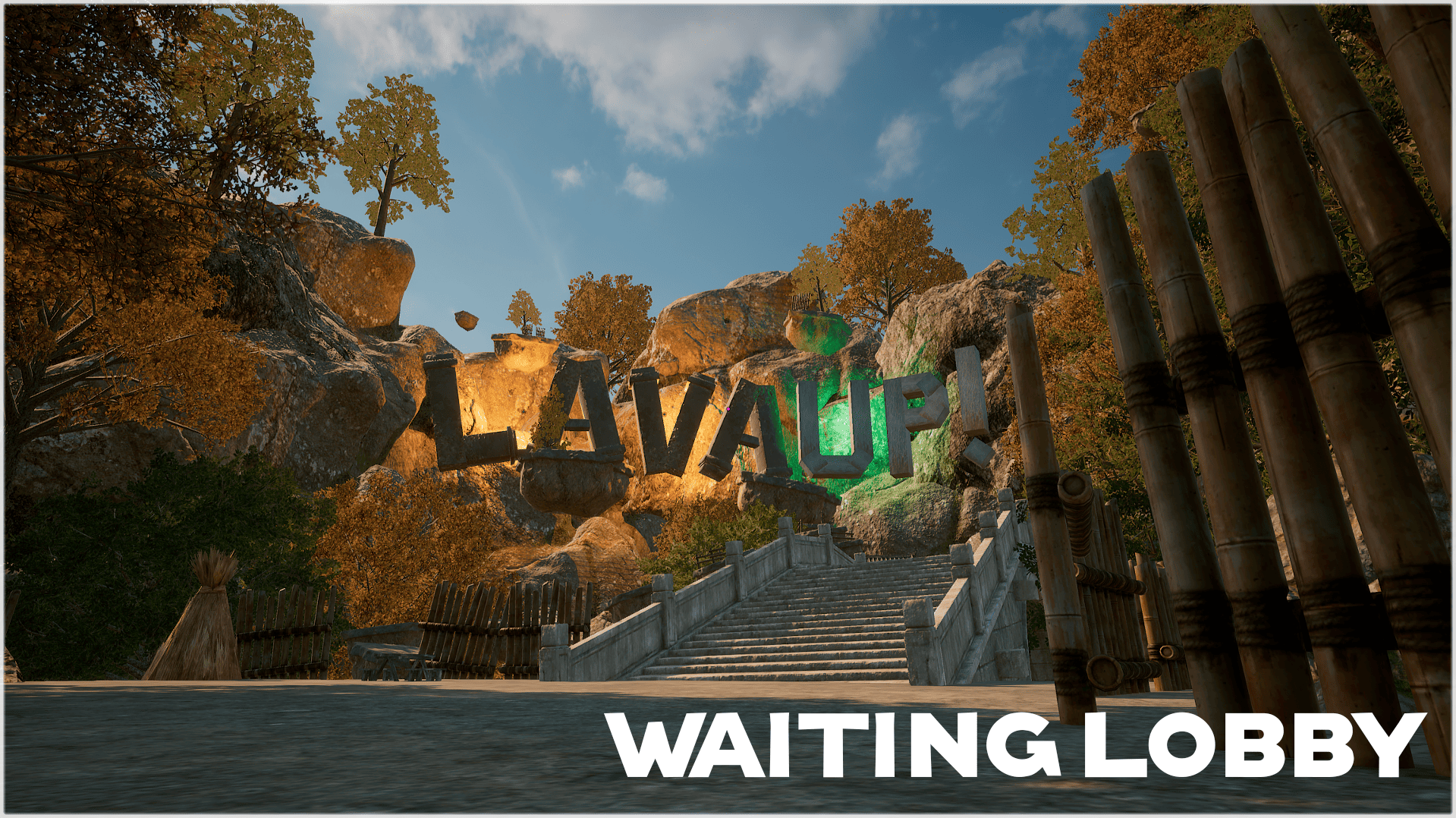
lobby_image.png
interative_elements_image.png
maps_image.png
random_give_event_image.png
Description
Overview
LAVA UP GAME! is a fast-paced parkour survival mode for PUBG: BATTLEGROUNDS. Molten lava rises from the bottom of the map, and your only goal is to climb, jump, and run your way to the finish line before it swallows you whole.
How It Works
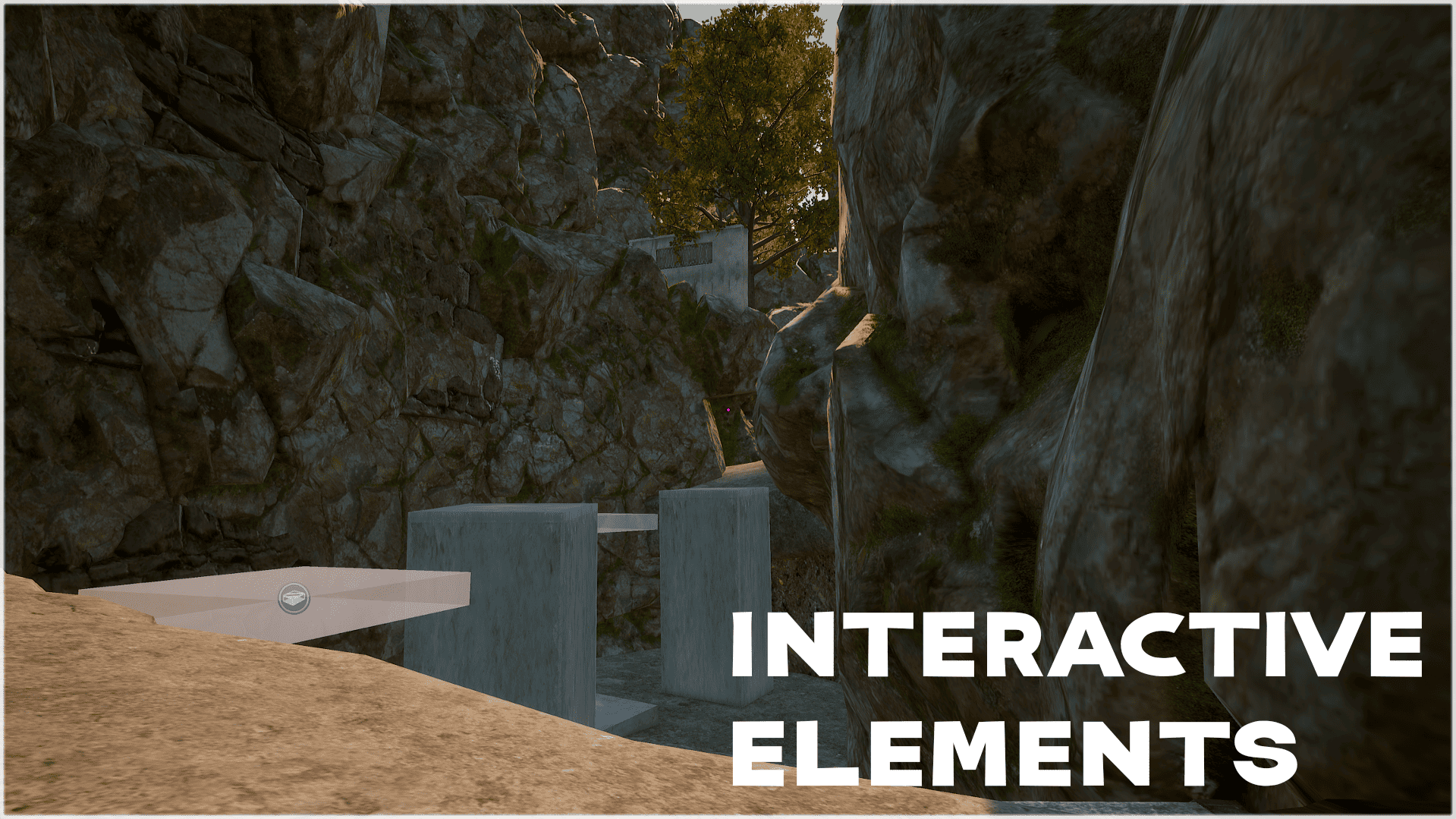
Up to 16 players spawn at the bottom of the map. The lava begins rising shortly after the round starts. Parkour across platforms, ledges, and obstacles to reach the top. If the lava touches you, you are eliminated. The first player to reach the finish wins the round.
Maps
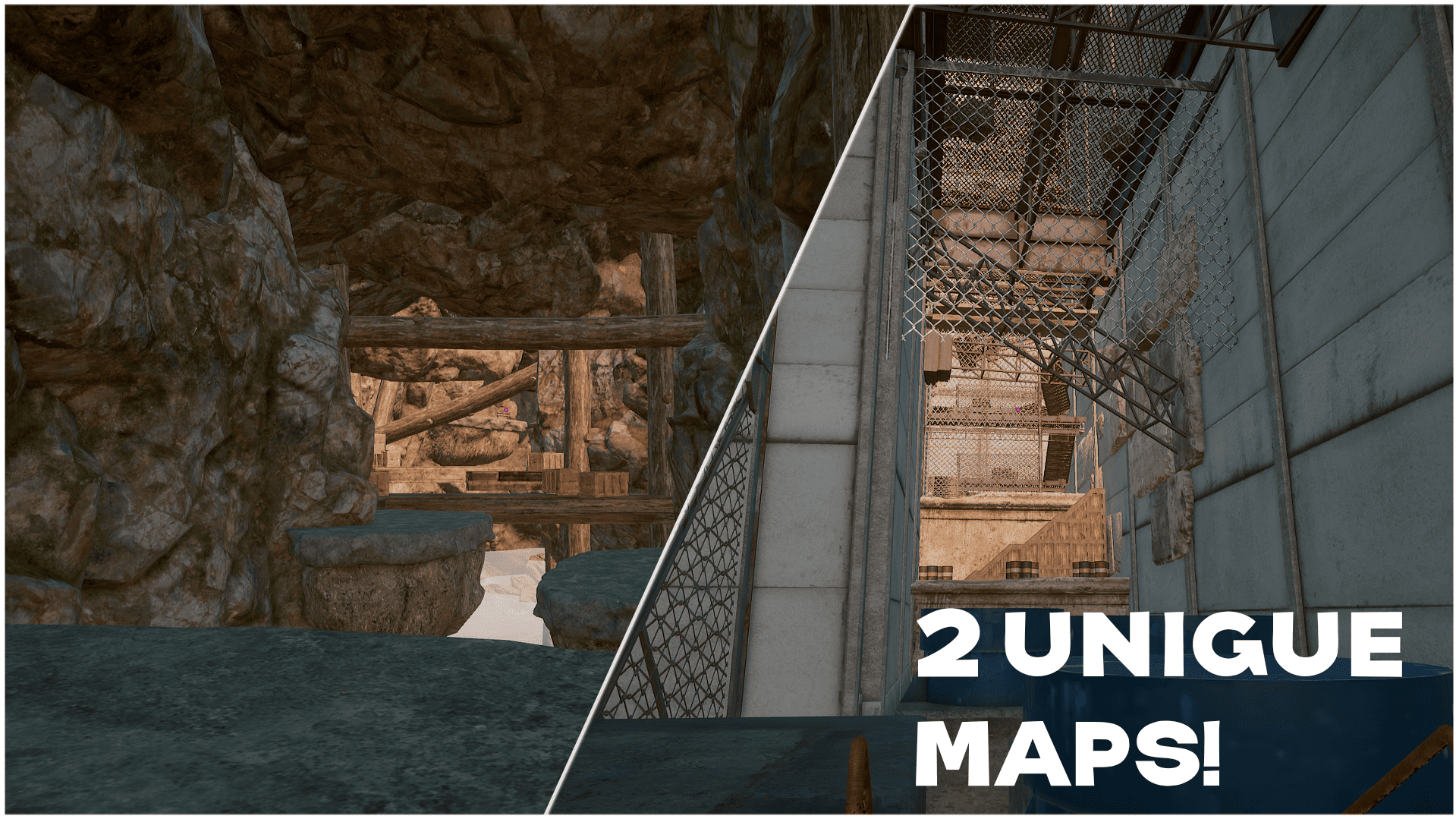
Several unique handcrafted maps, each with its own layout, obstacles, and pacing. Every map plays differently, so no two runs feel the same.
Random Modifiers
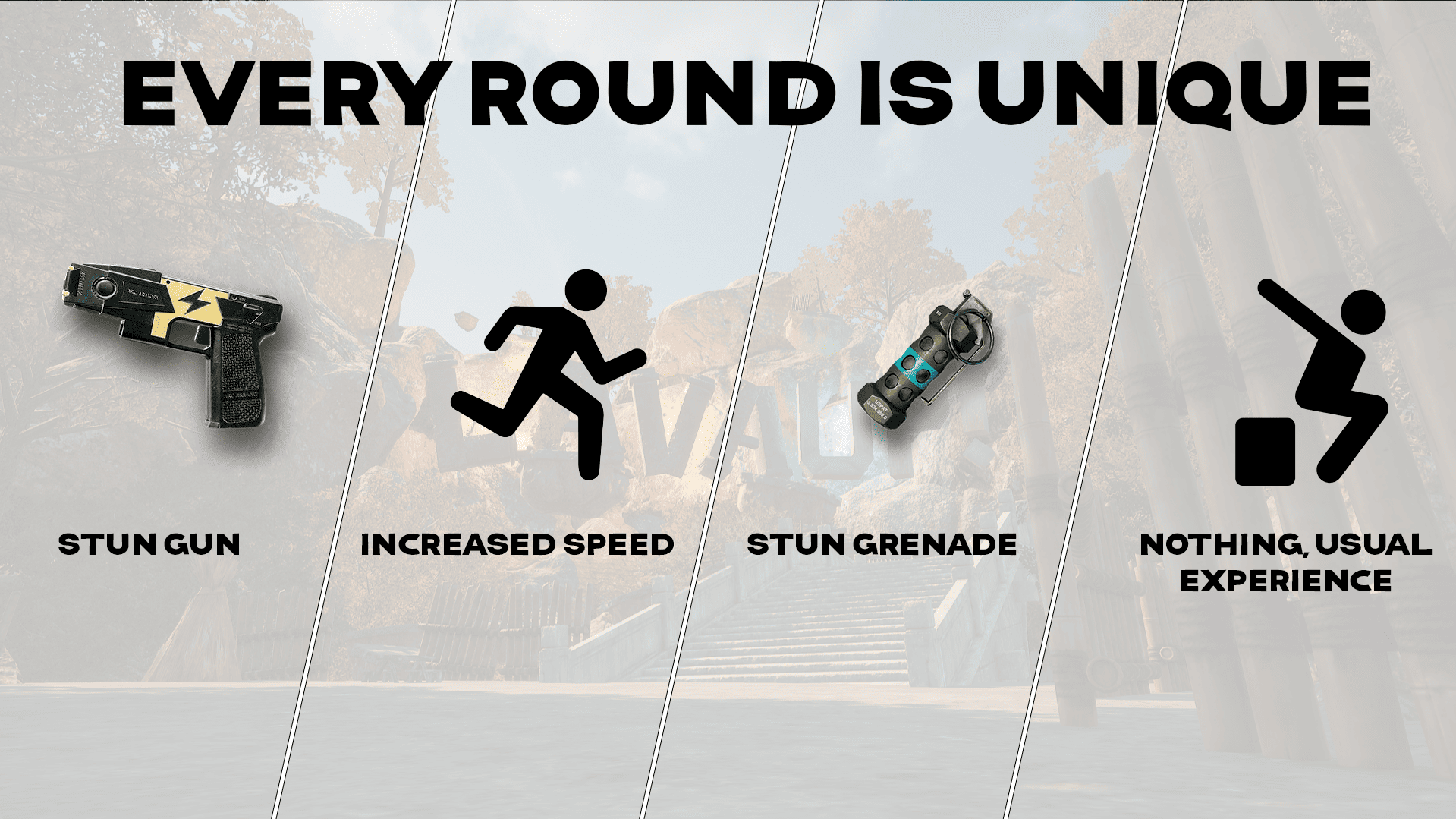
At the start of every round, one of four modifiers is randomly applied to keep things fresh:
- Taser — players receive a taser to stun rivals on tight paths.
- Flashbang — players receive a flashbang to blind runners nearby.
- Speed Boost — all players move faster, making the pace even more intense.
- Nothing — no modifier, just pure parkour between you and the lava.
Match Info
- Players per match: up to 16.
- Average match length: 5–10 minutes.
- Format: quick rounds, non-stop action.
Tutorial — How to Play
- Join a match — you will spawn at the bottom of the map with up to 15 other players.
- Wait for the round to start. A short countdown will appear on screen.
- The lava begins rising almost immediately — start moving forward and upward right away.
- Use jumps, ledges, and platforms to climb toward the finish line at the top of the map.
- Watch out for the random modifier active this round — it can help you or be used against you.
- Do not stop moving. If the lava reaches you, you are eliminated instantly.
- Be the first to reach the finish line to win the round.
Installation — How to Load the Map
- Download the latest version of the mod.
- Move the downloaded file to the following folder:
C:\Users\YOUR_USERNAME\AppData\Local\TslGame\Saved\UGC - Launch PUBG Playgrounds and start a custom match.
- Open the editor, press the Load button, find the mod in the list and open it.
Feedback, bug reports, and ideas are welcome!
LAVA UP! Team