Device Usage Guide
- By
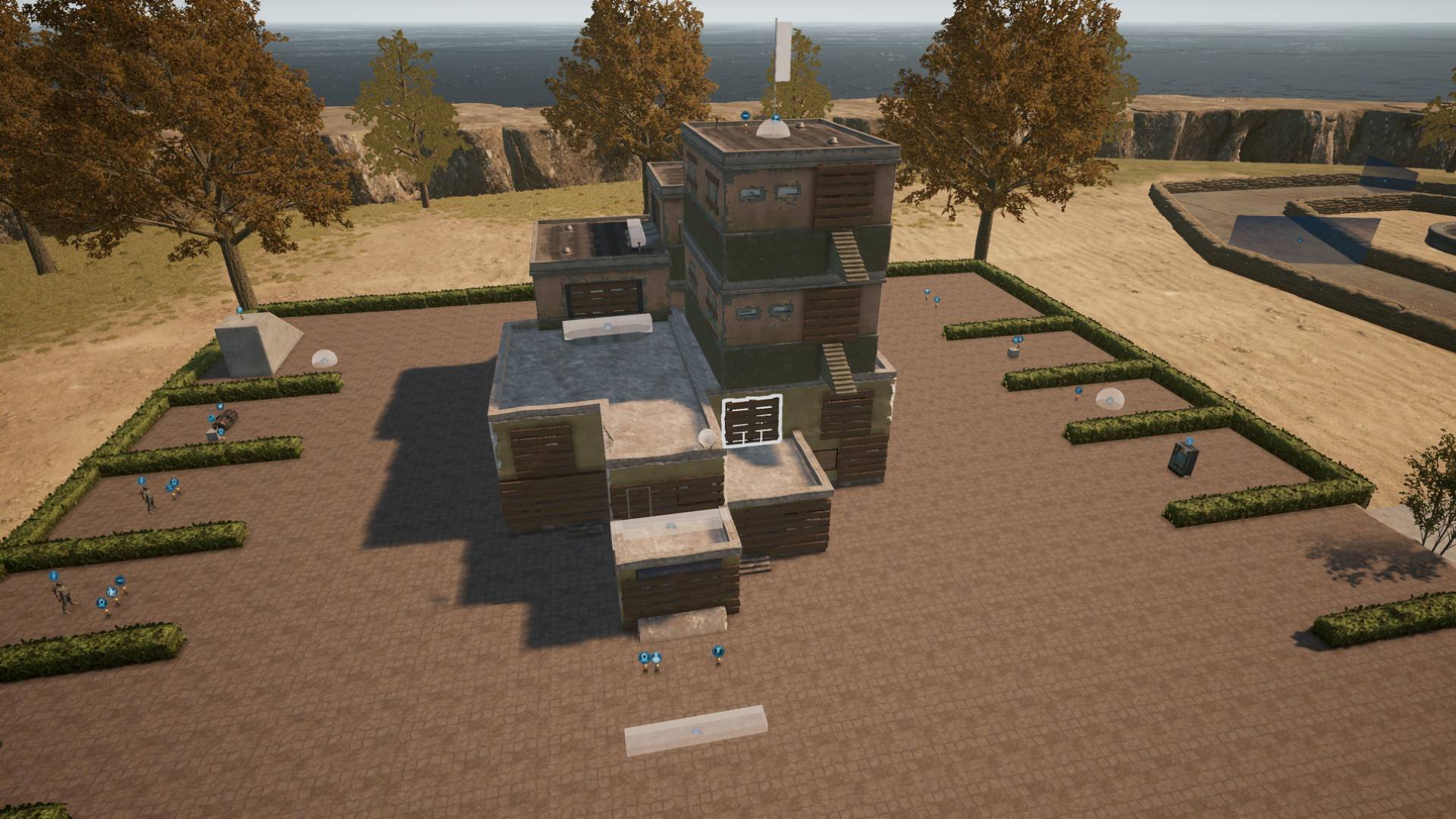
A Device Guide Map featuring game logic for creating various types of game modes.
Platformer Game Mode
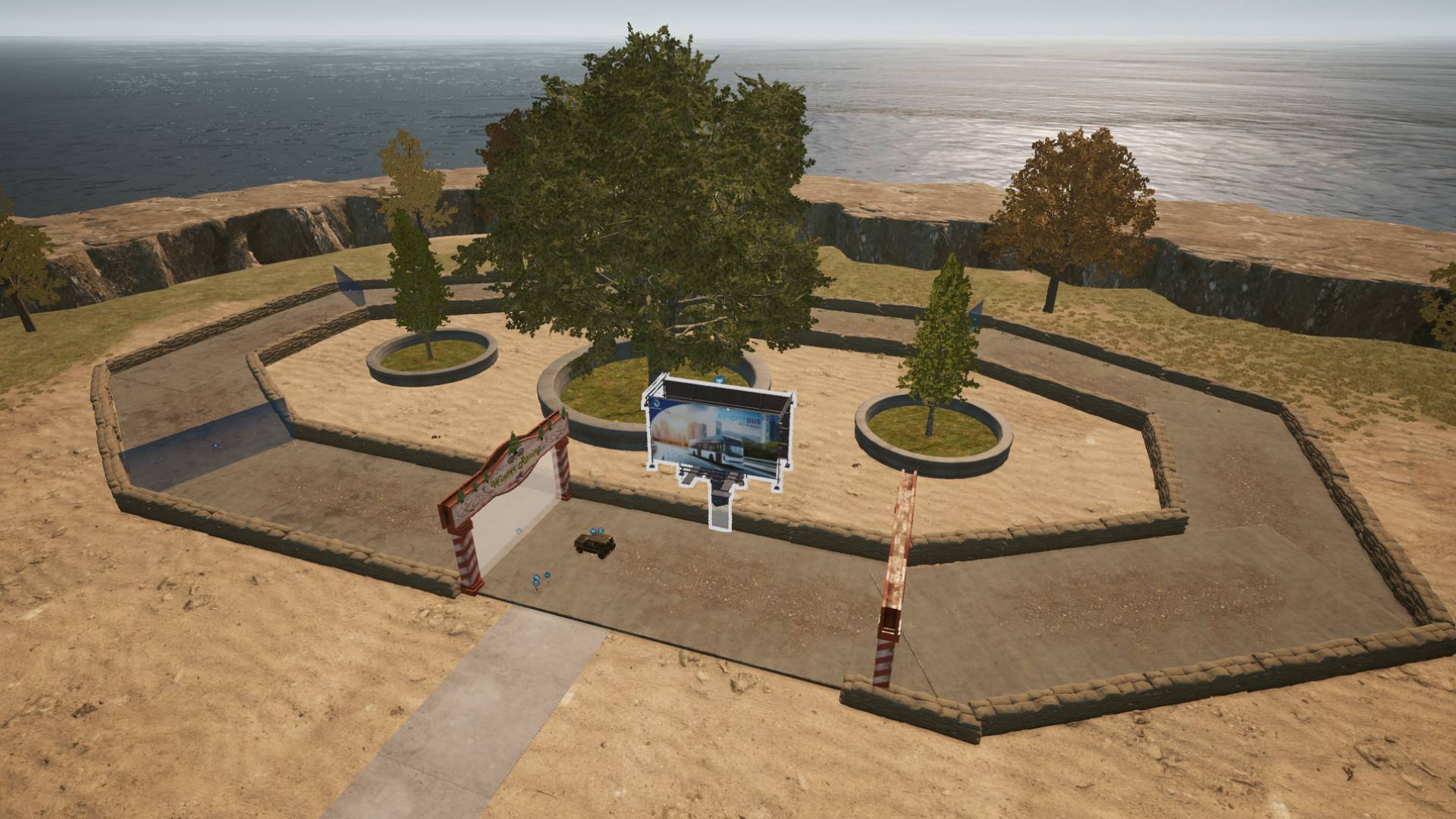
Racing Game Mode
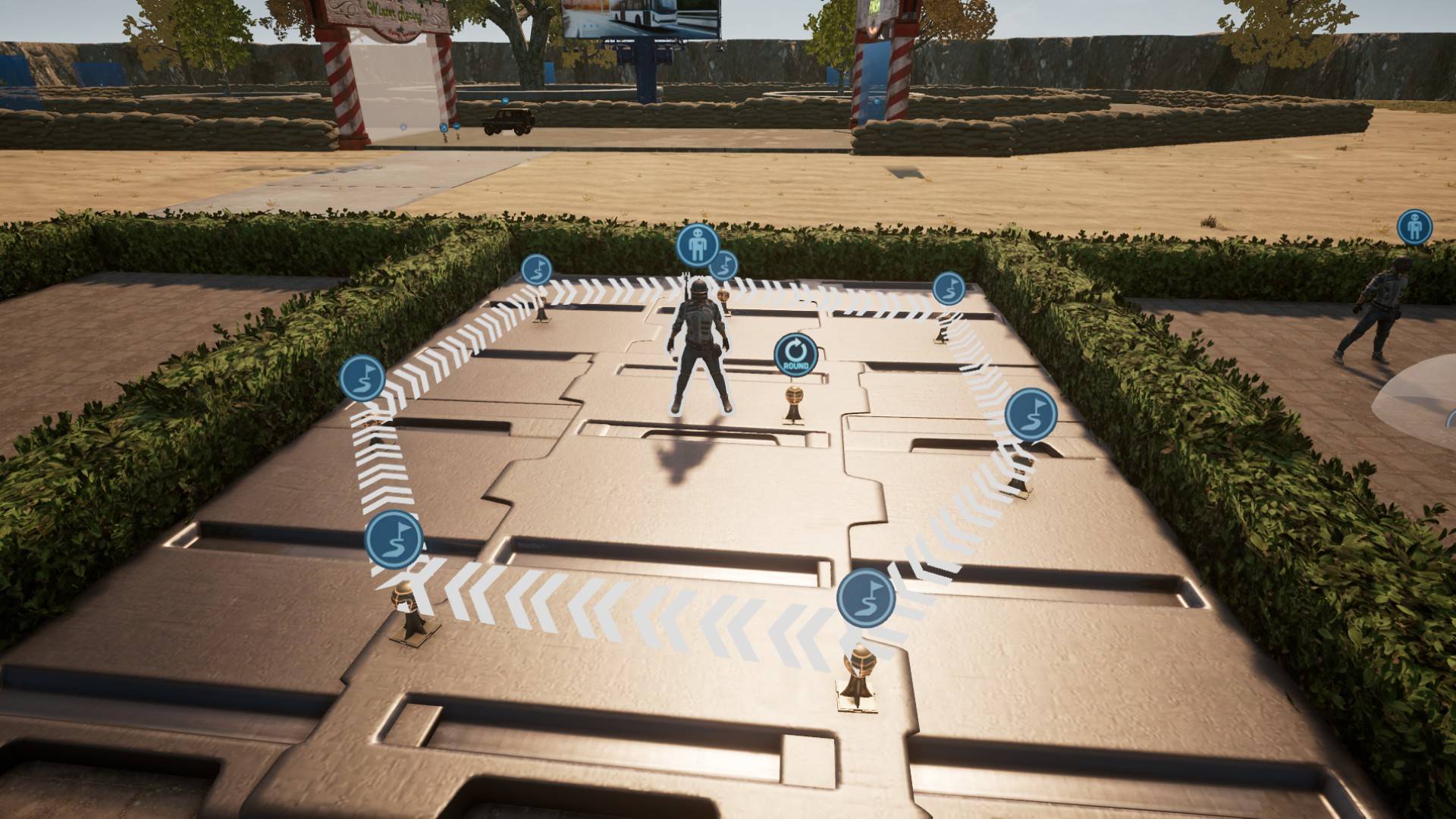
AI Device
Description
This map is designed for creators who want to learn how to use Devices and need a guide for creating various game modes, including traditional PvP shooters, platformers, racing games, and more.
Use the Devices as a reference and create your own game modes!
Manual installation
- Download the file.
- windows+R, Type "%localappdata%" and Hit enter.
- Move the files to the "AppData/Local/TslGame/Saved/UGC" folder.
- Launch the game, then go to Custom → UGC Alpha Map and create a room.
- Press F10 to load file. Then Press "P" and "Play"
Contact
Discord
If you're having trouble installing mods or want to chat about various games, everyone is welcome!
Device Usage Guide Team


Owner