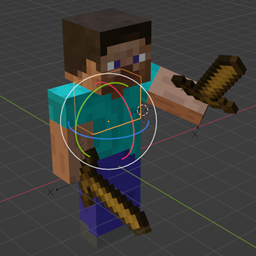
Create your own emotes in Minecraft
⚠️ Download Safely!
To avoid security risks, only download the mod from official sources:
- GitHub/KosmX/emotes
- Modrinth/Emotecraft
- CurseForge/Emotecraft
- CurseForge/Emotecraft (Forge)
- Hangar/Emotecraft (Paper only)
- maven.kosmx.dev (For developers)
🚫 Do NOT download from unofficial sources!

Features
🎮 Built-in Emotes
Enjoy default emotes like waving!
🎨 Custom Emotes
Create your own emotes and use them in-game.
🛠️ Emote Creation Tools
Use Blender or Blockbench to design custom emotes.
- Learn more here
- Download the tools
🔗 Emote Server Synchronization
No need to manually share emotes—sync them seamlessly with other players!
📌 Installation
- Download the mod and place it in the
modsfolder. - Install the mod on both the server and the client.
- Cross-Modloader Compatibility:
- You can use different mod loaders for the client and server.
- Example: Emotecraft with a Forge client will work on a Fabric server.
- Bukkit servers: Use
emotecraft-*version*-bukkit.jaras a plugin.
🚀 You can still connect to vanilla servers - the mod just won’t be active. You can also use online-emotes to play emotes on vanilla servers!
🎮 How to Use
- Press
Bto open the emote selection wheel. - Install custom emotes by placing them in
.minecraft/emotes.- Or simply click "Open emotes folder" in the mod's config screen.
📚 Learn more: Usage Guide

Emotecraft (Fabric) Team

Owner


![Better Combat [Fabric & Forge] project image](https://media.forgecdn.net/avatars/thumbnails/566/413/256/256/637925434672465483.png)