Forever RPS
- By
Rock Paper Scissors with other players in WoW Forever: best of 1, 3 or 5, a Murloc mode, sealed picks nobody can peek at, emotes, and your record against everyone.
summary.png
01-challenge.png
02-pick.png
03-reveal.png
04-round-won.png
Description
Forever Rock Paper Scissors
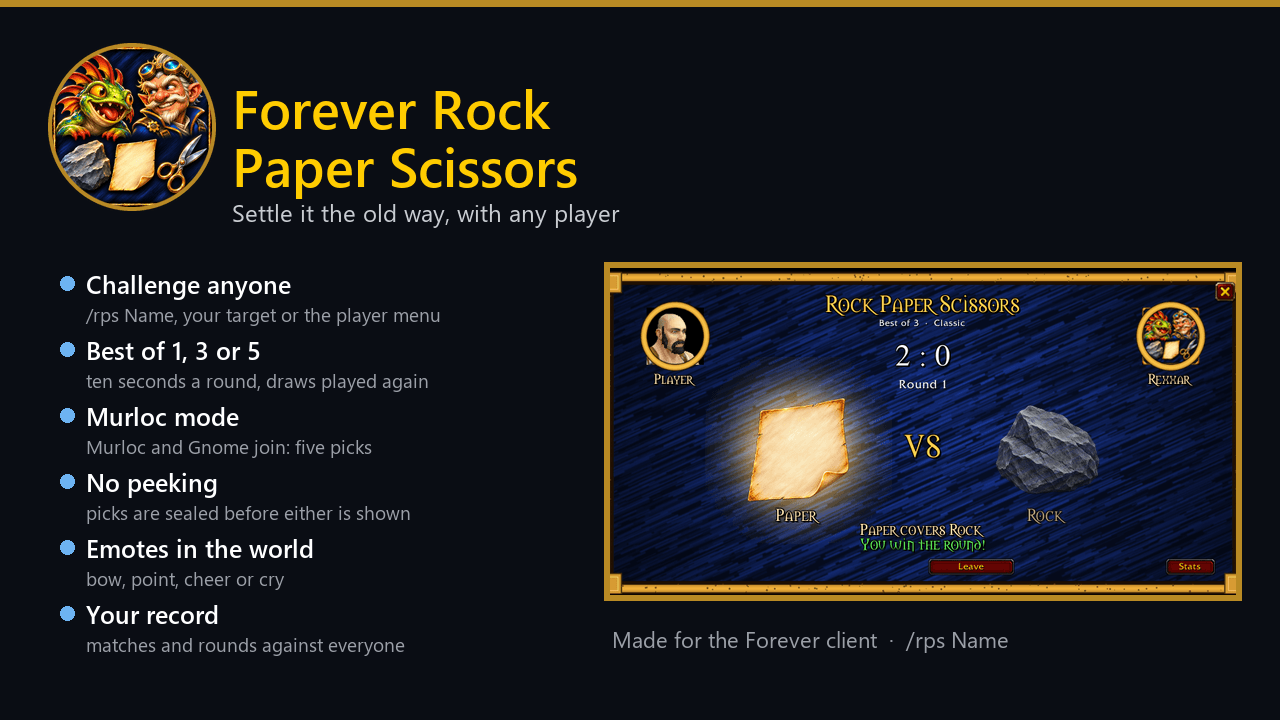
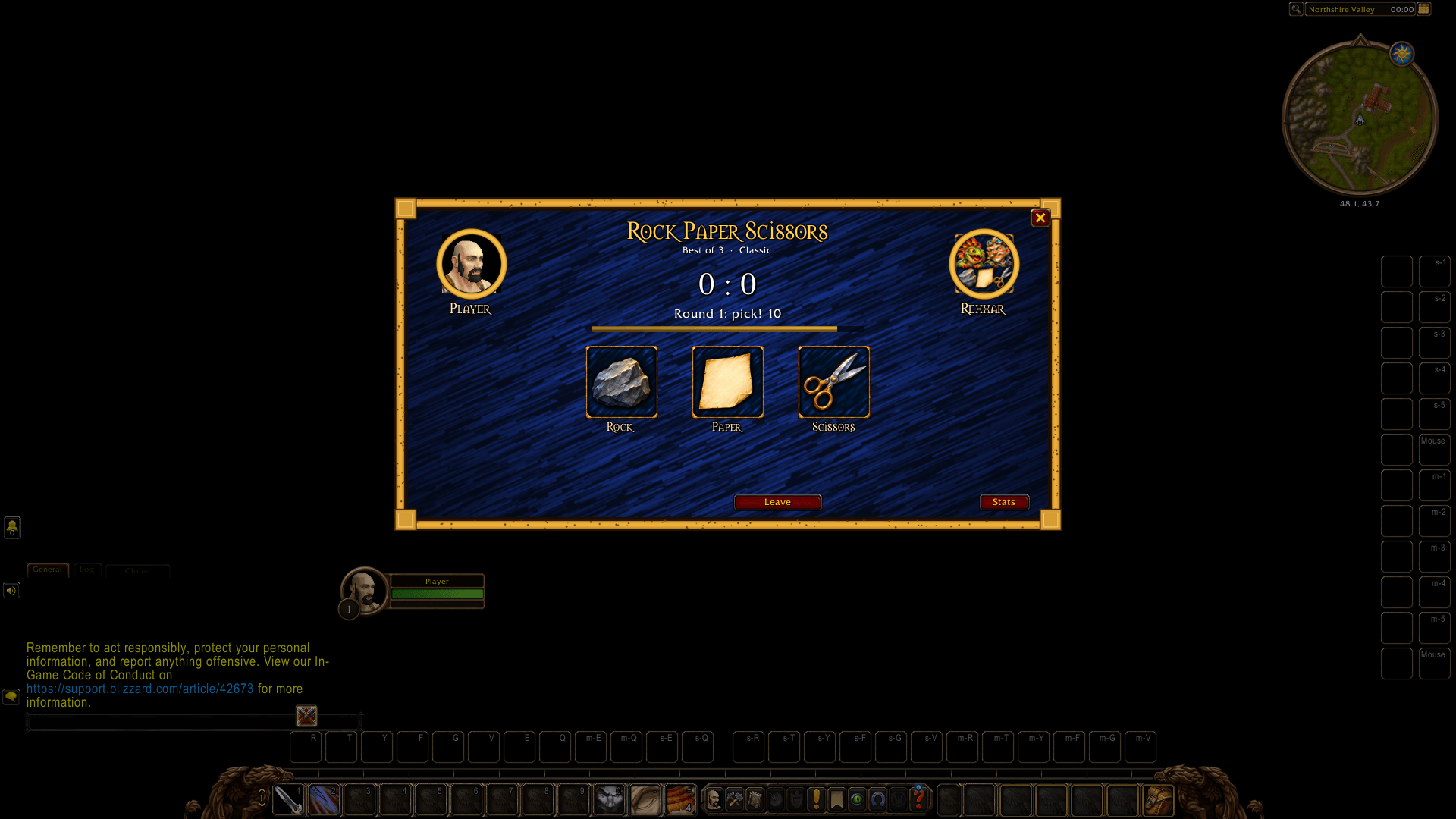
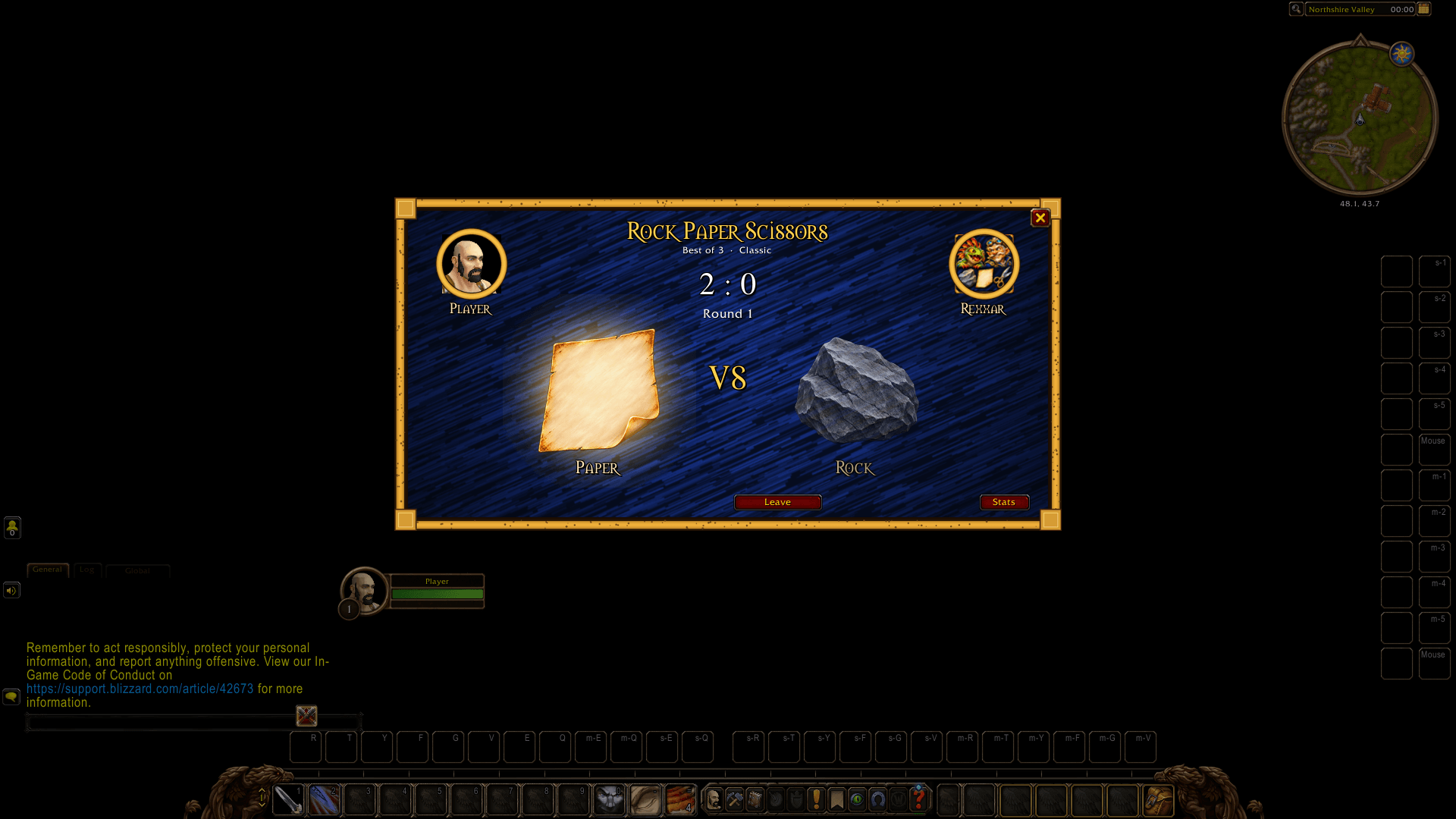
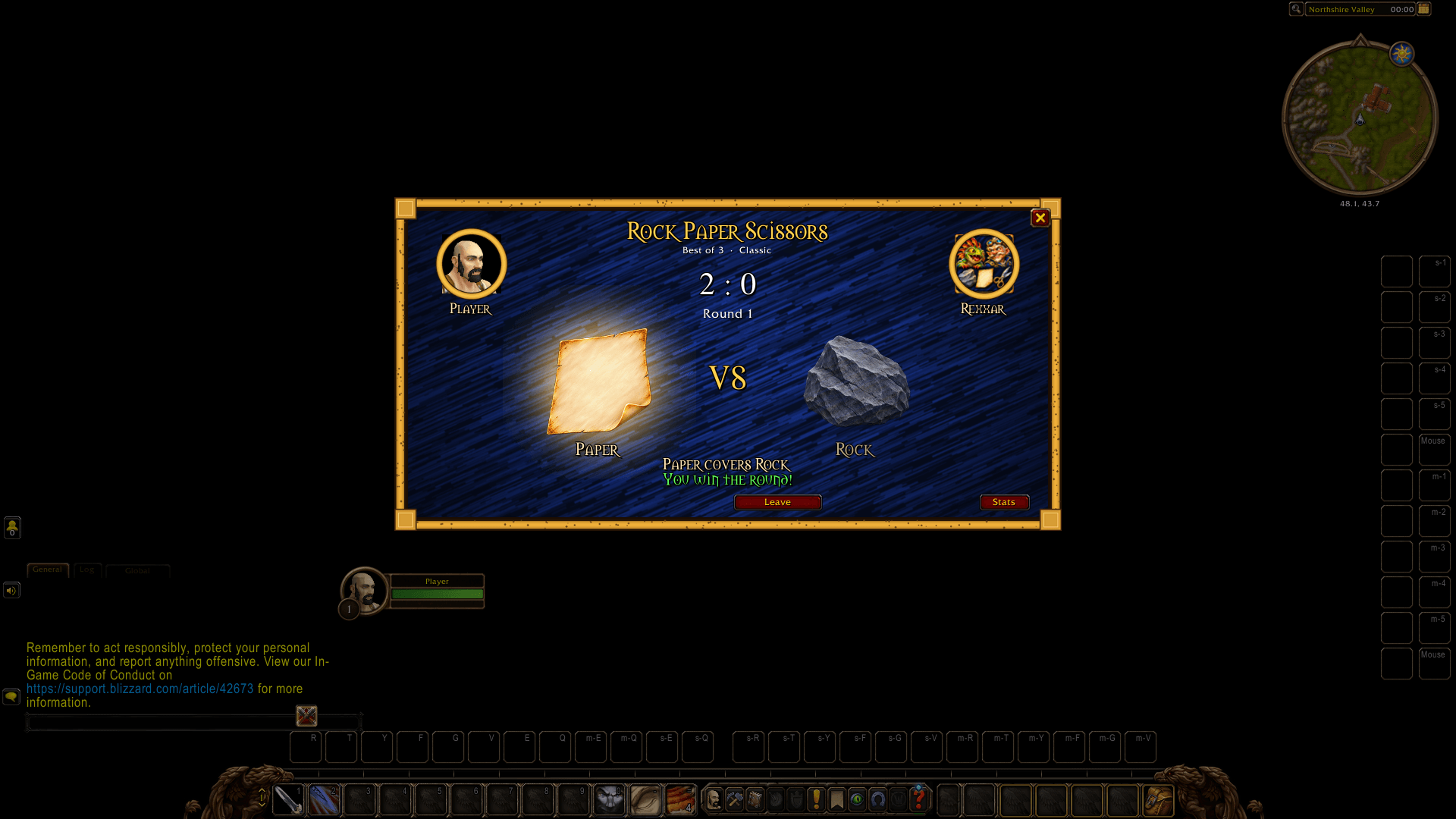
Settle it the old way. Challenge another player to Rock Paper Scissors right in the game: a painted table in the middle of the screen, both your faces in gold rings, a countdown, the picks shaken and laid on the table, and your characters bowing, pointing, cheering or crying in the world.
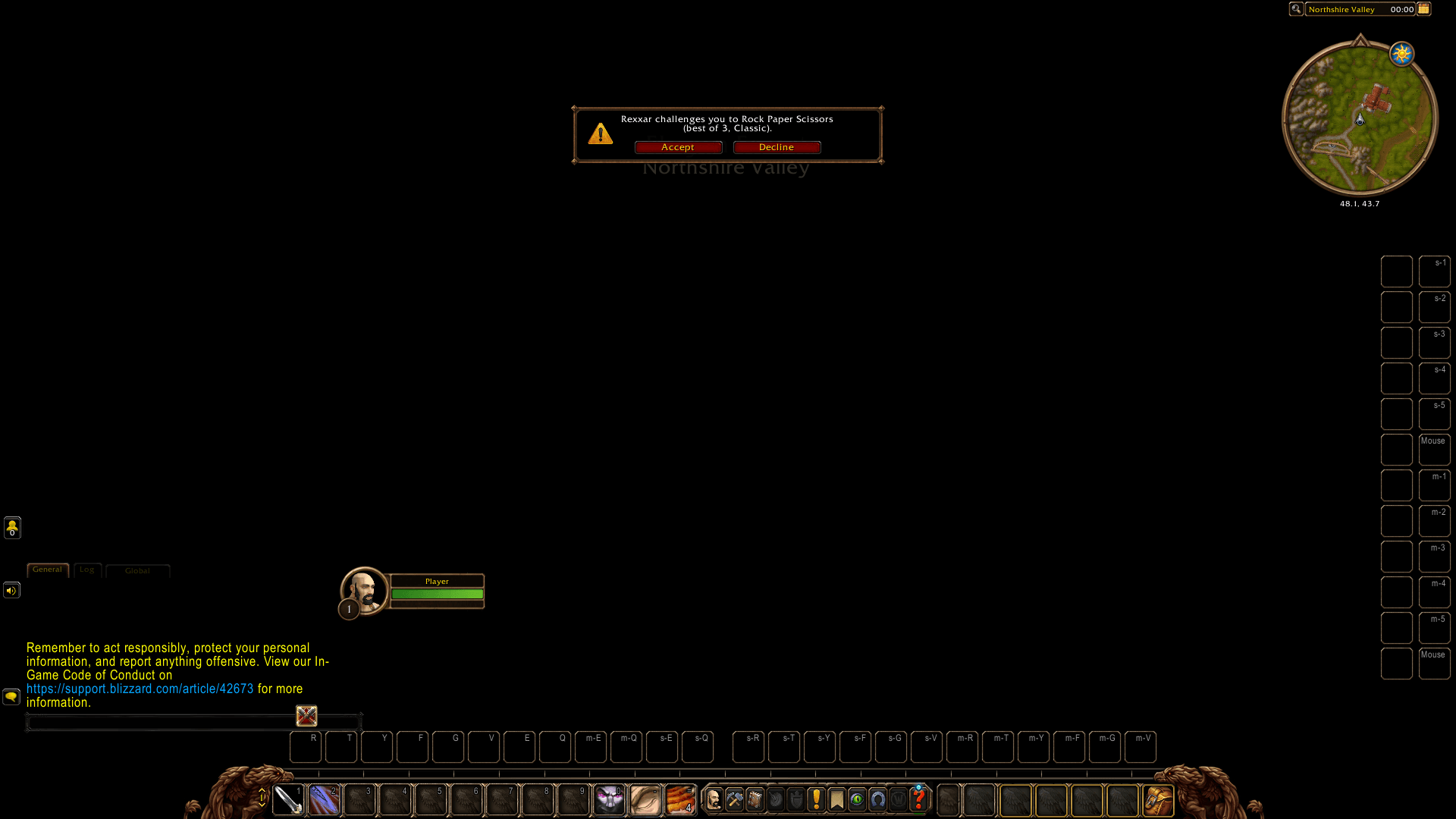
- Challenge anyone of your faction with
/rps Name,/rpson your target, or from the right-click menu of a player. They get 30 seconds to accept. - Best of 1, 3 or 5 (best of 3 by default). Each round you have 10 seconds to pick; a draw is played again.
- Murloc mode adds Murloc and Gnome: five picks, each beats two and loses to two.
- Nobody can cheat. Picks are sealed before either is shown, so nobody can wait for yours and answer with the winning one.
- Emotes in the world: your character bows when a game starts, points when the picks land, and cheers or cries at the end.
/rps emotes offturns them off. - Your record against everyone you played: matches, rounds, your favourite pick. In a party or raid the group sees who won.
- A player without the addon? A "Send info" button whispers them where to get it, only when you click it.
- No gold stakes, nothing to buy: just for fun.
Both players need the addon. It works across the same realm and faction (it uses addon whispers).
How to use it
- Target a player and type
/rps, or/rps Name. - When they accept, click your pick before the timer runs out.
- Click the addon's icon (the game's addon menu or Forever Taskbar), or type
/rps stats, for your record and the settings.
Commands
| Command | What it does |
|---|---|
/rps Name [bo1\|bo3\|bo5] [classic\|murloc] |
Challenge a player (no name: your target) |
/rps stats |
Your record against everyone, and the settings |
/rps leave |
Leave the game or withdraw the challenge |
/rps bestof 1\|3\|5, /rps mode classic\|murloc |
What your challenges use |
/rps sound\|announce\|emotes on\|off |
Sounds, group results in chat, emotes in the world |
/rps discord, /rps version |
The Discord link, the version |
Feedback
Questions, ideas and bug reports are welcome on the Forever Addons Discord: https://discord.gg/KjCvTQtcQr
Forever RPS Team