config-en.png
Description
CompixelUI
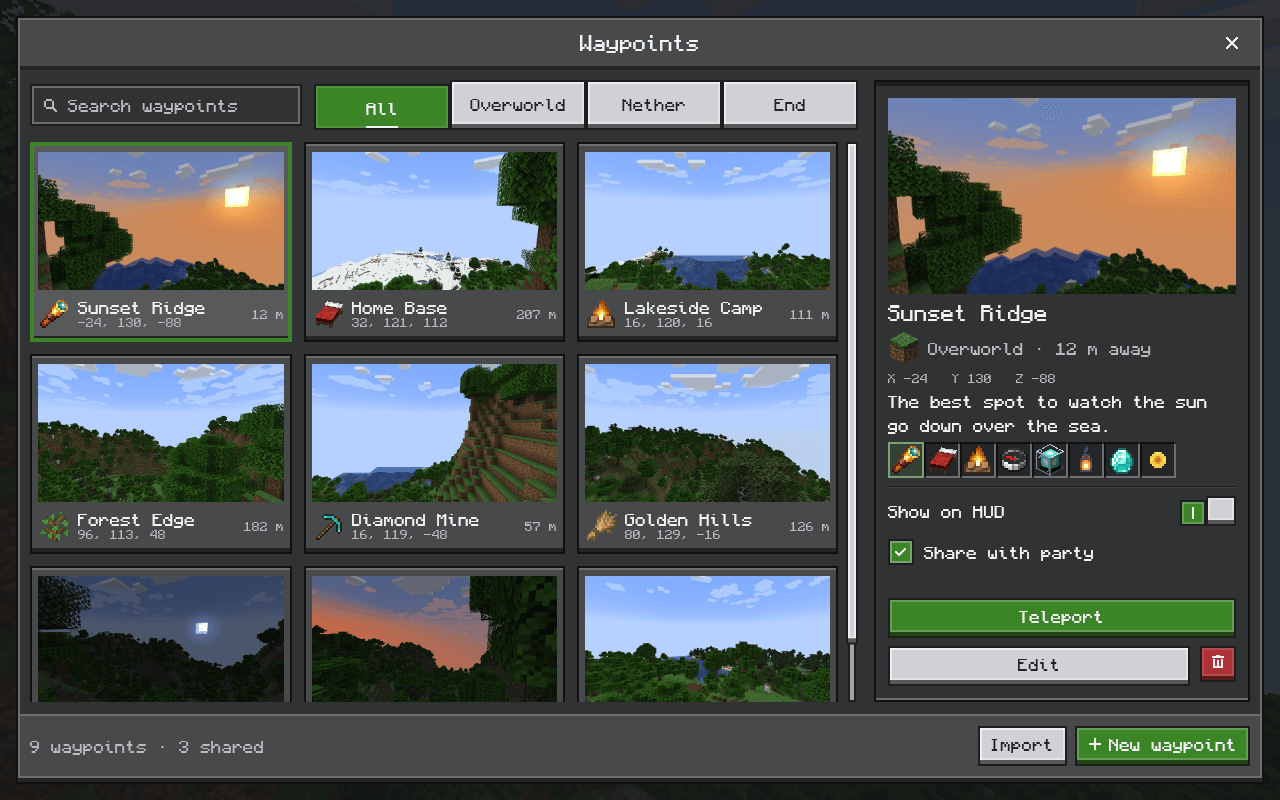
CompixelUI is a library that other mods use to build their screens. It adds nothing to the game on its own: install it when a mod you play requires it.
What you get
In mods built with CompixelUI:
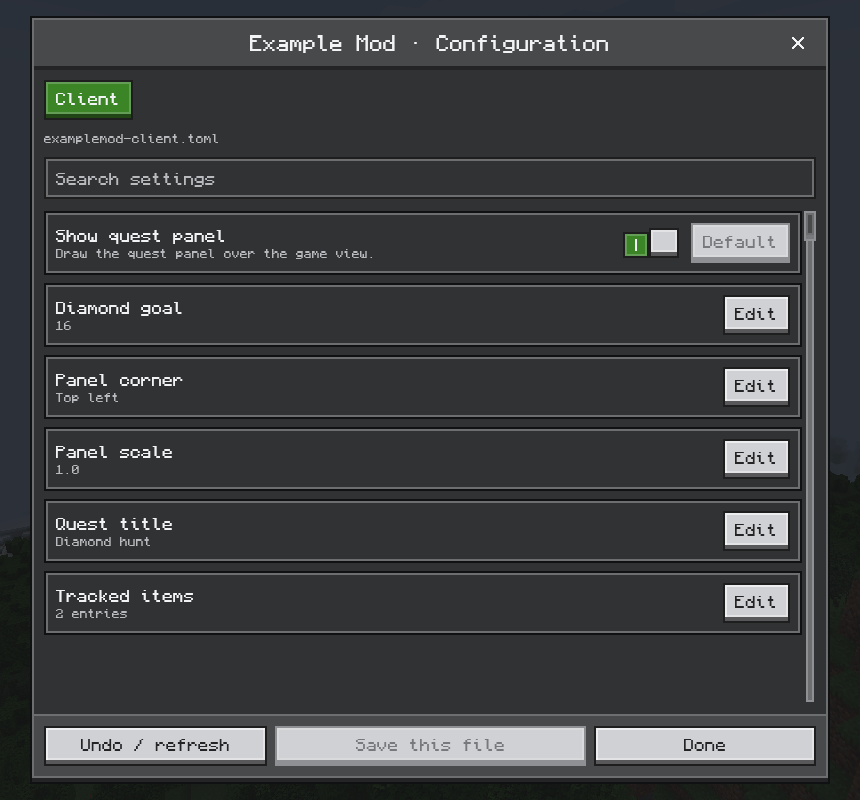
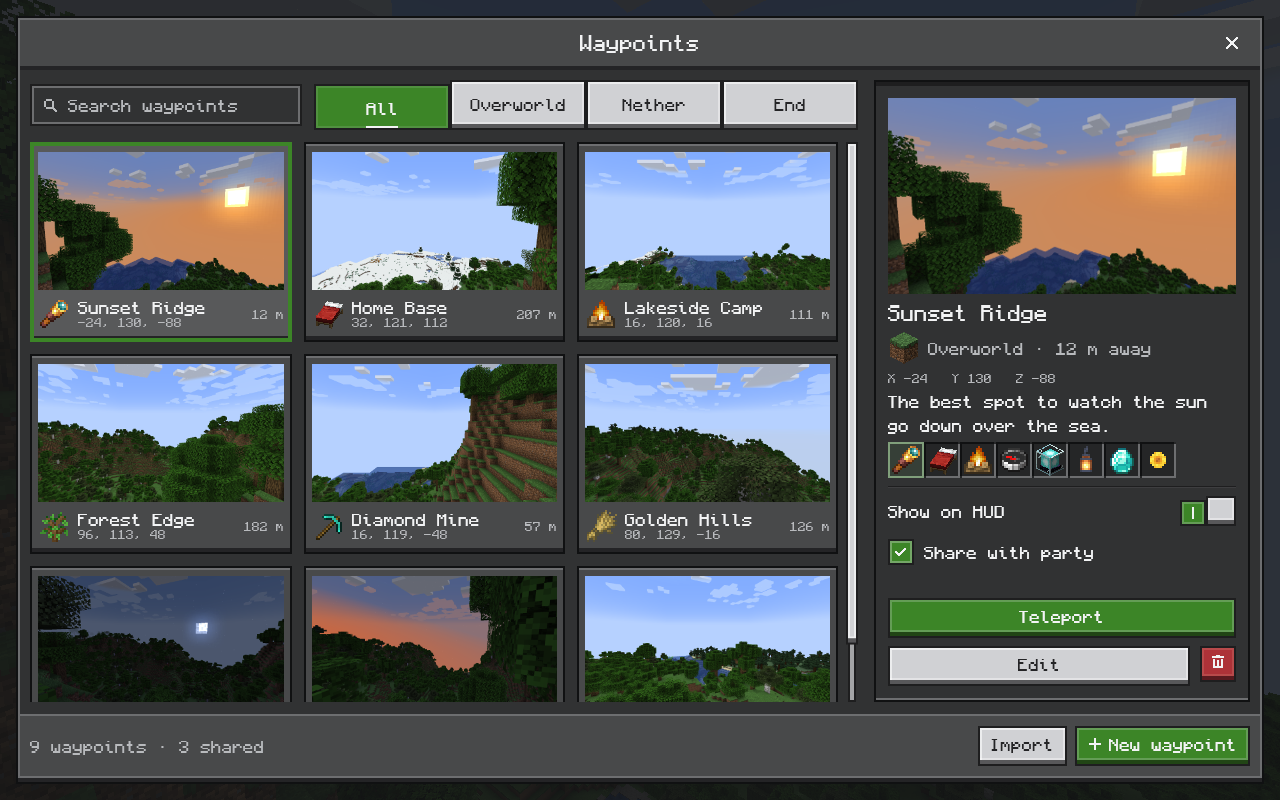
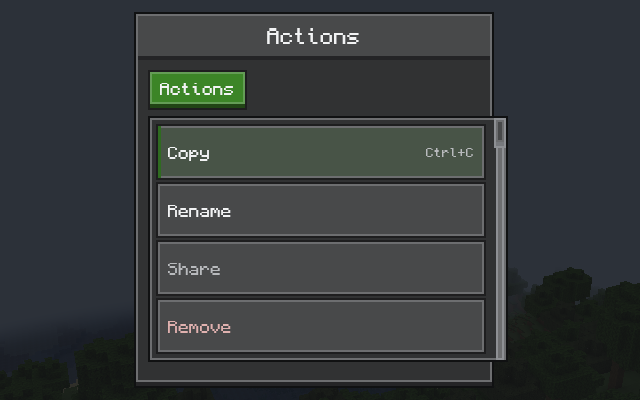
- Screens that fit Minecraft: buttons, sliders, tabs, menus, tooltips and windows in a crisp pixel style.
- Real items: icons with their animations and enchantment glint, and the same tooltips as in your inventory.
- Inventories that work as usual: clicking, dragging and shift-clicking behave like vanilla, and recipe viewers and other inventory mods keep working.
- Proper typing: text fields follow your keyboard layout and support selection, copy and paste, and input methods for languages such as Chinese and Japanese.
- Colors you can change: switch color schemes and change any color in game, or recolor screens with resource packs; Light and Twilight schemes are built in.
- Smooth rendering: screens are drawn on the GPU through the same graphics API as the game, including Vulkan on Minecraft 26.2 and 26.3.
| Controls | Items and tooltips |
|---|---|
 |
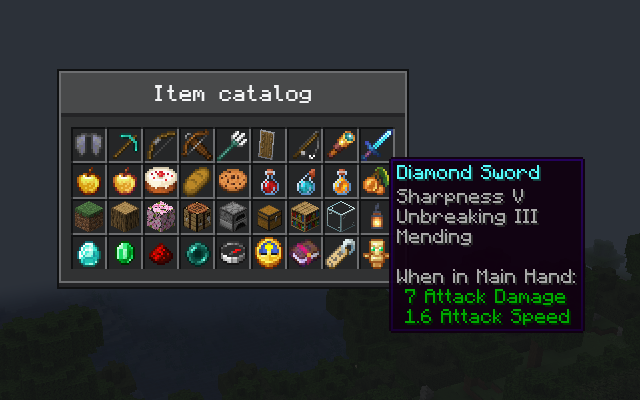 |
| Inventories | HUD overlays |
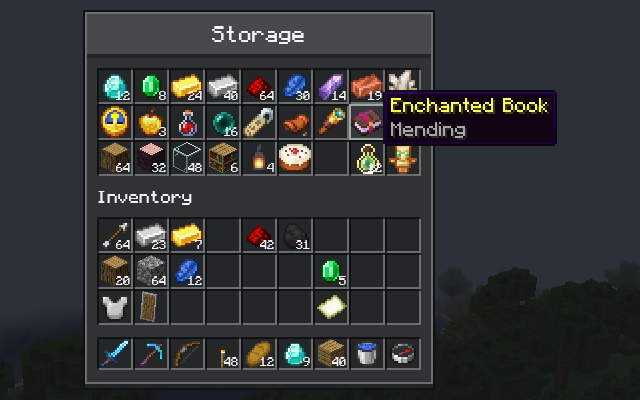 |
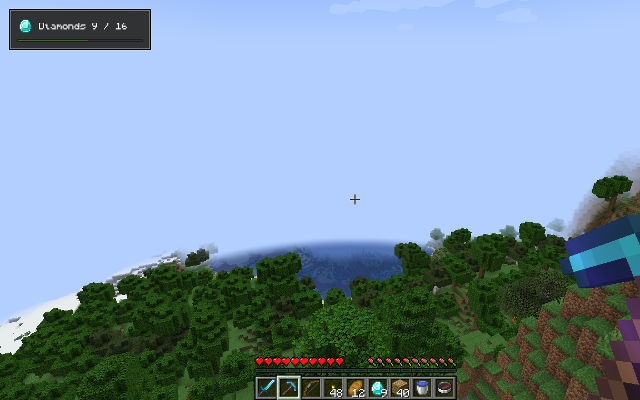 |
Installation
Download the file for your Minecraft version and put it in your mods folder, next to the mod that needs it. Each version comes as two files; install only one of them:
| File | Choose it if |
|---|---|
Ends in -with-kotlin.jar |
You don't use Kotlin for Forge. This is the right file for most players. |
The other .jar |
You already have Kotlin for Forge installed. |
Change the colors
Each mod's screens have their own color schemes. In the color editor you can switch schemes, change any color including its opacity, and export your colors as a resource pack. Mods choose where to open it; CompixelUI's own schemes open from its Config button in the mod list.
Resource packs can also add or change schemes. For example, a resource pack with this file at assets/compixel/compixel/schemes.json makes the built-in Twilight scheme the default for screens in CompixelUI's own Ore style:
{
  "format": 1,
  "default": "twilight"
}
Enable the pack, or press F3+T to reload if it's already on. The color scheme guide covers scheme files, per-mod schemes and every color name.
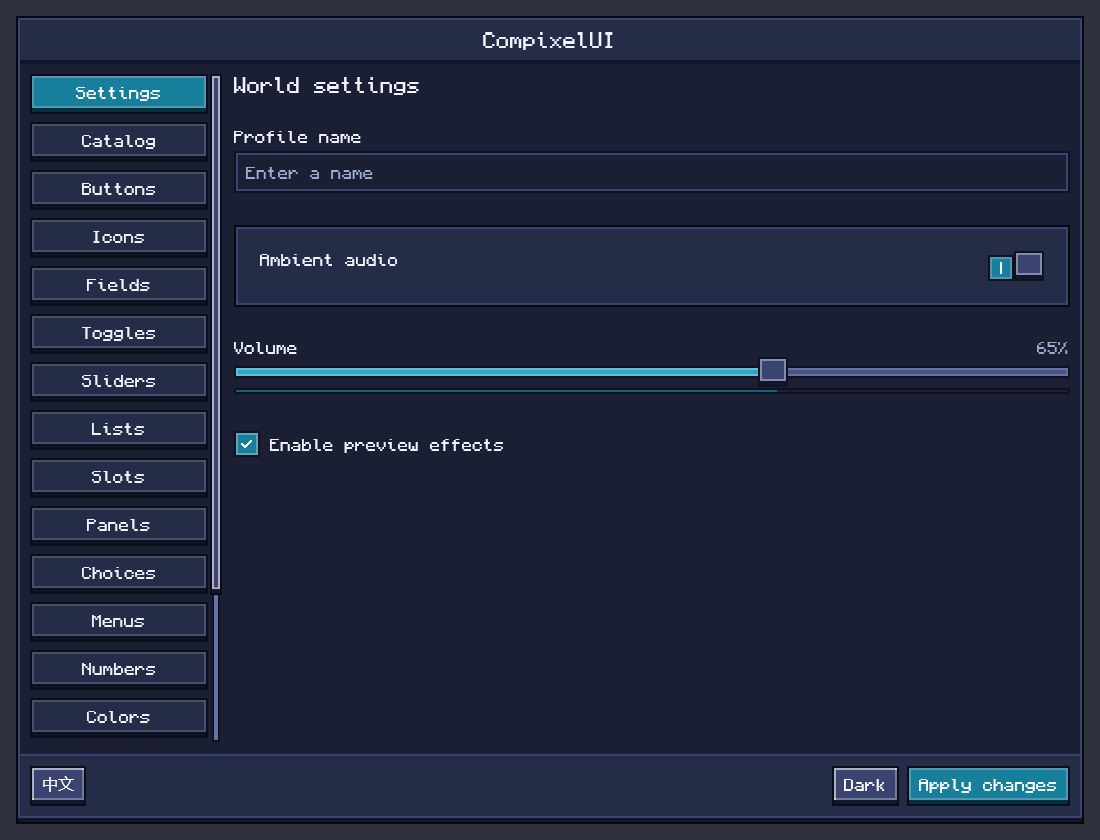
Troubleshooting
"CompixelUI requires compatible Kotlin…" at startup. You have the plain file without a suitable Kotlin for Forge. Install Kotlin for Forge for your Minecraft version, or replace the file with the -with-kotlin one.
A mod asks for a different CompixelUI version. Download the version it names.
A screen looks wrong, or the game crashes when one opens. Add -Dcompixel.backend=cpu to the JVM arguments in your launcher and try again. CompixelUI then draws on the CPU instead of the graphics card: slow, but it shows whether the graphics driver is involved. Please report the problem either way.
Reporting problems
If only one mod's screens are affected, start with that mod's issue tracker. Otherwise, open an issue on GitHub with your Minecraft and loader versions, the CompixelUI file you installed, and logs/latest.log or the crash report.
For mod developers
CompixelUI lets you write your mod's screens, inventories and HUDs in Kotlin with Jetpack Compose:
class CounterScreen : ComposeScreen<Int, Unit>(Component.literal("Counter")) {
    private var count = 0

    override fun snapshot() = count

    override fun handle(action: Unit) {
        count++
    }

    @Composable
    override fun Content(state: Int) {
        OreScreen("Counter") {
            OreText("Clicked $state times")
            OreButton("Click me", onClick = { send(Unit) })
        }
    }
}
It also covers container screens with real slots and menu synchronization between server and client. Start with Getting started, or browse all guides and the source code.
License
CompixelUI is released under the MIT License. Bundled libraries keep their own licenses; see the third-party notices. Text uses the bundled Compixel font, which combines Monocraft by Idrees Hassan with GNU Unifont, under the SIL Open Font License 1.1.
CompixelUI is not an official Minecraft product and is not associated with Mojang or Microsoft.
CompixelUI Team

Owner