Floating Combat Text Fonts (FontMagic)
- By
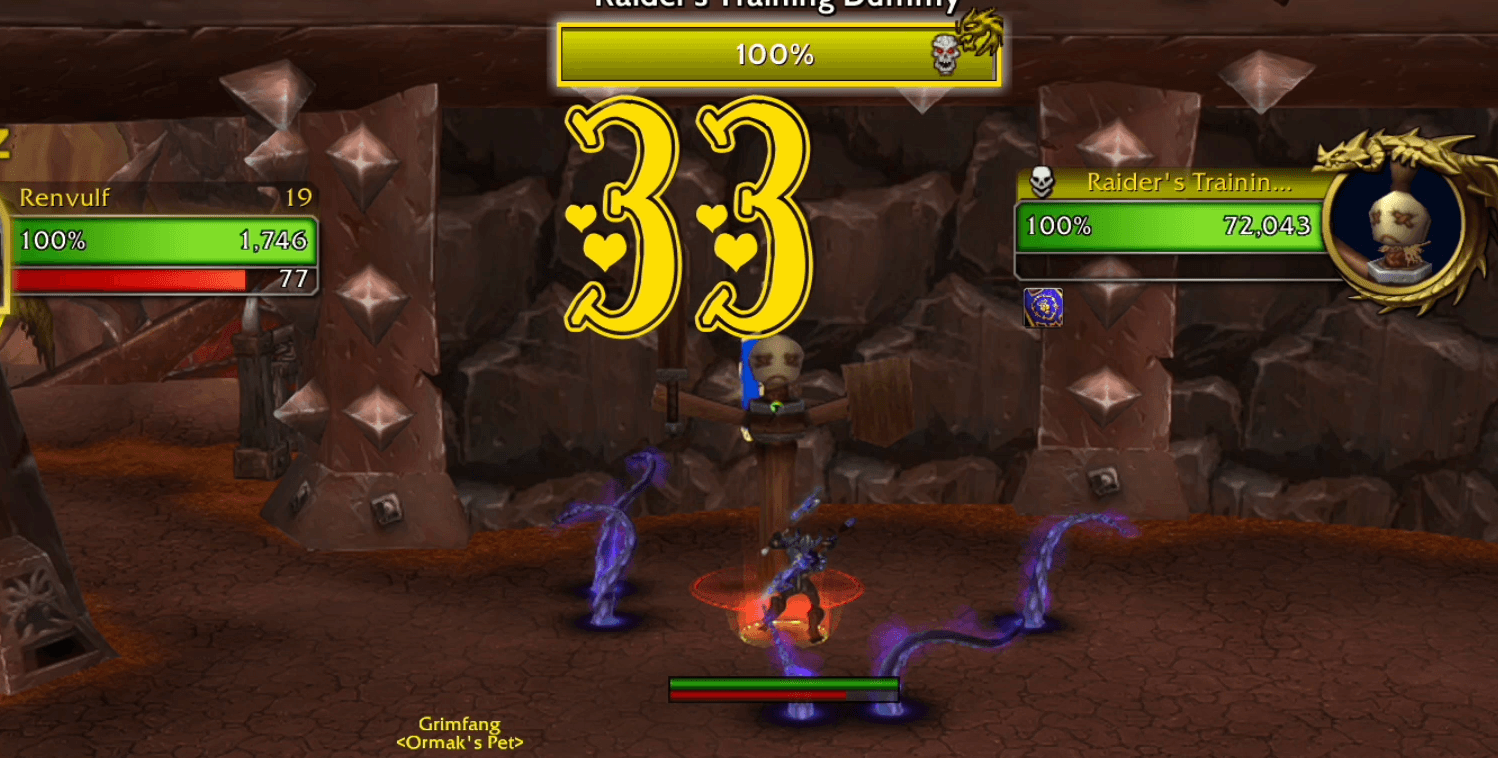
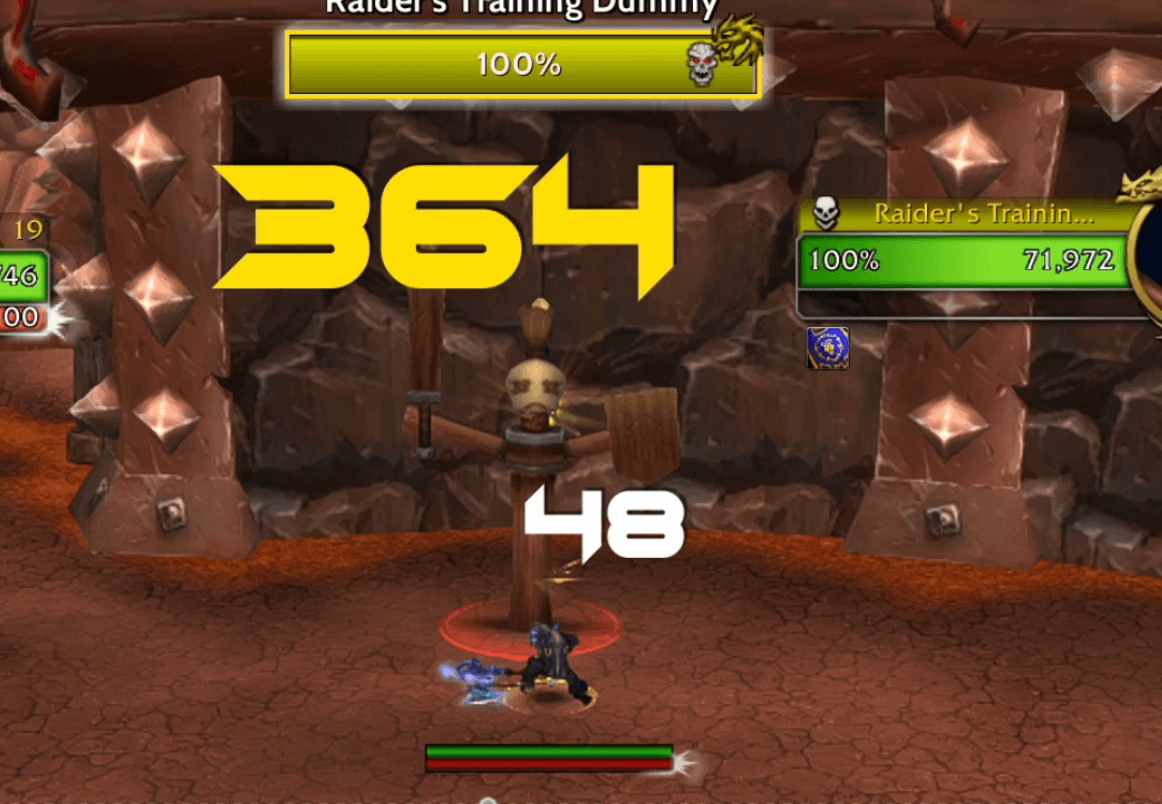
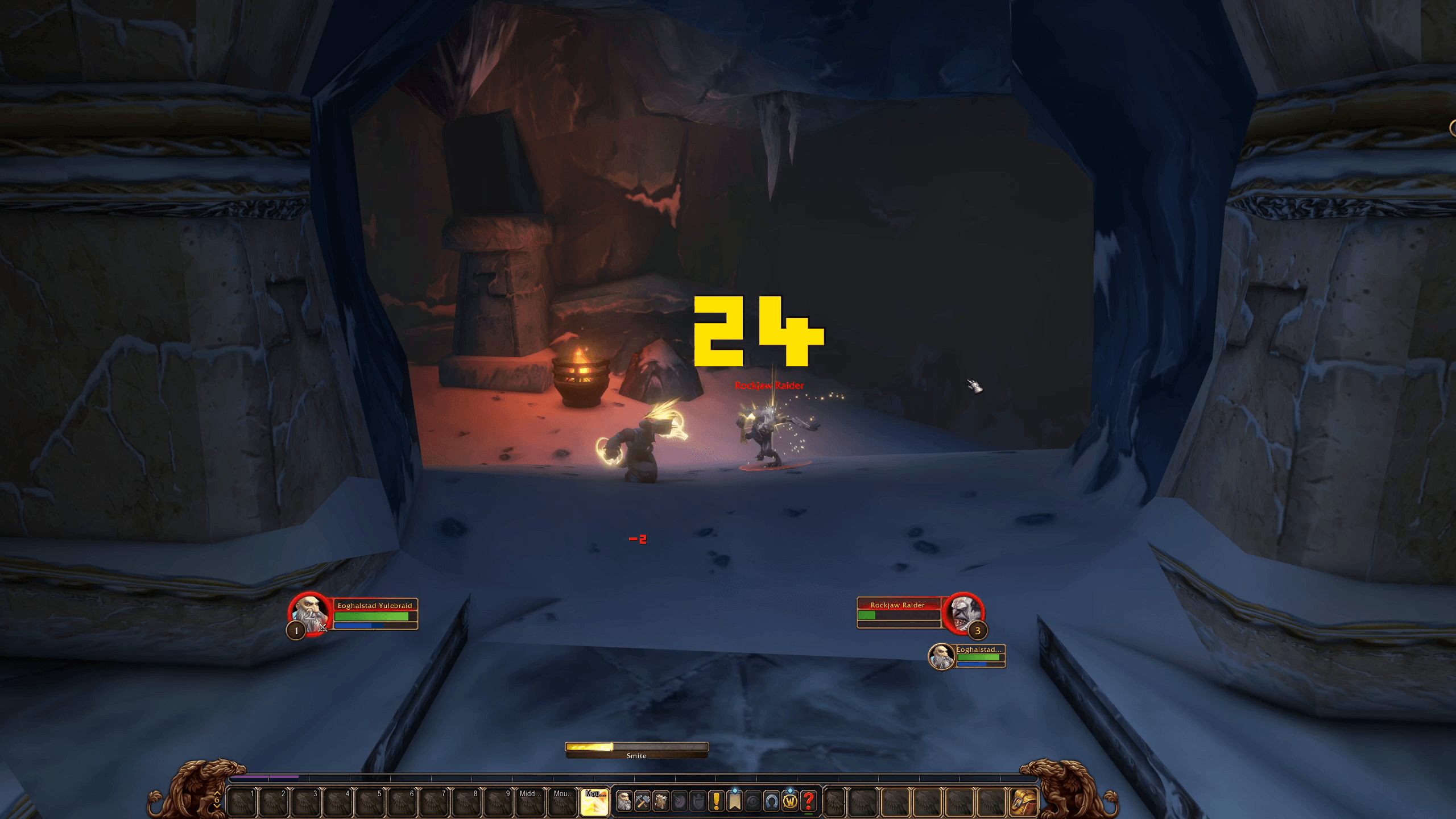
Customize Blizzard’s floating combat text fonts and size with a live preview, choose from 100+ built-in typefaces or add your own .ttf files, and restore the default look anytime with one click.
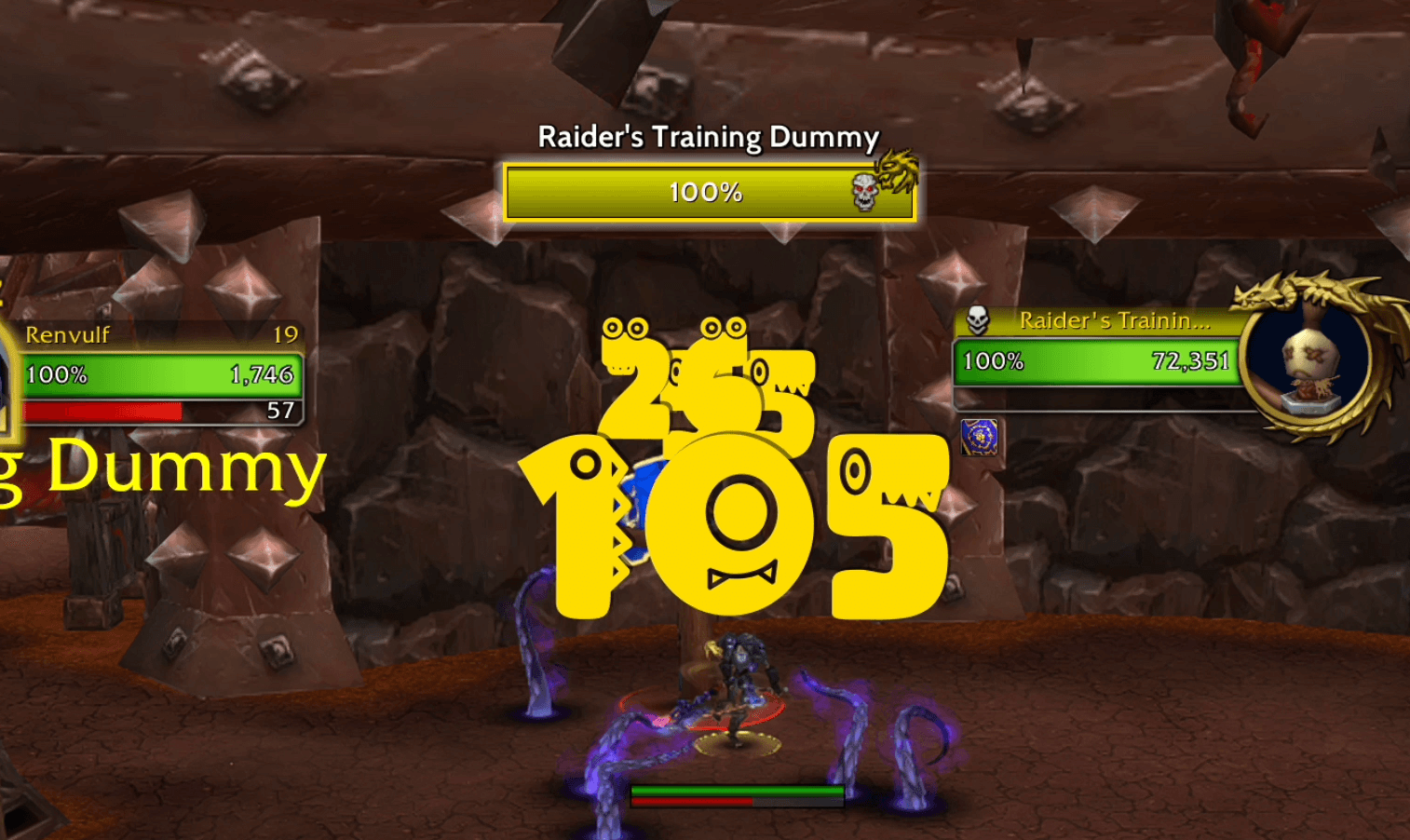
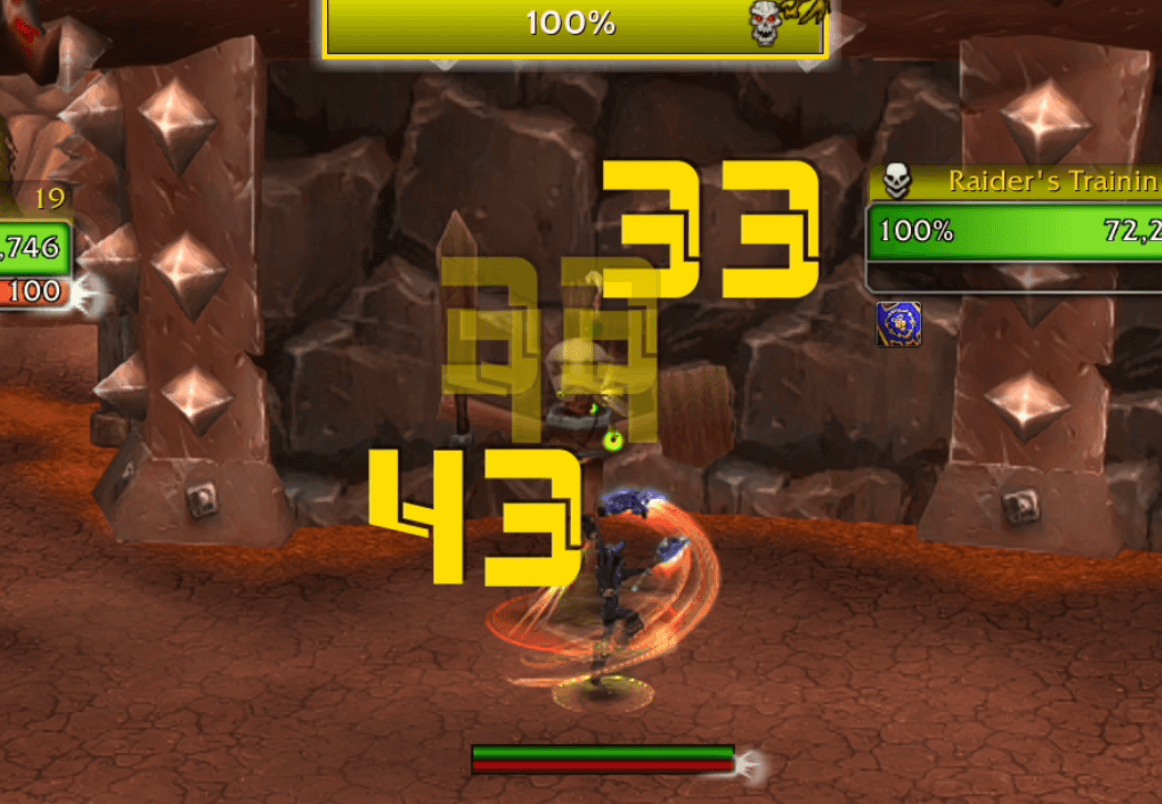
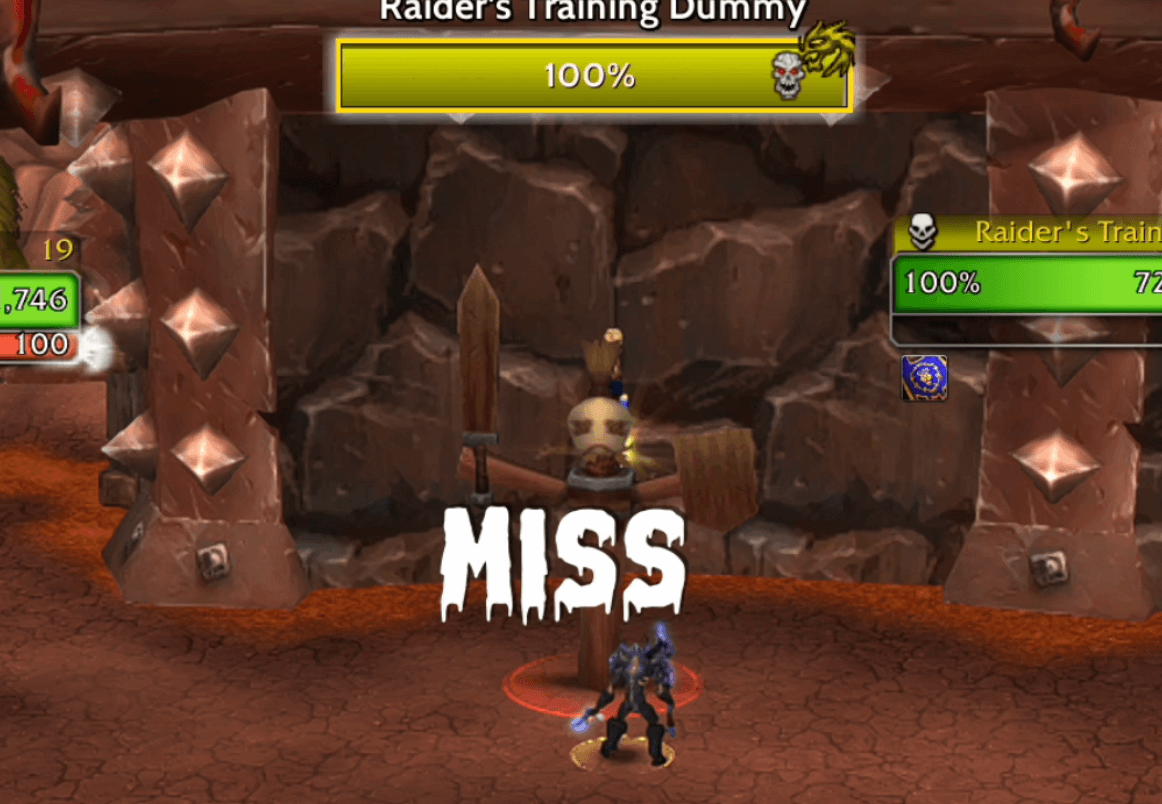
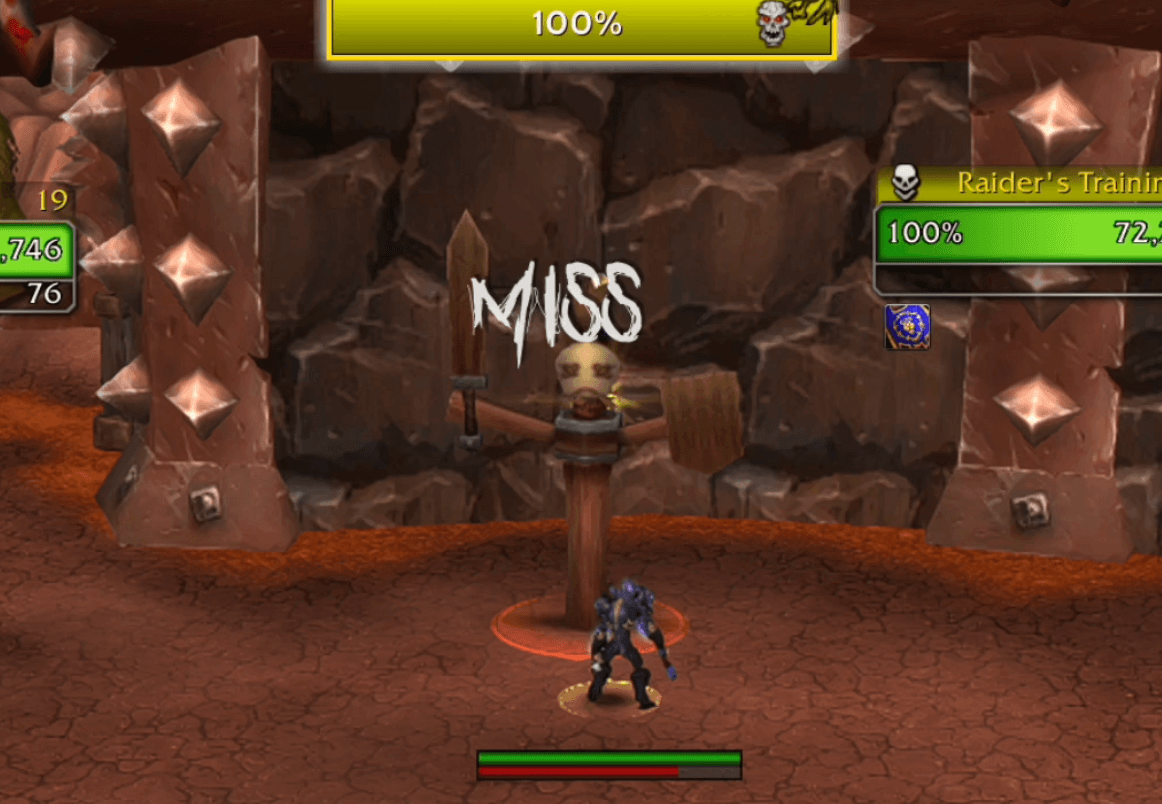
Description
FontMagic - Custom Floating Combat Text Fonts
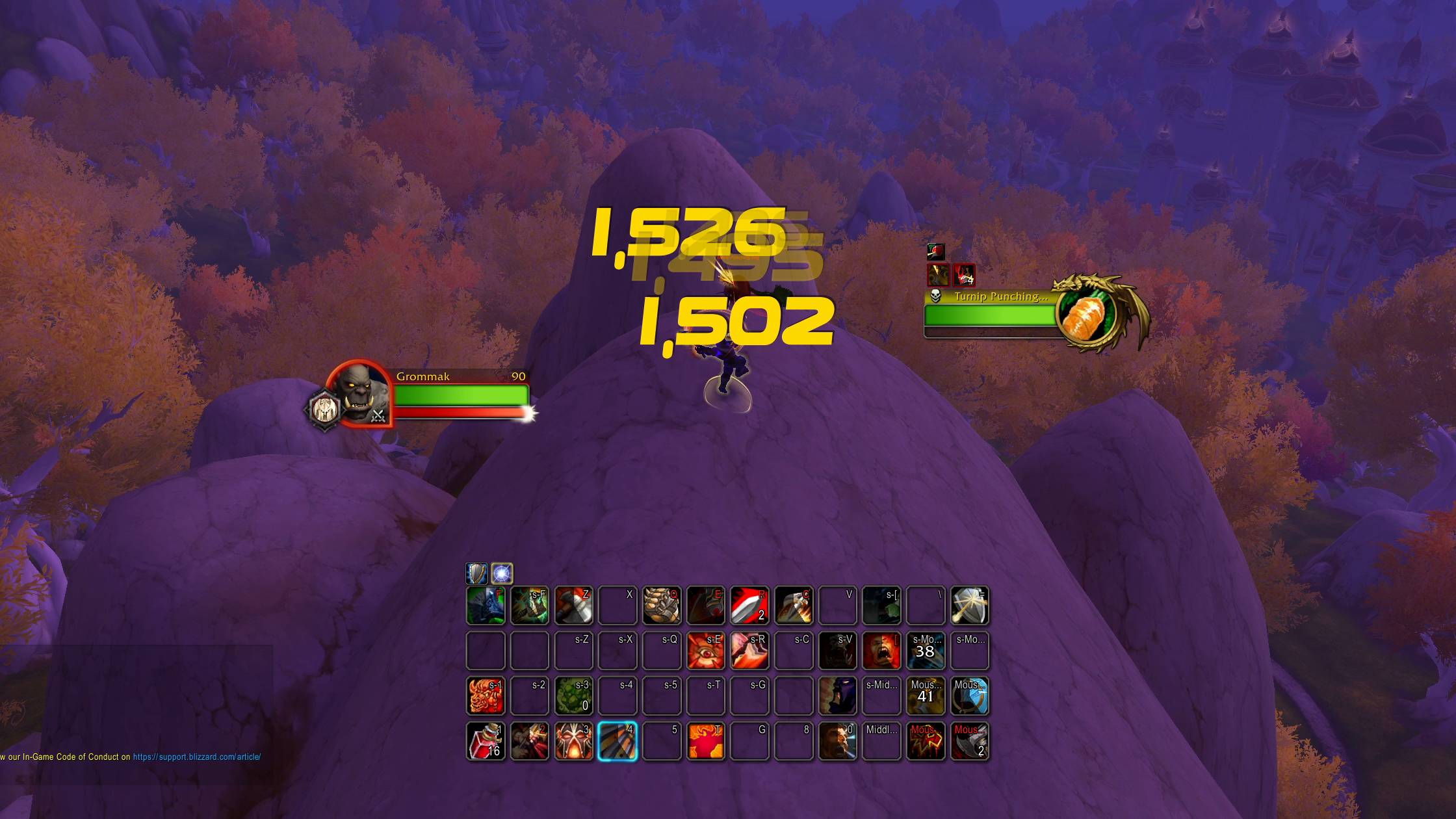
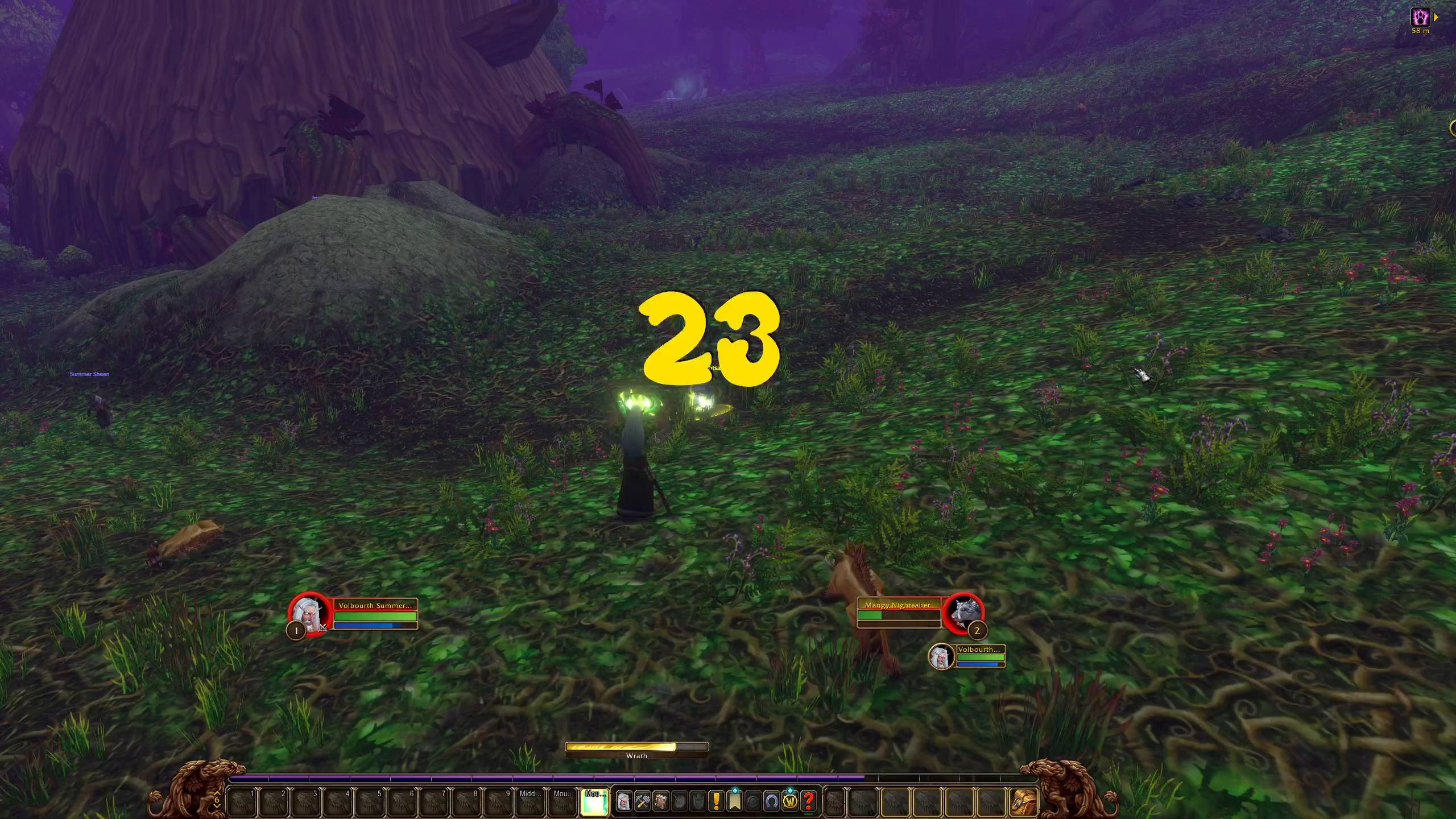
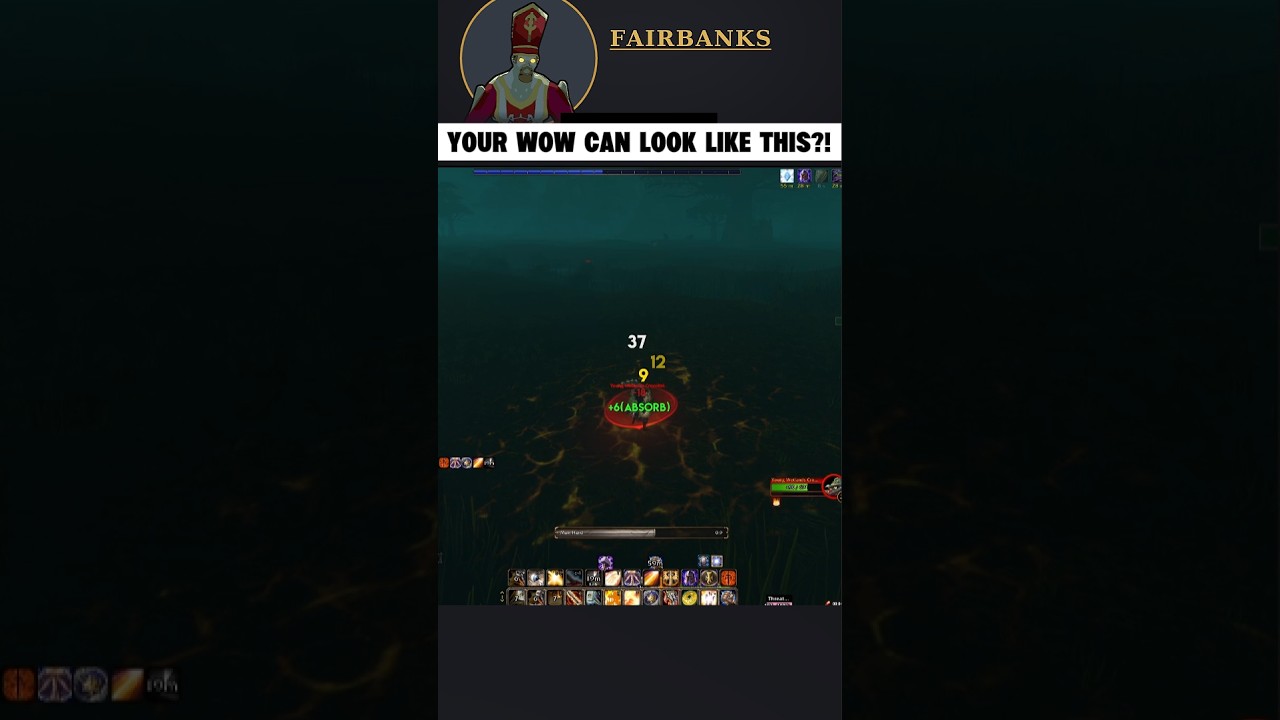
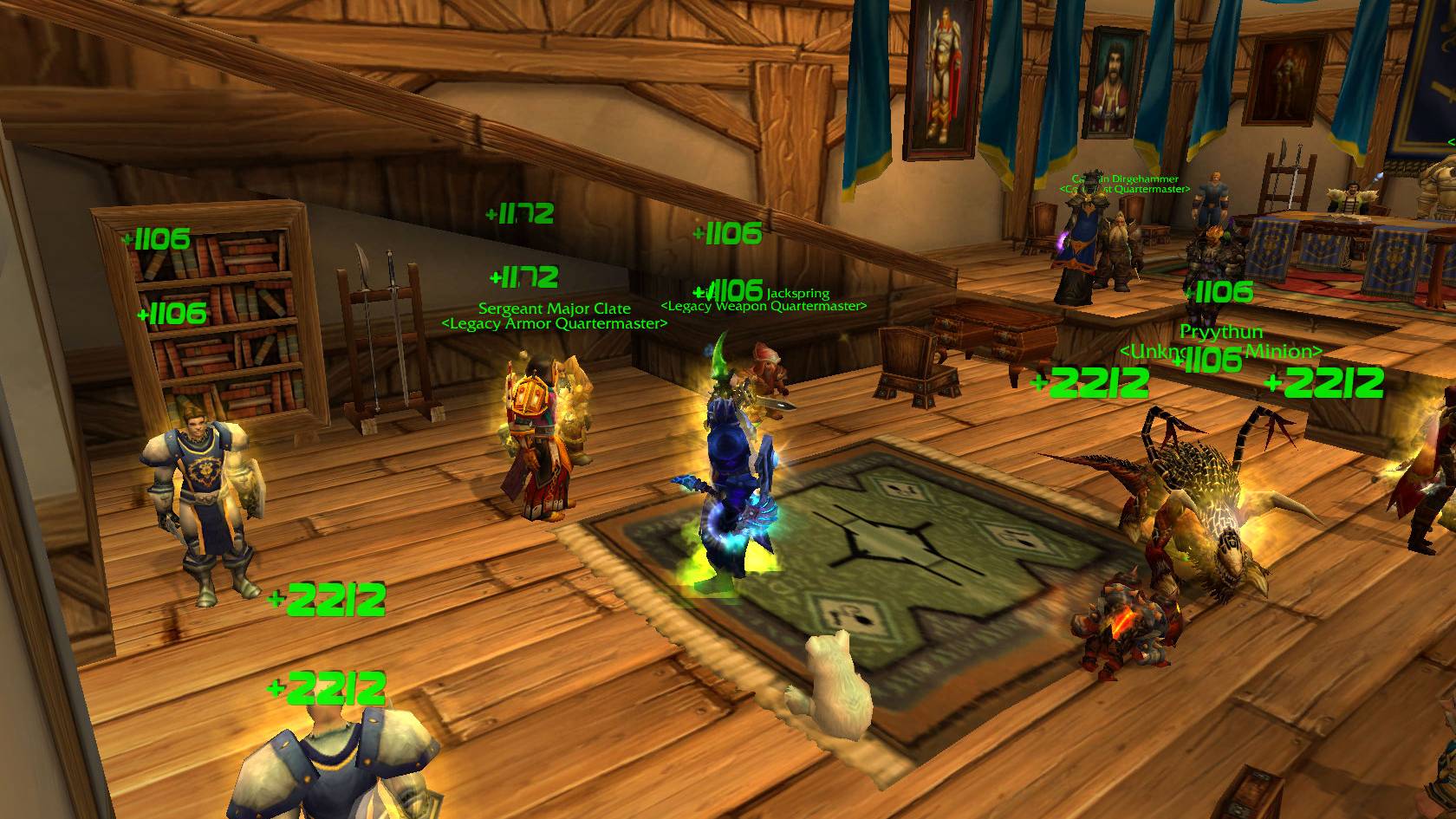
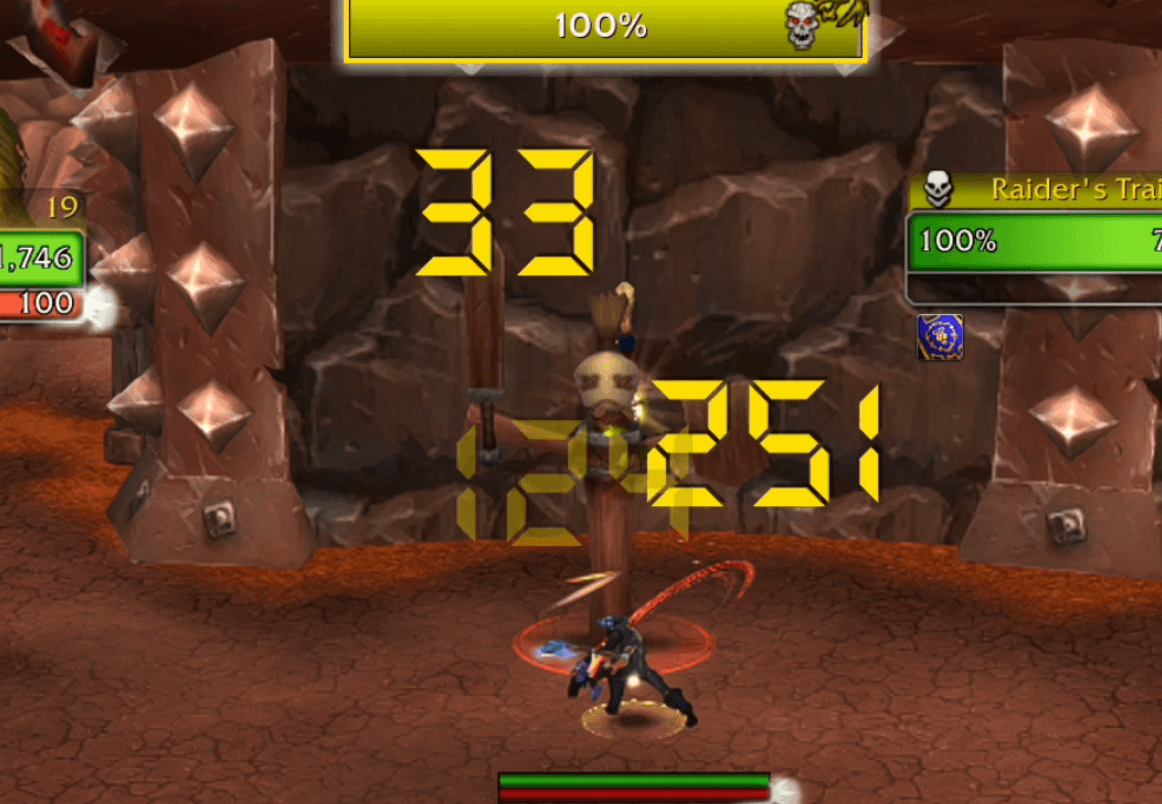
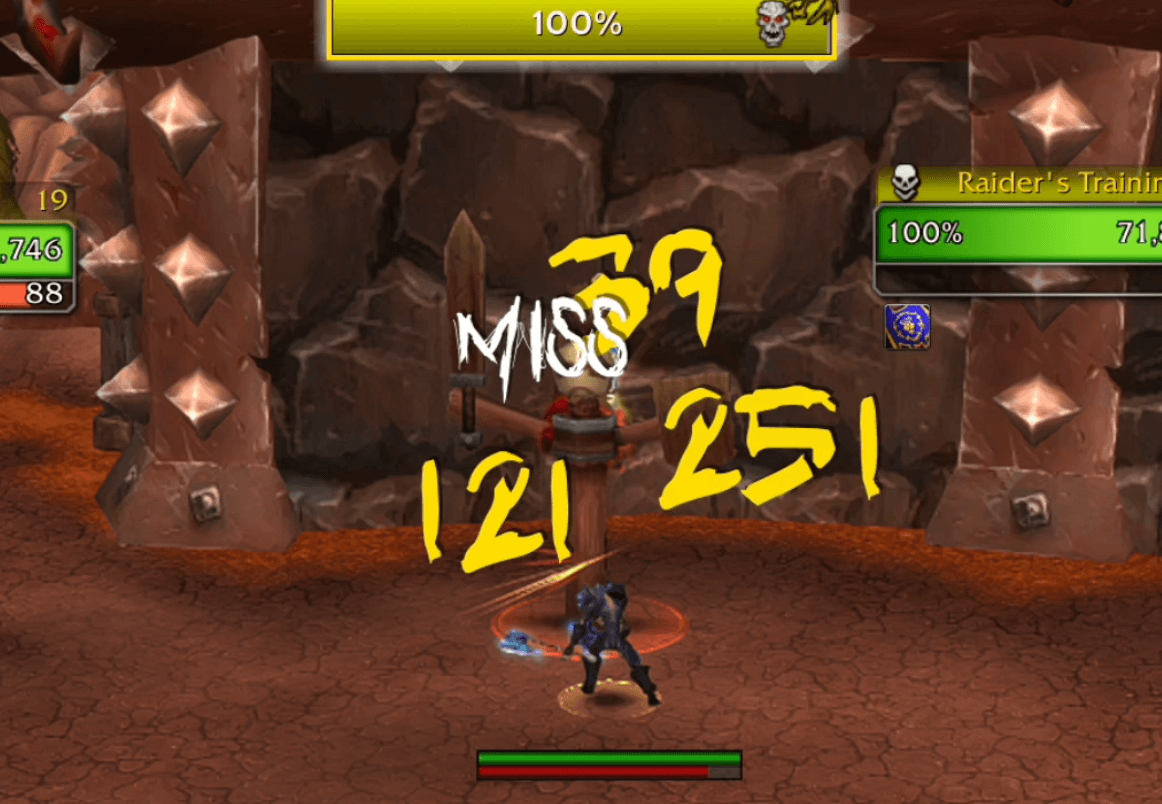
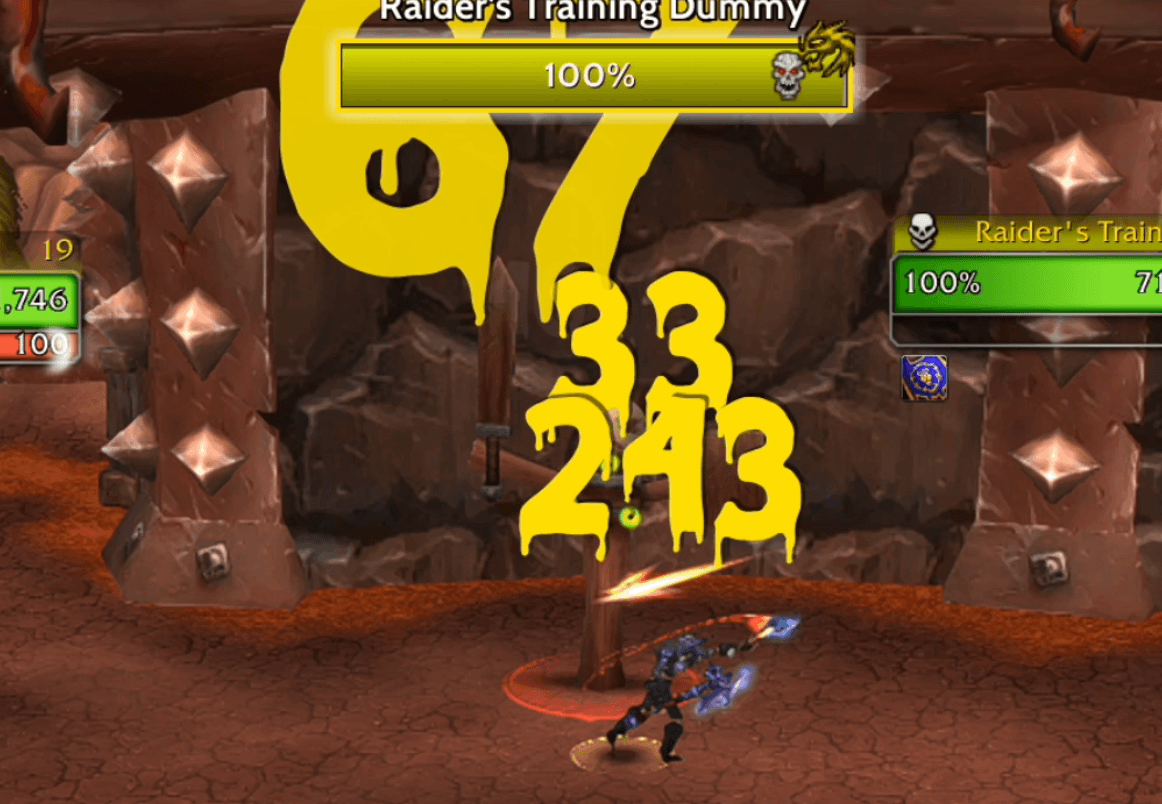
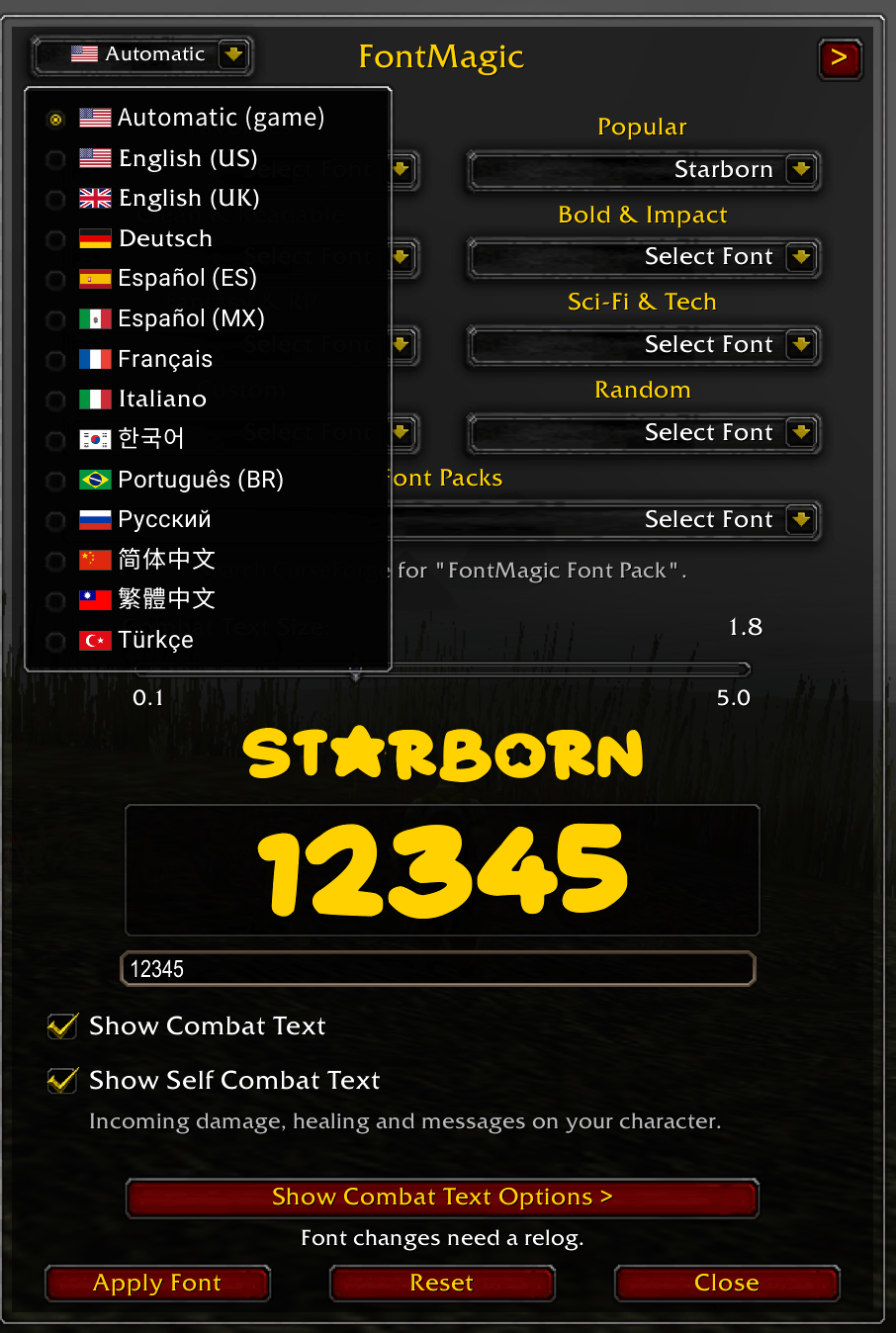
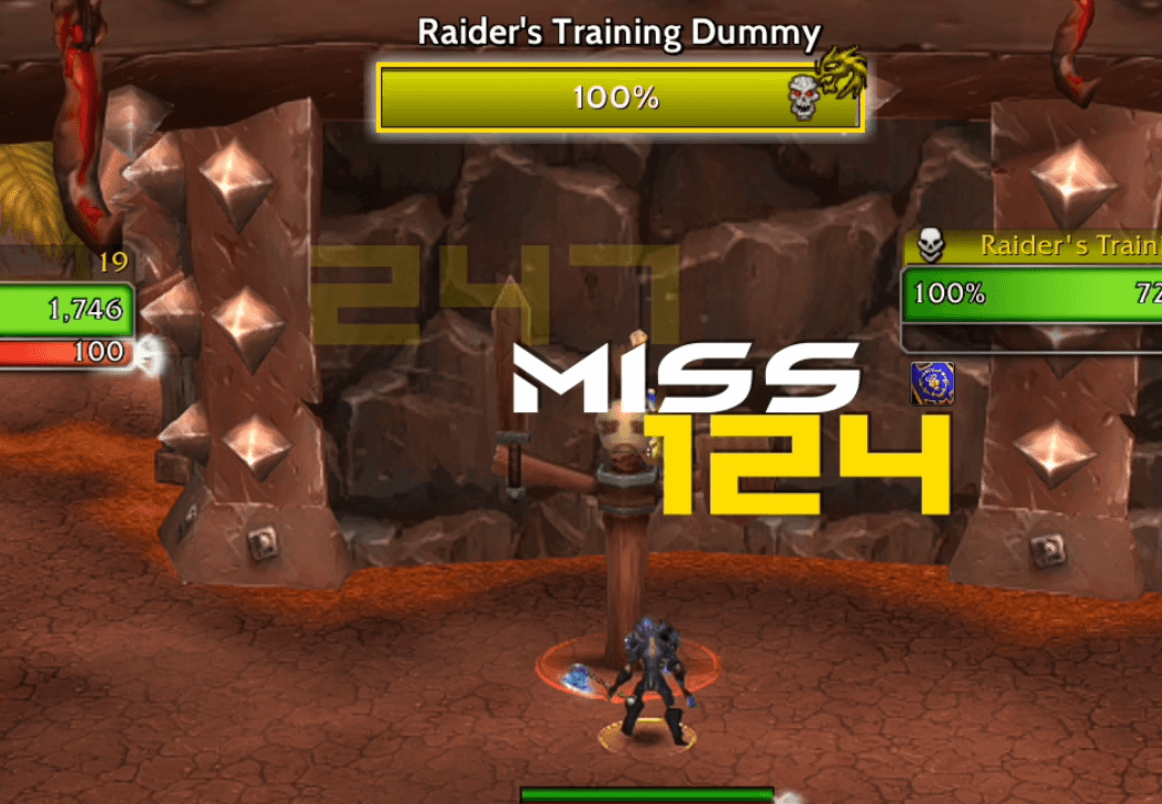
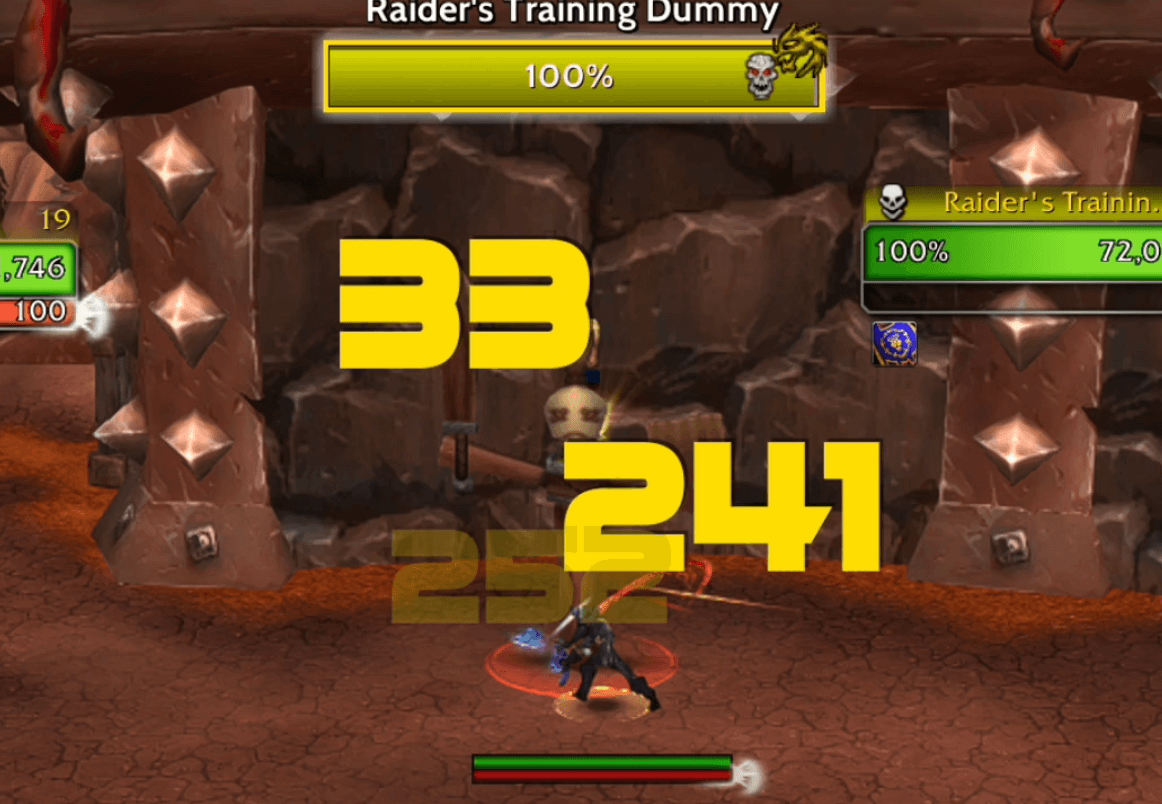
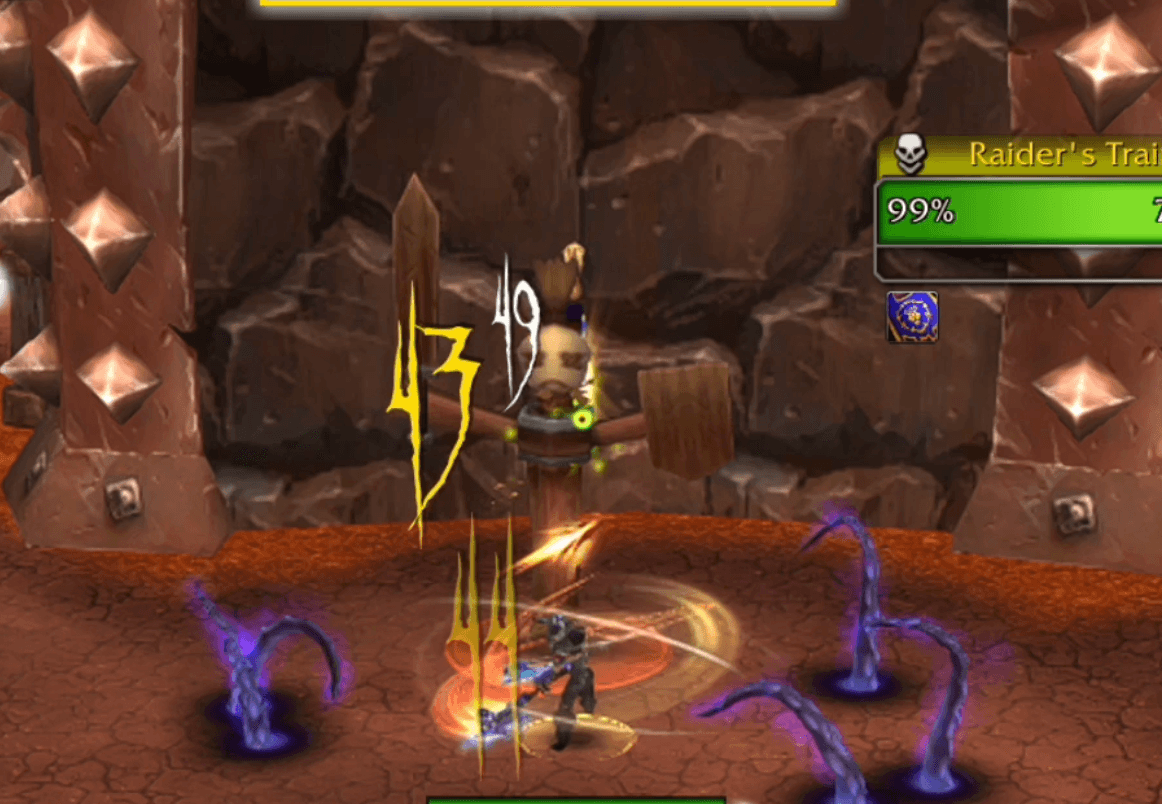
Give your damage numbers, healing numbers and combat messages a style of their own. FontMagic lets you choose from 100+ fonts for Blizzard’s floating combat text, with instant previews, favorites and simple in-game controls.
Built for Retail, Classic and Forever, with options that adapt to the settings supported by your WoW client.
Fonts for Your Language
Find additional font styles for your language with these optional packs:
- 简体中文 - Chinese (Simplified)
- 繁體中文 - Chinese (Traditional)
- Русский / Кириллица - Russian & Cyrillic
- 한국어 - Korean
- Deutsch · Français · Español · Português · Italiano · Türkçe - European & Turkish Font Pack
Install your chosen packs for the same WoW version as FontMagic, then fully restart WoW. Type /float and open the Font Packs dropdown. FontMagic detects installed packs automatically; click a pack’s name or + to browse its fonts. You can use several packs together.
Choose a font that supports your client’s characters. Font packs change lettering; combat messages still use your WoW client’s language. For help changing the game’s language, type /float language.
Getting Started
- Type
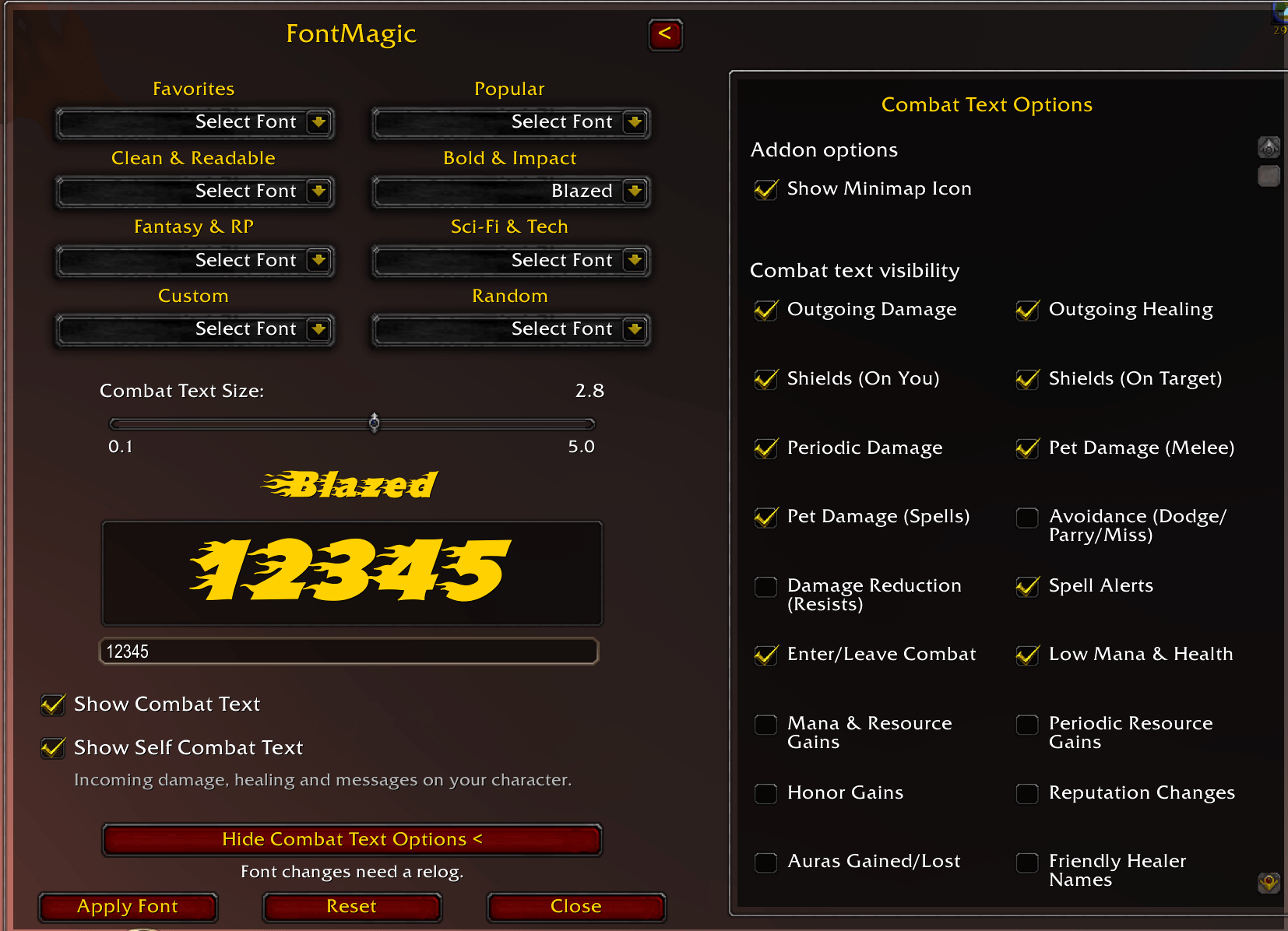
/floator click the minimap icon. - Browse a category or font pack. Hover to preview a font and click its star to save it to Favorites.
- Select a font and click Apply Font. If prompted, log out to character selection and back in.
Text size and combat-text settings apply immediately. Changing to a different installed font may need a relog; FontMagic tells you when.
You can drag the window and minimap icon to reposition them. Hide or restore the icon with /float hide and /float show.
Also supports /fontmagic, /fct, /floating and /floatingtext.
Features
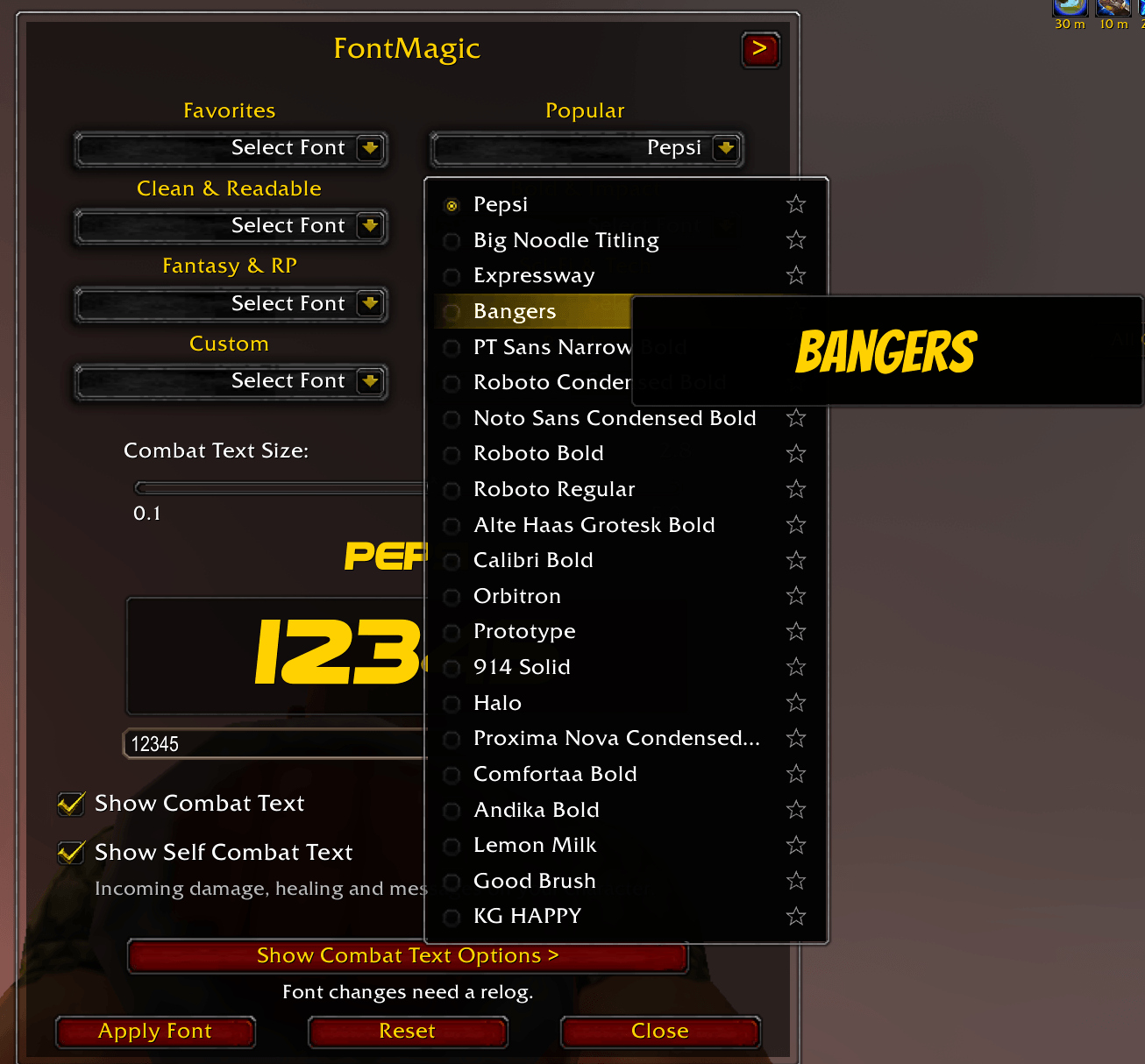
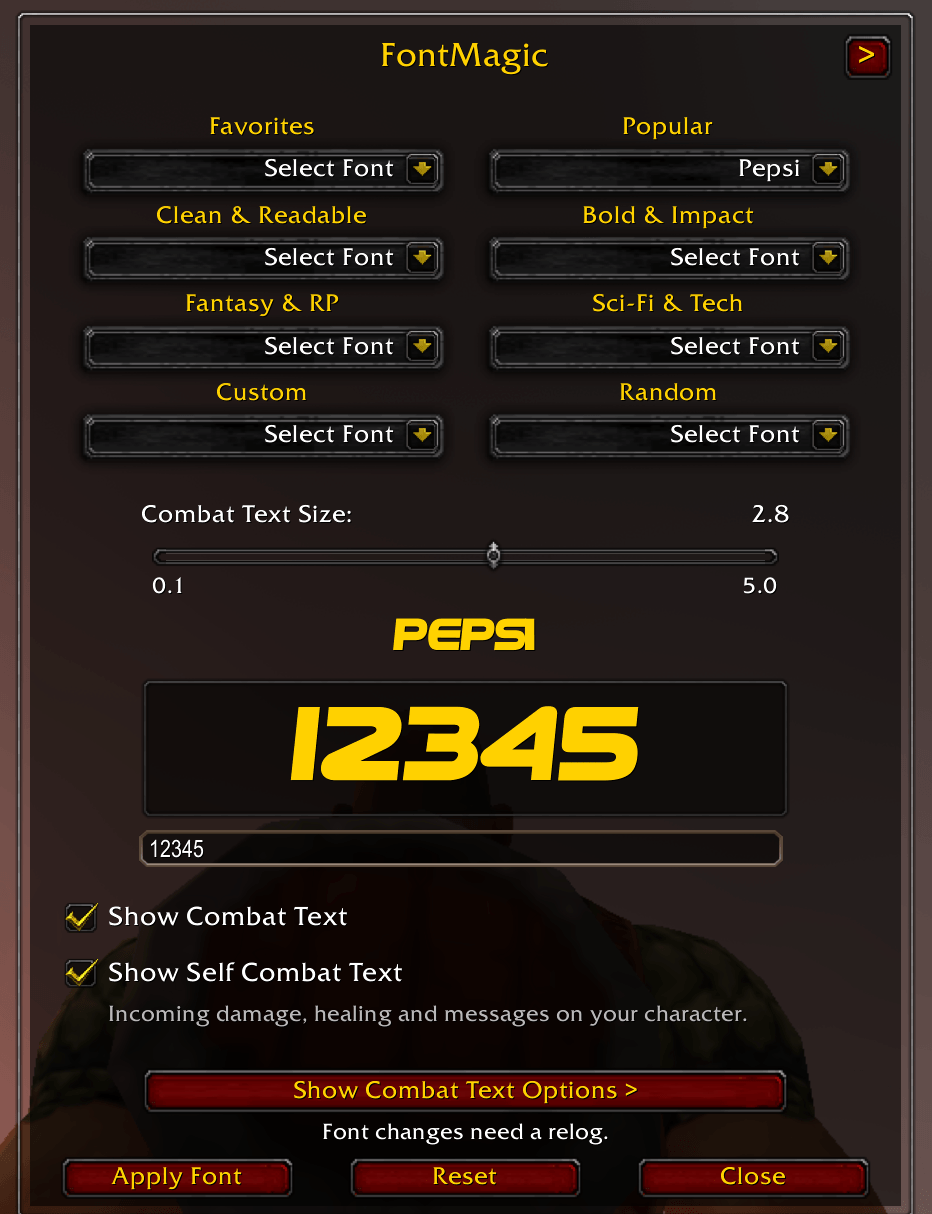
- Organized font categories: browse popular, readable, bold, fantasy, sci-fi and other styles.
- Cursor previews: see each font rendered beside your cursor before selecting it.
- Live preview: try your own sample text and adjust the combat-text size.
- Favorites: keep the fonts you like together in one dropdown.
- Combat-text controls: show or hide combat text, control incoming damage, healing and other scrolling messages on your character, and adjust supported filters for pets, resources and more.
- Expandable options: keep the main window simple, with additional controls shown only when supported by your client.
- Translated interface: automatic client-language detection, plus a manual language selector at the top left. This changes FontMagic’s interface independently of WoW’s language.
- Flexible resets: reset the font, combat options or everything.
Add Your Own Fonts
For personal font files, install FontMagicCustomFonts.
- Place your
.ttffiles inFontMagicCustomFonts/Custom. - Name them
1.ttf,2.ttfand so on, up to20.ttf. - Fully restart WoW.
- Type
/float, select your font under Custom, and click Apply Font. Relog if prompted.
If WoW marks the helper as outdated, enable Load out of date AddOns.
Support & Feedback
FontMagic customizes Blizzard’s default floating combat text. Text created by a separate combat-text addon follows that addon’s settings.
If something behaves unexpectedly, leave a comment with your WoW client and patch, FontMagic version, and what you expected versus what happened. Include any error message or useful screenshot.
More AddOns & Support
Browse more addons by Renvulf.
If you enjoy my addons, you can support their development on Ko-fi. Donations are entirely optional.
Floating Combat Text Fonts (FontMagic) Team
Owner