






NPC Random Gift Item (User Custom)
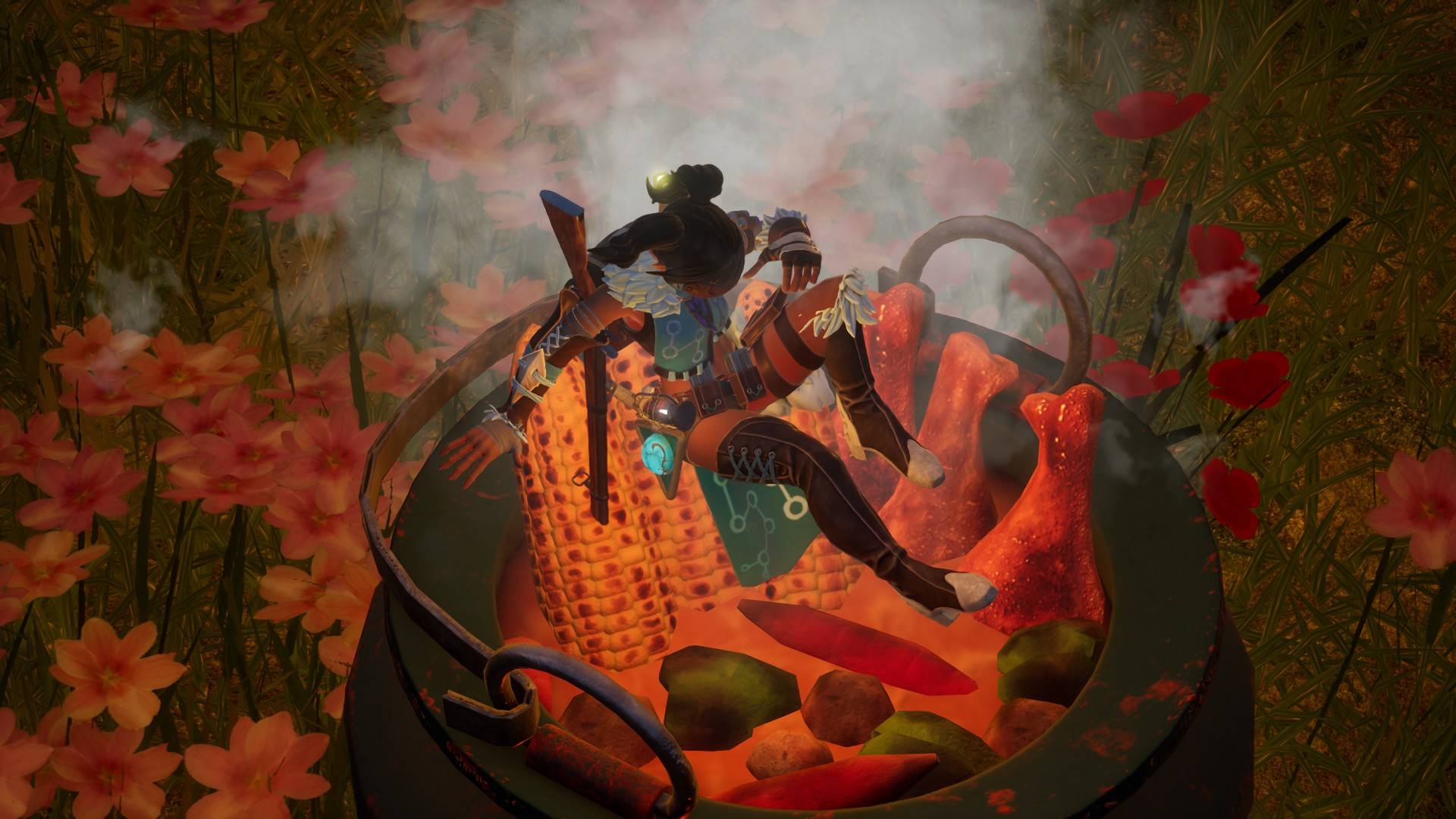
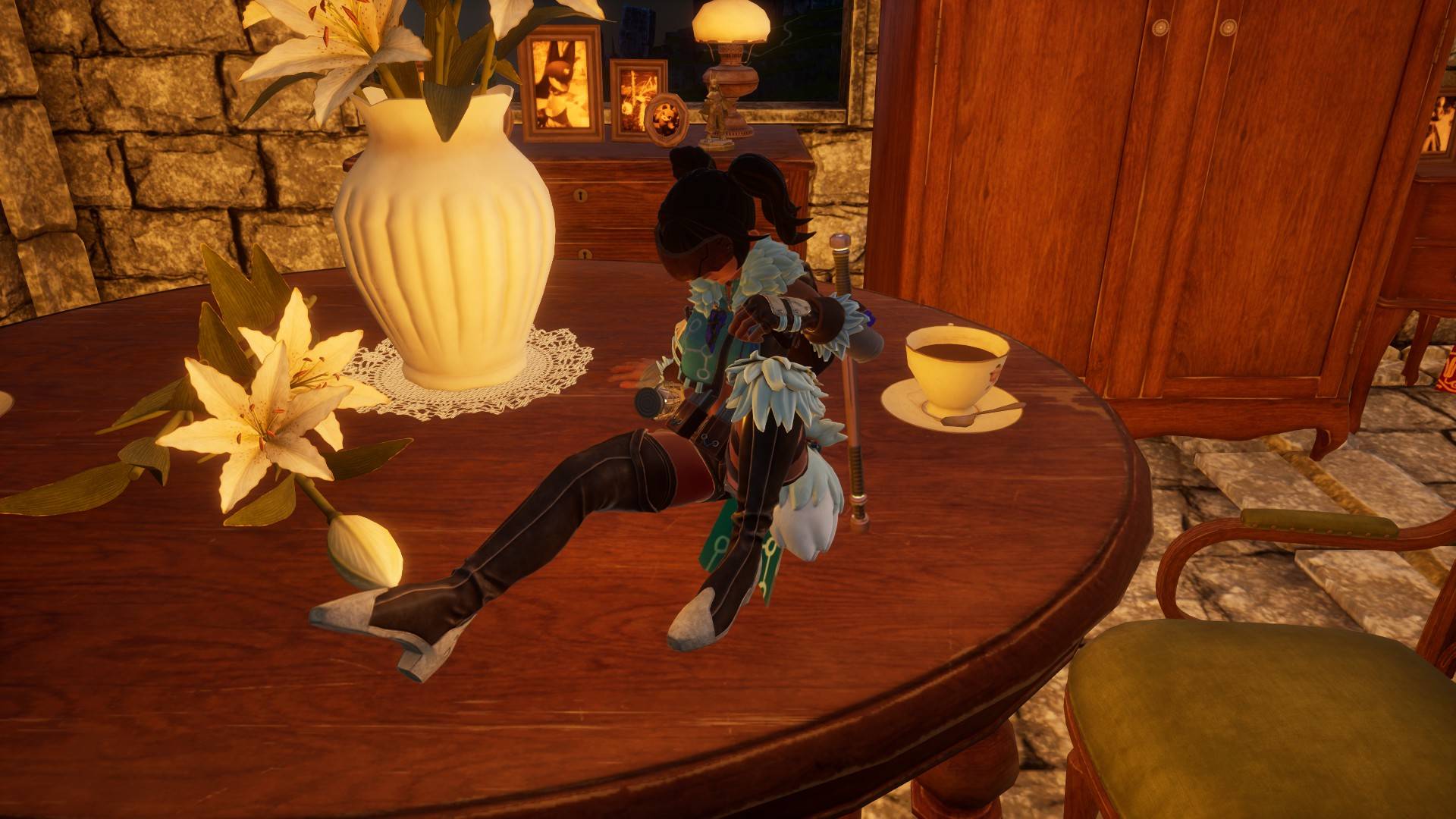
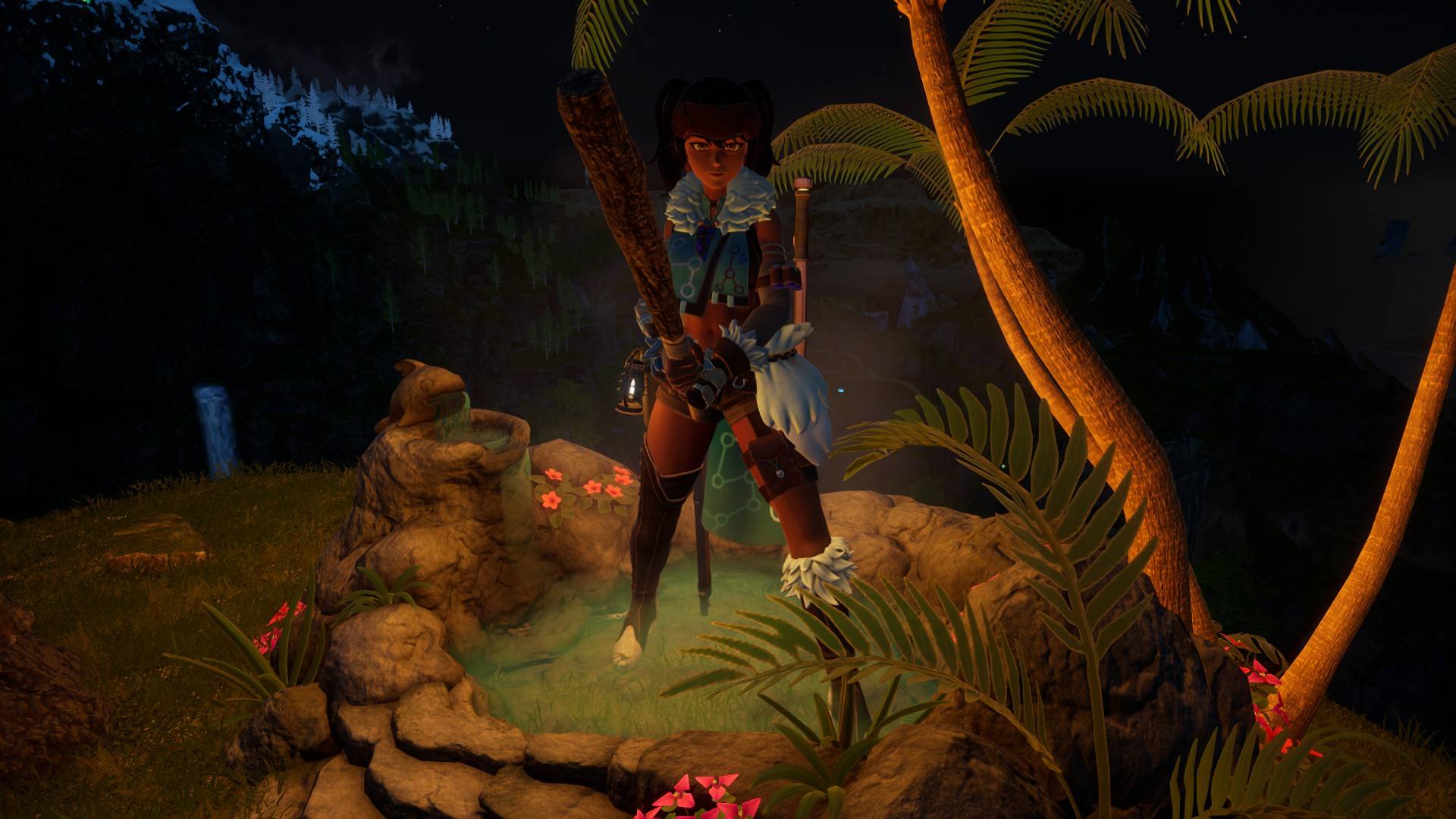
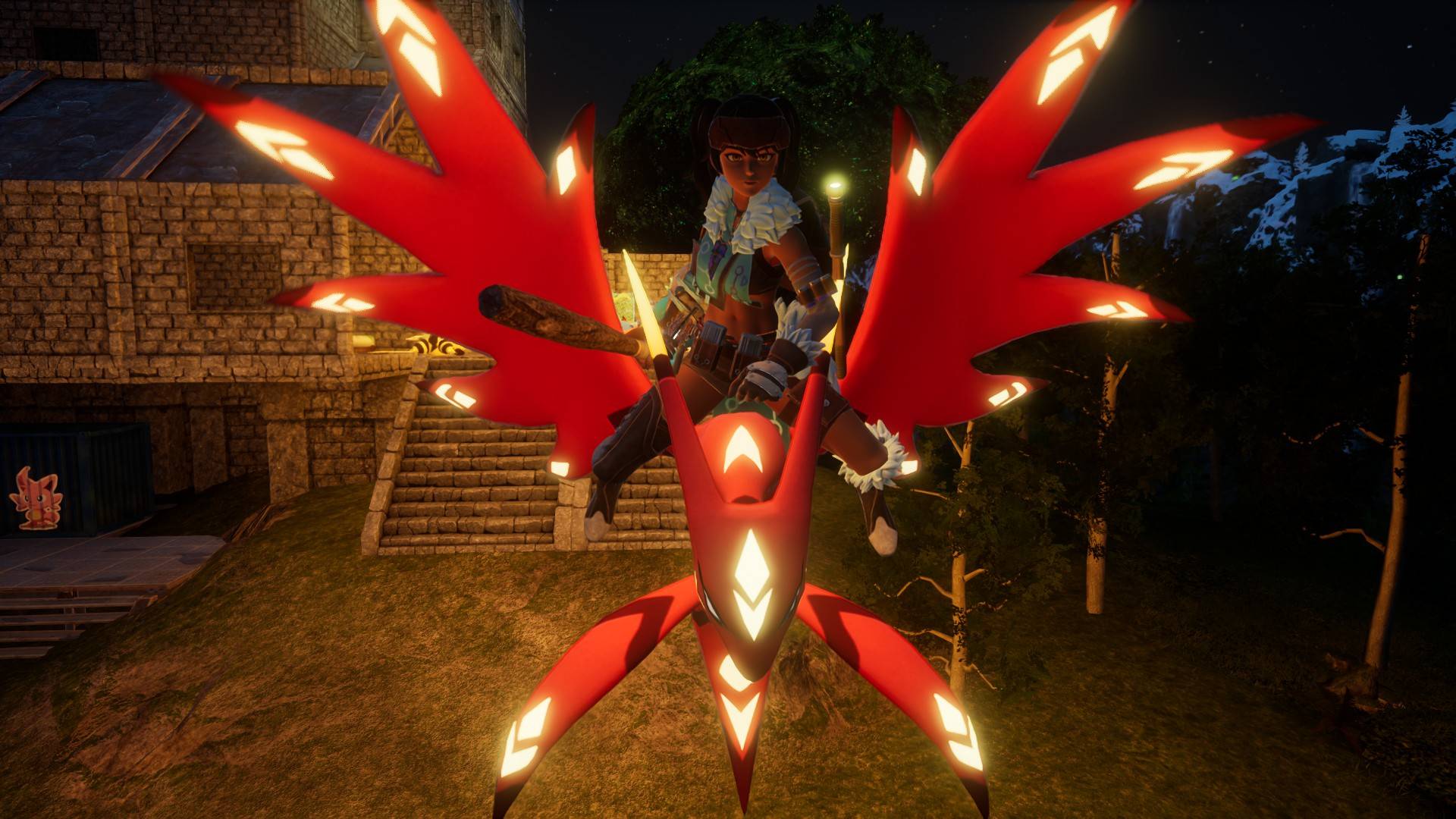
Receive various random items from NPCs. You can set them up yourself.
- 4.4K
- September 2, 2026
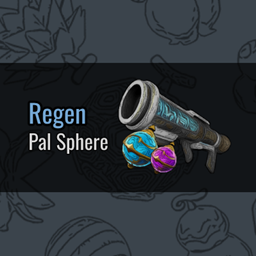
Regen Pal Sphere
- 10.8K
- Blueprint Code Mods
When thrown by hand or launched by a launcher, the Pal Sphere regenerates.
- 10.8K
- September 1, 2026
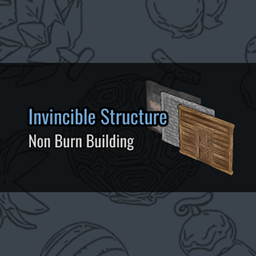
Invincible Structure - Non Burn Building
This command makes furniture and structures invincible. It can be toggled on and off using a command. Default = On.
- 3.0K
- September 1, 2026
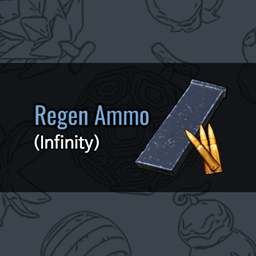
Regen Ammo (Infinity)
- 26.3K
- Blueprint Code Mods
You no longer need to carry ammunition. You can fire your gun even without bullets. Your inventory is liberated from ammunition!
- 26.3K
- September 1, 2026
NPC Random Gift Item (User Custom)
Receive various random items from NPCs. You can set them up yourself.
- 4.4K
- September 2, 2026
Regen Pal Sphere
- 10.8K
- Blueprint Code Mods
When thrown by hand or launched by a launcher, the Pal Sphere regenerates.
- 10.8K
- September 1, 2026
Invincible Structure - Non Burn Building
This command makes furniture and structures invincible. It can be toggled on and off using a command. Default = On.
- 3.0K
- September 1, 2026
Regen Ammo (Infinity)
- 26.3K
- Blueprint Code Mods
You no longer need to carry ammunition. You can fire your gun even without bullets. Your inventory is liberated from ammunition!
- 26.3K
- September 1, 2026