Oakvale Crossroads Tavern
- By
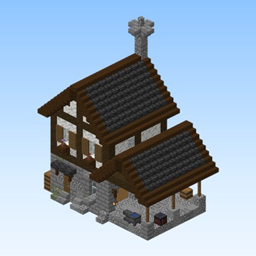
Large inn: taproom, kitchen wing, guest dormitory and a jettied porch gable.
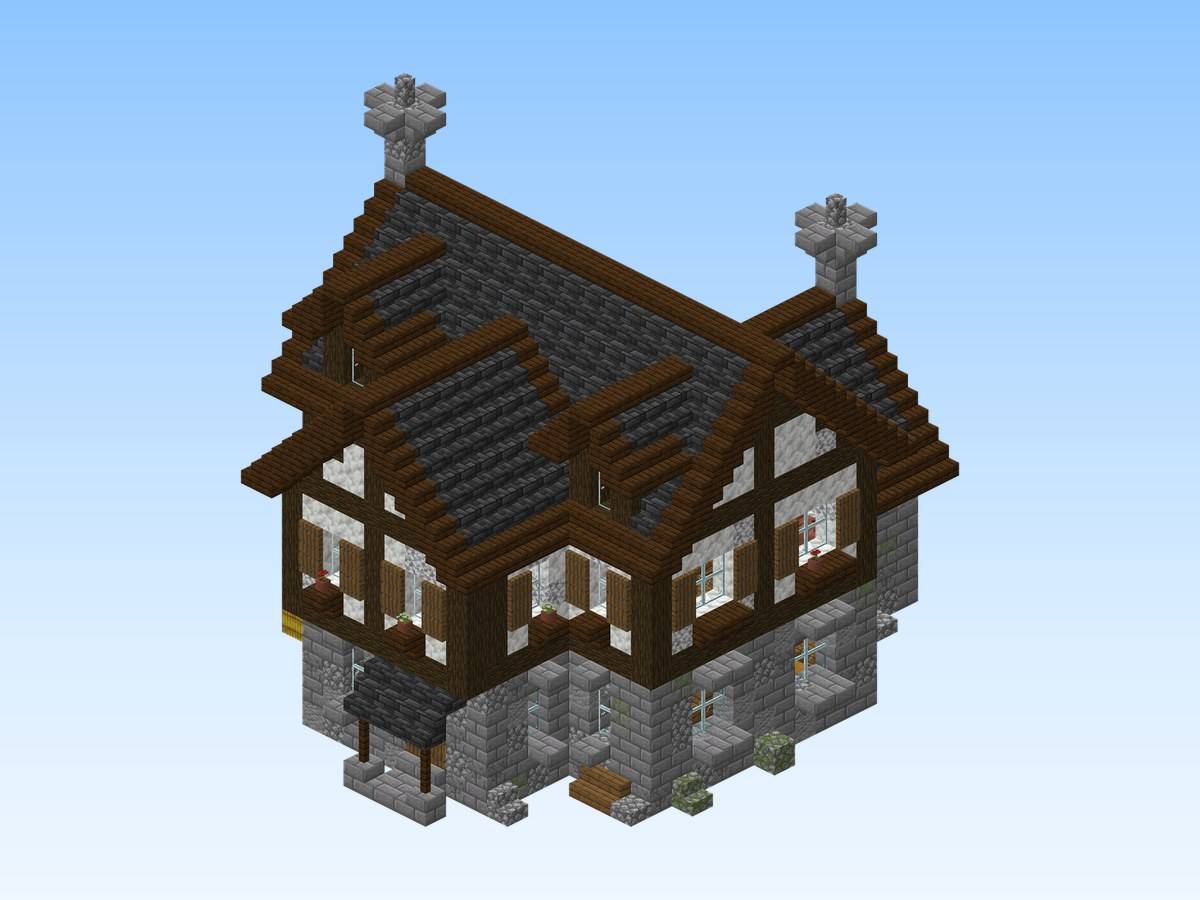
Actual build (render of the schematic or in-game screenshot).
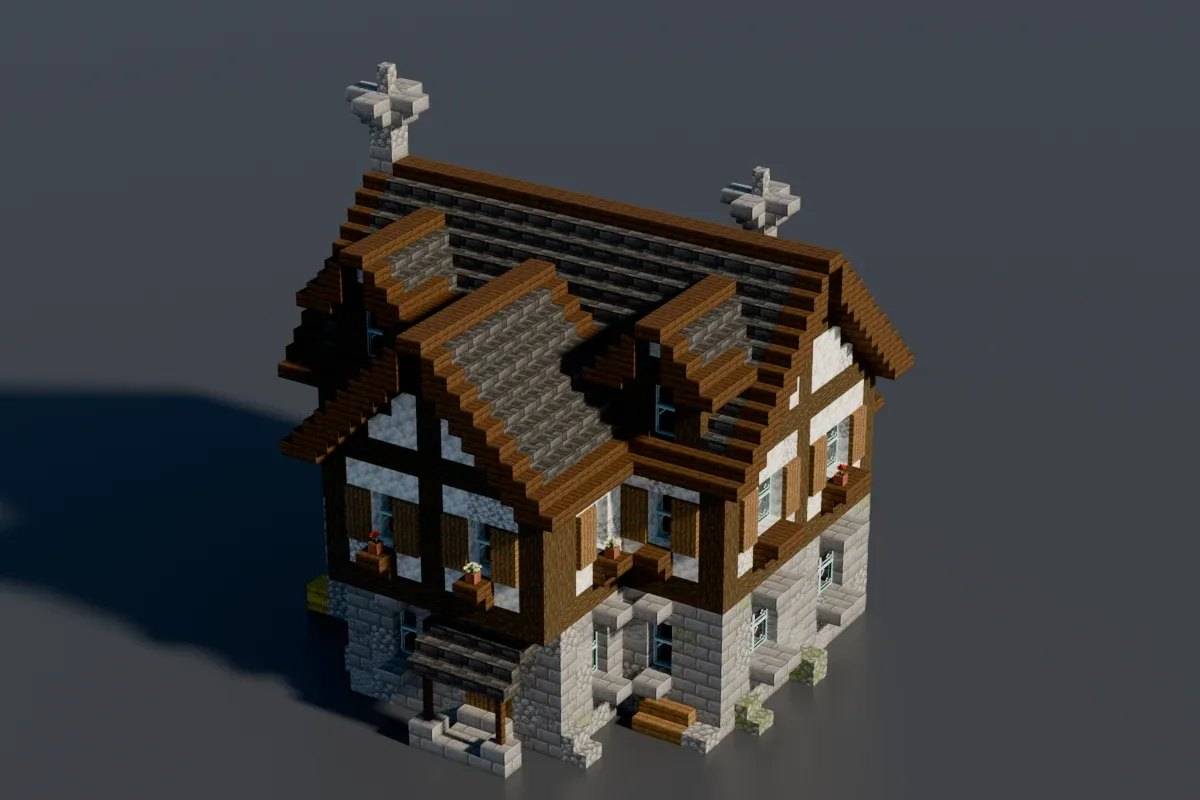
Actual build (render of the schematic or in-game screenshot).
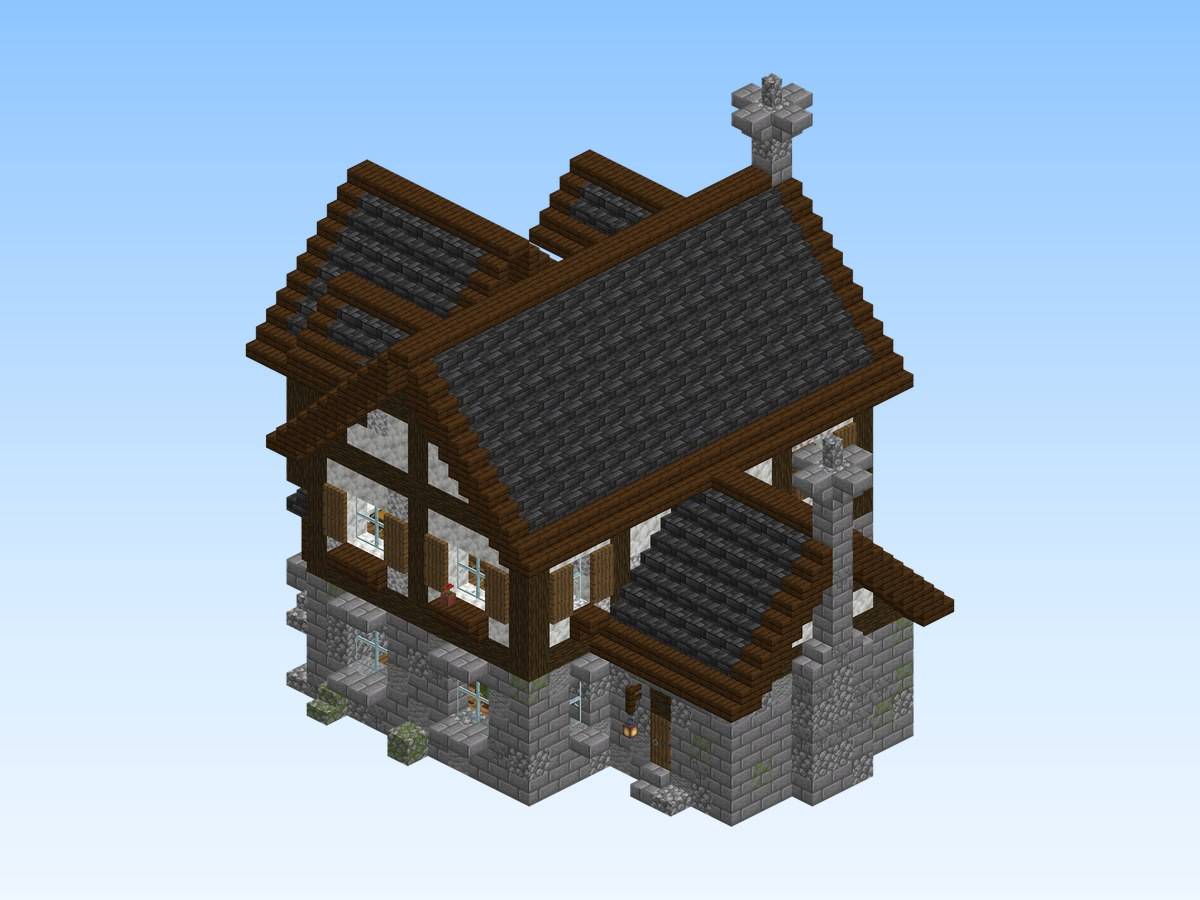
Actual build (render of the schematic or in-game screenshot).
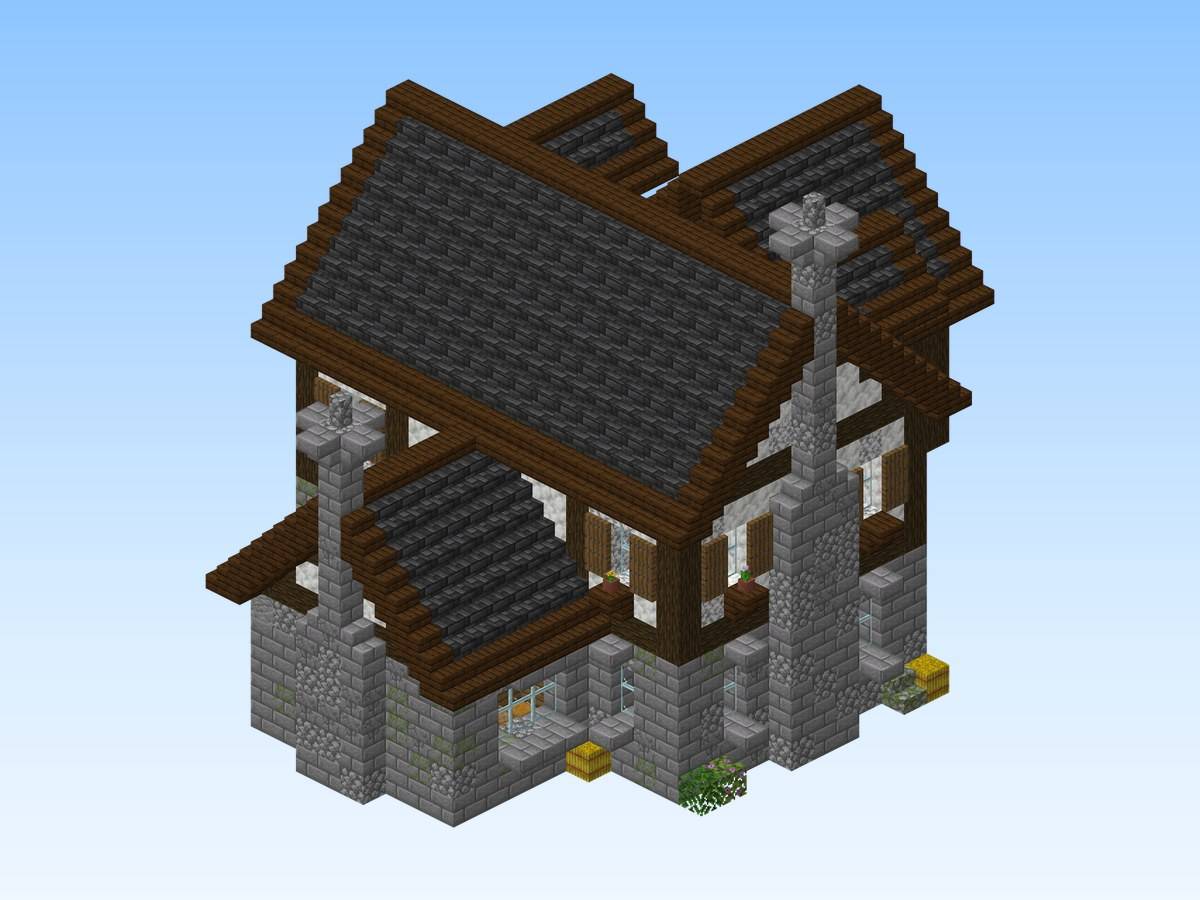
Actual build (render of the schematic or in-game screenshot).
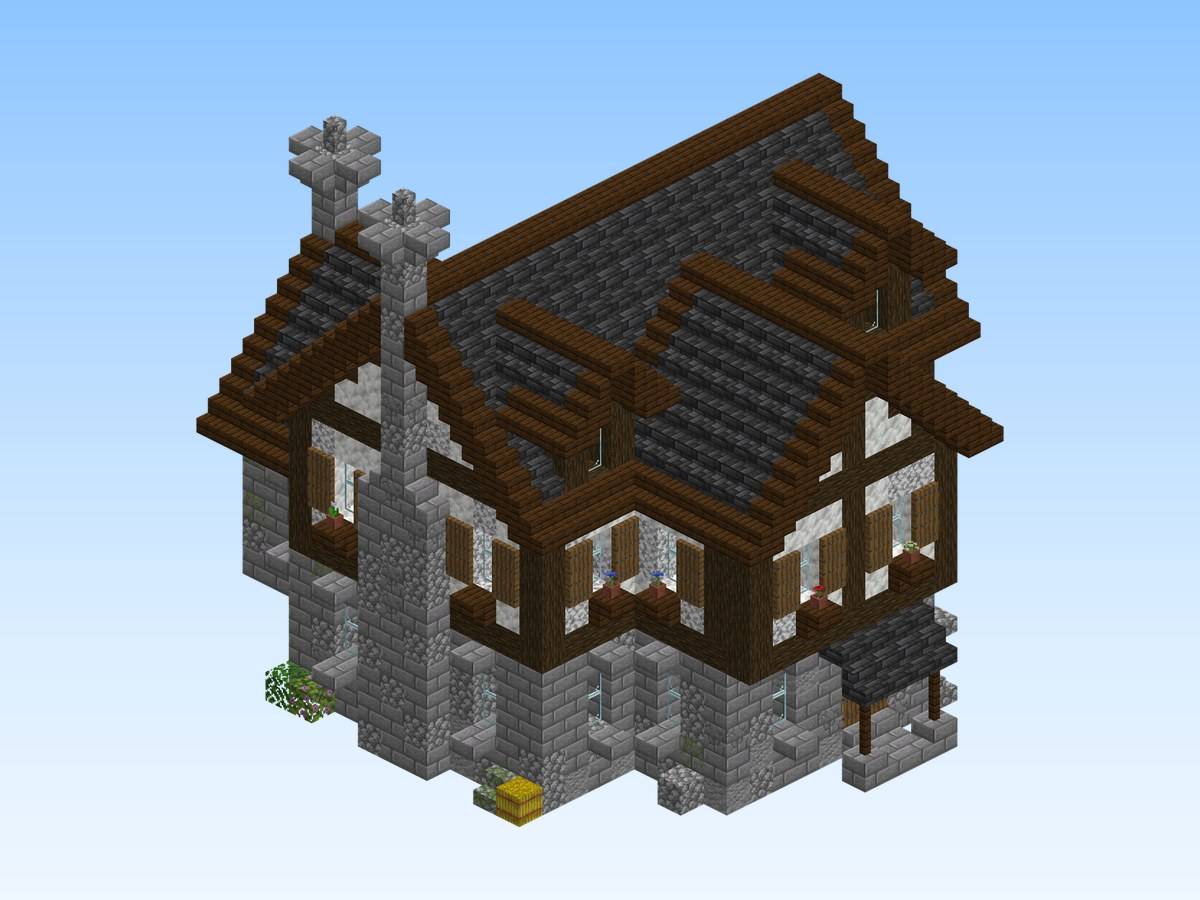
Actual build (render of the schematic or in-game screenshot).
Description
Oakvale Crossroads Tavern
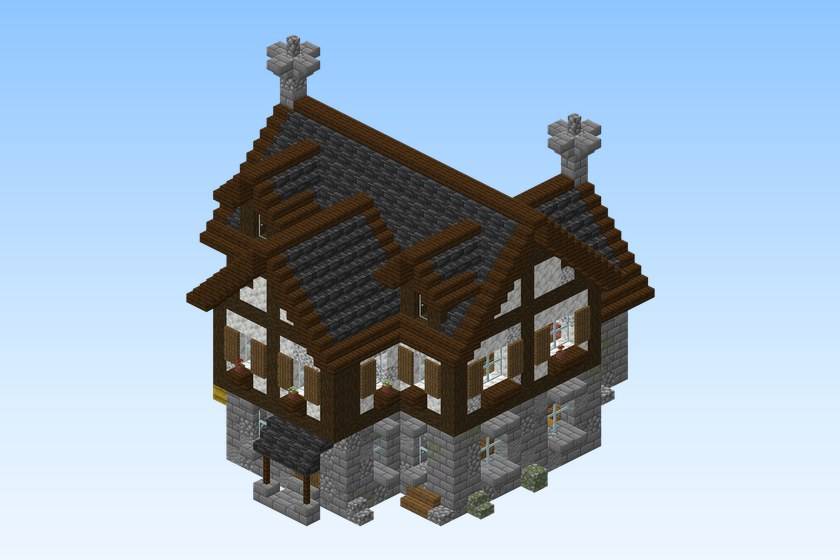
Large inn: taproom, kitchen wing, guest dormitory and a jettied porch gable. Every upper floor is reached by a real staircase or a ladder.
Stone footing, timber frame, shutters, flower boxes and lanterns, vanilla blocks only. The .schem has no ground plate: its bottom layer is the first layer above the ground, and the front door faces south.
It belongs to the Oakvale set of 20 matching medieval houses.
Build details
- Size: 20 × 20 × 25 blocks (width × height × length)
- Blocks: 2,426
- Main materials: dark oak log, spruce planks, deepslate tile stairs, stone bricks, dark oak stairs
- World: Java Edition 26.1.2 or newer
- Schematic: Sponge .schem for WorldEdit / FastAsyncWorldEdit, Java Edition 26.1.2 or newer
What's included
- A flat creative world with the build, ready to play (you spawn in front of it)
oakvale-crossroads-tavern.schem— the same build as a schematic, to paste into your own worldREADME.txt— instructions
Play the world
- Install it with the CurseForge app, or copy the folder from the zip into
.minecraft/saves/. - Open Minecraft, Singleplayer: creative mode, cheats on.
Paste the schematic
- Install WorldEdit or FastAsyncWorldEdit.
- Copy the
.schemfile intoplugins/WorldEdit/schematics/(Paper / Spigot) orconfig/worldedit/schematics/(Fabric / NeoForge, singleplayer). - In game, run
//schem load oakvale-crossroads-tavern. - Stand where you want the build and run
//paste.
Authorship
I made this build and first released it for free on Spaleforce, the site I run. This CurseForge project is published by the same author. Screenshot of the original page:
Original page: spaleforce.com/marketplace/builds/oakvale-crossroads-tavern
Free build from the Spaleforce collection. View the build on Spaleforce.
Oakvale Crossroads Tavern Team