Medieval Twin Towers Estate
- By
An island estate of clustered stone-and-timber towers with teal spires and terraced gardens - a striking skyline build.
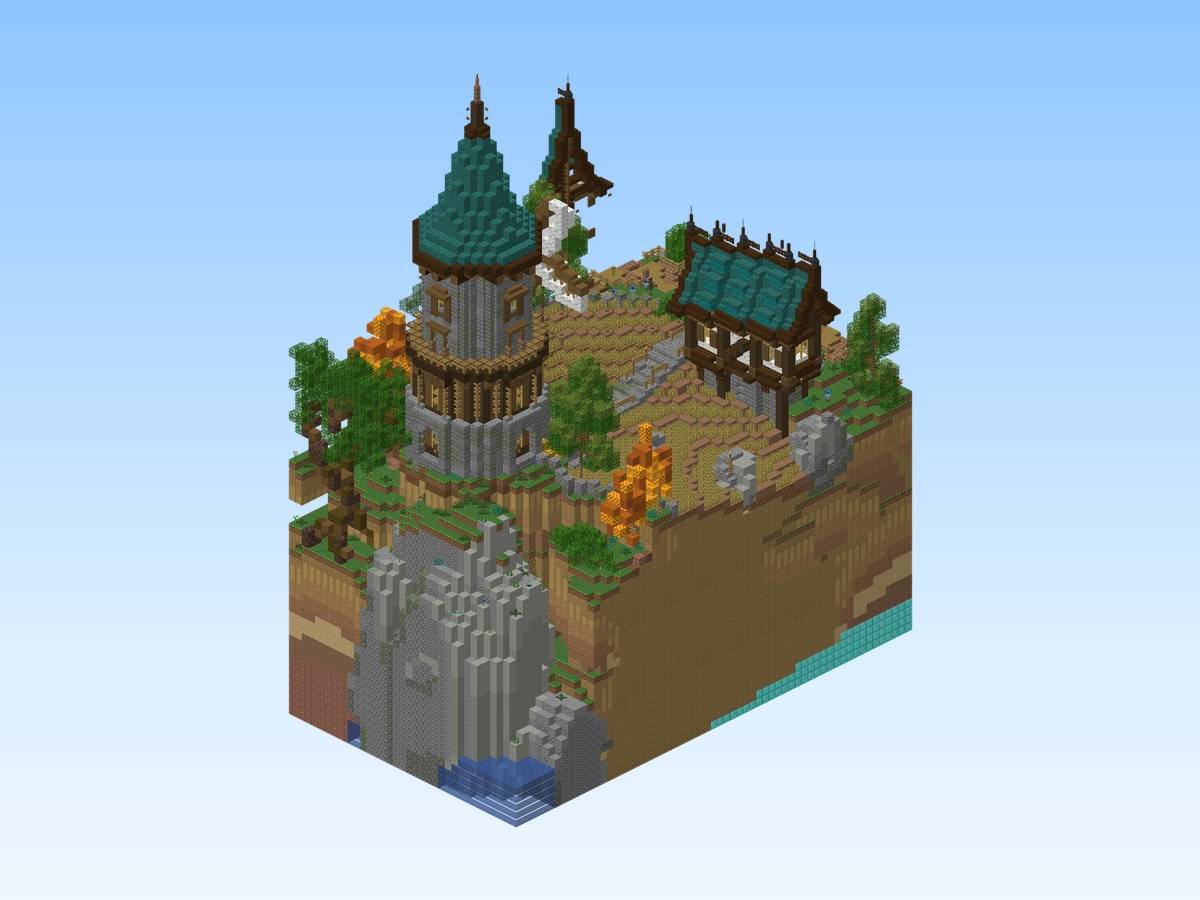
Actual build (render of the schematic or in-game screenshot).
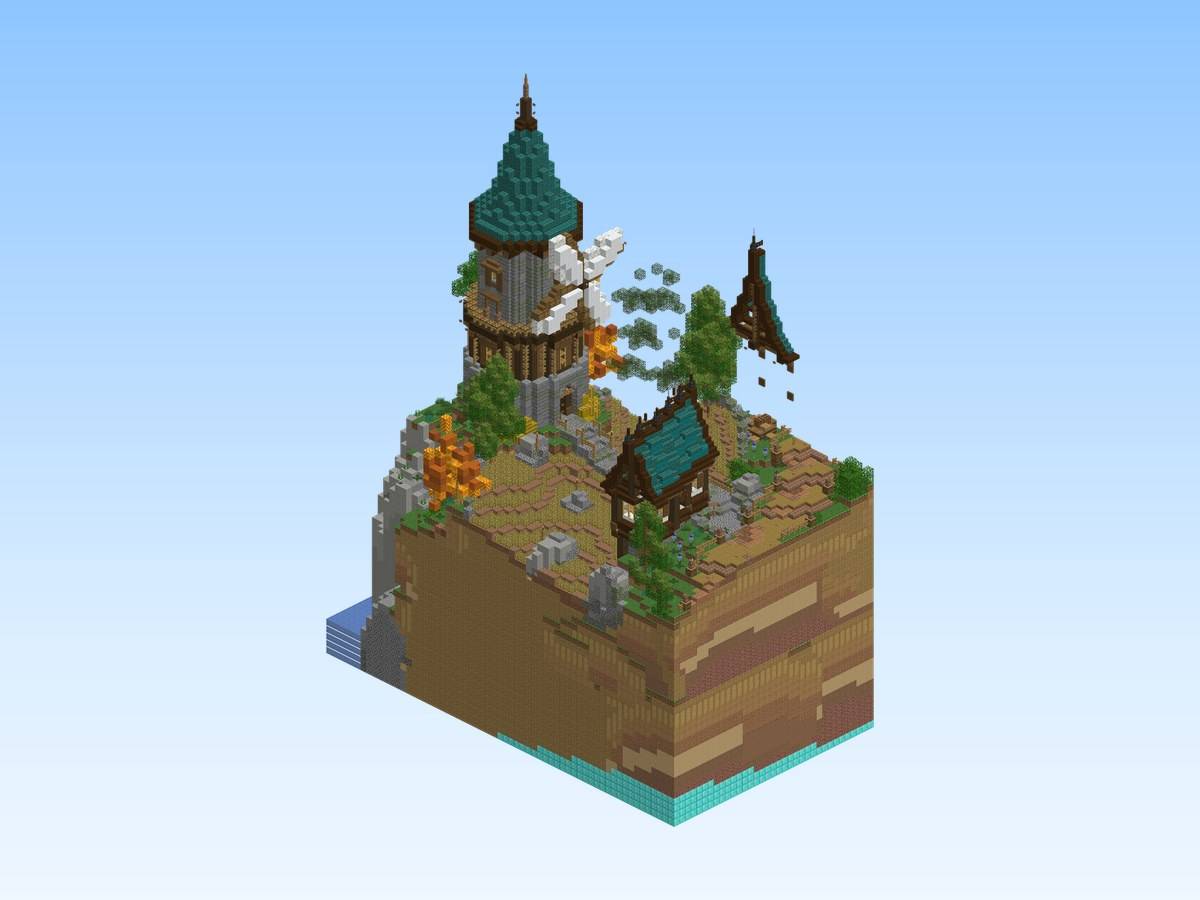
Actual build (render of the schematic or in-game screenshot).
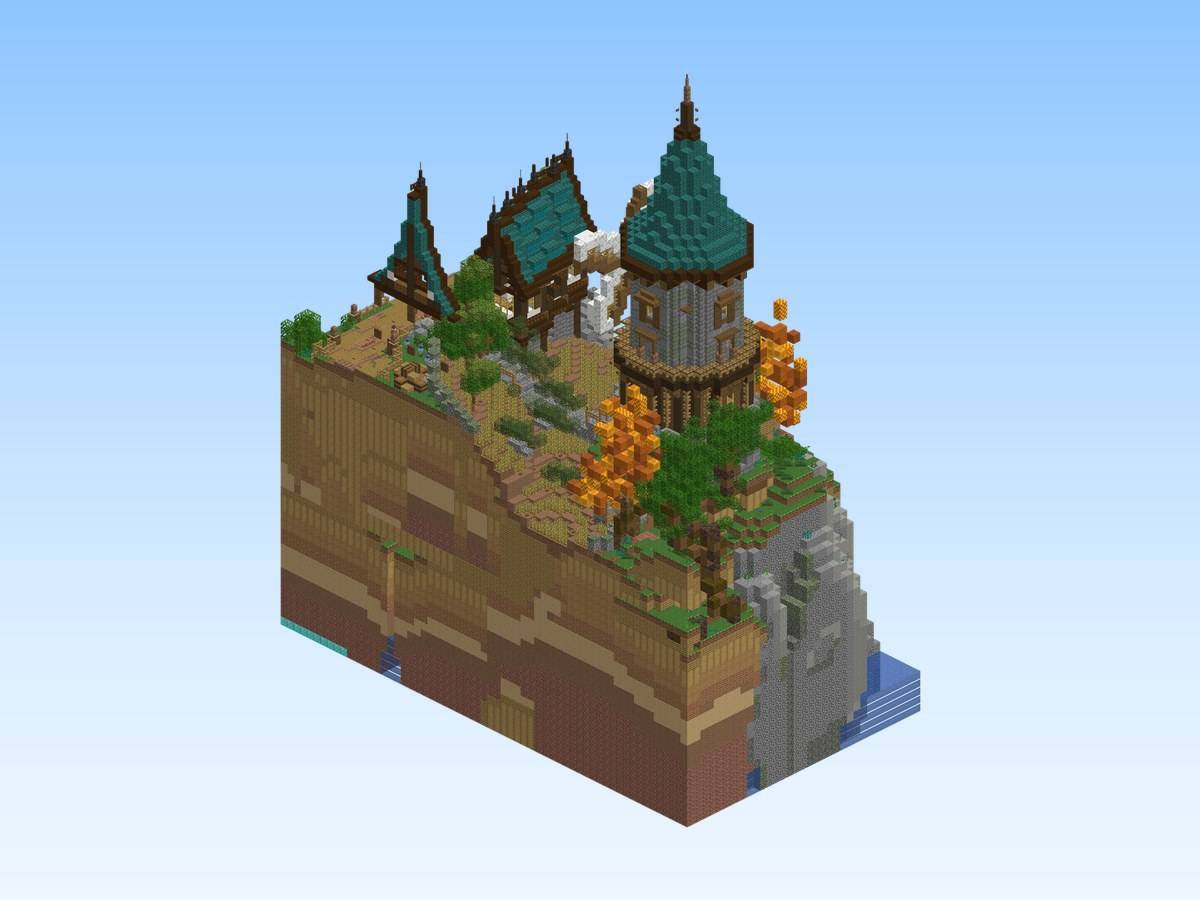
Actual build (render of the schematic or in-game screenshot).
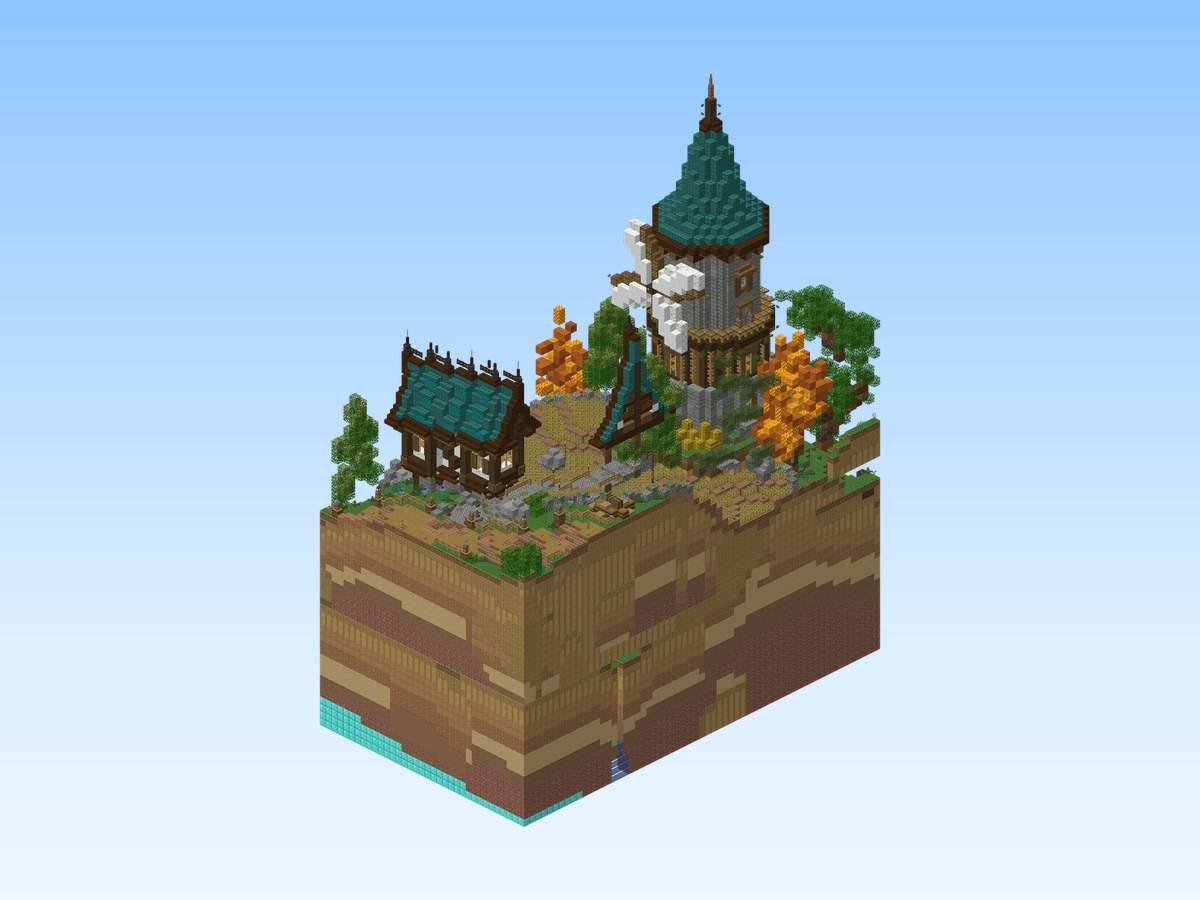
Actual build (render of the schematic or in-game screenshot).
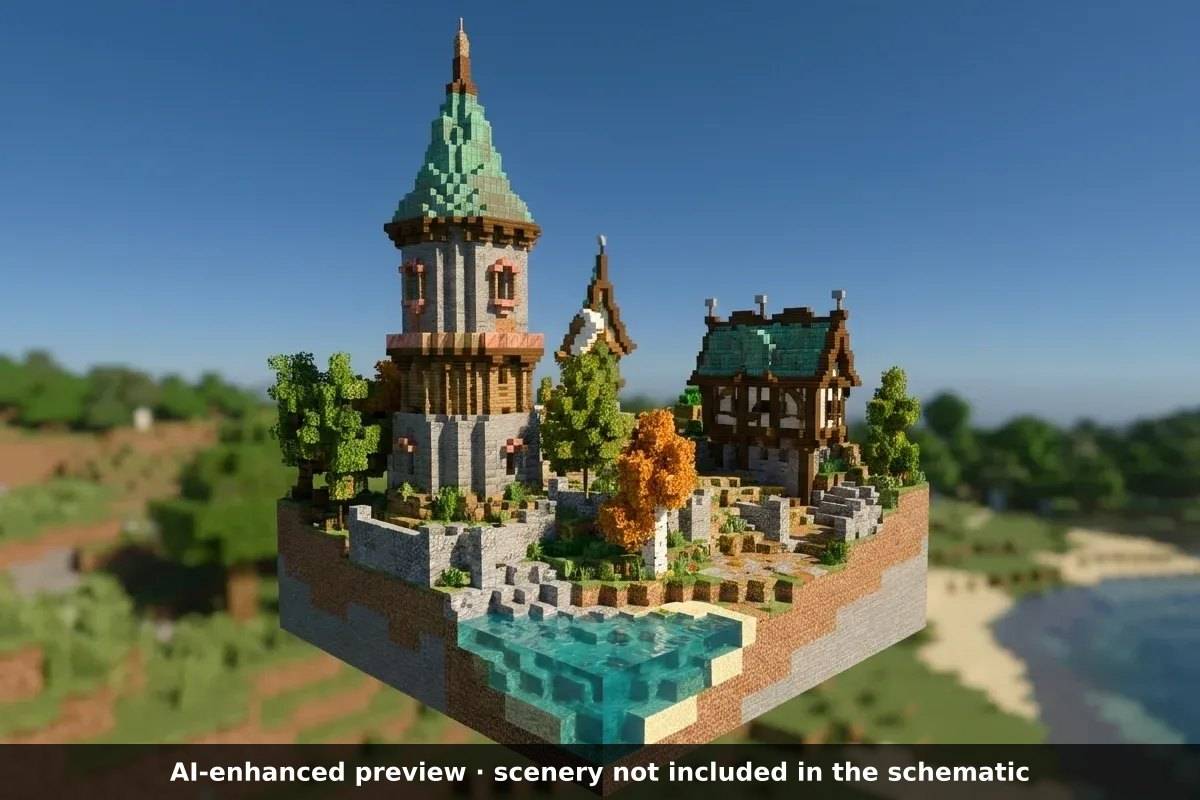
AI-enhanced preview: the scenery around the build is not part of the download.
Description
Medieval Twin Towers Estate
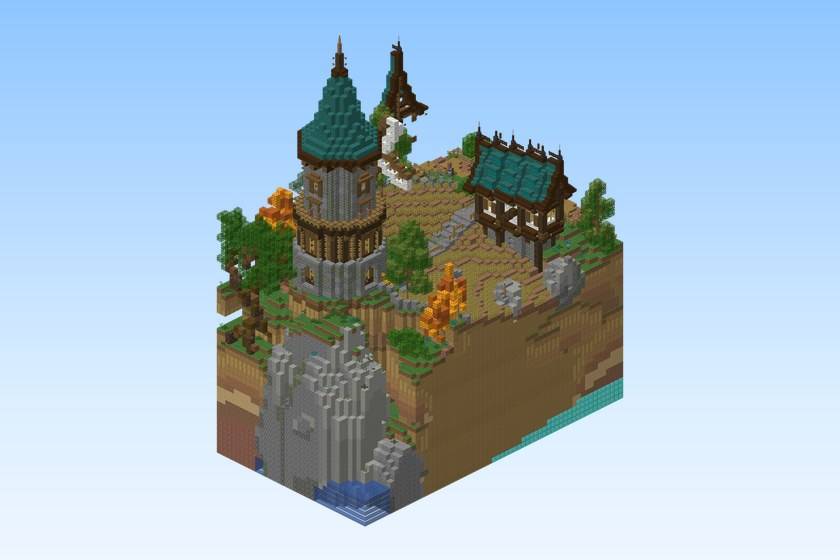
An island estate of clustered stone-and-timber towers with teal spires and terraced gardens - a striking skyline build.
Build details
- Size: 35 × 83 × 61 blocks (width × height × length)
- Blocks: 70,056
- Main materials: oak planks, stripped oak wood, cobblestone, stripped jungle wood, brown mushroom block
- World: Java Edition 26.1.2 or newer
- Schematic: Sponge .schem for WorldEdit / FastAsyncWorldEdit, Java Edition 26.1.2 or newer
What's included
- A flat creative world with the build, ready to play (you spawn in front of it)
medieval-twin-towers-estate.schem— the same build as a schematic, to paste into your own worldREADME.txt— instructions
Play the world
- Install it with the CurseForge app, or copy the folder from the zip into
.minecraft/saves/. - Open Minecraft, Singleplayer: creative mode, cheats on.
Paste the schematic
- Install WorldEdit or FastAsyncWorldEdit.
- Copy the
.schemfile intoplugins/WorldEdit/schematics/(Paper / Spigot) orconfig/worldedit/schematics/(Fabric / NeoForge, singleplayer). - In game, run
//schem load medieval-twin-towers-estate. - Stand where you want the build and run
//paste.
The render images show exactly what the schematic contains. Images labelled "AI-enhanced preview" place the build in a decorative setting: that scenery (landscape, water, ships, props around the build) is not part of the download.
Free build from the Spaleforce collection. View the build on Spaleforce.
Medieval Twin Towers Estate Team